



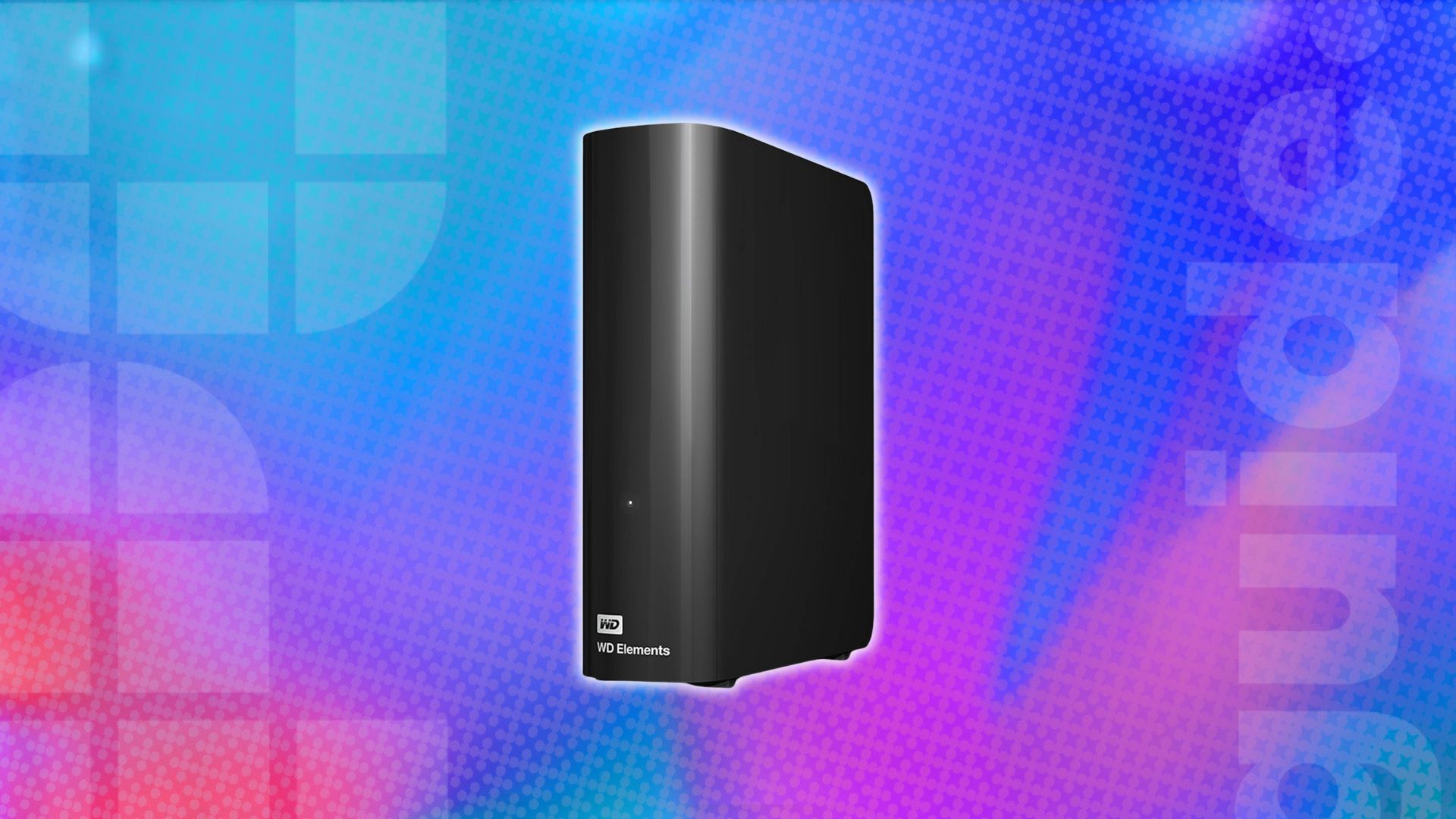
Amazon’s Prime Big Deal Days event has kicked off in fine form. We’ve spotted discounts reversing months of price hikes. And, thankfully, one is on a popular external drive. WD’s 20TB Elements Desktop External Drive is a massive local storage solution, but its easy-access offering has become expensive over the last six months. Its $815 list price tells that story, but Amazon’s latest sale event has dropped it to its best price since April. Now available for $550, there’s a big $265 saving.
Prices and savings can change. Check the retailer for the current price.
Why we’d pick the WD 20TB Elements Desktop drive
Massive, simple storage
Whatever your backup needs, lots of storage is pretty handy. Whether it’s backups of personal data like photos, home movies, work or study projects, system or drive backups, the 20TB Elements should prove a handy companion. You can keep your data backed up off your PC, so you have peace of mind if your system runs into trouble. However, Amazon reviews note the actual usable space is around 18TB.
Plug-and-play
The WD 20TB Elements Desktop doesn’t have many features. However, aside from its huge storage capacity, its main feature is that it’s plug-and-play. Simply connect it to your Windows PC via USB 3.0, and you’ve got yourself external storage you can drag and drop or copy and paste to. Or use it in conjunction with backup software for scheduled backups.
Latest tech deals.
- AMD Ryzen™ 9 9900X 12-Core - was $499 now $331
- Sony INZONE M10S 27-inch - was $899 now $748
- Thermaltake LCGS View i1470S-170 - was $2,399 now $2,099
- Apple 2026 MacBook Air - was $1,999 now $1,891
- Bose QuietComfort Headphones - was $359 now $169
- LG 77-inch OLED C6 - was $2,499 now $1,999
- MSI Prestige 16 Flip - was $2,149 now $1,870
- Hisense 85-inch U6 Pro Series - was $1,999 now $997
Prices correct as of November 5th, 2026.
Mac compatible
So, you have a Mac. That’s not a problem. The WD 20TB Elements Desktop is compatible with macOS. However, you will need to reformat the device for compatibility, as it ships ready to work with Windows. Don’t be surprised that the formatting will take time. One user notes it took 24 hours, but big drives are worth waiting for!
What to consider before you buy
Is a simple, massive external drive right for you? That’s the question. This will be slower than an external SSD, and it won’t have the flexibility of a fully featured NAS device. However, it does what it needs to as a big desktop storage solution, now at a far better price. For Windows or macOS backups, scheduled with your software of choice, we like the straightforward nature of this drive – and this deal.



Prices and savings can change. Check the retailer for the current price.
Written by
