


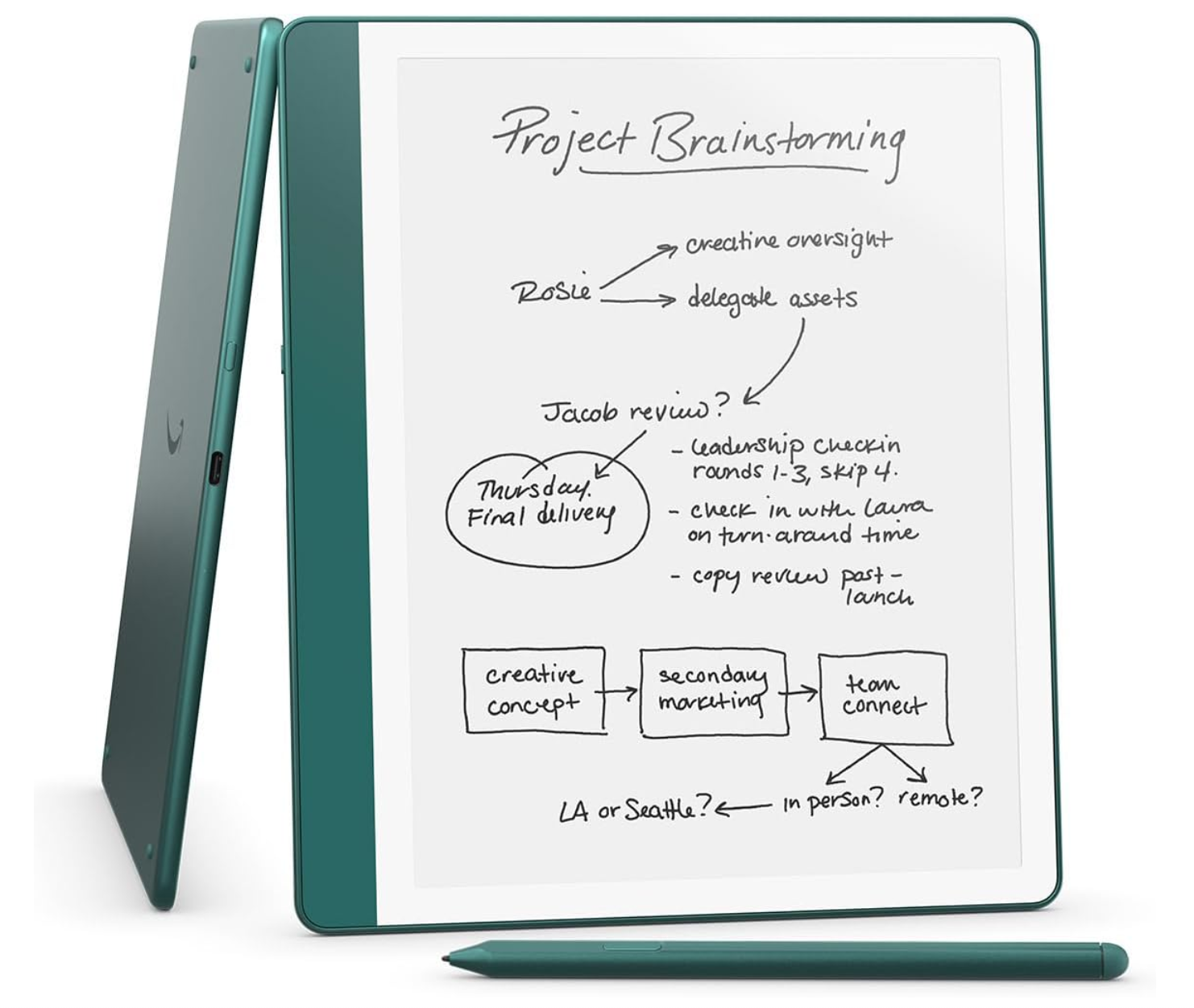
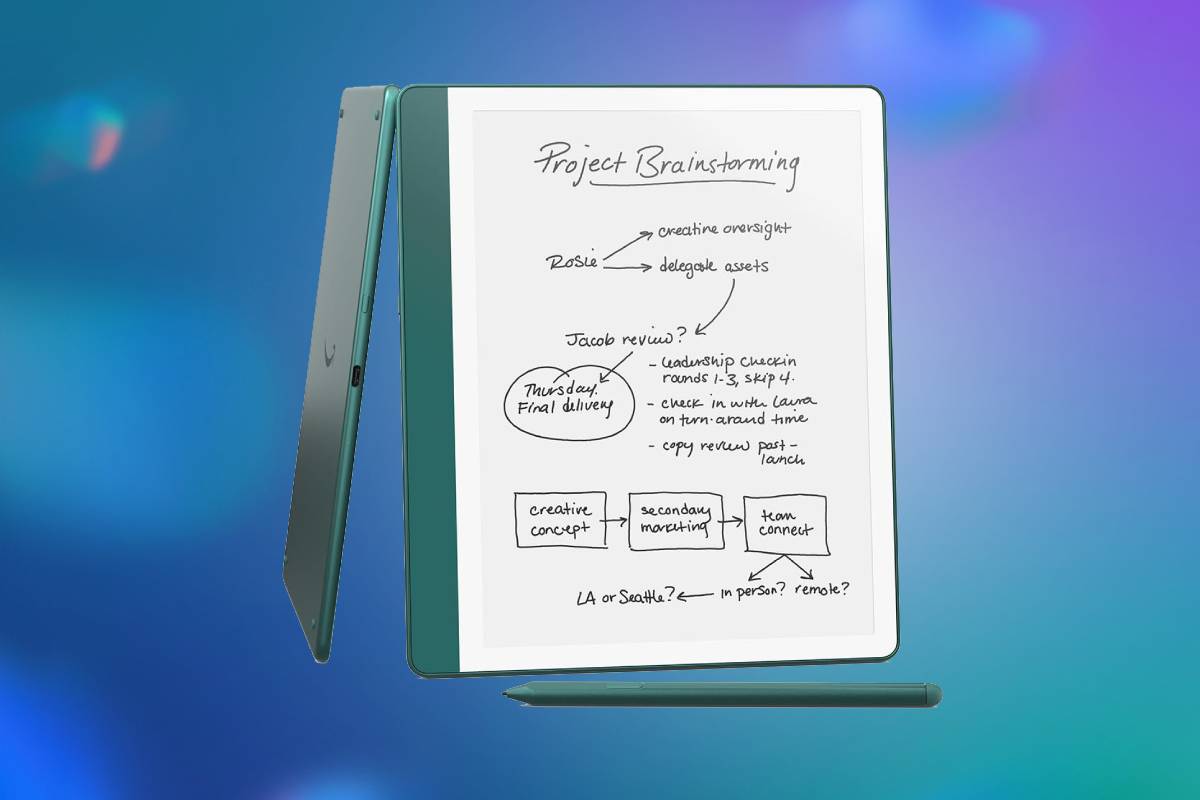
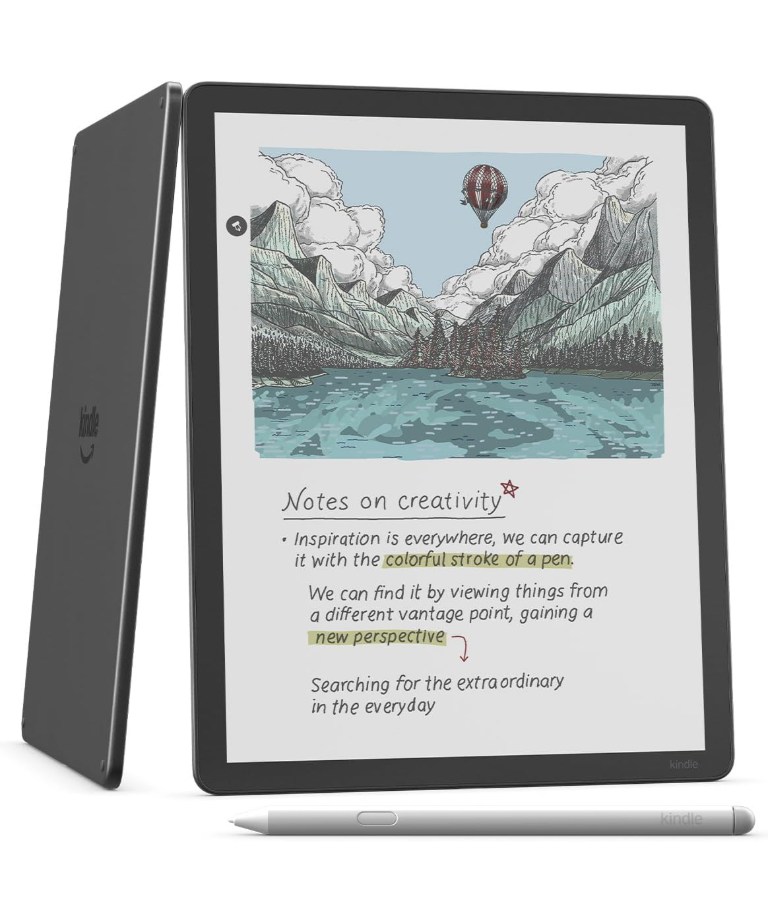
The Like-New 2024 Kindle Scribe combines a sharp 10.2-inch E Ink display with a capable digital notebook, direct document annotation and an upgraded Premium Pen. Its 64GB capacity, long battery life and distraction-free interface make it particularly appealing for readers, students and professionals who want handwritten notes without carrying a conventional tablet. This refurbished model can offer strong value with the same limited warranty as a new device, although its monochrome screen, restricted integrations and supersession by a newer Scribe generation should be considered before purchase. Grab it now for 21% off the MSRP!
Prices and savings can change. Check the retailer for the current price.
The Kindle Scribe uses a 10.2-inch, 300-pixel-per-inch Paperwhite display with 16 shades of grey. Text and handwriting should appear crisp, while the glare-resistant surface and front lighting make it suitable for reading indoors or outside.
The device weighs approximately 433g without its pen. That is manageable for a notebook but heavy compared with smaller Kindles, especially when held one-handed for a long novel. Its larger dimensions make it more comfortable on a desk, lap or stand.
Latest tech deals.
- AMD Ryzen™ 9 9900X 12-Core - was $499 now $328
- CORSAIR 4000D PC Case - was $124.99 now $75.99
- Hisense 65" Class E6SR - was $549 now $377.99
- Apple 2026 MacBook Air - was $1,999 now $1,799
- Skytech Gaming PC Desktop (9850X3d) - was $4,299 now $3,799
- Apple Magic Mouse - was $79 now $59
- MSI Prestige 16 Flip - was $2,149 now $1,899
- Kotin 9700X Gaming PC - was $2,399 now $2,199
Prices correct as of October 9th, 2026.
Read on for more information about the various specifications, and see the bottom of this page for alternative deals on tablets and e-readers.
What we like about the Like-New Amazon Kindle Scribe 64GB
Large, sharp E Ink display
The 10.2-inch panel provides substantially more page area than a Kindle Paperwhite. It can show larger sections of documents, more text at a comfortable font size and a more spacious notebook canvas.Its 300ppi resolution matches the sharpness expected from premium Kindle readers. Fine text, diagrams and handwritten strokes should look clean, although the greyscale panel cannot reproduce the colour or tonal range of a modern tablet.
The integrated front light allows the display to be used in dim surroundings without directing light outward in the same way as a conventional backlit screen. Adjustable warmth can create a softer appearance for evening reading.
E Ink can be easier on the eyes during long reading sessions because it resembles reflected paper under ambient light. This is a subjective advantage rather than a medical guarantee, and users should still maintain appropriate lighting and take breaks.
Natural-feeling Premium Pen
The textured display and redesigned Premium Pen are intended to create more tactile resistance than writing on smooth glass. The sensation is not identical to paper, but it provides more feedback than many conventional tablets.
The pen is passive and never needs to be charged. This eliminates the risk of discovering a flat stylus immediately before a meeting or lecture. Its eraser end allows the user to turn the pen over naturally, while the shortcut button can be assigned to a frequently used tool. Five thickness settings are available for the pen, highlighter and eraser.
Amazon includes five replacement tips and a tip-removal tool. Pen tips gradually wear through contact with the textured screen, so replacements are useful for long-term ownership. Magnetic attachment is convenient around the home or office, but it does not secure the pen as firmly as an enclosed holder. A protective folio with dedicated pen retention may be worthwhile when carrying the Scribe in a bag.
Flexible digital notebooks
The Scribe can replace several paper notebooks by organising handwritten pages into digital folders. Amazon supplies multiple templates suitable for lined notes, lists, planning, sketching and other common uses. Users can write with different pen thicknesses, highlight content, erase strokes, use undo and redo controls and reposition selected handwriting. Automatic saving reduces the risk of losing a page through an accidental exit.
The notebook system is deliberately simpler than full applications such as Microsoft OneNote, Notability or Samsung Notes. That simplicity reduces distraction, but it also means fewer drawing tools, limited formatting and less sophisticated organisation.
Notebooks cannot currently synchronise directly with OneNote, Dropbox or Google Drive. This is one of the device’s most important limitations for people whose work is already organised around those services.
Notes can be shared or exported through Amazon’s supported workflow, but the Scribe is not an open file-system tablet. Buyers should make sure its export process fits their intended use before replacing paper notebooks entirely.
AI summaries and handwriting refinement
The built-in summarisation tool can turn handwritten notebook content into concise text. Users can select a page, several pages or an eligible complete notebook, then choose the desired summary length, tone and font.
Refine Writing converts handwritten notes into a more consistent script font. This can make rapidly written meeting or lecture notes easier to review and share without manually retyping them. These tools require an internet connection because the handwriting is processed through Amazon’s generative AI service. They are not purely offline functions, which matters for privacy-sensitive work or use in locations without Wi-Fi.
Amazon currently allows summarisation of up to 15 pages and refinement of up to 10 pages in one operation. A note needs more than 25 words, and some diagrams or tables are not supported.
AI-generated summaries should be checked against the original notes. The system can omit context, misread handwriting or misunderstand technical terms, so it should not be relied upon as the sole record of medical, legal, financial or other important information.
Language and regional availability are also restricted. Amazon currently supports these features in selected markets, including the United States and United Kingdom, and processes notes written in English, Canadian French or German.
Active Canvas book annotations
Active Canvas allows handwritten notes to be inserted between lines in supported Kindle books and reflowable documents. The book’s text moves around the note, helping it remain attached to the relevant passage. This is more natural than storing every thought inside a separate pop-up note. When the font, margin or layout changes, the annotation is designed to remain connected to its original location.
The canvas can be resized, and expandable margins provide additional room for longer observations. Notes can be collapsed when the reader wants to view the original page more cleanly. Compatibility is not universal. Active Canvas supports left-to-right horizontal languages, while right-to-left and vertically presented languages are excluded. Formatting and publisher restrictions can also affect where direct writing is available.
Some Kindle content still uses handwritten sticky notes rather than allowing completely unrestricted marks across the page. The experience is therefore more structured than writing freely in the margins of a physical book.
PDF and document markup
Documents can be imported using Send to Kindle, including compatible PDFs and Microsoft Word files. Supported items can then be read and annotated on the E Ink display.
This is useful for reviewing reports, course material, manuscripts and meeting documents without printing them. The large screen accommodates full pages better than a small e-reader, although complex A4 or letter-size PDFs may still require zooming.
Some PDFs support direct writing, while conversion and document structure affect the tools available. Highly formatted files, large spreadsheets and colour-dependent documents are poorly suited to the monochrome display.
The Scribe lacks the speed and application support of a conventional tablet. It is excellent for deliberate reading and handwritten review but inefficient for frequent web research, rapid file switching or document editing involving a keyboard.
Excellent battery endurance
Amazon rates the 2024 Scribe for up to 12 weeks of reading based on 30 minutes per day with wireless disabled and the front light set to level 13. Writing endurance is rated at up to three weeks under an equivalent half-hour-per-day test. Those figures are not estimates for continuous daily professional use. Frequent writing, Wi-Fi synchronisation, brighter lighting and Audible playback will reduce battery life.
Even so, endurance should remain far ahead of most LCD tablets. The Scribe can normally be carried for days or weeks without the daily charging routine associated with an iPad or Android device.Charging takes approximately seven hours from a computer’s USB port or around 2.5 hours with a compatible 9W USB-C power adapter. The box contains a USB-C cable but does not list a mains charger.
Generous 64GB storage
Approximately 54GB is available to the user on this 64GB version. A text-focused Kindle library would struggle to consume that capacity, as ordinary e-books are generally small. PDFs, graphic-heavy documents and Audible audiobooks occupy considerably more space. The 64GB model therefore makes the most sense for users maintaining a large offline document or audio collection.
Notebooks themselves are unlikely to justify the complete capacity. Buyers who primarily read novels and maintain modest handwritten notes may find a 16GB or 32GB version equally practical at a lower price. There is no microSD slot, though content purchased through Amazon or saved through supported cloud services can be downloaded again.
Distraction-free experience
The Kindle Scribe does not provide social-media applications, conventional notifications or a full web-focused tablet environment. That limitation is part of its appeal for reading, studying and focused writing. Users can move between books, documents and notebooks without the constant interruptions common on multipurpose devices. The interface is also relatively simple compared with a desktop-style productivity system.
This focused design means it cannot replace a laptop or fully featured tablet. It lacks a broad application store, advanced multitasking, video playback and mature third-party productivity apps. Audible playback is supported through Bluetooth audio, but the device has no built-in headphone socket or speakers intended for conventional media consumption.
Like-New condition and full limited warranty
Amazon describes this unit as refurbished, tested and certified to look and work like new. It may arrive in generic Amazon-branded packaging rather than the retail box supplied with a completely new device. The Scribe includes the same one-year limited warranty as a new unit.
“Like-New” does not necessarily mean the device has never been used. Buyers should inspect the screen for uneven lighting, dead or stuck pixels, scratches and pressure marks, then confirm that the pen, button and eraser work across the complete writing area. Battery condition is also worth checking during the return window. E Ink devices drain slowly, so a short test may not reveal an ageing battery immediately. Wi-Fi synchronisation, extended writing and several charging cycles provide a more useful indication. The box is expected to contain the Scribe, Premium Pen, USB-C cable, five replacement tips and tip-removal tool. Every item should be checked on arrival.
Who should consider this Kindle Scribe deal?
The Like-New Kindle Scribe is best suited to readers who frequently annotate books, review PDFs or keep handwritten notes. Its large E Ink screen provides a calmer and more paper-like working environment than a conventional tablet. Students can use it for course reading, lecture notes and document review, provided their workflow does not require colour or tight integration with OneNote and Google Drive. Complex textbooks containing small colour diagrams may work better on a laptop or colour tablet.
Writers and editors may appreciate the ability to read manuscripts and mark up documents away from a computer. The long battery life and absence of social-media notifications can support concentrated work. Professionals can use it for meetings and planning, but confidential material requires careful consideration because AI refinement and summarisation use an internet-connected service. Organisational security policies may prohibit uploading sensitive notes for cloud processing. The 64GB configuration is most appropriate for a large PDF or audiobook library. Buyers focused on ordinary e-books and occasional notebooks can save money with a lower-capacity model without losing the main reading and writing functions.
It is less suitable for artists who need colour, layers and advanced brush controls. It is also a poor replacement for a general tablet when the intended use includes email, web applications, video meetings, spreadsheets or frequent multitasking. This is the 2024 release rather than Amazon’s redesigned 2025 third-generation Scribe. The newer model is thinner, lighter and faster, so the Like-New 2024 version needs to be meaningfully cheaper to represent good value. The 2024 device does retain an excellent 300ppi display, mature software features and the upgraded Premium Pen. A substantial refurbished discount can therefore matter more than owning the newest chassis.
Overall, the Like-New Kindle Scribe is a strong specialist device for reading and handwriting. Its value depends on the refurbishment discount, battery condition and whether Amazon’s deliberately focused notebook system matches the buyer’s workflow.
More e-reader and tablet deals

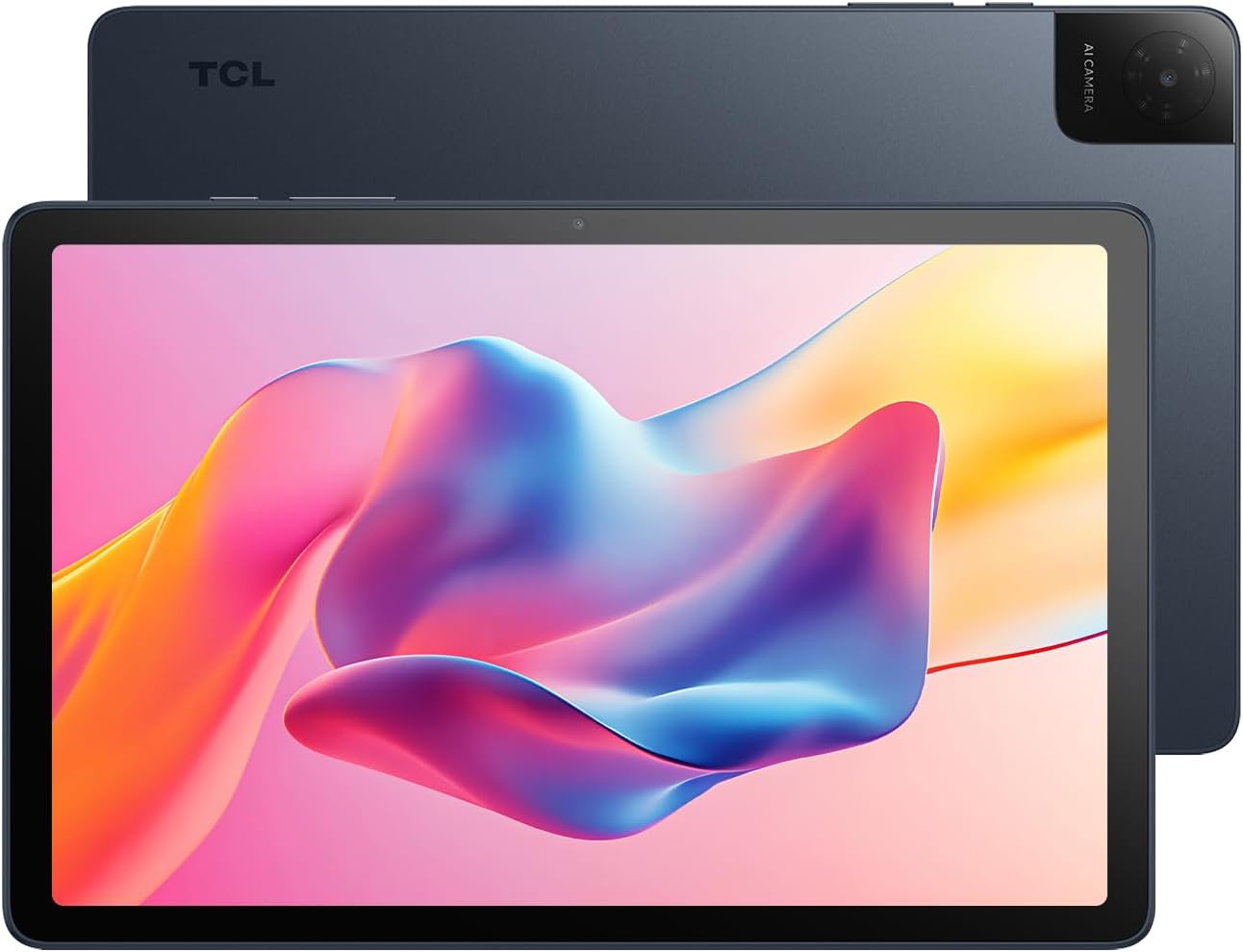


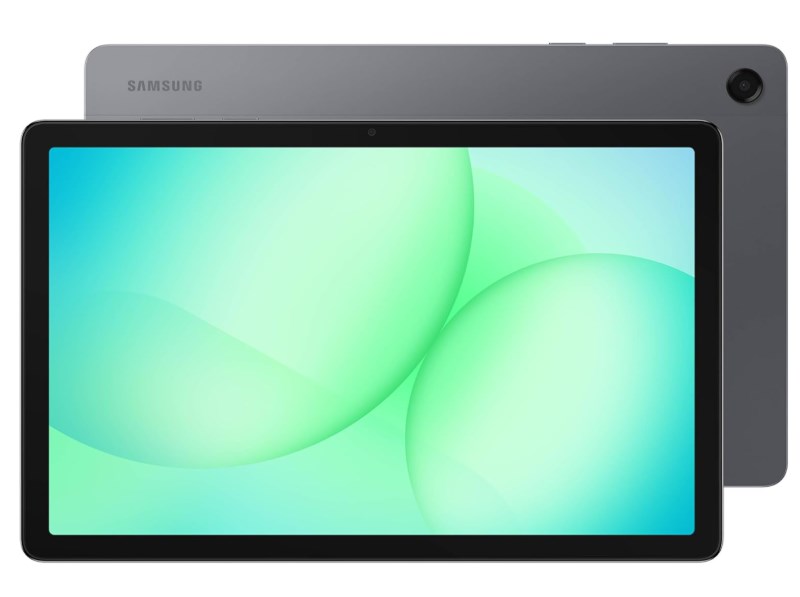

Prices and savings can change. Check the retailer for the current price.
Written by
