



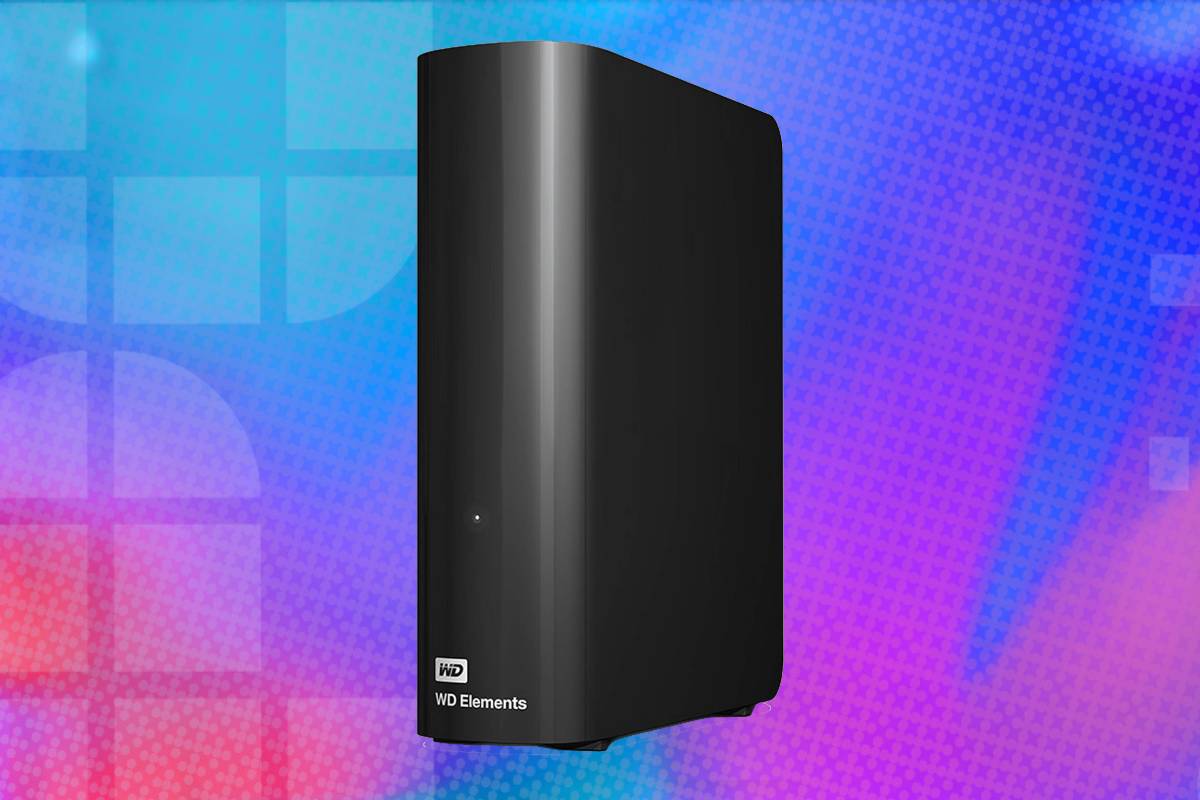
With SSD prices at an all time high, this 8TB WD Elements Desktop mechanical hard drive is a sensible choice for backups and large media collections when capacity and cost matter more than SSD-level speed or portability. Its plug-and-play Windows setup, simple USB connection and established two-year warranty make it easy to recommend. It can handle scheduled computer backups, photograph and music libraries, archived video, document collections and older/less demanding games that will run on mechanical storage. It is not intended to compete with an external SSD for application launches, video-editing scratch space or frequently accessed working files. Grab it now for the reduced Black Friday Deal price of $299.99.
🔥 More offers: see our Black Friday deals 2026 guide, updated daily.
Prices and savings can change. Check the retailer for the current price.
Read on for more information regarding the various specifications, or see the foot of this page for alternative Black Friday storage deals.
Latest tech deals.
- AMD Ryzen™ 9 9900X 12-Core - was $499 now $331
- Sony INZONE M10S 27-inch - was $899 now $748
- Thermaltake LCGS View i1470S-170 - was $2,399 now $2,099
- Apple 2026 MacBook Air - was $1,999 now $1,891
- Bose QuietComfort Headphones - was $359 now $169
- LG 77-inch OLED C6 - was $2,499 now $1,999
- MSI Prestige 16 Flip - was $2,149 now $1,870
- Hisense 85-inch U6 Pro Series - was $1,999 now $997
Prices correct as of November 5th, 2026.
What we like about this Western Digital 8TB Elements Desktop External Hard Drive
A large amount of storage for the money
Mechanical hard drives remain the most affordable way to purchase several terabytes of local storage. Eight terabytes is enough for a substantial collection of photographs, music, documents, recorded video and completed creative projects, or for multiple full-system backup versions. The drive is particularly useful alongside a smaller internal SSD. Frequently used applications and active files can remain on the SSD, while completed work, installers and infrequently accessed media move to the WD Elements. That arrangement preserves fast everyday performance without requiring an expensive multi-terabyte solid-state drive.
Its price should be compared on a cost-per-terabyte basis with other reputable desktop drives. A slightly larger model can sometimes provide better value during promotions, but 8TB is a practical midpoint for users who have outgrown portable 1TB or 2TB drives without needing a very large NAS.
Simple Windows setup
The drive arrives formatted as NTFS for Windows 10 and newer systems. In most cases, setup consists of connecting the AC adapter, attaching the supplied USB cable and waiting for Windows to mount the volume. No proprietary application is required for ordinary file storage. Users can drag and drop files through File Explorer or configure the drive with Windows Backup, File History, third-party backup software or another preferred application.
“Plug and play” does not mean backups happen automatically. The standard Elements package is deliberately minimal, so users must decide what to copy and how frequently. A scheduled backup application is preferable to relying on occasional manual transfers that are easily forgotten.
Compatible with macOS after reformatting
Mac computers can ordinarily read an NTFS-formatted drive but cannot natively write to it without additional software. A Mac-only user should reformat the drive as APFS or Mac OS Extended before storing important data. ExFAT is an option when regular read-and-write access is needed from both Windows and macOS, although it lacks some of the resilience and platform-specific features of NTFS or APFS. Reformatting deletes the existing contents, so it should be performed before data is copied to the drive.
Time Machine users should follow Apple’s current formatting recommendations and dedicate an appropriate volume to backups. Partitioning can separate backup and general-storage areas, but failure of the physical drive would still affect every partition.
Useful for high-capacity backups
Eight terabytes provides room for more than a single copy of a typical household computer. Backup software can preserve previous file versions, giving users a way to recover from accidental edits or deletions rather than merely mirroring the latest state. A local USB drive also restores files much faster than many internet connections can download several terabytes from cloud storage. Large initial backups can run overnight, while subsequent incremental backups generally transfer only new or changed data.
The WD Elements should not be the sole backup for irreplaceable material. Mechanical drives can fail, malware can damage connected storage and fire or theft can remove both the computer and its nearby backup. Important files should follow the 3-2-1 principle: three copies, stored on two different types of media, with at least one copy kept off-site.
Disconnecting the drive after a completed backup can provide some protection against ransomware and electrical events. It should first be ejected through the operating system to ensure pending writes have finished.
USB 3.0 provides ample interface bandwidth
Western Digital describes the connection as USB 3.0 or USB 3.2 Gen 1 depending on the document. These names refer to the same 5Gbps performance class for this product. The included cable uses USB-A at the computer end and USB 3 Micro-B at the enclosure. The wider Micro-B connector is common on older external hard drives but less convenient than USB-C. Replacement cables remain readily available, although a standard phone-style Micro-USB cable will not provide the complete SuperSpeed connection. The drive remains backward compatible with USB 2.0, but performance will fall substantially. A direct USB 3.x port is recommended, particularly when transferring hundreds of gigabytes.
Using an unpowered hub can cause connection problems, though the drive’s own AC adapter supplies its primary operating power. Connecting directly to the computer is the simplest approach when troubleshooting intermittent disconnections.
It works with consoles, but with important restrictions
The 8TB capacity sits at the upper limit Sony permits for PS5 USB extended storage. After the console formats it, the drive can store PS4 and PS5 game data, and PS4 games can be played directly from it.
PS5 games cannot be played directly from a USB hard drive. They must be copied back to the console’s internal SSD or a compatible internal M.2 SSD before launching. The WD Elements can still reduce redownload times, but moving a very large game over a mechanical drive connection takes time. A drive formatted as PlayStation extended storage should not simultaneously be treated as a general computer archive. Console formatting erases existing data and dedicates the device to the console’s storage structure.
Xbox compatibility also depends on the type of game. Backward-compatible and older-generation titles can make broader use of USB storage, while many games optimised for Xbox Series X or Series S need to run from the internal SSD or an official expansion-card-class device. The WD Elements is better viewed as bulk storage and archive capacity than as a universal current-generation game drive.
Compact for a 3.5-inch desktop drive
Western Digital’s current data sheet gives dimensions of approximately 5.31 x 1.89 x 6.53 inches. The 8TB version weighs around 1.9 pounds, making it considerably larger and heavier than a portable 2.5-inch hard drive but still easy to position beside a desktop computer. The enclosure is designed to stand vertically. It should be placed on a stable surface with space around its ventilation openings, away from areas where it can be knocked over.
Unlike a portable drive, it requires its AC adapter in addition to the USB connection. That makes it less convenient for travel or temporary use with a laptop. The benefit is access to the greater capacity and performance generally available from a 3.5-inch mechanism.
Reasonable warranty for an entry-level external drive
Western Digital supplies a two-year limited warranty in most regions. Warranty terms depend on the country of purchase, so marketplace imports and cross-border purchases deserve additional scrutiny. A warranty may replace defective hardware, but it does not pay for data recovery or recreate lost files. Buyers should test the drive promptly, monitor its SMART health where supported and maintain another copy of anything important.
New hard drives can fail early despite passing an initial check. Copying a large test dataset, verifying it and allowing the drive to complete its first backup cycle during the return window can expose obvious faults before the device becomes the only repository for significant data.
Who should consider this 8TB hard drive deal?
The WD Elements Desktop 8TB is a good choice for households, photographers, students and small offices that need inexpensive local capacity for backups or archived files. It works particularly well as a companion to a fast internal SSD, keeping active tasks responsive while moving older material to less expensive storage. It also suits console owners who understand the platform restrictions. PS4 games can run from it on a PS5, while PS5 games can be stored there and transferred back when needed. Its capacity is useful for large libraries, but it will not replace an internal current-generation SSD.
Mac users can use the drive after choosing and applying an appropriate file system. Anyone expecting to move it constantly between computers should remember that it needs both a USB cable and mains power.
It is not the best option for editing high-bitrate media directly, carrying files between locations every day or launching modern applications as quickly as possible. An external SSD is faster, smaller, quieter and more resistant to impact, albeit substantially more expensive per terabyte.
The drive makes the most sense when its price is low relative to other branded 8TB desktop models and the buyer already has a backup plan. Its strength is uncomplicated bulk capacity, not security, portability or cutting-edge transfer speed.
More Black Friday storage deals
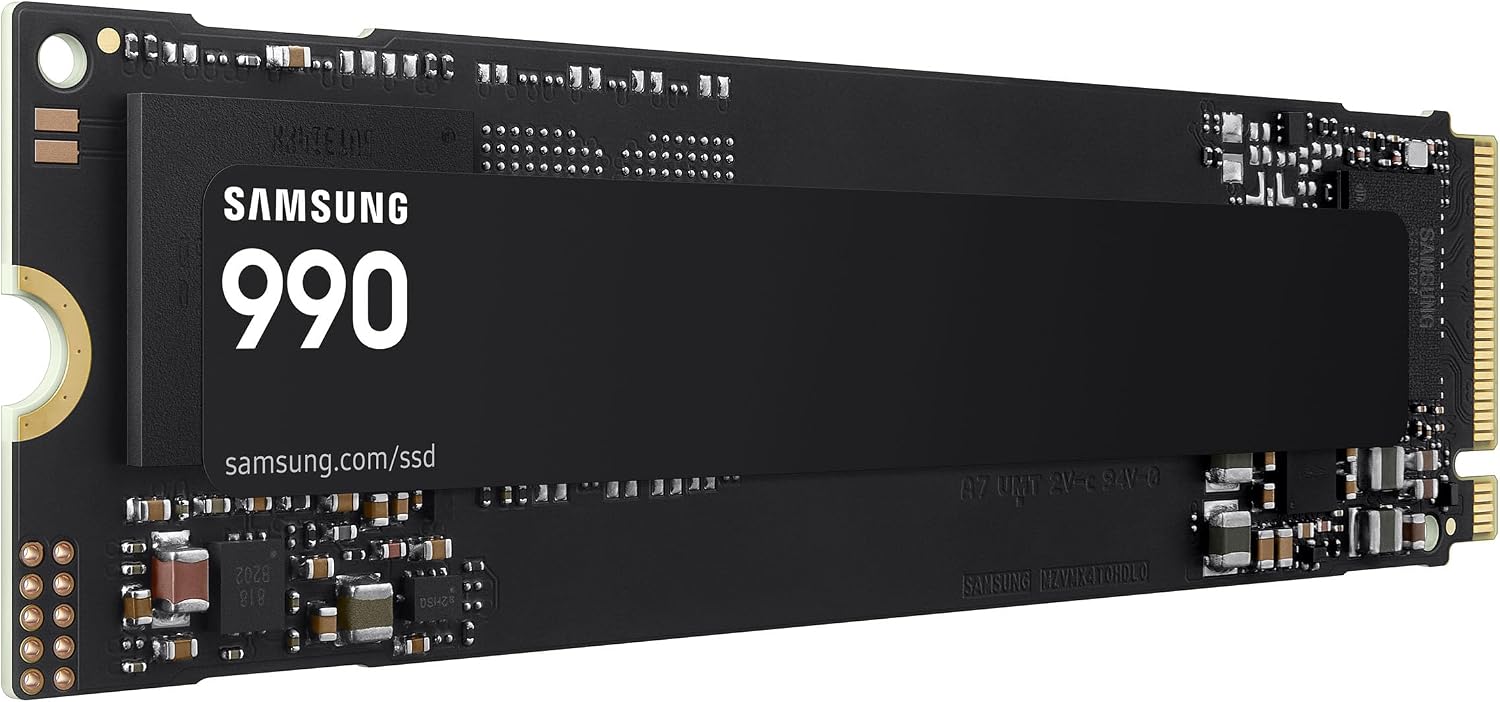
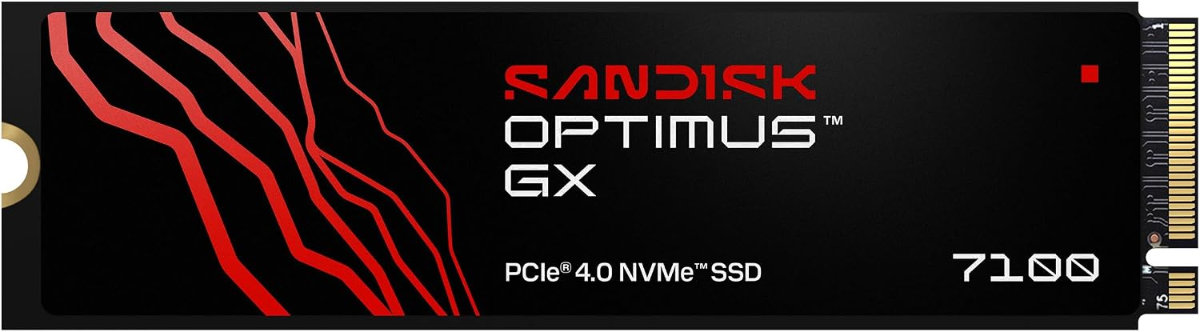



Prices and savings can change. Check the retailer for the current price.
Written by
