


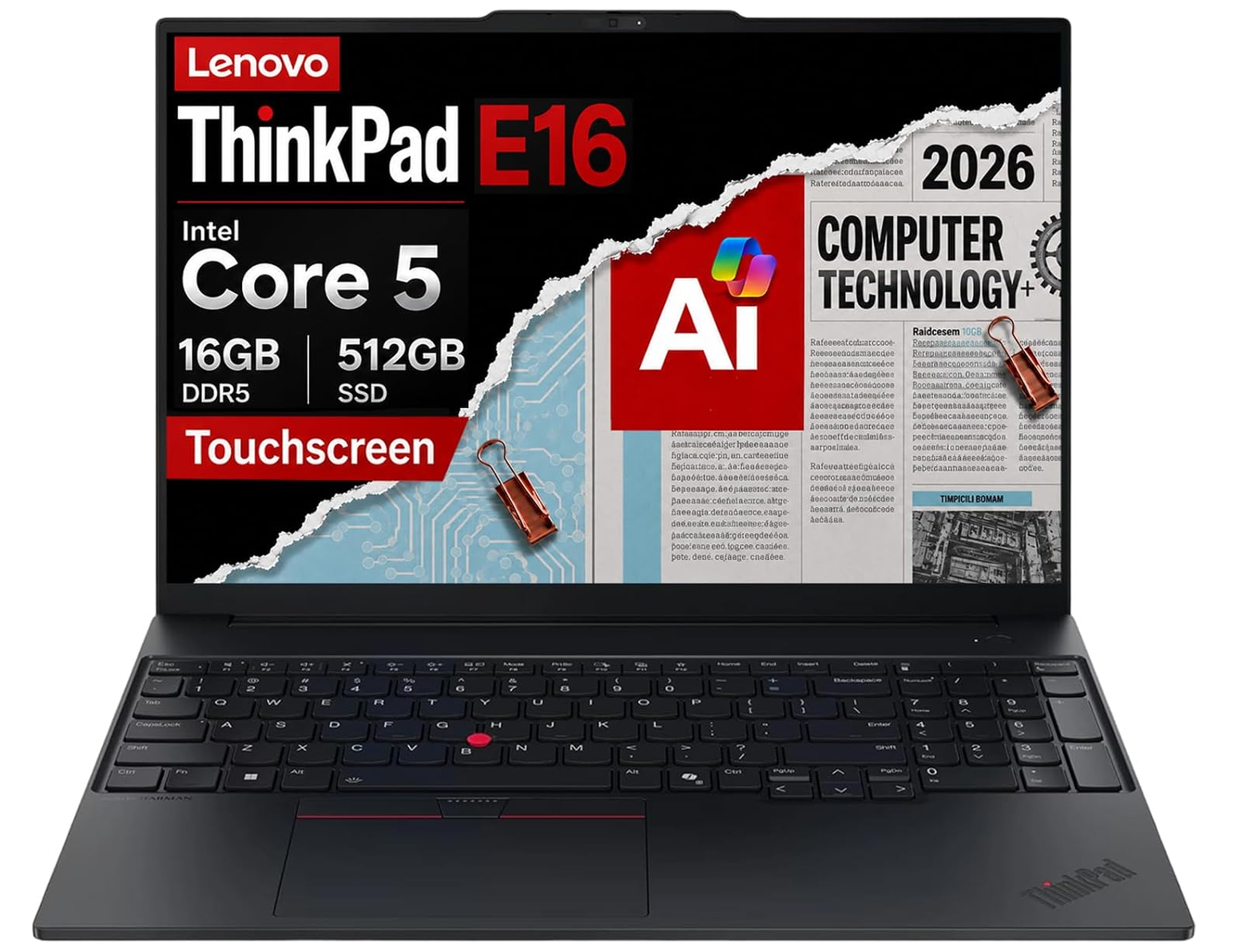
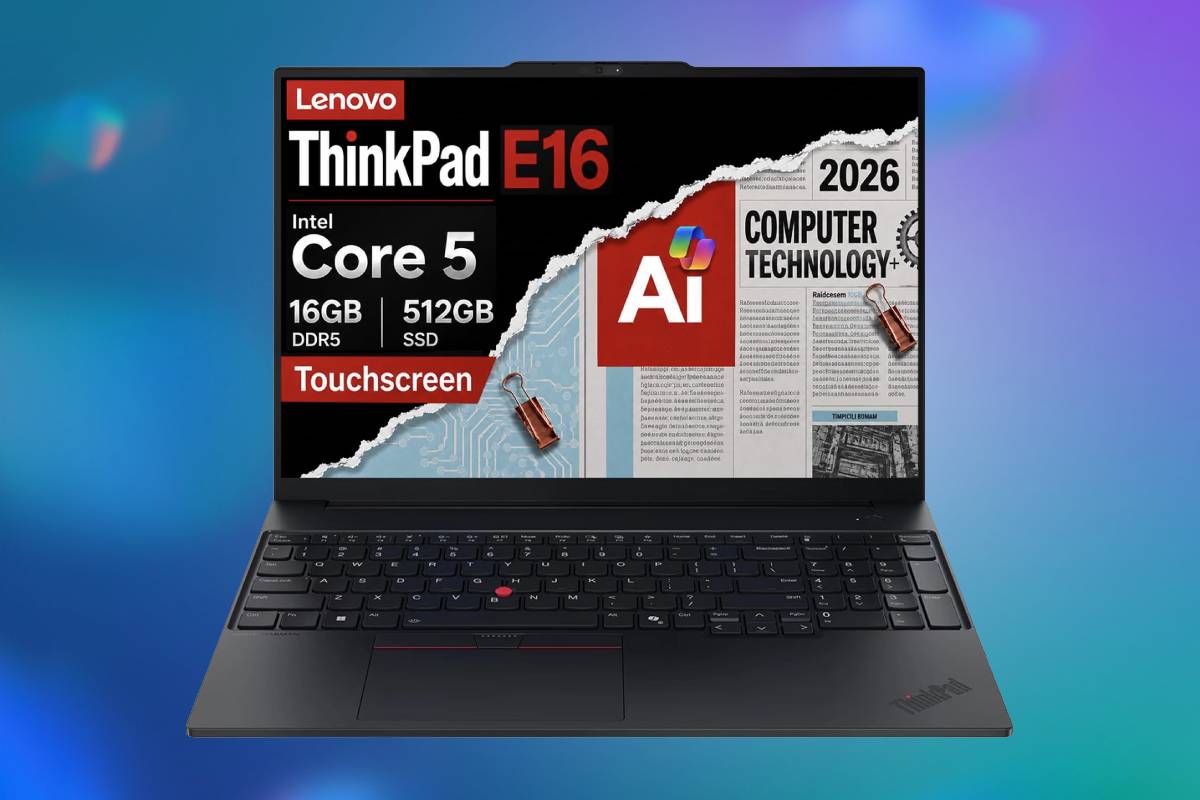
The Lenovo ThinkPad E16 Gen 3 is a practical business laptop with a responsive H-series processor, an excellent port selection, fantastic typing keyboard, and unusually straightforward memory and storage expansion. Its aluminum construction, ThinkPad keyboard, biometric security and Windows 11 Pro make it well suited to office work, study and small-business deployments. Grab it now for $300 off or read further down this page for more detailed information about the various specifications.
🔥 More offers: see our Black Friday laptop deals 2026 guide, updated daily, or browse all Black Friday deals and the best Amazon Black Friday deals.
Prices and savings can change. Check the retailer for the current price.
Read below for more specs info, or see the foot of this page for alternative Black Friday laptop deals that may interest you, covering a range of different products.
Latest tech deals.
- AMD Ryzen™ 9 9900X 12-Core - was $499 now $331
- Sony INZONE M10S 27-inch - was $899 now $748
- Thermaltake LCGS View i1470S-170 - was $2,399 now $2,099
- Apple 2026 MacBook Air - was $1,999 now $1,891
- Bose QuietComfort Headphones - was $359 now $169
- LG 77-inch OLED C6 - was $2,499 now $1,999
- MSI Prestige 16 Flip - was $2,149 now $1,870
- Hisense 85-inch U6 Pro Series - was $1,999 now $997
Prices correct as of November 5th, 2026.
What we like about the Lenovo ThinkPad E16 Gen 3 Business Laptop
The processor is a strong fit for office multitasking
The Core 5 210H offers more sustained CPU headroom than many low-power processors installed in similarly priced business notebooks. It can remain responsive when spreadsheets, browser tabs, communication software and background security tools are all active. Its hybrid core layout directs foreground work toward the faster performance cores while using efficiency cores for background activity. Windows 11 is designed to schedule work across these core types automatically.
The higher power target does mean more fan activity and shorter battery life than a U-series laptop. Independent testing of other E16 Gen 3 configurations found the single-fan cooling system quiet during simple work and audible but manageable under sustained load. Surface temperatures generally remains comfortable around the keyboard. A warmer area can develop on the underside during heavy work, but the chassis is designed to keep the main typing area usable.
The memory can be expanded properly
Lenovo installs one 16GB DDR5-5600 SODIMM in this model. That capacity is sufficient for mainstream business applications, general study and moderate multitasking. Because only one module is installed, the memory initially operates without the full bandwidth benefit of a matched dual-channel pair. Adding a compatible second module can improve memory throughput and may also help integrated-graphics performance.
The laptop contains two ordinary SODIMM slots and supports up to 64GB with this processor platform. This is a substantial advantage over thin laptops with permanently soldered memory.
Two M.2 slots make storage expansion easy
The factory configuration includes a 512GB M.2 2242 PCIe 4.0 NVMe SSD with Opal 2.0 support. Opal compatibility can be useful in managed business environments requiring hardware-based drive encryption. A second M.2 2280 PCIe 4.0 slot is available, allowing another SSD to be installed without removing the original drive. Lenovo officially supports one 2242 drive and one 2280 drive, with validated capacities of up to 1TB in each position.
512 gigabytes is sufficient for office software and cloud-based work, but users storing large media collections, development environments or virtual machines may want to add another drive. The available full-length 2280 position provides a wider choice of affordable retail SSDs than systems limited to the shorter 2242 format. Internal expansion also avoids carrying external storage or occupying a USB port.
The 16:10 touchscreen offers more vertical space
The 16-inch display uses a 1920 x 1200 resolution and 16:10 aspect ratio. Its additional vertical space is helpful for documents, spreadsheets, code and web pages compared with a 1920 x 1080 panel.
This exact 21TF001RUS configuration has an in-cell, 10-point touchscreen. Its anti-glare surface reduces sharp reflections, making it more practical under office lighting than a highly glossy touch display. Touch can be useful for scrolling, presentations, forms and simple annotation. The panel does not support an active pen, so it is not intended as a drawing or handwriting device.
The keyboard retains core ThinkPad advantages
The backlit keyboard includes a numeric keypad, making it useful for finance, accounting, data entry and spreadsheet work. The 16-inch chassis provides enough width to include the keypad without excessively compressing the main letter keys.
ThinkPad keyboards are generally valued for their clear travel, sculpted keycaps and predictable layout. The TrackPoint provides an alternative to the touchpad and allows pointer movement without moving the hands far from the typing position.
The backlight improves visibility in dim rooms and during travel. Lenovo’s design remains businesslike and understated, without unnecessary gaming-style lighting.
Connectivity is unusually comprehensive
One USB-C port supports Thunderbolt 4 and USB4 at up to 40Gbps, DisplayPort 2.1 and USB Power Delivery. It can connect high-speed storage, docks and external displays while also charging the laptop. A second USB-C port supports USB 3.2 Gen 2×2 at up to 20Gbps, DisplayPort 1.4 and Power Delivery. This gives the system two modern multifunction connections rather than relying on a single charging port.
Two USB-A connections are included, one operating at 5Gbps and the other at 10Gbps. The faster port supports always-on charging for compatible accessories.
A full-size HDMI 2.1 output supports up to 4K at 60Hz, while Gigabit Ethernet provides reliable wired networking. A 3.5mm headset connection and Kensington Nano security slot complete a practical business selection.
Wi-Fi 6E and Ethernet cover office networking
The factory-installed Intel AX211 wireless adapter supports Wi-Fi 6E across compatible 2.4GHz, 5GHz and 6GHz networks. Bluetooth 5.3 handles headsets, mice and other wireless accessories.
The physical RJ-45 connection is useful in offices, classrooms and hotels where wired networking is faster or more reliable. Many thinner notebooks require an adapter for Ethernet, so its inclusion adds practical value.
Business security is comprehensive for the price
A match-on-chip fingerprint reader is integrated into the power button. Windows Hello facial recognition is also supported through the infrared camera, giving users two biometric sign-in methods. A discrete TPM 2.0 secures encryption keys and supports Windows security features. Windows 11 Pro adds BitLocker management, Remote Desktop hosting, Group Policy and business-oriented administration tools.
The webcam includes a physical privacy shutter. This offers a visible hardware barrier rather than depending entirely on software to disable the camera.
Lenovo’s ThinkShield framework covers several hardware, software and supply-chain security measures. The system is not a vPro model, however, so organisations requiring Intel’s advanced remote-management platform should select another configuration.
The webcam specification is useful but misreported by Amazon
Lenovo equips 21TF001RUS with a 1080p FHD camera combined with an infrared sensor. Temporal noise reduction can help clean up video in imperfect lighting, while the dual microphones support routine Teams and Zoom calls. The infrared component enables Windows Hello rather than increasing ordinary video resolution. Buyers should expect competent business-call quality, not the additional detail of a true 5MP webcam.
The aluminum construction is stronger than a typical budget notebook
Lenovo uses aluminum for both the lid and lower enclosure on this configuration. That gives the system a more rigid and professional feel than an all-plastic entry-level business laptop.
The chassis measures approximately 14.01 inches wide, 9.8 inches deep and 0.67 inches thick at the rear, reaching about 0.83 inches at its maximum point. It starts at approximately 3.59 to 3.64 pounds depending on component variation. That is reasonable for a 16-inch laptop with Ethernet and upgradeable components. It is not an ultraportable, but it remains manageable for commuting between home and office.
The E16 Gen 3 has passed Lenovo’s MIL-STD-810H testing programme. This indicates testing against selected environmental and mechanical conditions; it does not make the laptop indestructible or guarantee survival from every drop or spill.
Who should consider this ThinkPad laptop deal?
The ThinkPad E16 Gen 3 is best suited to office workers, students, small businesses and home users who want a large, comfortable work surface with a numeric keypad and broad connectivity. Its processor is well suited to productivity, programming, financial modelling, browser-heavy workflows and video conferencing. Memory and storage expansion also make it useful for IT users who want a system that can be upgraded rather than replaced.
The touchscreen may appeal to people working with forms, presentations and touch-oriented business applications. It is not a strong choice for artists because there is no pen support and the colour gamut is limited. Creative professionals should select the optional 100% sRGB display or use an accurate external monitor. Gamers, 3D designers and video-effects users should also seek a model with dedicated graphics.
Frequent travellers may prefer a smaller system with a larger battery relative to its power consumption. The E16 can travel, but its design is centred on desk-based productivity and serviceability.
More Black Friday laptop deals


Prices and savings can change. Check the retailer for the current price.
Written by
