


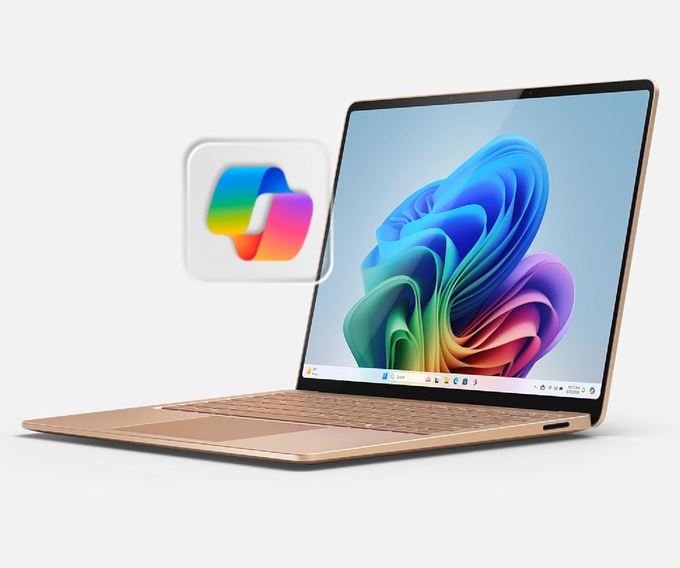
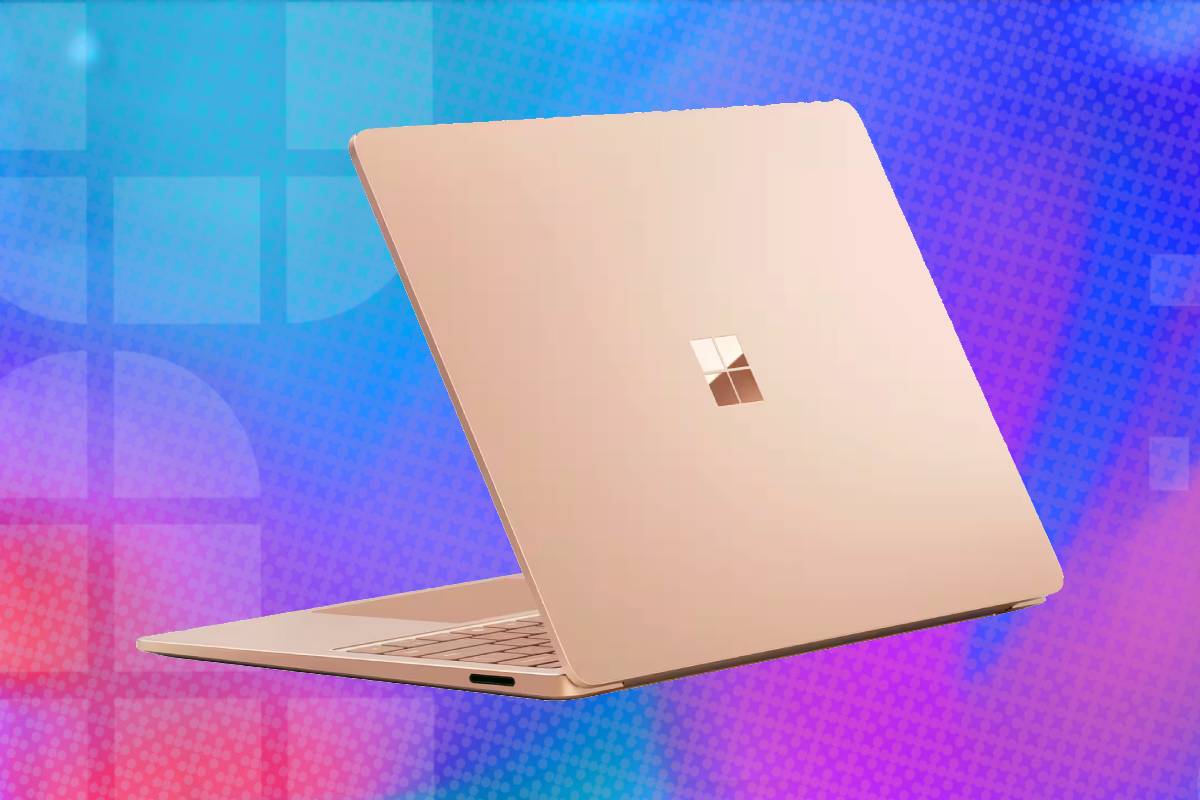
If you’d like an everyday productivity laptop akin to a MacBook Air, but want something with a Windows operating system, this is the deal for you. The 13.8-inch Surface Laptop 7th Edition combines excellent build quality, a great keyboard for typing, long battery life, a bright 120Hz touchscreen and even great speakers (for a laptop) in a compact aluminium chassis. Its Snapdragon X Plus processor is well suited to web work, Microsoft 365, communication and other mainstream productivity tasks, particularly when applications run natively on Arm. Specialised software, older peripherals and many PC games still require compatibility checks with this CPU tech, so you should bear this in mind, but in every other way that matters, this is the general productivity laptop out there. Grab it now and save $111 off the price!
Prices and savings can change. Check the retailer for the current price.
The laptop’s chassis is made from anodised aluminium and weighs approximately 2.96 pounds, or 1.34kg. At 0.69 inches thick, it is compact enough for frequent travel while retaining a rigid, conventional laptop design. Read below for more information on the various specifications, or see the bottom of this page for more laptop deals.
What we like about this Microsoft Surface Laptop 7th Edition 13.8-inch laptop
The Snapdragon X Plus delivers efficient everyday performance
The 10-core Snapdragon X Plus is designed around a balance of sustained performance and energy efficiency. It has enough processing capacity for office applications, research, browser-heavy workflows, videoconferencing, light coding and everyday image editing without the heat or constant fan activity associated with many high-powered x86 laptops.
Latest tech deals.
- AMD Ryzen™ 9 9900X 12-Core - was $499 now $331
- Sony INZONE M10S 27” - was $899 now $748
- Thermaltake LCGS View i1470S-170 - was $2,399 now $2,099
- Apple 2026 MacBook Air - was $1,999 now $1,891
- Bose QuietComfort Headphones - was $359 now $169
- LG 77-inch OLED C6 - was $2,499 now $1,999
- MSI Prestige 16 Flip - was $2,149 now $1,870
-
Hisense 85" U6 Pro Series-
Prices correct as of November 5th, 2026.
Its performance is most predictable when software has a native Arm64 version. Native applications communicate directly with the processor architecture and avoid the translation overhead required by conventional x86 or x64 programs.
Prism emulation allows many non-native applications to run automatically. The user generally launches them in the normal way without manually configuring an emulator, and a large proportion of ordinary software now works effectively. Performance and battery efficiency may still be lower than with a native version, however.
The integrated Adreno graphics processor is suitable for interface acceleration, streaming, external displays and light creative work. It is not a substitute for a discrete gaming GPU, and this configuration should not be purchased primarily for demanding games, 3D rendering or GPU-heavy professional applications.
Battery life is a major advantage
Microsoft’s maximum claim of 20 hours is based on local video playback at controlled brightness. That scenario is useful for comparing configurations under repeatable conditions but does not represent a full working day of mixed applications, browser tabs and video calls.
The company separately claims up to 13 hours of active web use for the 13.8-inch Snapdragon X Plus model. This is the more relevant figure for shoppers, although even it will vary with screen brightness, network conditions, background services and the balance between native and emulated software.
In practical terms, the laptop is designed to last through a normal mobile working day without the user constantly searching for a socket. It can also remain in connected standby while consuming relatively little power, making it feel more like a modern mobile device when the lid is reopened.
The supplied 39W power adapter connects through Microsoft’s magnetic Surface Connect port. The laptop can also charge through USB-C, and faster charging is available with a compatible 65W or more powerful supply. Surface Connect leaves both USB-C ports free for accessories while reducing the chance of the laptop being pulled from a desk if the cable is caught.
The 3:2 touchscreen is excellent for productivity
The 13.8-inch PixelSense Flow touchscreen has a 2304 x 1536 resolution, a productivity-friendly 3:2 aspect ratio and a dynamic refresh rate of up to 120Hz. Microsoft specifies a maximum typical brightness of 600 nits in both SDR and HDR, while Dolby Vision IQ, automatic colour management and individually calibrated colour profiles support media and creative use.
Most laptops use a widescreen 16:9 or 16:10 panel. Microsoft’s taller 3:2 aspect ratio provides more vertical space for documents, websites, spreadsheets and code, reducing the amount of scrolling required during everyday work. The 2304 x 1536 resolution produces a pixel density of approximately 201 pixels per inch. Text and interface elements should look sharp, while Windows scaling keeps them at a comfortable physical size.
A dynamic refresh rate of up to 120Hz makes scrolling, animations and touch interaction appear smoother than on a conventional 60Hz productivity laptop. Windows can reduce the refresh rate when the additional speed is unnecessary, helping balance fluidity against battery consumption.
The panel reaches up to 600 nits and supports Dolby Vision IQ. This is unusually bright for an ultraportable IPS display and helps maintain visibility in well-lit indoor environments. The glossy glass surface can still show reflections, so the high brightness does not completely solve outdoor or window-side use.
This is an IPS-class LCD rather than OLED. It cannot produce pixel-level blacks or the extreme contrast of an OLED panel, but it avoids OLED burn-in concerns and should deliver consistent brightness for static productivity work.
Ten-point touch support is useful for scrolling, selecting controls and navigating casual applications. The Surface Laptop’s traditional clamshell hinge does not fold into a tablet position, however, so touch is a convenience rather than a replacement for a convertible design.
The keyboard and haptic touchpad are polished
Microsoft equips the Surface Laptop with a backlit keyboard, a full function-key row and a dedicated Copilot key. The layout is clean and familiar, with enough deck space for comfortable typing despite the relatively compact chassis.
The Precision Haptic touchpad replaces a conventional diving-board click mechanism with controlled haptic feedback. It can provide a consistent click sensation across a larger portion of the surface rather than becoming progressively harder to press near the top edge.
Windows Hello facial recognition is handled by the infrared camera. It allows secure sign-in without a fingerprint sensor and works with Microsoft’s Enhanced Sign-in Security. The Amazon catalogue’s lack of a fingerprint reader should therefore not be treated as a major omission unless the buyer specifically prefers that authentication method.
Studio microphones and built-in speakers support calls and casual media use. The front-facing 1080p camera is appropriate for videoconferencing, although image quality will still depend heavily on room lighting and network compression.
The 512GB SSD is removable
The supplied 512GB PCIe 4.0 SSD provides a more practical starting capacity than the entry-level 256GB option. It is enough for office applications, cloud-synchronised files and a moderate local media library, although large creative projects can still fill it quickly.
Unlike the soldered LPDDR5x memory, the compact SSD is removable. Microsoft sells replacement storage parts, and skilled technicians can install a compatible drive. This gives the machine more useful long-term flexibility than laptops with permanently soldered storage.
The laptop’s broader serviceability is also improved over older Surface generations. Microsoft documents replaceable assemblies including the battery, display, keyboard, touchpad, motherboard, ports and enclosure. Some repairs remain intended for authorised providers or experienced technicians rather than casual home servicing.
The 16GB memory cannot be upgraded. It is sufficient for mainstream productivity and moderate multitasking, but users expecting to keep many demanding applications, large datasets or virtualised development environments open simultaneously should consider a 32GB configuration.
Its port selection balances modern and legacy devices
The 13.8-inch model includes two USB-C/USB4 ports, one USB-A 3.1 port, a 3.5mm headset connection and the proprietary Surface Connect charging port. The USB-C connections support charging, data and DisplayPort 1.4a video output. USB-A remains useful for flash drives, wired mice and existing accessories without requiring an adapter. Surface Connect allows the included charger or a compatible Microsoft dock to attach magnetically.
There is no built-in HDMI socket, Ethernet port or memory-card reader on the 13.8-inch model. Those connections require a USB-C adapter or dock. Photographers who regularly transfer files from SD cards should account for that additional accessory. The USB4 ports are not conventional Intel-certified Thunderbolt ports, despite offering similar high-speed functionality and compatibility with many docks. Buyers with a specialised Thunderbolt device should confirm Windows-on-Arm driver support rather than relying on the connector shape alone.
Wireless specifications
Microsoft specifies Wi-Fi 7 and Bluetooth 5.4 for the Surface Laptop 7th Edition. Wi-Fi 7 can improve throughput, latency and network efficiency when used with a compatible router. The laptop remains backward-compatible with earlier Wi-Fi standards, so it does not require a new router to connect. Real-world wireless performance depends on the router, internet connection, congestion and building layout. Wi-Fi 7 support is primarily a longevity benefit for buyers who may upgrade their network during the laptop’s usable life.
Who should consider this Microsoft Surface Laptop deal?
The Microsoft Surface Laptop 7th Edition is best suited to students, writers, office workers and frequent travellers who primarily use a browser, Microsoft 365, Teams, media services and other mainstream applications. Its long battery life, compact build and 3:2 display make it particularly pleasant for mobile productivity.
It is also a strong Windows alternative for someone attracted to the battery efficiency and polished construction of a MacBook Air but who prefers Windows, touch input and a USB-A port. The 120Hz display and haptic touchpad give it a more responsive feel than many conventional productivity laptops.
The 16GB and 512GB configuration is the sensible mainstream version. It provides enough memory for ordinary multitasking and avoids the severe storage limitations of a 256GB system, while the removable SSD leaves some room for future expansion.
It is less appropriate for a serious PC gamer, engineering student dependent on x86-only software, audio professional using older interfaces or employee requiring unsupported corporate drivers. These users should confirm their complete workflow before committing to Windows on Arm or select an Intel- or AMD-based alternative.
More laptop deals

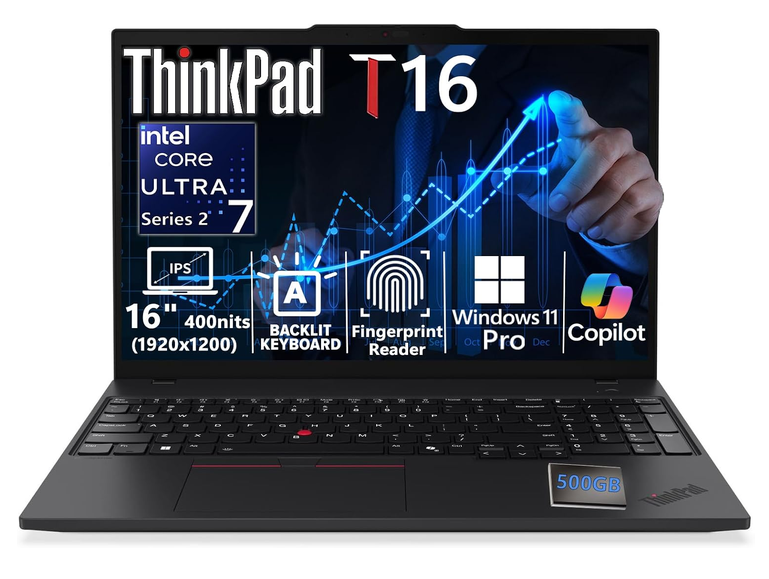
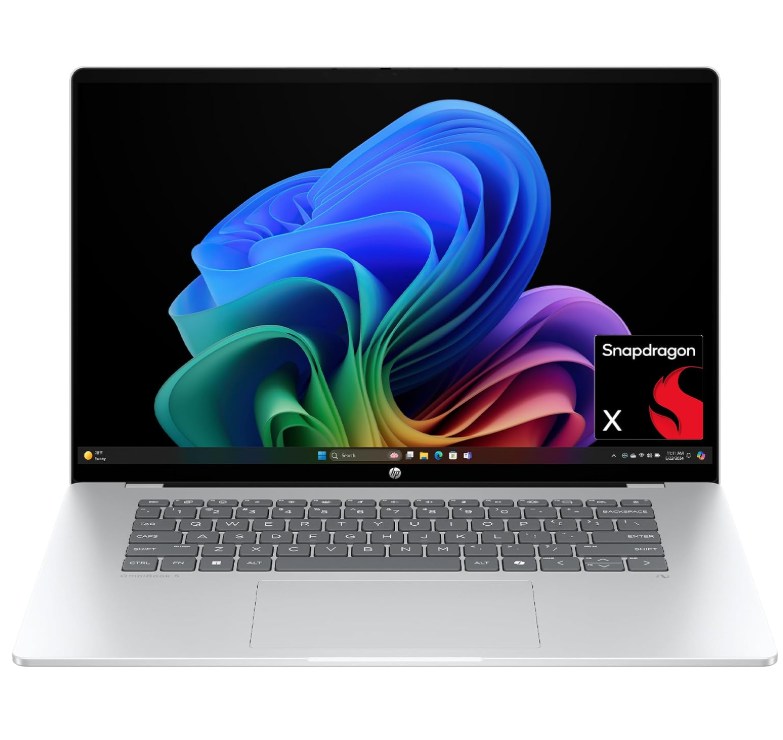
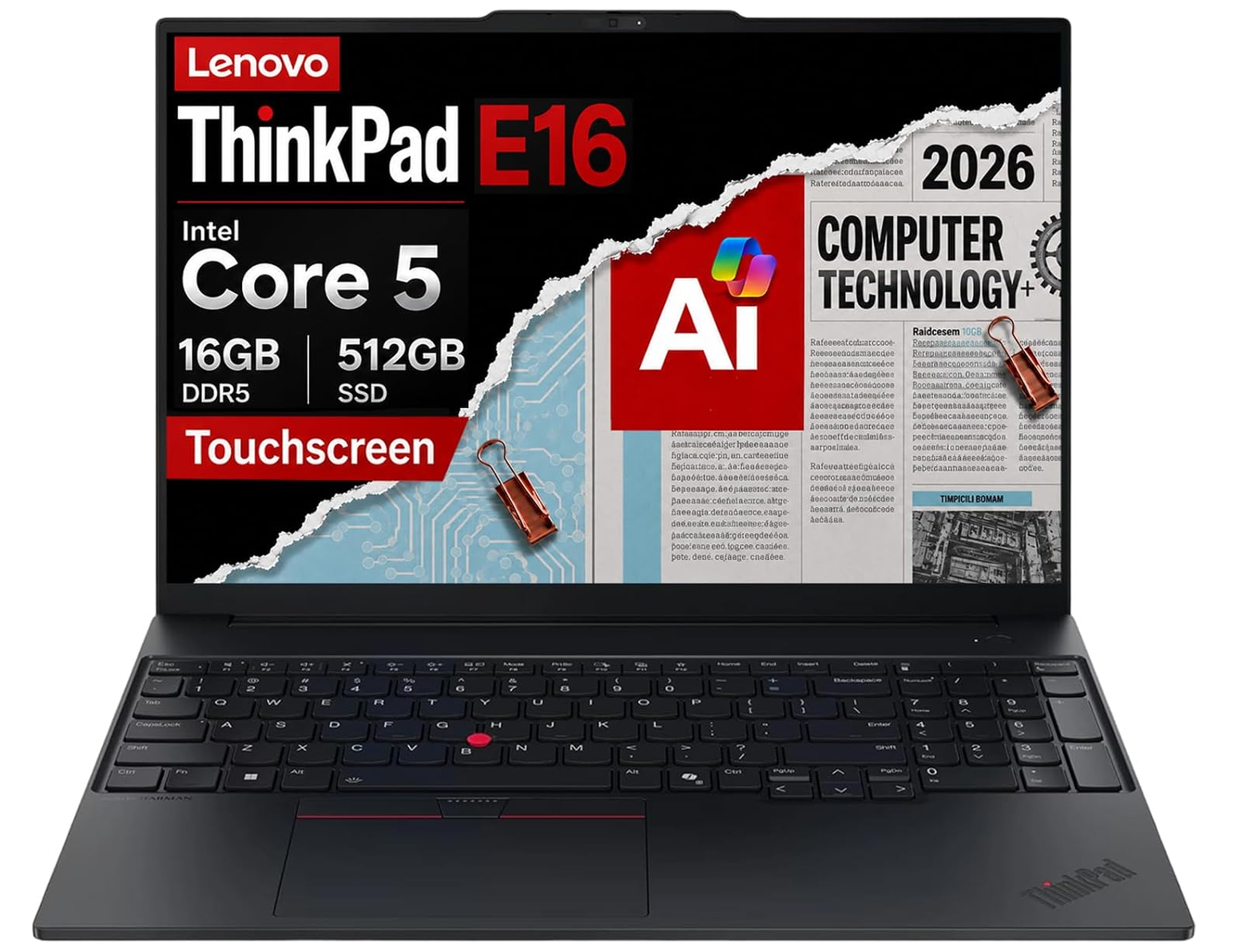

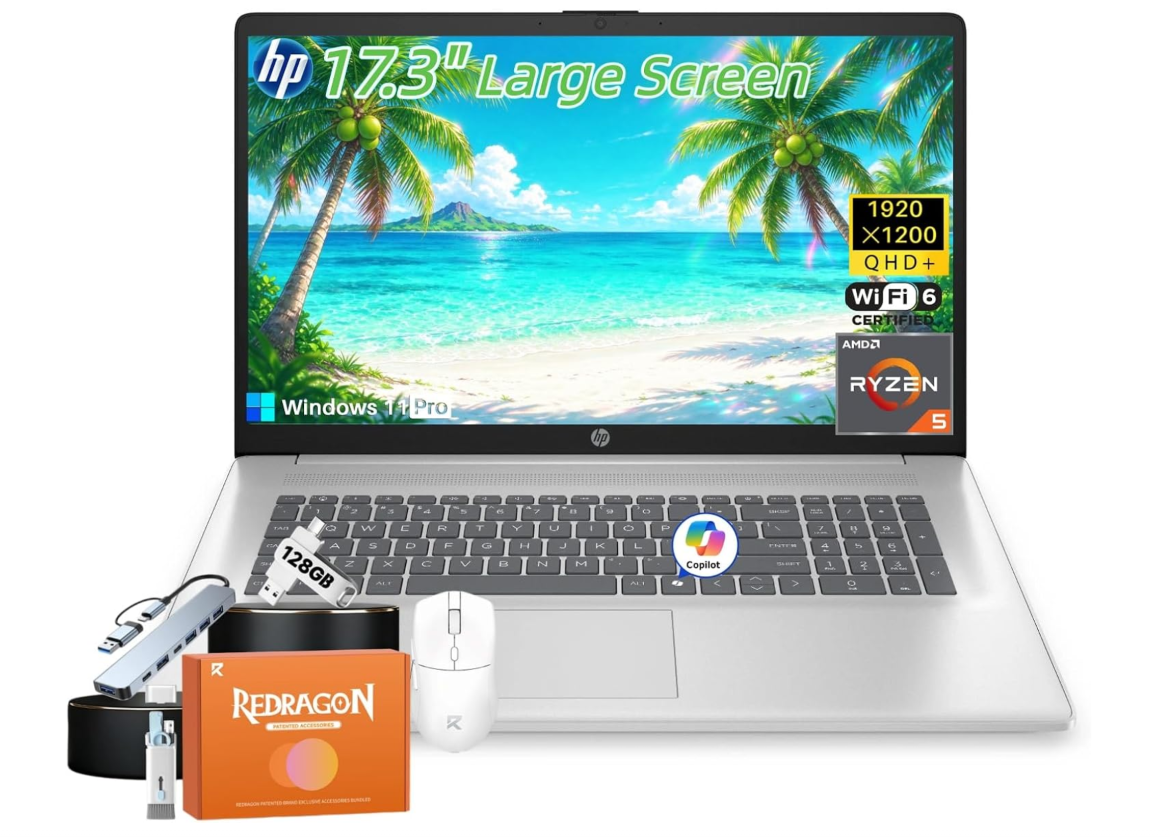

Prices and savings can change. Check the retailer for the current price.
Written by
