


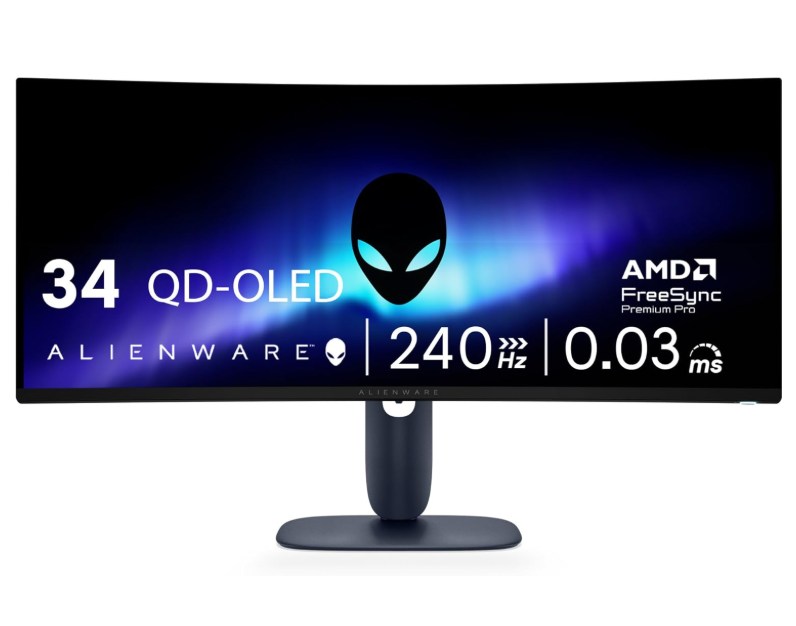
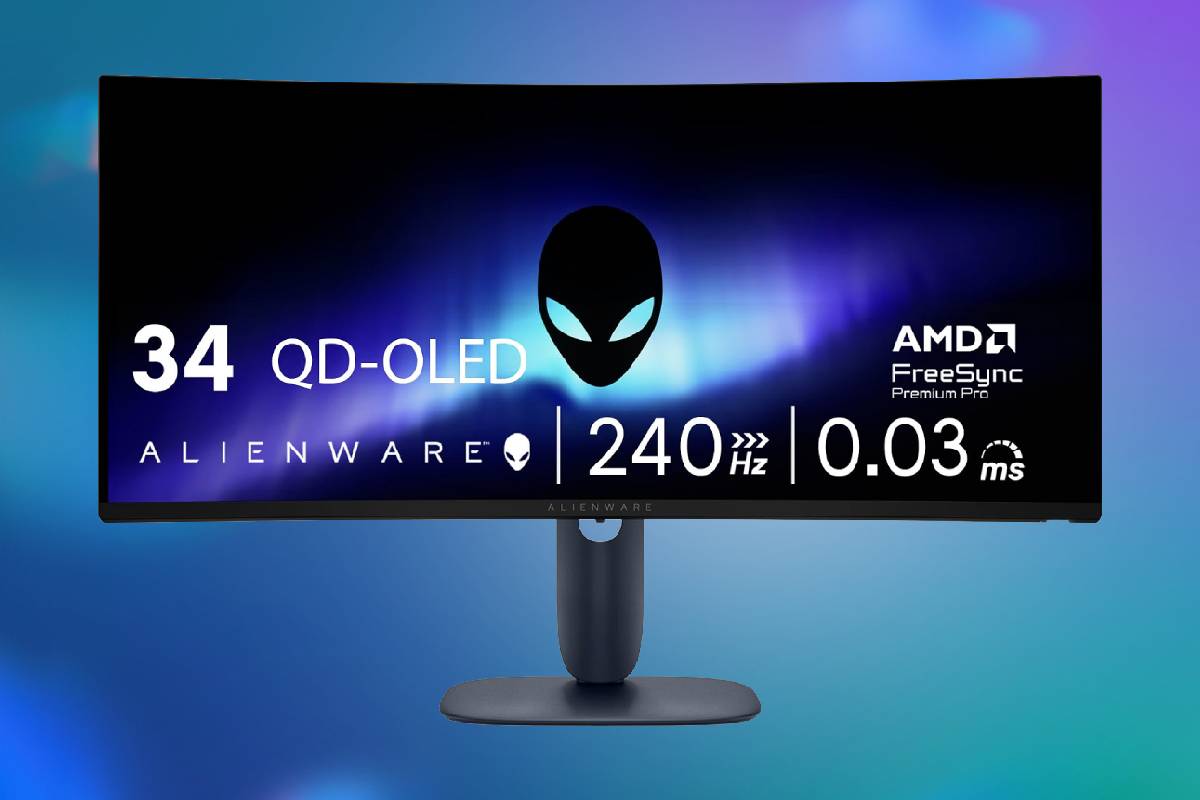
The Alienware AW3425DW combines a 34.2-inch QD-OLED panel, a 240Hz refresh rate and near-instant pixel response in a format that works especially well for immersive PC gaming. Its contrast, HDR highlights and wide color range are excellent. The OLED monitor has a native resolution of 3440×1440, a 21:9 aspect ratio and a moderate 1800R curve. That combination provides substantially more horizontal space than a conventional 2560 x 1440 monitor without becoming as demanding to run as a 4K display. It suits racing games, flight simulators, expansive role-playing games and shooters with good ultrawide support, while also leaving room for multiple work windows. Grab it now and save $100 off the MSRP.
Prices and savings can change. Check the retailer for the current price.
This gaming monitor supports NVIDIA G-SYNC Compatible operation, AMD FreeSync Premium Pro and VESA AdaptiveSync.
The included stand supports up to 110mm of height adjustment, approximately 20 degrees of swivel in either direction and tilt from minus 5 to 21 degrees. Dell also provides a small amount of slant correction. These controls make it easier to position the screen at eye level and account for a desk that is not perfectly square. Its oval base is relatively compact for an ultrawide gaming monitor, leaving more usable desk space than many large V-shaped feet. Cables can be routed through the stand, and the panel supports a 100 x 100mm VESA mount for buyers who prefer a monitor arm. Portrait rotation is not supported, which is unsurprising for a curved ultrawide of this size. Read on for more details on the specs, or see the bottom of the page for alternative OLED monitor deals.
Latest tech deals.
- AMD Ryzen™ 9 9900X 12-Core - was $499 now $331
- Sony INZONE M10S 27” - was $899 now $748
- Thermaltake LCGS View i1470S-170 - was $2,399 now $2,099
- Apple 2026 MacBook Air - was $1,999 now $1,891
- Bose QuietComfort Headphones - was $359 now $169
- LG 77-inch OLED C6 - was $2,499 now $1,999
- MSI Prestige 16 Flip - was $2,149 now $1,870
-
Hisense 85" U6 Pro Series-
Prices correct as of November 5th, 2026.
What we like about the 34-inch Alienware 240Hz QD-OLED Curved Gaming Monitor AW3425DW
QD-OLED delivers convincing black levels
Each OLED pixel creates its own light and can switch off independently. Unlike an LCD monitor, the AW3425DW therefore does not need to illuminate dark objects with a shared backlight. Black areas can appear genuinely black in a dark room, with no blooming around subtitles, stars or other bright elements.
That pixel-level control gives the monitor its greatest visual advantage. Dark games retain shadow detail without acquiring the gray haze associated with many IPS displays, while bright objects can sit against black backgrounds with excellent separation. The result is especially impressive in space games, atmospheric horror titles and HDR video.
QD-OLED panels can take on a slightly raised or purplish black appearance when strong ambient light strikes the screen. The monitor consequently performs best in a room where direct light can be controlled. It remains usable during the day, but its defining contrast is most apparent in moderate or dim lighting.
HDR highlights have real impact
The AW3425DW carries VESA DisplayHDR True Black 400 certification and can produce small HDR highlights approaching 1,000 nits under the appropriate mode and conditions. A flash, reflection or light source can therefore stand out dramatically against a dark scene. Dell also quotes 99.3% coverage of the DCI-P3 color space and factory color accuracy below Delta E 2, giving games and films a broad, saturated palette without requiring immediate calibration.
OLED brightness changes according to how much of the screen is illuminated. Small highlights can be extremely bright, but a predominantly white image will be much dimmer than the peak figure implies. This makes the monitor more impressive for contrast-rich games and movies than for displaying large, bright HDR fields.
Its HDR 1000 mode emphasizes compact highlights but may dim broad bright scenes more aggressively. The True Black 400 mode limits the highest peaks while sometimes producing a more consistent overall presentation. Neither mode is universally superior, so owners may want to try both with their preferred games instead of treating the largest advertised number as the automatic choice.
Ultrawide proportions create useful immersion
A 34.2-inch 21:9 screen fills more of the viewer’s horizontal field of vision than a standard 16:9 monitor. The 1800R curve gently brings the edges toward the user without the heavily wrapped appearance of more aggressive curves. It is wide enough to enhance peripheral vision but remains practical for ordinary desktop applications.
Games need proper ultrawide support to take full advantage of the panel. Well-optimized titles expand the visible scene naturally, while others may use black bars in menus, cinematics or the entire game. Some competitive games deliberately restrict ultrawide presentation, so compatibility should be checked for any title central to the purchase.
The same width is useful outside gaming. Two documents can sit side by side comfortably, editing applications have more space for timelines, and communication windows can remain visible beside a primary task. The 1440-pixel vertical resolution is serviceable for productivity, though users who prioritize dense text and large spreadsheets may prefer the greater vertical workspace of 4K.
Color performance suits entertainment and creative work
The combination of a wide color gamut, deep contrast and strong viewing angles gives the AW3425DW excellent visual richness. Colors remain consistent when viewed from the sides, which is helpful on a wide curved screen because the edges naturally meet the eyes at different angles.
Its claimed Delta E below 2 means factory color errors should generally be difficult to notice. That makes the display suitable for enthusiast photo and video work as well as gaming, provided the user selects an appropriate color mode and understands the limits of an ultrawide 1440p canvas. Professionals with a strictly managed workflow may still want to calibrate it with their own measurement equipment.
Both DisplayPort and HDMI support maximum performance
The rear connection panel includes one DisplayPort 1.4 input and two HDMI 2.1 inputs. All three can handle the monitor’s native resolution at 240Hz with HDR, subject to the source device and cable. Dell includes both DisplayPort and HDMI cables, reducing the chance that buyers will need another purchase to reach the advertised refresh rate.
The USB hub consists of a USB-B upstream connection, one USB-A 5Gbps downstream port and one USB-C 5Gbps downstream port. The USB-C connection can provide up to 15W of charging, which is enough for small accessories or slow phone charging but not a typical laptop.
Crucially, that USB-C port is not a video input and does not provide the high-wattage power delivery expected from a single-cable laptop dock. The monitor also lacks a KVM switch. Anyone wanting to connect a laptop through one cable, power it and share peripherals between computers will need a separate dock or a monitor designed around those functions.
OLED-care measures provide some reassurance
Permanent image retention remains a consideration whenever an OLED screen displays static interface elements for long periods. Dell uses an enhanced anti-burn-in algorithm, a graphite heat-dissipation layer and pixel shifting to reduce the risk. Pixel shift moves the image by a tiny amount at regular intervals, generally without being noticeable during ordinary use.
Dell markets these protections alongside a three-year warranty and Advanced Exchange Service. That is reassuring for a gaming OLED, but owners should still follow the panel-maintenance prompts, allow automatic refresh routines to finish, use sensible sleep settings and avoid leaving the same bright desktop layout on screen indefinitely. Hiding a static taskbar and varying full-screen content can further reduce cumulative wear.
Who should pick up this Alienware laptop deal?
The Alienware AW3425DW is best suited to a PC gamer who wants cinematic ultrawide presentation without sacrificing competitive responsiveness. It is particularly strong for players of racing games, simulators, action adventures and visually rich single-player releases, while its 240Hz refresh rate also accommodates fast shooters. It makes the most sense with a graphics card capable of driving 3440 x 1440 at high frame rates. That resolution requires more graphics work than standard 2560 x 1440, though meaningfully less than 4K. Adaptive sync helps when performance falls below 240 frames per second, so owners do not need to reach the monitor’s ceiling in every game to benefit from it.
It can also suit a mixed gaming and creative workstation where deep blacks, wide color and an extended horizontal canvas are more important than maximum text density. The wide format is useful for timelines and parallel windows, but people who spend most of the day reading small text or maintaining static application layouts may be better served by a high-resolution LCD or a 4K OLED with appropriate care.
Console-first players should look carefully at the ultrawide tradeoff. The HDMI 2.1 connections are capable, but consoles generally target 16:9 output rather than native 3440 x 1440. A conventional 16:9 television or 4K monitor will usually make fuller use of console content.
The AW3425DW is less appropriate for buyers who need USB-C video, substantial laptop charging, an integrated KVM, speakers or a headphone jack. It is fundamentally a high-performance display rather than a docking monitor. Those features would need to be supplied by external equipment.
More OLED monitor deals

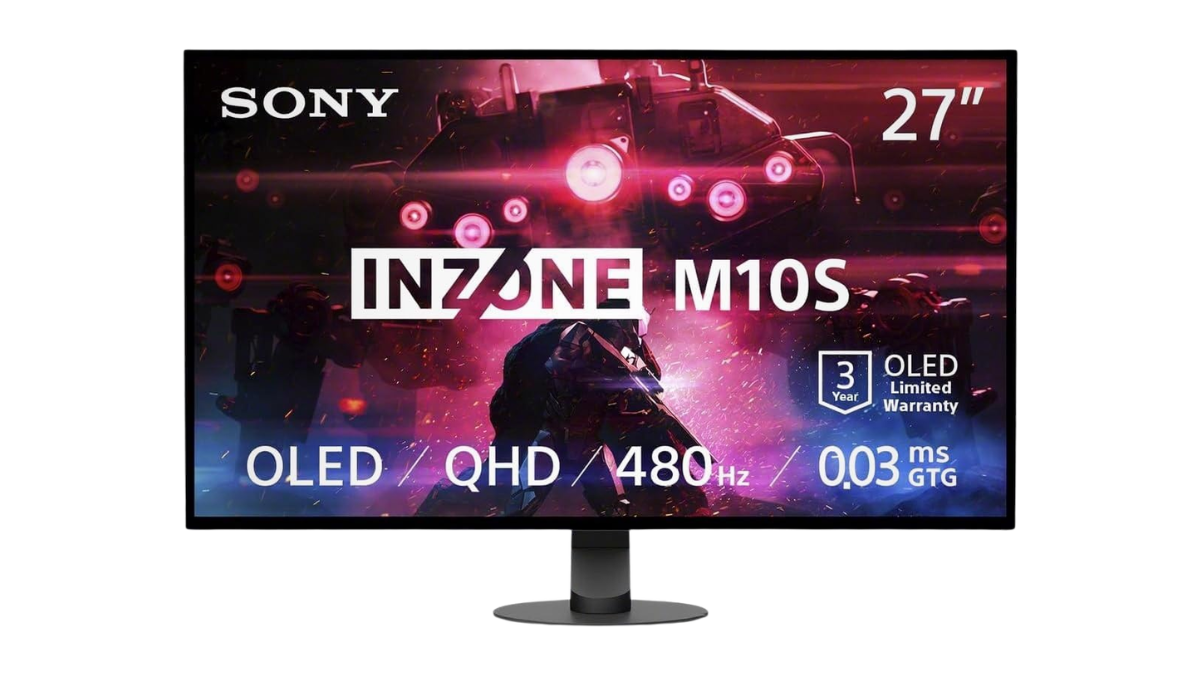
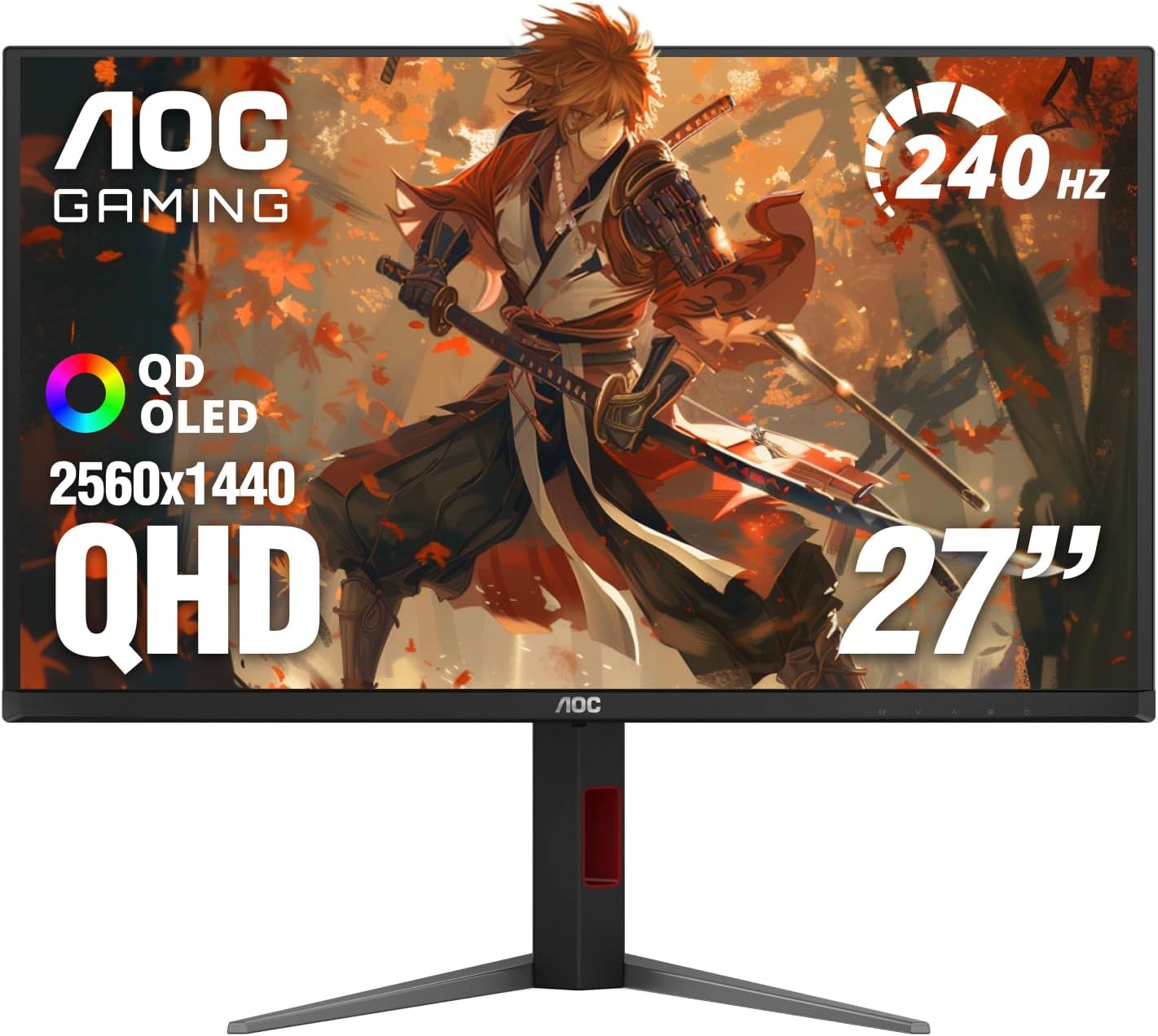




Prices and savings can change. Check the retailer for the current price.
Written by
