



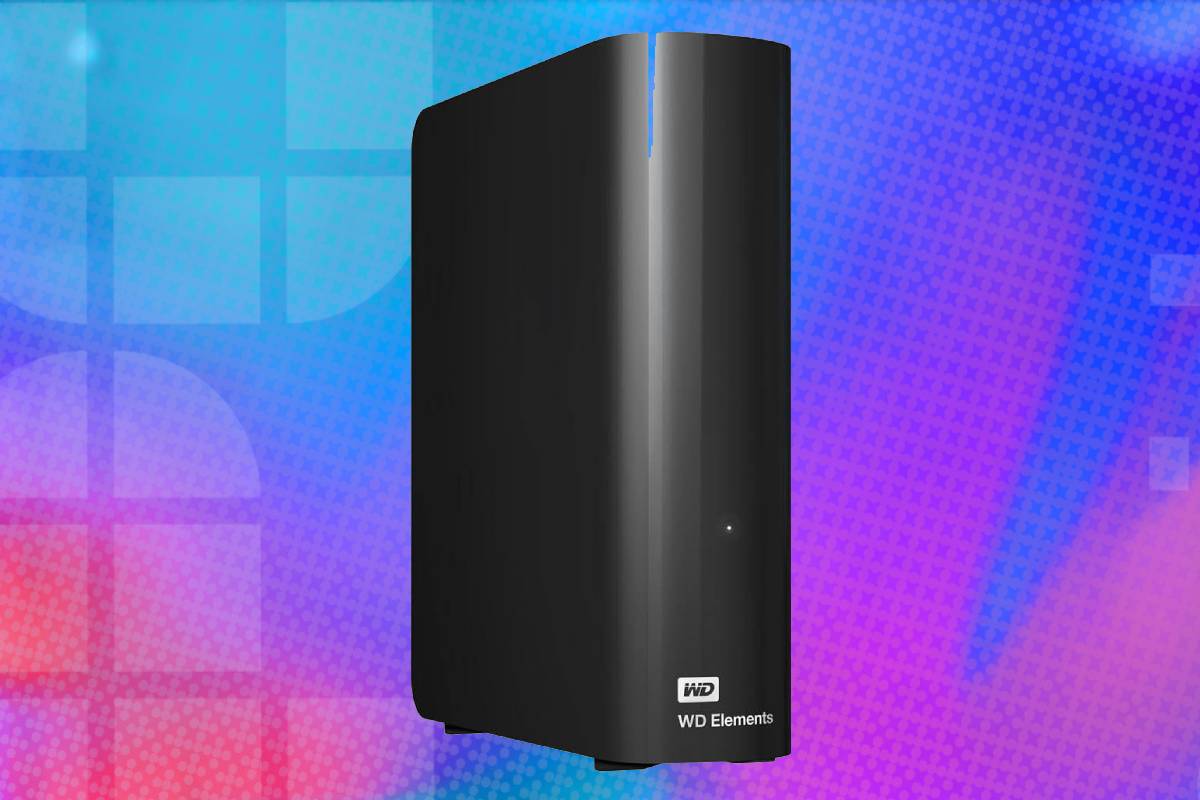
This WD Elements 20TB HDD Black Friday deal is a straightforward way to add a colossal amount of storage to a desktop computer for a relatively affordable price, without opening the case or installing internal hardware. It offers excellent capacity for backups, archived projects and extensive media collections; it should be fast enough for backups, large media transfers, document archives and direct playback of high-resolution video. As a mechanical hard drive, it cannot provide SSD-like transfer speeds or silent operation, and it’s not suitable for most modern games (whose performance will be negatively affected) however the amount of storage you get here is around 8 times what you’d get on a solid state drive for the same price. Grab it now for $549.99.
🔥 More offers: see our Black Friday SSD deals 2026 guide, updated daily, or browse all Black Friday deals.
Prices and savings can change. Check the retailer for the current price.
Western Digital supplies a SuperSpeed USB-A connection rated at 5Gbps. This describes the maximum bandwidth of the USB interface, not the performance of the hard drive inside the enclosure. Read below for more info, or see the bottom of this page for alternative Black Friday storage deals – covering both HDDs and SSDs.
Latest tech deals.
- AMD Ryzen™ 9 9900X 12-Core - was $499 now $331
- Sony INZONE M10S 27-inch - was $899 now $748
- Thermaltake LCGS View i1470S-170 - was $2,399 now $2,099
- Apple 2026 MacBook Air - was $1,999 now $1,891
- Bose QuietComfort Headphones - was $359 now $169
- LG 77-inch OLED C6 - was $2,499 now $1,999
- MSI Prestige 16 Flip - was $2,149 now $1,870
- Hisense 85-inch U6 Pro Series - was $1,999 now $997
Prices correct as of November 5th, 2026.
What we like about the WD Elements 20TB desktop external hard drive
An enormous amount of storage in one enclosure
The principal advantage is the ability to store 20TB of data through a single USB connection. That is enough room for a substantial collection of photographs, videos, games, project files and system backups. Using one large drive can be more convenient than managing several smaller external disks. It requires fewer power sockets, fewer USB ports and less manual organisation, while keeping a large archive accessible from one volume. The high capacity is particularly useful for photographers, videographers and media collectors. Large RAW libraries, high-bitrate video recordings and disc backups can consume several terabytes quickly, making smaller portable drives impractical.
Capacity alone does not protect the data. A single hardware failure could still affect the entire 20TB collection, so important files should exist on another drive, NAS or cloud service as well.
Simple plug-and-play operation on Windows
The drive is formatted for Windows and should work after connecting its USB cable and external power adapter. It does not require the computer to have a spare SATA port, drive bay or M.2 slot. That simplicity makes it suitable for users who are uncomfortable installing internal components. It can also be moved between compatible computers when necessary, although it is intended to remain on a desk rather than travel regularly.
The drive uses a separate AC adapter because a 3.5-inch hard disk requires more power than a conventional USB port can provide. It therefore cannot operate from the USB cable alone. A dedicated power supply is normal for this class of product, but it makes the WD Elements less convenient than a portable 2.5-inch hard drive. Buyers should also account for the additional wall socket and cable.
Well suited to local backups
The WD Elements is a practical target for Windows File History, third-party backup software and scheduled disk-image jobs. Its capacity allows several computers or multiple generations of files to be stored if the backup plan is configured carefully. A large external drive can also hold recovery images before a major Windows update, hardware upgrade or system migration. Restoring data locally will usually be faster than downloading several terabytes from cloud storage.
For better protection, the drive should not remain permanently attached if it contains the only backup. Malware, accidental deletion, electrical faults and ransomware can affect connected storage as well as the computer’s internal drive. A sensible approach is to use the WD Elements as one part of a 3-2-1 backup system: three copies of important data, stored on at least two kinds of media, with one copy kept elsewhere. The large capacity makes it useful in this role, but it does not create redundancy by itself.
Useful for large media libraries
Mechanical storage remains cost-effective for music, photographs and video files that do not require SSD-level access times. The WD Elements can function as a central media library for applications such as Plex, Jellyfin or Kodi when attached to a compatible computer.
Its sequential throughput should be comfortably sufficient for normal video playback, including high-resolution files. Several simultaneous streams may also be possible, although performance depends on bitrate, file organisation, the host computer and network conditions. The enclosure is direct-attached storage rather than a NAS. It has no Ethernet connection, independent operating system or built-in network-sharing features. Remote access must therefore be provided by the computer or router to which it is connected.
Users planning a permanently active multi-user media server may prefer a NAS with drives designed for continuous operation and drive-health management. The WD Elements is the simpler and usually less expensive option for a single computer.
Compact for a 20TB desktop drive
Western Digital’s current data sheet gives the enclosure dimensions as approximately 5.31 x 1.89 x 6.53 inches. It weighs about 1.98 pounds, or 0.9kg. Those measurements are much more plausible than Amazon’s stated 8.95 x 3.52 x 8-inch dimensions. The retailer data appears to contain an error or may reflect packaging rather than the drive itself. The enclosure is compact enough to sit beside a desktop computer or network device without occupying much desk space. It should be positioned where air can circulate freely rather than being enclosed in a tightly packed cupboard.
As a mechanical drive, it may produce audible spinning, clicking and vibration. The amount of noise can vary between individual units and surfaces, so placing it on a stable desk away from microphones may help.
USB 3.0 maintains broad compatibility
The supplied 5Gbps USB-A interface works with a wide range of desktop and laptop computers. It is also backward compatible with slower USB standards, although transfer performance will be reduced when connected through USB 2.0. A USB-C computer can use the drive through a suitable adapter, hub or compatible replacement cable arrangement. The package itself includes a USB-A host connection, not a native USB-C cable. Users should connect the drive directly to a reliable high-speed port for large transfers. A poorly powered hub, damaged cable or USB 2.0 port can create slower speeds or connection instability.
The interface is fast enough for the hard drive inside, so the absence of a 10Gbps USB connection is not a meaningful disadvantage. A faster USB label would not make the mechanical disk itself spin or seek more quickly.
Mac compatibility is available after reformatting
The drive arrives configured for Windows. It can be used with macOS after reformatting through Disk Utility, but that process erases the existing contents. APFS or Mac OS Extended may be appropriate when the drive will be dedicated to a Mac. ExFAT is more convenient if files need to be exchanged regularly between Windows and macOS, though the appropriate format depends on the backup software and intended use.
Anyone reformatting the drive should confirm that no required files are already stored on it. Changing the file system is destructive and should be completed before the main data transfer begins.
A two-year limited warranty
Western Digital lists a two-year limited warranty for WD Elements Desktop drives in most regions. That is adequate, though not exceptional for a high-capacity storage product. Warranty coverage protects against qualifying hardware defects but does not compensate for lost files. Data recovery, replacement storage and the value of the contents are separate concerns.
The serial number and purchase receipt should be retained, and buyers should verify the warranty status after receiving the drive. Products sold by marketplace resellers can occasionally have different regional warranty eligibility. Testing the drive before trusting it with important data is also sensible. A complete surface scan or extended diagnostic can take a long time at this capacity, but it may reveal shipping damage or an early hardware fault while the return window remains open.
The drive’s simplicity avoids unnecessary software
WD Elements focuses on basic storage rather than additional security or management features. It does not rely on a proprietary application for ordinary file access. This makes it easy to use with common backup programs and standard operating-system tools. Users are not locked into a particular file-management interface.
However, buyers wanting built-in hardware encryption, password protection or bundled backup facilities should compare the WD My Book range. The Elements model is intended to provide uncomplicated capacity rather than an extensive feature set. The lack of RAID also needs to be understood. This is a single-drive product, so there is no second internal disk capable of maintaining access after a drive failure.
Who should consider this 20TB hard drive deal?
The WD Elements 20TB is best for users who need substantial, affordable storage for backups, completed projects or media collections. It is particularly appropriate for desktop PCs, home media systems and creative workstations generating large quantities of data. Photographers and videographers can use it as an archive for older projects while keeping current work on a faster internal SSD. Households with several computers can also use it as a large backup destination, provided appropriate software and retention policies are configured.
It is suitable for users who prioritise capacity over portability and speed. The external power adapter, mechanical noise and desktop enclosure matter less when the drive remains beside one computer.
It is not the best choice for running an operating system, editing high-bitrate projects directly, loading modern games as quickly as possible or carrying data between locations every day. An external SSD is better for those jobs, although substantially more expensive at large capacities. The drive is also unsuitable as a 20TB PlayStation extended-storage device because Sony’s stated maximum is 8TB. Console owners should select a capacity that conforms to the relevant platform’s official requirements.
Most importantly, the WD Elements should not hold the only copy of important files. Its capacity makes the consequences of failure unusually large, so another local or off-site copy is essential for anything that cannot be replaced.
More Black Friday PC storage deals
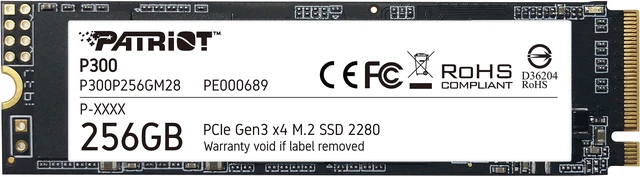


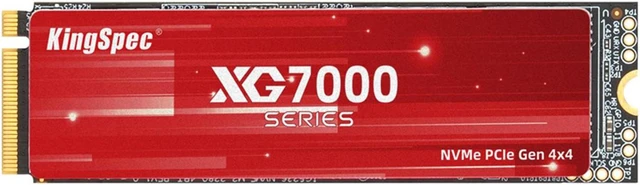
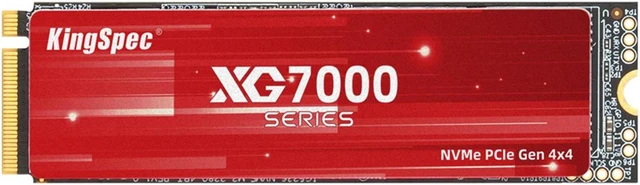
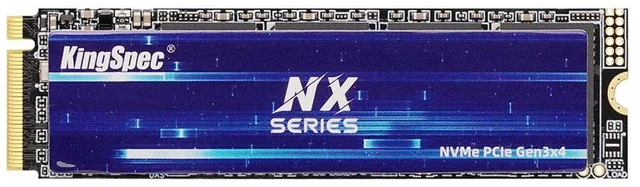




Prices and savings can change. Check the retailer for the current price.
Written by
