



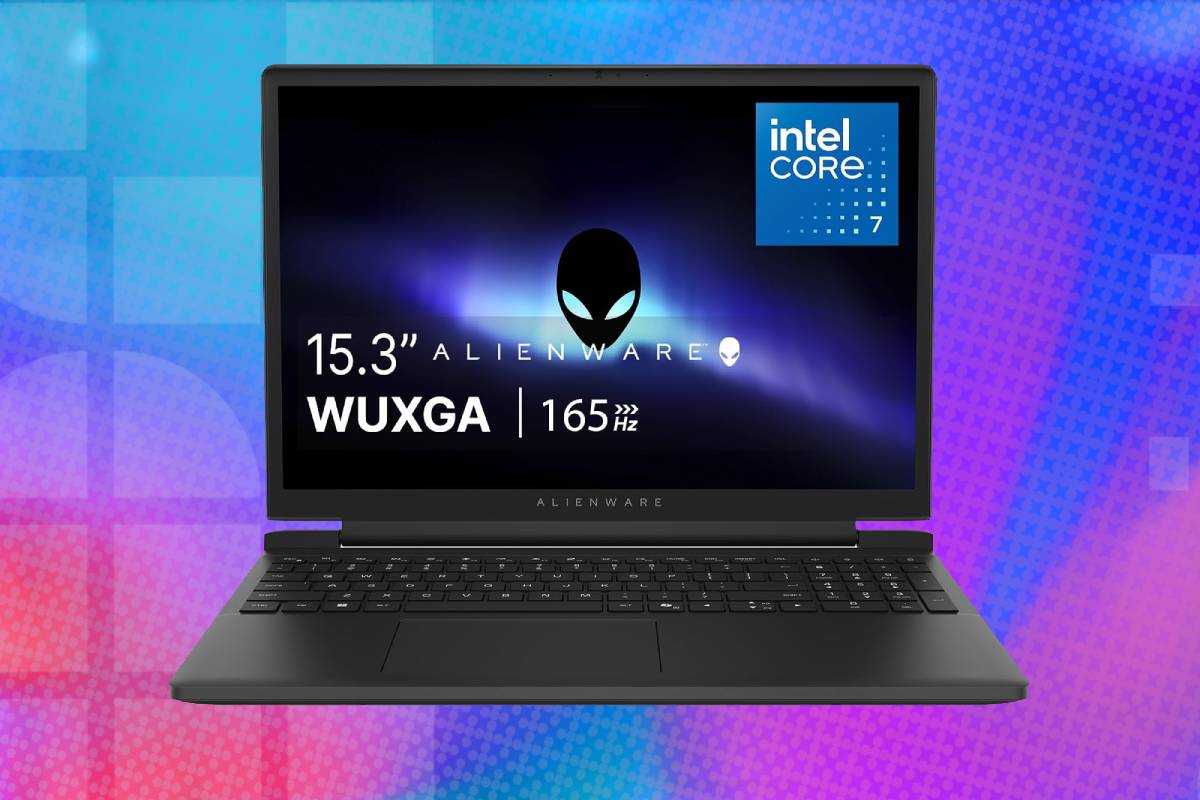
The Alienware 15 DA15260 is a capable 1080p gaming laptop that combines a strong 10-core processor with an RTX 4050 and a responsive 165Hz display. Its low-power graphics configuration means it’s not really suitable for playing the latest AAA games, however if your interest lies in running less demanding older titles, it’s a solid choice – certainly better for this purpose than something like a similarly priced MacBook Air or Microsoft Surface Laptop would be, given they have no dedicated graphics whatsoever. The 16GB or DDR5 RAM and 1TB SSD are both a solid starting spec, and you can upgrade the RAM yourself at a later date should you wish. Pick it up now for $1,099.99.
🔥 More offers: see our Black Friday laptop deals 2026 guide, updated daily, or browse all Black Friday deals.
Prices and savings can change. Check the retailer for the current price.
The laptop weighs approximately 4.9 pounds before adding its 1.15-pound power adapter. It remains transportable, though it’s not as light as a pure productivity laptop would be. Its approximately 0.9-inch chassis is slimmer than some high-performance gaming laptops however. Read below for more information on the various specifications, or see the foot of this page for alternative deals on laptops and gaming laptops.
Latest tech deals.
- AMD Ryzen™ 9 9900X 12-Core - was $499 now $331
- Sony INZONE M10S 27-inch - was $899 now $748
- Thermaltake LCGS View i1470S-170 - was $2,399 now $2,099
- Apple 2026 MacBook Air - was $1,999 now $1,891
- Bose QuietComfort Headphones - was $359 now $169
- LG 77-inch OLED C6 - was $2,499 now $1,999
- MSI Prestige 16 Flip - was $2,149 now $1,870
- Hisense 85-inch U6 Pro Series - was $1,999 now $997
Prices correct as of November 5th, 2026.
What we like about this Alienware 15 DA15260 gaming laptop
The RTX 4050 remains capable at 1920×1200 resolution
The display’s WUXGA resolution is a sensible match for the graphics processor. It is sharper and provides more vertical space than ordinary 1920 x 1080, without imposing the heavy rendering workload of a 2560 x 1600 panel. The RTX 4050 should deliver smooth performance in esports games and less demanding releases at high settings. Intensive AAA games may need a mixture of medium and high options, especially when ray tracing is enabled.
Six gigabytes of video memory is adequate for this resolution in many games, but ultra-resolution textures can exceed the available capacity in newer titles. Reducing texture quality is often the most effective response when VRAM limitations cause stuttering.
DLSS improves performance in demanding releases
DLSS Super Resolution can provide a meaningful performance increase while preserving a sharper image than simply selecting a lower output resolution. Quality mode is likely to be the most useful setting on the internal 1200p panel. Frame Generation inserts AI-generated frames between traditionally rendered frames. It can make single-player games appear smoother, but it does not replace the responsiveness of a high native frame rate.
NVIDIA Reflex reduces latency in compatible games and is particularly useful when Frame Generation is active. Together, these features help the relatively modest 70W RTX 4050 remain useful in demanding releases.
The Core 7 240H is a good gaming companion
The processor’s six Performance-cores handle foreground work, while four Efficient-cores provide capacity for background applications. This hybrid design lets the laptop accommodate a game, voice chat, browser tabs and launchers without placing everything on the same cores. Its 16 threads also make it suitable for code compilation, photo processing and occasional video exports. It is not a workstation-class processor, but it is unlikely to be the main performance limitation in most games at high settings.
The processor can consume up to 115W during short turbo workloads, although sustained behavior depends on Dell’s power limits and cooling. Alienware’s Cryo-tech design uses dedicated fans, heat pipes and carefully directed airflow to maintain performance under load.
The 165Hz panel provides smooth motion
A 165Hz refresh rate makes games, scrolling and interface animation appear substantially smoother than they do on a conventional 60Hz display. Competitive titles should benefit most because they can often reach the necessary frame rates. The 16:10 aspect ratio provides additional vertical workspace. It is helpful for documents, web browsing and productivity applications while retaining a familiar widescreen shape for games. The 1920 x 1200 resolution is also appropriate for the screen’s 15.3-inch size. It provides reasonable sharpness without requiring aggressive Windows scaling.
Memory can be upgraded
The laptop contains two DDR5 SO-DIMM positions and supports user-replaceable memory. Dell officially offers configurations with as much as 32GB. This Amazon version reportedly includes one 16GB module rather than two 8GB modules. That leaves the second slot available, making a 32GB dual-channel configuration relatively straightforward. Adding a matching module can improve more than multitasking capacity. Dual-channel memory increases bandwidth available to the processor and may improve game performance, frame-rate consistency and some creative workloads.
Buyers should check the installed module before ordering an upgrade. Matching capacity, speed and electrical specifications reduces the chance of compatibility problems, although the modules do not necessarily need identical branding.
One terabyte is a useful starting capacity
A 1TB PCIe 4.0 SSD provides room for a reasonable game library alongside Windows and ordinary applications. It should also produce quick startup and short loading times. Dell’s documentation indicates that the laptop has one primary M.2 storage position. This means expanding internal storage may require replacing the original drive rather than adding a second full-size SSD.
Users with large libraries may find an external USB SSD more convenient than cloning the existing drive. The USB-C ports provide sufficient bandwidth for ordinary external game storage, although neither is identified as Thunderbolt.
Stealth Mode is useful outside gaming
A dedicated Stealth Mode reduces fan activity and changes the system’s behavior for quieter environments. This is useful in classrooms, libraries, meetings and shared offices where maximum gaming performance is unnecessary. Reduced noise normally comes with lower power limits and therefore lower performance. Users should return to a performance-focused profile before launching a demanding game.
Alienware Command Center provides access to thermal modes, performance monitoring, game profiles and lighting settings. It centralizes the laptop’s main gaming controls without requiring several separate utilities.
The port selection is solid
The Alienware 15 provides two USB-A 5Gbps ports and two USB-C connections. One USB-C port supports 10Gbps data, DisplayPort 1.4a and USB Power Delivery, while the second provides 5Gbps USB connectivity. HDMI 2.1 connects directly to the dedicated GPU, allowing an external gaming monitor or television to bypass the integrated graphics path. The laptop also includes Gigabit Ethernet and a combined headphone and microphone connection.
USB-C charging is supported at up to 100W through the relevant port. This can be convenient for light work and travel, but the supplied 130W adapter remains preferable for gaming because a lower-powered USB-C charger may not sustain full CPU and GPU performance. Wi-Fi 6 and Bluetooth provide ordinary wireless connectivity. The MediaTek MT7920 adapter is not the newest Wi-Fi 7 hardware, but Wi-Fi 6 remains fast enough for typical home broadband and online gaming.
Onsite service is more useful than mail-in-only support
The Amazon listing includes one year of basic onsite service after remote diagnosis. If Dell cannot resolve an eligible hardware problem remotely, service can be arranged at the user’s location. Warranty wording can vary between configurations and retailers, so the service tag should be registered and checked after delivery. The buyer should retain the invoice in case proof of purchase is required.
The included one-year McAfee subscription provides antivirus and identity-protection features. Windows already includes Microsoft Defender, so users who do not want the additional software should check its renewal terms and uninstall it before any paid renewal begins.
Who should go for this Alienware laptop deal?
The Alienware 15 DA15260 is best suited to someone who wants a recognizable gaming brand and solid 1200p performance without paying for a high-end GPU. It should handle esports titles smoothly and run modern single-player games with sensible settings. It is a reasonable student gaming laptop because the 16:10 display, strong processor and full-size keyboard also support coursework. Stealth Mode can make it less disruptive during classes or library use. The laptop also suits buyers who are comfortable performing a straightforward memory upgrade. Adding a second 16GB module would correct its most obvious performance imbalance and provide enough capacity for gaming, streaming and creative applications.
It is less suitable for photographers, designers and video editors who depend on accurate color. Its 62.5% sRGB display is the configuration’s largest weakness, and an external color-accurate monitor would be necessary for serious visual work. It is not ideal for buyers seeking long battery life or highly portable everyday computing. The 54Wh battery, dedicated GPU and six-pound combined travel weight with the adapter favor plugged-in use.
More Black Friday laptop and gaming laptop deals


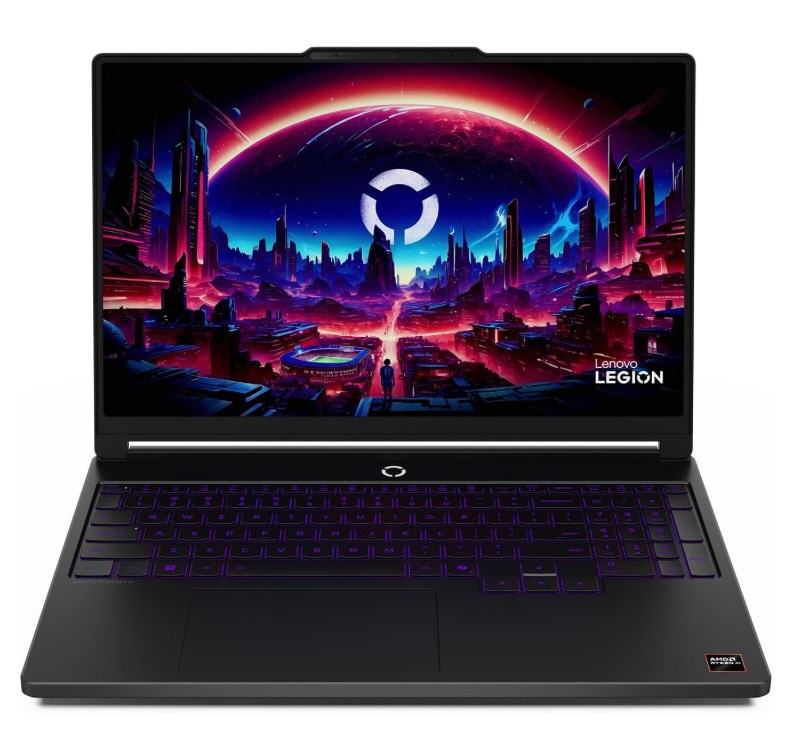

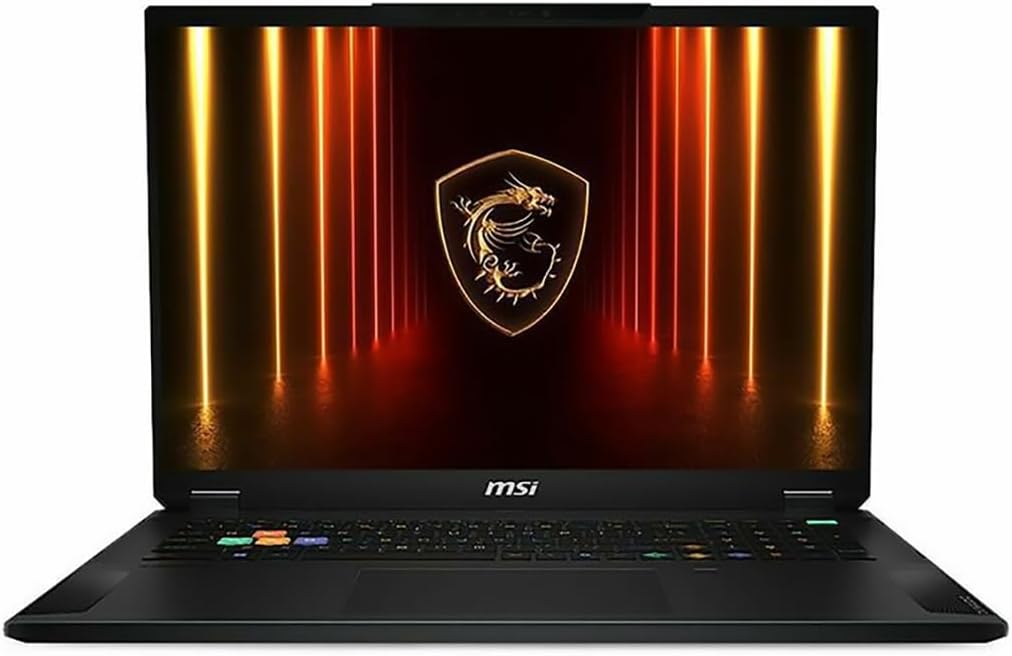

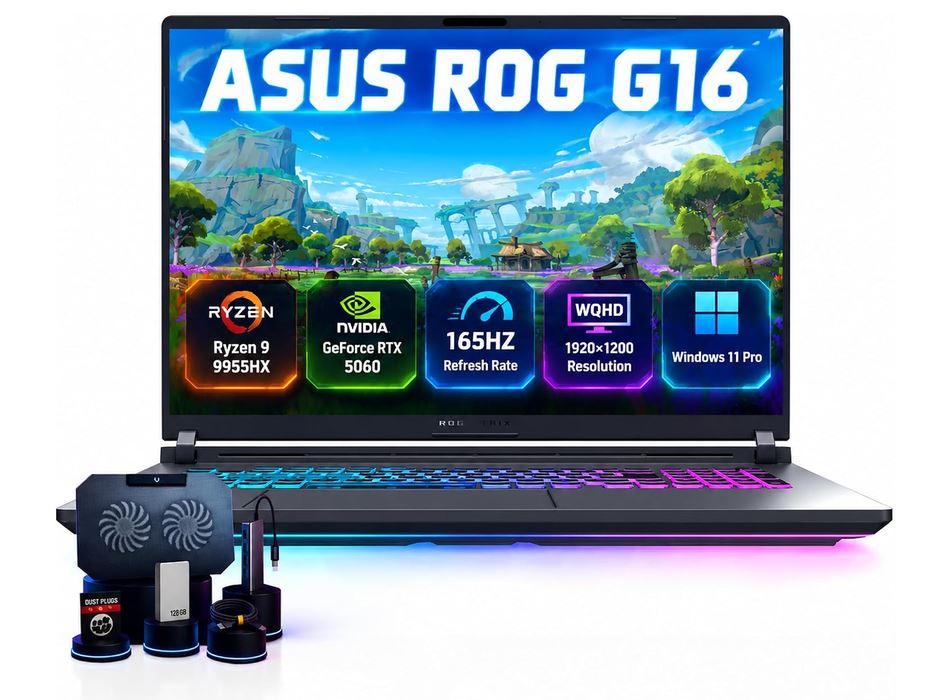


Prices and savings can change. Check the retailer for the current price.
Written by
