

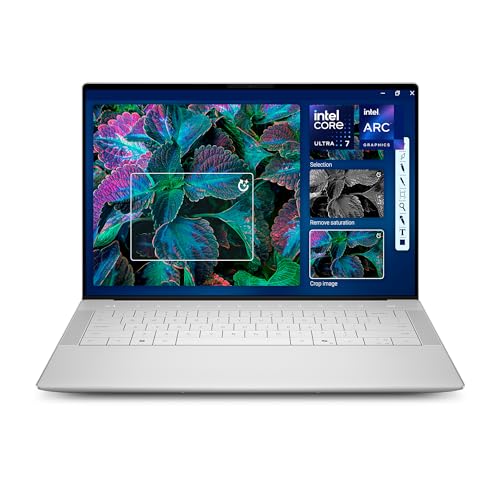
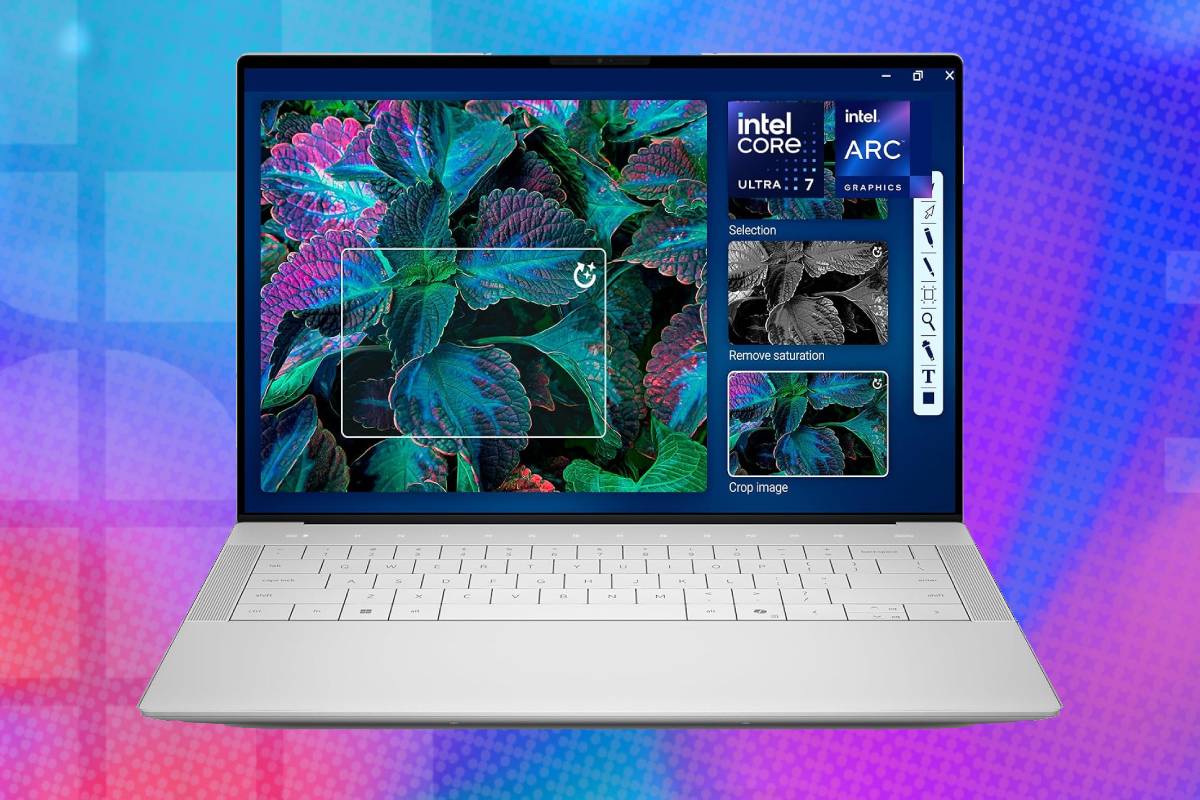
If you’re looking for a high quality, aesthetically pleasing Windows laptop in the Black Friday sales, look no further. The Dell 14 Premium DA14250 combines strong Intel Core Ultra 7 255H performance, a superb 120Hz OLED touchscreen and premium aluminium construction in a compact professional laptop. Its 32GB of memory, 1TB SSD and three Thunderbolt 4 ports make it a capable productivity and creative system, although integrated graphics limit heavier 3D work and gaming. It’s a very slick looking and light 14-inch laptop, and a strong Windows alternative to a 14-inch MacBook Pro. Grab it now for a saving of just over $500 while this offer is still live!
🔥 More offers: see our Black Friday laptop deals 2026 guide, updated daily, or browse all Black Friday deals.
Prices and savings can change. Check the retailer for the current price.
The 3.2K OLED panel is one of the laptop’s strongest features. Its high resolution, wide colour gamut, true blacks and adaptive 48–120Hz refresh range produce an excellent visual experience for media, design and everyday work. Read on for more details on the various specifications of this gret laptop, or see the foot of this page for alternative Black Friday laptop deals.
Black Friday is finally here. Below, you'll find some of the biggest and best deals from this year's most exciting sales event!
- Samsung 49" Odyssey - was $1,279 now $854
- HP HyperX OMEN 16 OLED - was $3,199 now $2,399
- Alienware 32 4K OLED Gaming Monitor - was $699 now $599
- Samsung 75-Inch Class Neo - was $1,197 now $997
- CyberPowerPC RTX 5060 Ti gaming PC - was $1,629 now $1,299
- LG 77-inch OLED C6 - was $2,499 now $1,999
- MSI Prestige 16 Flip - was $2,149 now $1,799
- Hisense 85-inch U6 Pro Series - was $1,999 now $947
Prices correct as of November 25th, 2026.
What we like about this Dell 14 XPS 14 laptop
The Intel Core Ultra 7 255H delivers strong mobile performance
Intel’s Core Ultra 7 255H uses the Arrow Lake-H architecture and includes 24MB of cache. Its combination of performance and efficiency cores allows the laptop to respond quickly to interactive tasks while distributing background and parallel work across additional cores. The processor is particularly effective in office multitasking, development work and content-creation applications. It can also handle large spreadsheets, data analysis and many business workloads without requiring a desktop system.
Its sustained performance comes with greater power consumption than Intel’s Core Ultra V-series processors. The laptop is therefore better understood as a compact performance machine than an ultra-efficient travel notebook. Cooling fans can become audible during rendering, compilation and other continuous workloads. The machined-aluminium chassis may also feel warm around the keyboard or underside when the processor is heavily loaded.
The 3.2K OLED touchscreen is excellent
The 14.5-inch OLED display has a native resolution of 3200 by 2000. Its 16:10 aspect ratio provides useful vertical space for documents, web pages, timelines and development environments. OLED technology allows every pixel to produce its own light. Black areas can therefore switch off completely, generating much stronger contrast than a conventional IPS panel.
Dell specifies 100% coverage of the DCI-P3 colour gamut and a 1,000,000:1 contrast ratio. This makes the screen attractive for photography, design and video, although professional colour work still benefits from calibration. The panel carries a VESA DisplayHDR 500 rating and supports Dolby Vision. Its 400-nit typical brightness is sufficient for most indoor environments, but the reflective touchscreen can be harder to view under direct lighting.
Amazon describes the panel finish as matte. Dell more accurately calls it anti-reflective and anti-smudge; it remains a glass-covered OLED touchscreen and can show more reflections than the non-touch LCD option.
Variable refresh improves both motion and efficiency
The display can vary between 48Hz and 120Hz. It raises the refresh rate for scrolling and moving content, then lowers it when the screen is comparatively static. This makes Windows animations and touch interaction appear smoother while avoiding the constant power cost of operating at 120Hz. The system can also use lower fixed settings when maximum battery life is more important. The 48Hz minimum is not as flexible as display technologies capable of dropping to a single-digit refresh rate. OLED brightness and high pixel density also remain significant contributors to power consumption.
Touch support adds useful flexibility
The touchscreen can be used for navigation, document review and direct interaction with creative applications. It is particularly convenient when scrolling through long pages or working in confined spaces where the touchpad is less comfortable.
This is still a conventional clamshell laptop rather than a convertible. The display does not fold behind the keyboard to create a tablet, despite Amazon describing the form factor as “Convertible.” Touch input should therefore be treated as an additional control option rather than the foundation of a two-in-one design. Users who need stylus-first tablet operation should consider a dedicated convertible.
Thirty-two gigabytes of memory supports serious multitasking
This configuration includes 32GB of dual-channel LPDDR5x memory operating at 6400MT/s according to Dell’s matching configuration information. That capacity is appropriate for professional multitasking, development, large documents and moderate creative work. The memory is soldered and cannot be replaced or expanded. Amazon’s stated maximum of 64GB refers to other factory configurations rather than an upgrade that can be performed after purchase. The integrated Arc GPU shares this memory with Windows and applications. Heavy graphics use therefore reduces the amount available as conventional system memory.
The 1TB SSD is a sensible starting capacity
A 1TB M.2 PCIe NVMe SSD provides fast startup, application loading and file access. It offers enough space for productivity software, creative projects and a moderate local media collection. Usable capacity is lower after accounting for Windows, recovery partitions and preinstalled software. Video editors and photographers may still need external storage for archives.
Unlike the soldered memory, the M.2 SSD is serviceable. Replacing it requires opening the chassis, following Dell’s maintenance procedure and transferring or reinstalling Windows. Owners should consider warranty implications and retain the original drive if performing an upgrade. Regular backups remain essential regardless of whether the SSD is replaceable.
Intel Arc 140T handles light creative and gaming work
The Core Ultra 7 255H includes Intel Arc 140T integrated graphics. It is faster than older Intel integrated solutions and supports modern media acceleration, including useful encode and decode capabilities. It can run less demanding games at sensible resolutions and settings. The native 3200-by-2000 resolution is far too demanding for most modern games on integrated graphics, so rendering at 1920 by 1200 or lower is more realistic.
Photo editing and lighter video workflows should run well when applications support Intel’s acceleration features. Complex 3D rendering, advanced effects and demanding AI tasks will benefit substantially from a discrete GPU.
Quality machined-aluminium construction
Dell uses machined aluminium for the chassis and Gorilla Glass 3 across the palm-rest area. The result is rigid, visually clean and distinctly premium.
At approximately 3.79 pounds, the OLED version is relatively heavy for a 14-inch-class laptop. It remains portable, but it is not a direct substitute for an ultralight model. The computer measures 12.6 inches wide, 8.5 inches deep and 0.71 inches thick. Those dimensions are compact enough for routine travel while leaving sufficient internal space for a higher-performance processor.
Three Thunderbolt 4 ports offer fast expansion
Dell provides three Thunderbolt 4 ports, each supporting up to 40Gbps transfers, DisplayPort output and USB-C Power Delivery. This is one more Thunderbolt connection than Amazon’s table reports. The ports can connect docks, external displays, fast storage, network adapters and other professional equipment. Their flexibility partly offsets the laptop’s lack of conventional connectors.
There is no built-in USB-A or HDMI port. Owners of older peripherals or displays will need adapters or a dock. A combined headset socket and a microSD card reader are also included. The card reader supports UHS-I and UHS-II media but is less convenient than a full-size SD slot for many cameras.
Wi-Fi 7 and Bluetooth 5.4 provide modern wireless support
The Intel Killer Wi-Fi 7 adapter supports modern wireless networking with a compatible router. Wi-Fi 7 can improve throughput and latency, although real performance depends on local network conditions and internet service. Bluetooth 5.4 covers mice, keyboards, headphones and other accessories. Audio codec support depends on Windows, drivers and the connected device.
The webcam supports convenient biometric sign-in
The 1080p camera records at up to 30 frames per second and includes infrared capability for Windows Hello. Express Sign-In can use presence detection to help wake or secure the system. Dual microphones and Intel collaboration features support video calls. Image quality is adequate for meetings, though it remains behind a good external camera in difficult lighting.
The quad-speaker system is unusually capable
Dell installs two main speakers and two tweeters with a combined rated output of 8W. Waves MaxxAudio Pro, Waves Nx and Dolby Atmos processing support the system. Speech is clear and music has more presence than on many thin laptops. The wider frequency range also improves films and games when headphones are not convenient. Built-in speakers cannot reproduce deep bass or the stereo separation of a good external system. Audio professionals should still use appropriate monitors or headphones.
Who should consider this Dell XPS 14 deal?
This premium Dell laptop is best for professionals, students and creators who want strong CPU performance and an excellent OLED touchscreen in a compact Windows laptop. Its 32GB memory and 1TB SSD provide a useful specification for development, design, office multitasking and moderate media work. It is particularly attractive to users who value display quality. The 3.2K resolution, 120Hz refresh rate, wide colour gamut and OLED contrast are substantial advantages for photography, video viewing and visual design.
The integrated Arc configuration is better suited to portability and general creative work than intensive 3D production. Buyers who need GPU rendering, advanced effects, local AI acceleration or demanding gaming should look for the RTX 4050 version or a more powerful workstation.
Frequent travellers should consider its 3.79-pound weight and middling battery endurance. A lower-power laptop may be a better choice when maximum unplugged runtime matters more than sustained CPU performance. The capacitive function row and borderless touchpad deserve particular attention. They create a distinctive minimalist design but may hinder users who depend on tactile keyboard shortcuts or clearly defined controls.
For buyers comfortable with those compromises, the DA14250 is a fast, well-built and visually impressive premium laptop. Its value is strongest when discounted below its substantial list price.
Alternative Black Friday laptop deals

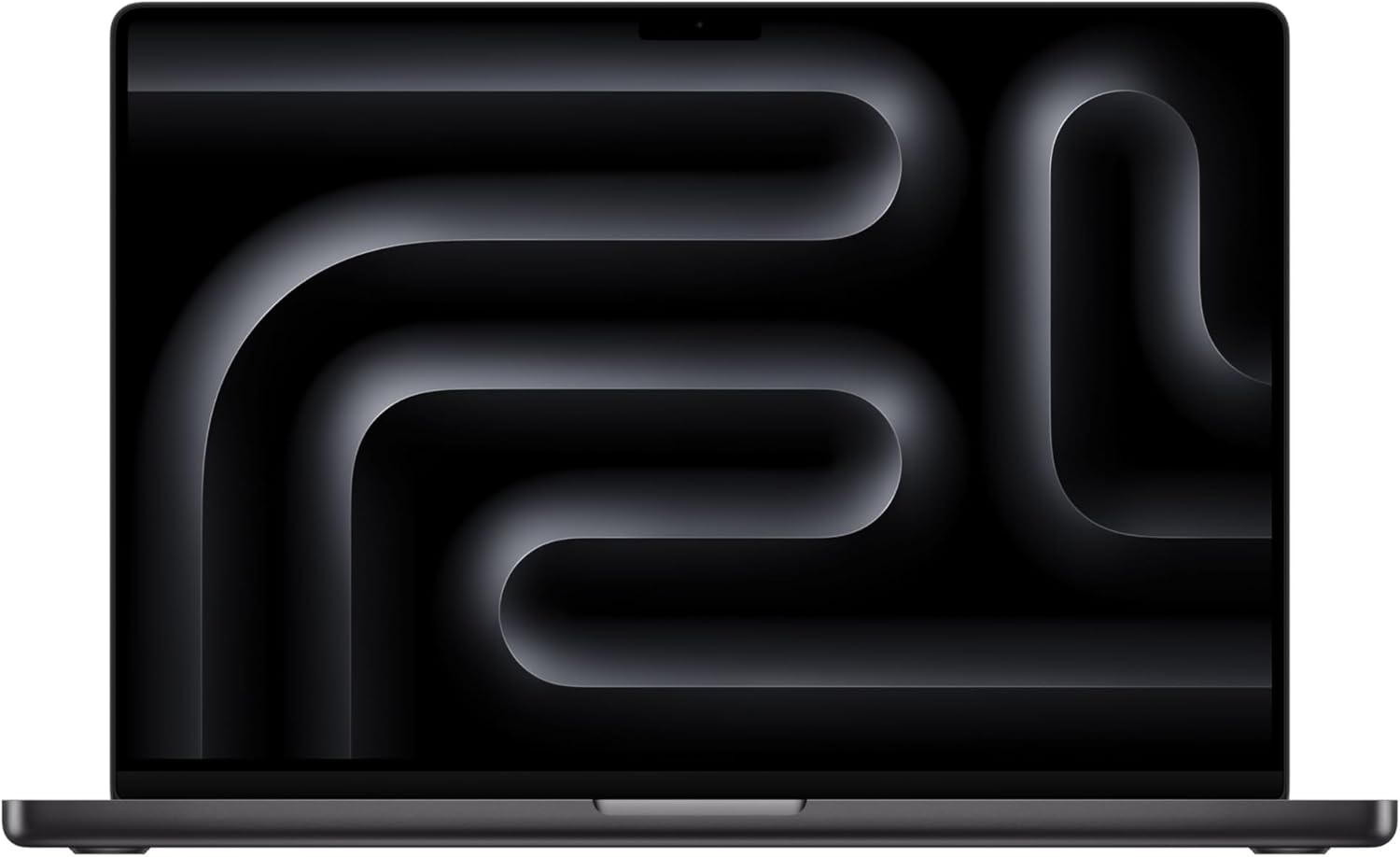


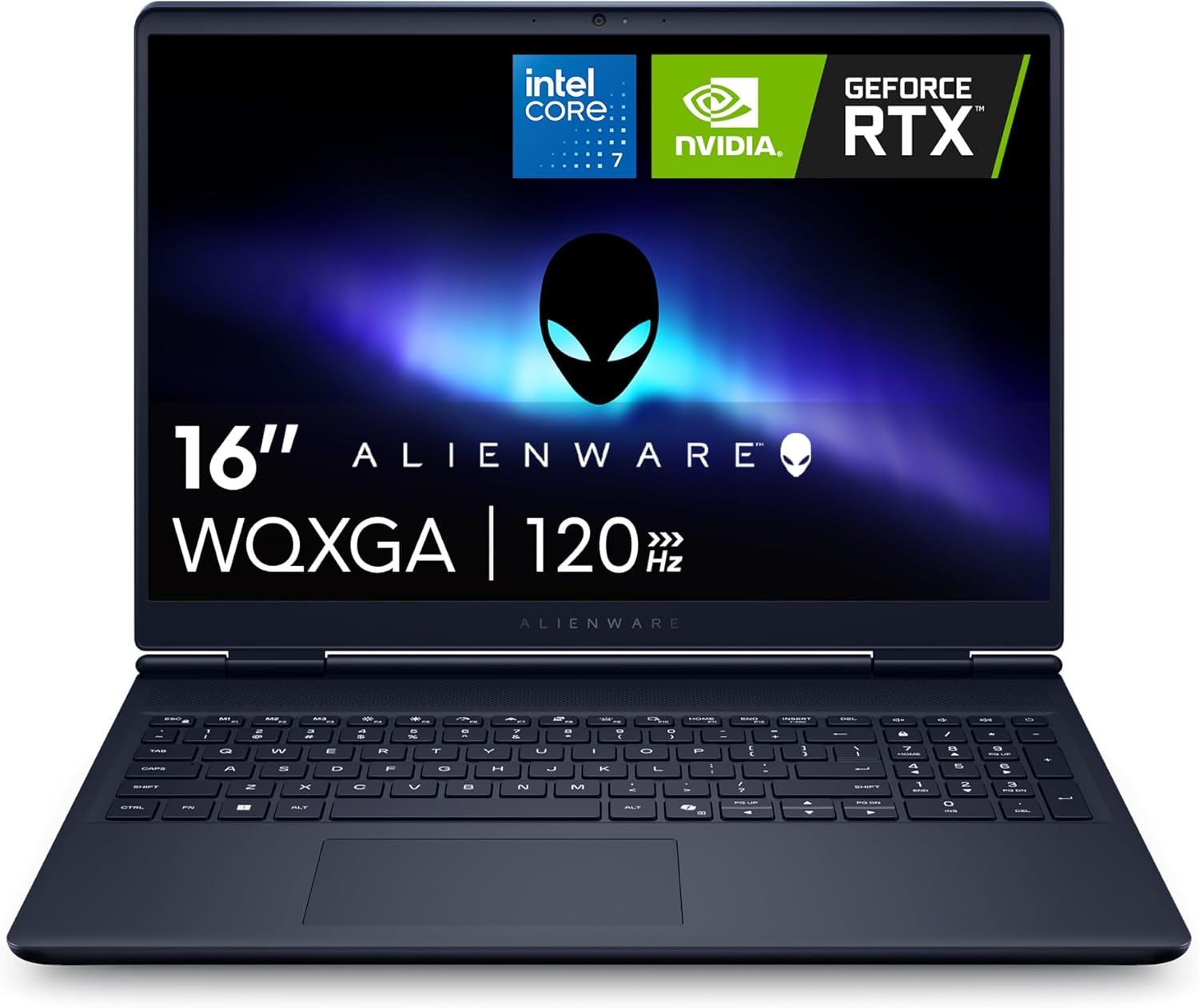






Prices and savings can change. Check the retailer for the current price.
Written by
