


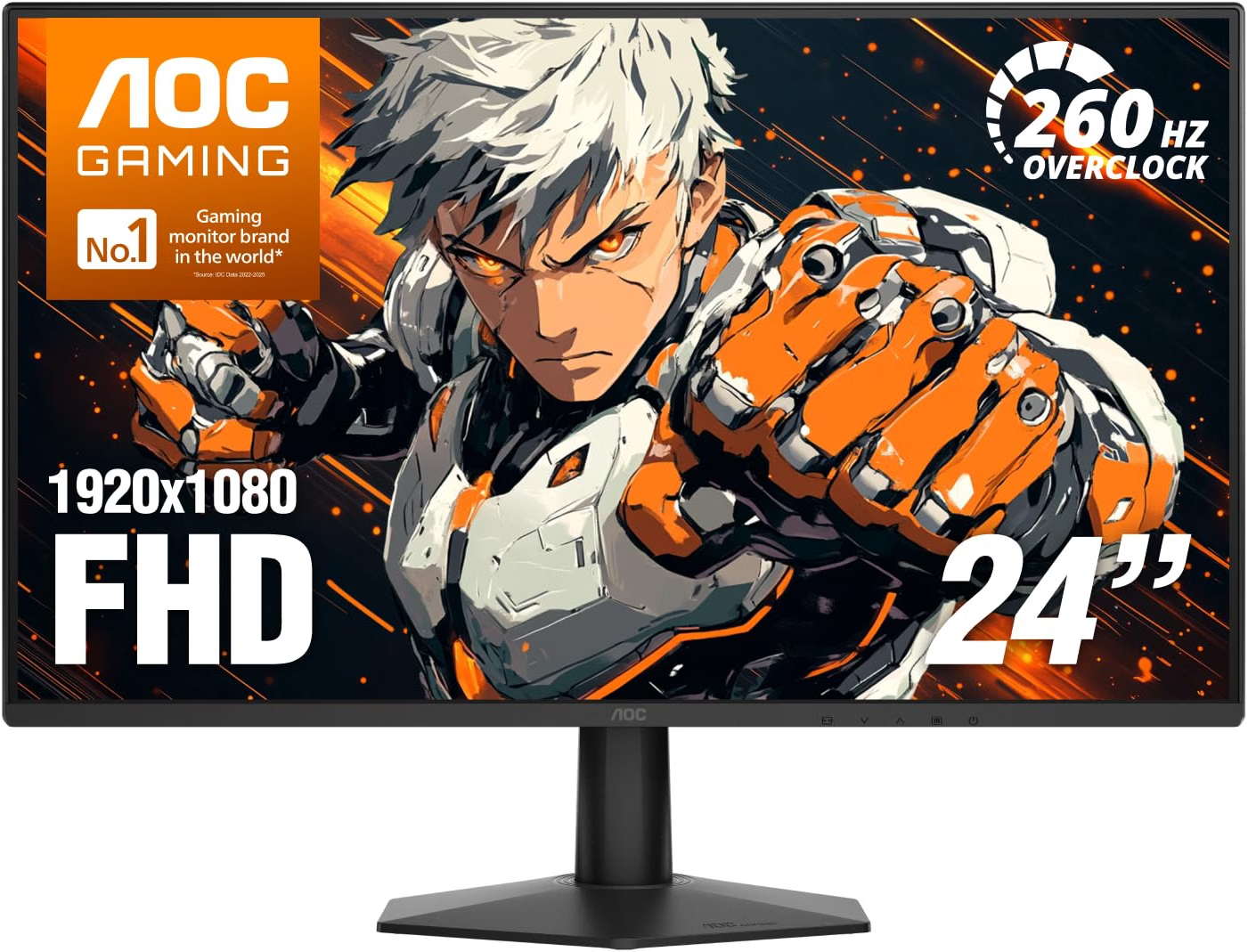
If you’re looking for a highly cost-effective monitor for 1080p gaming, the AOC 24G51ZE comes with a 260Hz refresh rate and low input latency over resolution, stand ergonomics and genuine HDR performance. Its 23.8-inch Fast IPS panel is a sensible size for 1920×1080, while Adaptive-Sync and G-SYNC Compatible operation help keep movement smooth when frame rates fluctuate. It is a strong budget choice for esports players with a sufficiently fast PC. Grab it now for just $93 this Black Friday!
🔥 More offers: see our Black Friday monitor deals 2026 guide, updated daily, or browse all Black Friday deals.
Prices and savings can change. Check the retailer for the current price.
Read below for more information on the various specifications on this gaming monitor, or take a gander at the bottom of this page for more gaming monitor deals.
Latest tech deals.
- AMD Ryzen™ 9 9900X 12-Core - was $499 now $331
- Sony INZONE M10S 27-inch - was $899 now $748
- Thermaltake LCGS View i1470S-170 - was $2,399 now $2,099
- Apple 2026 MacBook Air - was $1,999 now $1,891
- Bose QuietComfort Headphones - was $359 now $169
- LG 77-inch OLED C6 - was $2,499 now $1,999
- MSI Prestige 16 Flip - was $2,149 now $1,870
- Hisense 85-inch U6 Pro Series - was $1,999 now $997
Prices correct as of November 5th, 2026.
What we like about the AOC 24G51ZE 24-Inch Full HD 260Hz Gaming Monitor
Very smooth 260Hz motion
The primary attraction is the 260Hz maximum refresh rate. At sufficiently high game frame rates, mouse movement, camera pans and enemy motion appear more continuous than on a lower-refresh display. The difference from 60Hz is dramatic, while the improvement over 144Hz is smaller but still useful to competitive players. Moving from 240Hz to 260Hz is a relatively minor change, however, so owners of an existing good-quality 240Hz monitor should not expect a transformative upgrade.
The 260Hz setting is described as an overclocked mode. It may need to be enabled through the monitor’s menu before it appears in Windows or the graphics driver. If stability problems, flickering or signal dropouts occur, returning to the native operating mode may be preferable.
DisplayPort 1.4 and HDMI 2.0 provide enough bandwidth for 1920 x 1080 at very high refresh rates. A suitable cable and correctly configured graphics driver are required, and users should confirm that Windows has actually selected 260Hz rather than defaulting to 60Hz.
A suitable size for Full HD
At 23.8 inches, 1920 x 1080 produces approximately 92 pixels per inch. That is not exceptionally sharp, but it is much more acceptable than stretching the same resolution across a 27- or 32-inch panel. The modest resolution also reduces the workload on the graphics card. A midrange GPU can reach high competitive frame rates more easily at 1080p than at 1440p or 4K.
The compact panel keeps the entire game view within the player’s central field of vision. This is one reason 24- and 25-inch displays remain common in competitive shooters, where tracking peripheral information without large head movements can be useful.
Text and fine interface elements are less detailed than on a 1440p monitor. Users who divide their time between gaming, document work and creative applications may prefer the greater workspace and clarity of a 27-inch QHD model.
Fast IPS panel technology
The Fast IPS panel provides broad 178-degree viewing-angle specifications and more consistent colour than a typical low-cost TN display. Image quality should remain relatively stable when the user moves slightly off-centre.
IPS technology also avoids the dark-level smearing commonly associated with slower VA panels. This helps preserve moving detail in dark game scenes, although exact transition performance cannot be established without laboratory testing of the finished monitor.
Third-party specification databases list approximately 100% sRGB coverage. That would be sufficient for gaming, web content and ordinary home use, but the monitor is not promoted as a factory-calibrated professional display.
Panel uniformity, white balance and colour accuracy can vary among individual units. AOC provides adjustment controls, but buyers requiring dependable colour for paid creative work should choose a monitor with verified calibration and independent measurements.
Adaptive-Sync and G-SYNC Compatible support
Adaptive-Sync allows the monitor’s refresh cycle to follow the GPU’s output. This reduces tearing without imposing the same latency behaviour as traditional V-Sync. NVIDIA lists the related AOC 24G51Z platform as G-SYNC Compatible over DisplayPort across a 48–260Hz range. The US listing identifies the 24G51ZE as G-SYNC Compatible, although regional suffixes and firmware can differ.
AMD graphics cards should also be able to use the underlying Adaptive-Sync implementation. The monitor does not contain a dedicated NVIDIA G-SYNC hardware module.
Variable refresh works only inside the supported range. When frame rate falls below the minimum, low-framerate compensation may repeat frames to keep synchronisation active, subject to the graphics driver and monitor implementation. The combination of high refresh and variable refresh is more useful than either feature in isolation. A game does not need to remain locked at precisely 260fps to produce a smooth result.
Motion-blur-reduction mode
The 0.3ms MPRT claim refers to a mode that reduces perceived persistence blur, generally by strobing or rapidly modulating the backlight. Shorter visible frame illumination can make moving objects appear sharper to the eye.
This type of mode usually lowers brightness and may introduce visible flicker. It also commonly conflicts with variable refresh operation, requiring the user to choose between backlight strobing and Adaptive-Sync.
The mode is most useful when a game maintains a stable high frame rate. At inconsistent frame rates, strobing can make duplicate images or judder more noticeable.
The 0.3ms number should not be treated as the time required for every pixel transition. Actual GtG behaviour varies by colour transition and overdrive setting, and the fastest overdrive can introduce bright or dark inverse trails.
Useful connectivity for a simple gaming setup
The monitor provides one DisplayPort 1.4 input, one HDMI 2.0 input and a 3.5mm earphone output. This is enough to connect a gaming PC and one console or secondary computer.
There is no USB-C input, USB hub or KVM switch. Those omissions are unsurprising for a budget esports model but reduce its usefulness as a laptop docking display.
The earphone output passes sound received over HDMI or DisplayPort to headphones or external speakers. The monitor does not appear to include built-in speakers, so the audio jack should not be mistaken for an integrated sound system.
Amazon’s “number of component outputs” field is incorrect terminology. DisplayPort is not an analogue component-video output, and the monitor should be understood as having digital HDMI and DisplayPort inputs plus an analogue headphone output.
Suitable for current consoles at 1080p
A PlayStation 5 or Xbox Series console can use the monitor at 1080p and up to 120Hz in supported games. Consoles cannot take advantage of the full 260Hz PC refresh rate. HDMI 2.0 is sufficient for 1080p at 120Hz, but this is not an HDMI 2.1 4K monitor. Its “console ready” description means basic compatibility rather than access to every modern console display feature.
Variable-refresh compatibility on a console depends on the console, HDMI implementation and monitor firmware. Buyers purchasing specifically for console VRR should verify the supported modes rather than relying only on the general Adaptive-Sync label. For console-focused use, a 1440p or 4K display may provide a more detailed image. The AOC makes the most sense when PC esports is the main priority and console use is secondary.
Flicker-Free operation during normal use
AOC includes Flicker-Free backlight operation for ordinary display modes. This is intended to reduce visible brightness modulation and can improve comfort for users sensitive to conventional low-frequency PWM dimming. That does not apply in the same way when a motion-blur-reduction strobe is active, because deliberate backlight pulsing is central to MPRT operation.
Low-blue-light settings can alter the colour temperature for evening use. They may make the image appear warmer and are not suitable when accurate colour is required. No monitor can guarantee freedom from eye fatigue. Brightness, ambient lighting, viewing distance, posture and regular breaks remain important during extended sessions.
A compact and mountable design
The supplied stand permits tilt adjustment but does not provide height, swivel or pivot controls. Amazon quotes a range of approximately -3 to 21 degrees, while manual material for this platform indicates a similar roughly -5 to 20-degree range.
Limited adjustment is one of the main ergonomic compromises. The user may need a monitor riser to position the upper edge at a comfortable height.
A 100 x 100mm VESA pattern allows the monitor to attach to a compatible arm or wall mount. A basic monitor arm would add height, depth, rotation and swivel adjustment while freeing desk space.
The Kensington security slot is useful in shared environments. The stand itself is intended for a simple fixed desk setup rather than frequent repositioning.
Low power requirements
The user manual lists approximately 18W consumption under default brightness and contrast, with a maximum of no more than 38W under its specified test conditions. Standby consumption is listed at 0.3W or less. The monitor uses an external 19V power supply. This helps keep the display housing thin but adds a power brick to cable management. Power consumption varies with brightness, refresh settings and content. Even at maximum output, it remains relatively modest compared with a larger HDR or Mini-LED gaming display.
A three-year warranty
AOC supplies a three-year manufacturer warranty according to the US listing. That is reassuring for a budget monitor, where panel failures or electronic faults can outweigh the cost advantage if they occur outside a short coverage period.
Warranty terms for dead pixels, accidental damage and advance replacement may differ. Buyers should read the applicable US warranty rather than assuming every panel imperfection qualifies for replacement.
Who should buy this 260Hz gaming monitor
The AOC 24G51ZE is designed for competitive PC players who want the smoothest motion available at a low price. It is particularly appropriate for Counter-Strike 2, Valorant, Fortnite, Overwatch 2 and similar games that can run above 200fps on mainstream hardware. Its 1080p resolution also makes sense for buyers using a modest graphics card. Achieving high frame rates is considerably easier than on a 1440p monitor, and the 23.8-inch size keeps pixel density acceptable.
It is a useful secondary monitor for someone who wants a dedicated esports display alongside a larger 1440p or 4K screen. The compact body and VESA mounting support make this kind of dual-monitor arrangement practical. It is less suitable for cinematic single-player games, HDR films or colour-critical creative work. A QHD monitor offers sharper detail, while Mini-LED and OLED displays provide far more convincing HDR.
Console owners can use it for 1080p 120Hz gaming, but they will not benefit from the headline 260Hz mode. A higher-resolution HDMI 2.1 monitor may be a better long-term console purchase.
The fixed-height stand should also be considered in the total cost. If correct positioning requires a separate arm, that expense may narrow the gap to a monitor with a fully adjustable stand included.
More gaming monitor deals


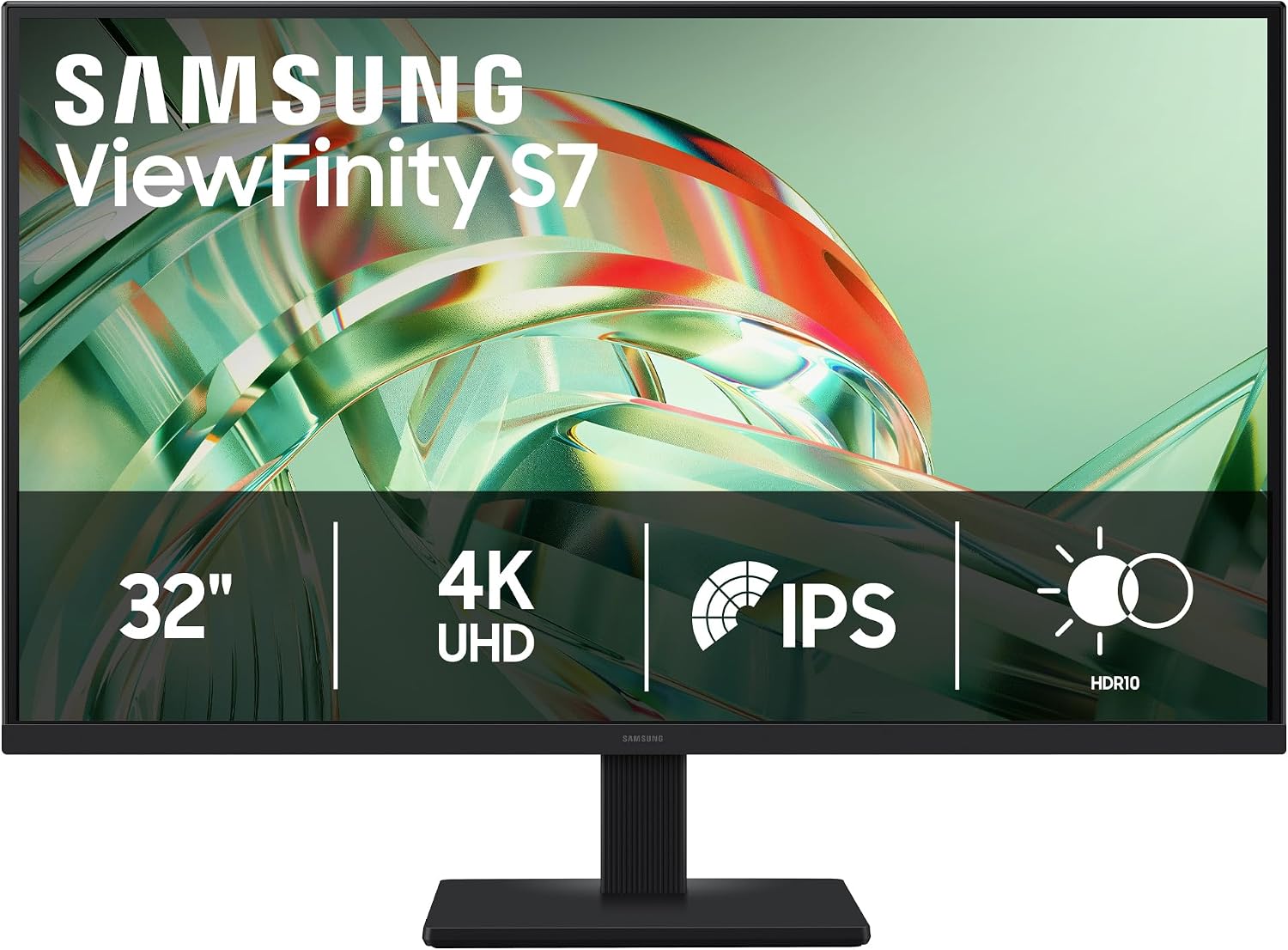
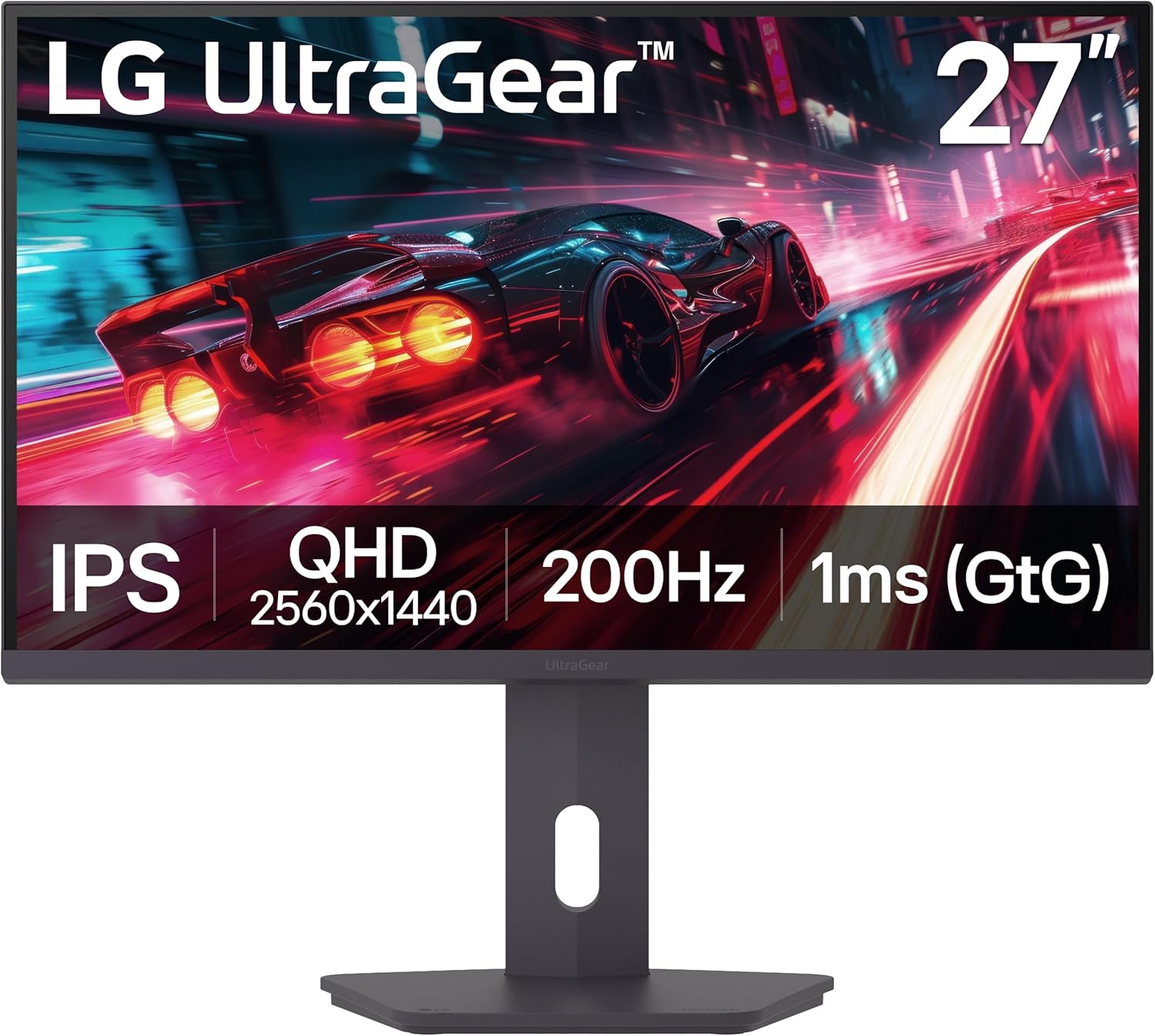
Prices and savings can change. Check the retailer for the current price.
Written by
