



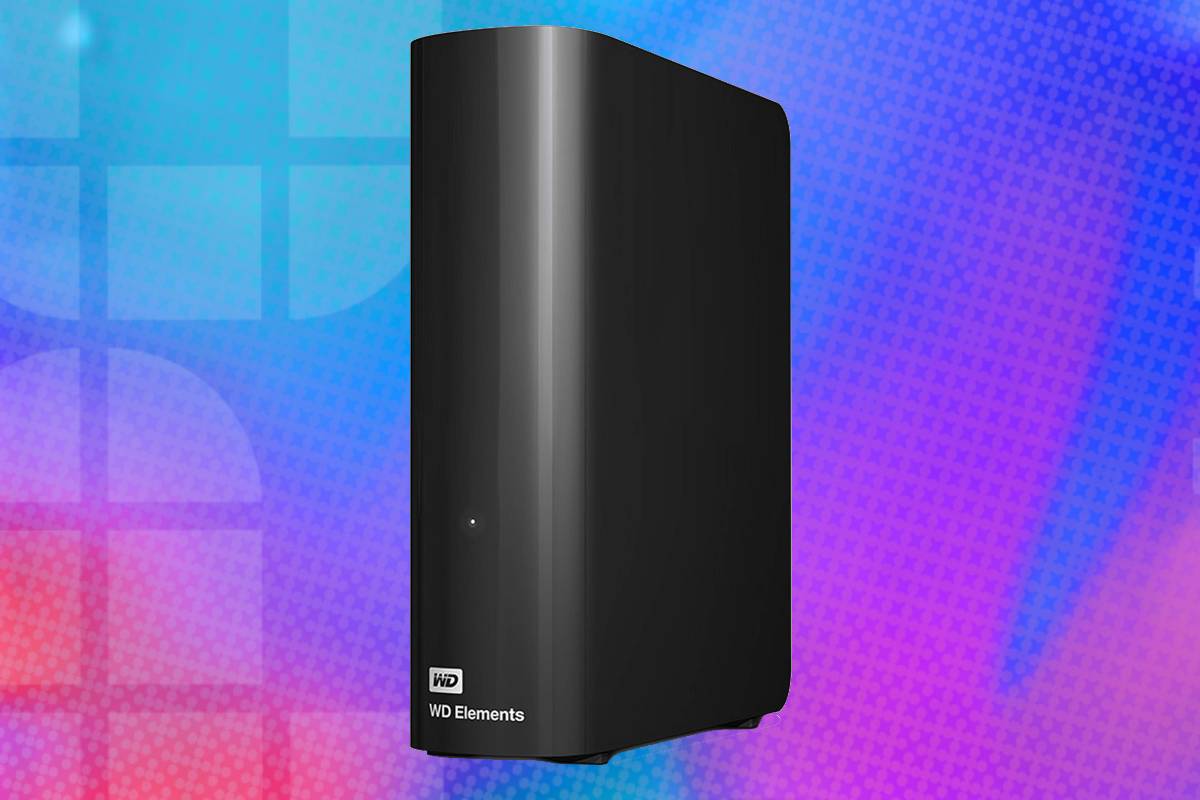
The WD Elements Desktop 8TB provides a large amount of straightforward storage at a much lower cost per terabyte than an external SSD. Its plug-and-play Windows setup, USB 5Gbps connection and included power supply make it well suited to backups and large media collections, although mechanical-drive speeds, audible operation and limited portability should be expected. It is a storage device rather than a complete backup solution, so important files should never exist solely on this drive. Large sequential files will typically transfer at roughly 100MB/s to 200MB/s, depending on the internal drive, how full it is and where the data sits on its platters. Independent testing of this model has reported averages around 190MB/s with large files and speeds above 200MB/s under favourable conditions. Pick it up in this Black Friday deal for just $299.99!
🔥 More offers: see our Black Friday SSD deals 2026 guide, updated daily, or browse all Black Friday deals.
Prices and savings can change. Check the retailer for the current price.
The large capacity of this drive is appropriate for photos, video projects, music, documents, game archives and computer backups. It is not intended to provide SSD-like application loading or responsive editing of workloads involving large numbers of random operations. Read below for more detailed info, or check out the bottom of this page for alternative Black Friday storage deals, including offers on SSDs.
Black Friday is finally here. Below, you'll find some of the biggest and best deals from this year's most exciting sales event!
- Samsung 49" Odyssey - was $1,268.29 now $854.98
- HP HyperX OMEN 16 OLED - was $3,199 now $2,399
- Acer Predator X32 X 4K QD-OLED 240Hz - was $999.99 now $649.99
- Samsung 9100 PRO 2TB SSD - was $679.97 now $349.99
- CyberPowerPC RTX 5060 Ti gaming PC - was $1,629.99 now $1,549
- LG 77-inch OLED C6 - was $2,499.99 now $1,899.99
- MSI Prestige 16 Flip - was $2,149 now $1,789
- Sony 77-inch BRAVIA 6 OLED - was $2,999.99 now $1,798
Prices correct as of November 27th, 2026 (Black Friday evening).
What we like about the Western Digital 8TB Elements Desktop external hard drive
Substantial 8TB capacity
Eight terabytes provides enough room for several full-system backups, a sizeable family photo and video archive or a large collection of media files. It can also consolidate data that would otherwise be scattered across several smaller external drives.
The usable value depends on the size of the files being stored. Text documents occupy very little space, while high-bitrate 4K video, raw photography and modern games can consume hundreds of gigabytes per project or installation.
Backup software may retain multiple versions of changed files, causing available capacity to decline faster than a simple copy would suggest. Users should monitor free space and configure retention policies rather than assuming 8TB will remain sufficient indefinitely.
Low cost per terabyte
Desktop hard drives remain one of the most affordable ways to purchase several terabytes of storage. An 8TB external SSD would be substantially more expensive, while a collection of smaller drives would require more ports, cables and power supplies.
This makes the Elements Desktop particularly attractive for data that must remain accessible but does not require SSD performance. Completed projects, media files, disk images and scheduled backups fit that description well.
Price should still be compared on a per-terabyte basis with other capacities. Sales can occasionally make a 10TB, 12TB or larger drive better value even when the total purchase price is higher.
Simple Windows setup
The drive is supplied formatted as NTFS for Windows. It should appear as an available volume after the USB and power connections are attached, without requiring the enclosure to be opened or a driver to be installed.
NTFS is appropriate for Windows because it supports large files, permissions, journalling and other features expected from a modern desktop file system. It also avoids the 4GB individual-file limit associated with FAT32.
The Elements range is intentionally basic. It does not require a proprietary utility for ordinary file transfers, which reduces software overhead and makes it easy to use with Windows backup tools or third-party applications.
Compatible with macOS after reformatting
Mac computers can recognise NTFS volumes, but macOS normally treats them as read-only without additional software. The drive must therefore be reformatted if it will be used primarily for Mac backups or ordinary read-and-write storage.
APFS is appropriate for current Mac-only use, including many Time Machine configurations. ExFAT can provide simpler read-and-write compatibility between Windows and macOS, although it lacks some resilience and platform-specific features of native file systems.
Reformatting erases all existing content. Any bundled files or personal data must be copied elsewhere before changing the file system.
Users moving the drive regularly between Windows and macOS should decide whether cross-platform convenience outweighs the benefits of a native format. A dedicated drive for each operating system is often the cleaner choice for dependable backups.
USB 3.0 connectivity
The supplied cable connects the drive to a USB-A port supporting USB 3.0 or a later backward-compatible standard. USB naming has changed over time, so the same 5Gbps interface may also be described as USB 3.1 Gen 1 or USB 3.2 Gen 1.
The interface provides more bandwidth than the mechanical disk normally needs. Connecting the drive to a faster 10Gbps or 20Gbps port will not produce SSD-level speeds because the disk remains the limiting component.
USB 2.0 compatibility is available, but transfer rates will fall sharply. Copying several terabytes through USB 2.0 could take an impractically long time, making a SuperSpeed USB connection strongly preferable.
A computer with only USB-C ports can use an appropriate adapter or USB-C data cable compatible with the drive’s Micro-B connector. The package itself includes a conventional USB-A cable rather than a USB-C cable.
Suitable for scheduled backups
The drive is a practical destination for Windows File History, system images, macOS Time Machine after reformatting and third-party backup applications. Automated scheduling reduces the risk that backups will be postponed indefinitely. Incremental backups can copy only new or modified data after the initial full backup. This makes subsequent runs quicker and reduces unnecessary write activity.
The first backup may still take many hours, particularly when several terabytes or a large number of small files are involved. It is sensible to begin the initial job when the computer can remain powered and undisturbed. A backup should be tested rather than merely created. Periodically restoring a sample of files confirms that the software, file system and recovery process work as expected.
Useful for large media libraries
Video, music and photo collections primarily involve sequential reading, which is a favourable workload for a hard drive. The Elements Desktop is fast enough to stream ordinary media files without difficulty.
It can also hold completed video projects, raw footage and exported files. Active editing from the drive may be acceptable for modest compressed footage, but an SSD will provide a more responsive experience for complex timelines, caches and high-bitrate multicamera work. Media-server software can access the drive when it is connected to a compatible computer or router. Performance and reliability will then depend on the host device as well as the drive.
Console storage potential
The drive can be reformatted for use with compatible PlayStation and Xbox consoles. Doing so normally dedicates it to the console and erases its existing file system.
On PlayStation 5, USB extended storage can play compatible PS4 games directly. PS5 games can be archived to external USB storage but generally need to be moved back to the console’s internal SSD before they can be played.
Xbox Series X and Series S can use USB storage for media and backward-compatible games, while games optimised for the current consoles usually require internal storage or an official expansion-card-class device for direct play. Console policies and game requirements can change, so compatibility should be confirmed through the platform holder rather than inferred from Amazon’s generic device list.
External power improves desktop suitability
A 3.5-inch hard drive requires more power than an ordinary USB port can provide, so the package includes an AC adapter. This allows the drive to use a full-sized desktop mechanism rather than a slower, lower-capacity portable design. The trade-off is that the drive is not truly portable. It needs both a wall socket and USB connection, making it better suited to a desk than to frequent travel.
The drive should be connected to a stable power source. Sudden loss of power during a write operation can corrupt active files or damage the file system, even if the hardware itself remains functional. A surge protector or uninterruptible power supply may be worthwhile when the drive contains important data or runs frequent unattended backups.
Two-year limited warranty
Western Digital lists a two-year limited warranty for WDBWLG-family Elements Desktop drives. Warranty coverage addresses eligible hardware failure but does not reimburse the value of lost data. Data recovery is separate from ordinary product replacement and can be expensive. A warranty is therefore not a substitute for keeping another copy of important files. The serial number should be checked through Western Digital after purchase to confirm the recognised warranty period. Retailer stock sourced from another region may produce different support arrangements.
Widely supported, mature design
The Elements Desktop range has been available for many years and uses standard USB mass-storage behaviour. This contributes to broad compatibility with computers and many other USB host devices. Its mature design also means there is extensive troubleshooting information available. Common issues such as drive-letter conflicts, cable faults, sleep behaviour and file-system errors are well documented. The exact internal disk model can vary between production batches. Western Digital sells the product according to external capacity and interface rather than promising one specific internal mechanism.
Who should pick up this 8TB hard drive deal?
The WD Elements Desktop 8TB is best suited to users who need inexpensive, high-capacity storage for backups, archives and media libraries. It is particularly useful when capacity matters more than application-loading speed or portability. Photographers and video creators can use it for completed projects and secondary copies of source material. Families can use it to consolidate documents, photos and home videos, provided another backup is maintained.
It is also suitable for a desktop computer that has limited internal expansion. Connecting one USB cable is simpler than installing an internal SATA drive, and the enclosure can be moved to another computer when required.
The drive is less suitable for frequent travel because it requires an AC adapter and contains a shock-sensitive mechanical disk. A portable hard drive or external SSD is more convenient for regular transport. It is not the right choice for running demanding applications, editing latency-sensitive projects or expecting multi-gigabyte-per-second performance. Those workloads require solid-state storage.
More Black Friday storage deals
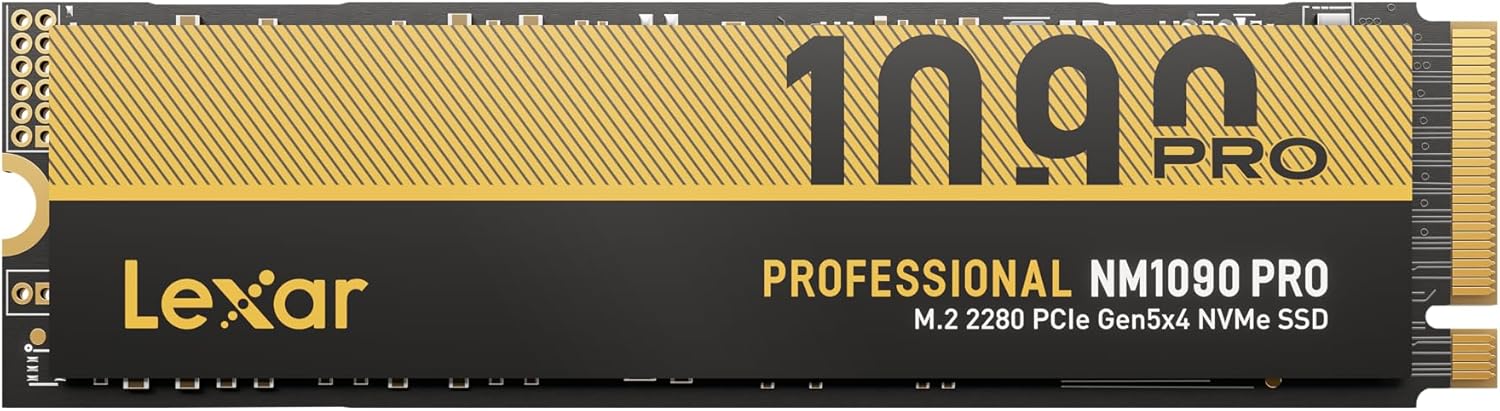


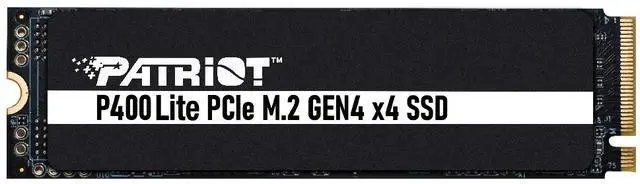
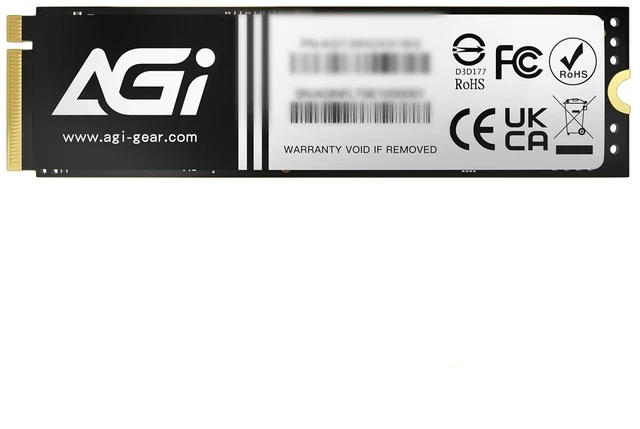
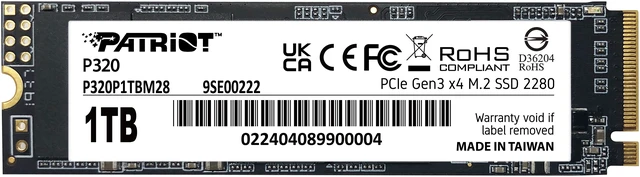
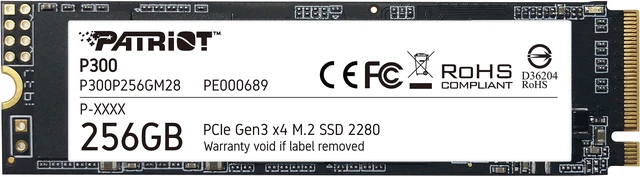


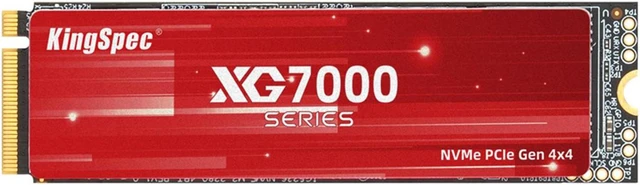


Prices and savings can change. Check the retailer for the current price.
Written by
