
Ultrawide Alienware OLED monitor deal knocks $100 off the MSRP of this 240Hz gaming display


Table of Contents
If you’re looking for a premium display that combines the best features of an ultrawide monitor, OLED monitor, and gaming monitor, this is the deal for you. The Alienware AW3425DW combines a 3440×1440 ultrawide resolution, 240Hz refresh rate and exceptionally fast QD-OLED pixel response time in a nice and immersive 1800R curved display. Its per-pixel illumination delivers true blacks, strong color and more precise HDR than conventional edge-lit gaming monitors. Everything considered, there aren’t really many negatives of this monitor, other than the price, and this great deal for $100 off makes that substantially more palatable.

Alienware AW32 Curved Gaming Monitor
Take a gander below to see more information on the various specifications of this great display, or see the bottom of this page for alternative deals on OLED and ultrawide monitors.
What we like about the Alienware AW3425DW 240Hz QD-OLED curved gaming monitor
240Hz refresh rate
The 240Hz panel provides fluid camera movement and responsive visual feedback. It is fast enough for competitive shooters while retaining the resolution and screen size expected from an immersive ultrawide.
Latest PC & Tech deals
- AMD Ryzen™ 9 9900X 12-Core - was $499 now $337
- iBUYPOWER Element Gaming PC - was $1,999 now $1,699
- LG 27GX700A-B 27-inch Ultragear- was $599 now $485
- Samsung SSD 9100 PRO 1TB - was $339 now $249
- HP OmniBook 5 16 inch - was $961 now $799
Prices correct as of September 21st, 2026.
Broad adaptive-sync compatibility
FreeSync Premium Pro provides variable refresh support for compatible AMD graphics cards and includes requirements related to HDR gaming. NVIDIA G-SYNC Compatible operation extends tear-free gaming to supported GeForce hardware without requiring a proprietary G-SYNC module.
Near-instantaneous response time
Alienware quotes a 0.03ms GtG response time, substantially faster than the nominal 1ms ratings attached to many LCD gaming monitors. This reduces smearing behind moving objects and keeps fine details more visible during rapid motion. Input responsiveness also depends on the computer, game engine, frame rate and peripherals. The monitor’s pixel response removes one major bottleneck but cannot compensate for latency elsewhere in the system.
Immersive 34-inch ultrawide presentation
The 21:9 display provides a wider field of view in games that properly support ultrawide resolutions. Racing, flight, simulation and cinematic single-player games benefit particularly strongly because more of the environment remains visible without requiring a multi-monitor arrangement. Not every game supports 21:9 perfectly. Older releases, competitive games with restricted fields of view and some cutscenes may display black bars or require manual configuration.
Excellent QD-OLED image quality
Quantum-dot colour conversion allows the panel to combine OLED black levels with a broad colour gamut. Alienware specifies 99.3% coverage of DCI-P3 and factory calibration with a Delta E below 2, making the monitor suitable for colour-sensitive work as well as gaming. QD-OLED colour remains more saturated at higher brightness levels than many conventional WOLED implementations. This helps bright environmental effects, coloured lighting and HDR highlights retain visual intensity rather than appearing washed out.
True blacks and pixel-level HDR control
Every pixel can produce its own light or switch off completely. This gives stars, interface elements and other small highlights precise separation from dark backgrounds without blooming into adjacent areas. VESA DisplayHDR True Black 400 certification verifies performance specifically relevant to self-emissive displays. The monitor can reportedly approach 1,000 nits for small HDR highlights, but brightness decreases across larger bright areas as the panel manages power and temperature.
HDR games can combine deep shadows with concentrated highlights in a way that edge-lit LCD monitors cannot reproduce. The AW3425DW’s broad colour range and pixel-level lighting are especially effective in dark, high-contrast scenes. The approximately 1,000-nit figure is a peak measurement for a restricted portion of the screen rather than sustainable full-screen brightness. Typical SDR output is around 250 nits, so the monitor is better suited to a controllable indoor environment than an exceptionally bright room.
Accurate color modes
Its wide-gamut panel is useful for games and HDR media, while creator modes can help control colour presentation for conventional SDR content. Factory calibration reduces the amount of adjustment required for users who want an accurate image immediately. Professional colour work still benefits from application-specific calibration and a measuring device. Panel behaviour can also change gradually with age, making periodic recalibration advisable for critical projects.
Useful HDMI 2.1 connectivity
The rear panel includes two HDMI 2.1 inputs and one DisplayPort connection, allowing a gaming PC and additional devices to remain connected. Alienware supplies both HDMI and DisplayPort cables. HDMI can carry the monitor’s native 3440 x 1440 signal at high refresh rates from suitable hardware. Consoles do not natively support the 21:9 format, so they will generally produce a 16:9 image with side bars rather than using the full panel width.
Basic USB hub with convenient front access
A USB-B upstream connection enables the integrated USB hub, which provides a USB-A downstream port and a USB-C downstream port. The USB-C connection supports up to 15W charging for smaller accessories and mobile devices. The USB-C port does not accept a display signal and cannot turn the monitor into a single-cable laptop dock. There is also no KVM switch, Ethernet connection or high-power laptop charging.
Three-year OLED warranty
Dell supplies a three-year warranty that includes OLED burn-in coverage, providing reassurance for buyers concerned about permanent image retention. Alienware’s exchange arrangements can also reduce disruption if a covered panel fault occurs. Warranty coverage does not remove the need for sensible OLED care. Allowing the monitor to run its maintenance cycles, using automatic sleep settings and avoiding unnecessary maximum brightness can help reduce cumulative wear.
Who should buy this Alienware monitor deal?
The Alienware AW3425DW is best suited to PC gamers who want a combination of ultrawide immersion, excellent HDR contrast and high-refresh performance. It is particularly strong for racing games, simulations, action titles and cinematic single-player releases with proper 21:9 support. Competitive players can also benefit from the 240Hz refresh rate and extremely fast pixel response. Those focused entirely on esports may prefer a smaller 360Hz or 500Hz monitor, but the Alienware offers a more versatile balance between speed and visual immersion.
The monitor also suits mixed gaming and creative use because of its wide colour gamut and factory accuracy. That being said, users spending most of the day displaying static documents, taskbars or interface elements should assess whether an OLED panel is appropriate for their usage pattern.
More OLED and ultrawide monitor deals

ASUS ROG XG27AQWMG 27 Inch 1440p 280Hz Tandem OLED G-SYNC Gaming Monitor

Alienware AW2725DF OLED Gaming Monitor

Samsung 49-Inch Business Computer Monitor

SAMSUNG 49-inch Odyssey G9 (G91F)

SAMSUNG 25″ Odyssey G4 Series FHD Gaming Monitor

SAMSUNG 34″ Odyssey G5 Ultra-Wide Gaming Monitor

SAMSUNG 34″ ViewFinity S50GC

Samsung 32″ Odyssey OLED G7 (G73SH) Gaming Monitor

Acer Predator Gaming Monitor, 26.5″ WQHD QD-OLED
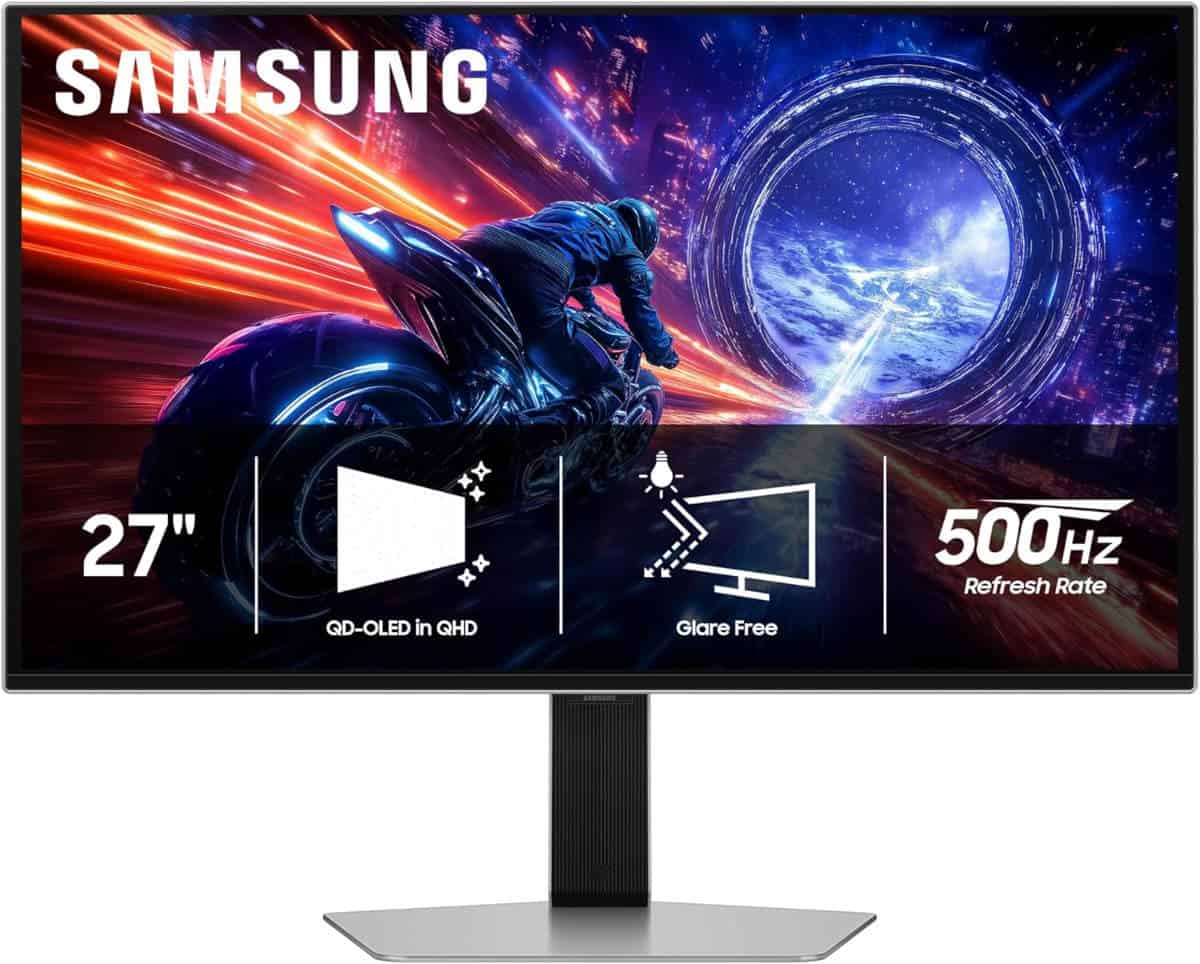
SAMSUNG 27” Odyssey OLED G6 G60SF QHD QD-OLED Gaming Monitor

LG 27GS93QE 27-inch Ultragear OLED Gaming Monitor
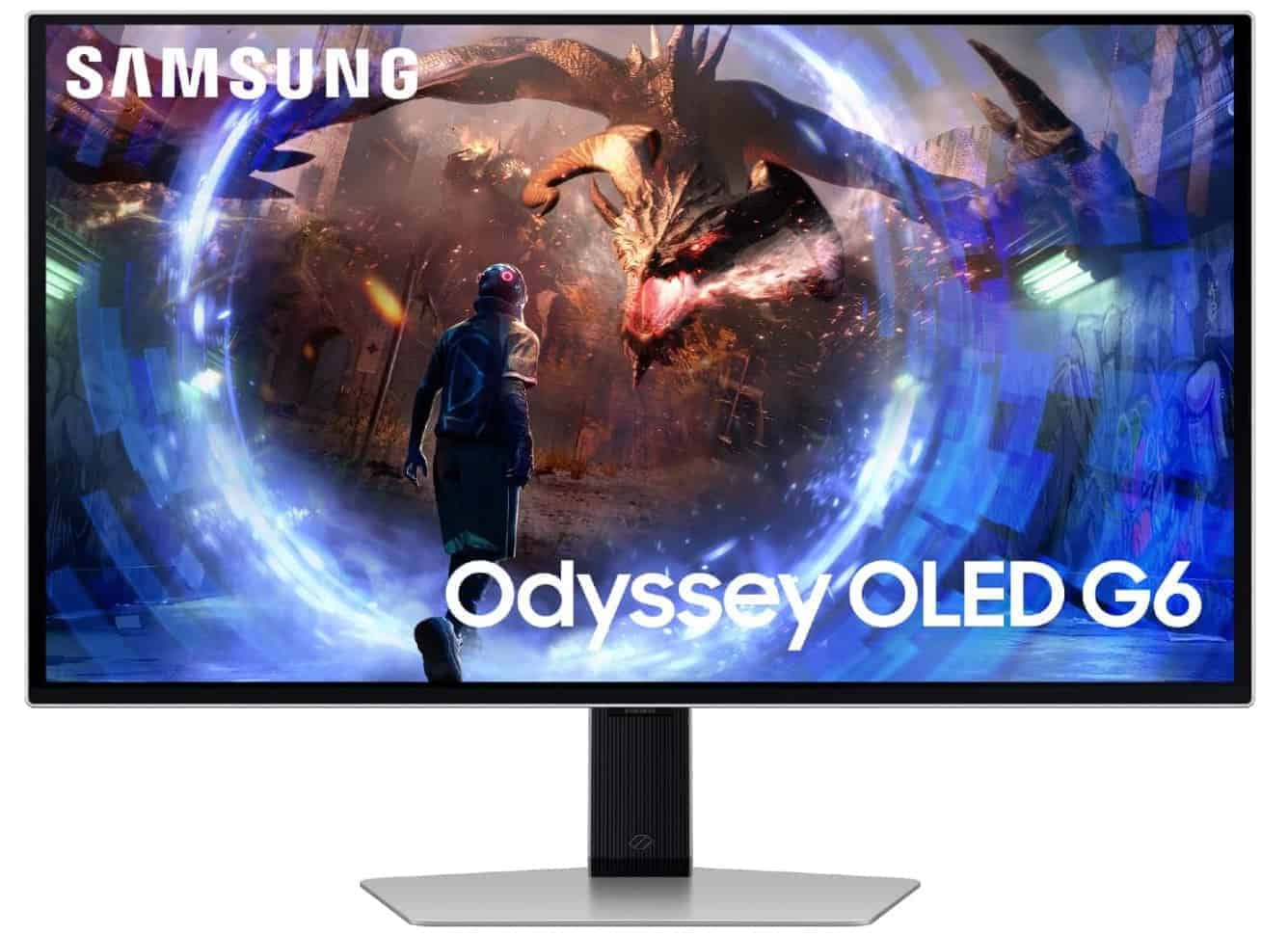
SAMSUNG 27-Inch Odyssey G6 (G60SD)

LG Ultragear OLED Gaming Monitor (27″ 280Hz QHD)

AOC 27-inch Gaming Monitor QHD 240Hz QD OLED NVIDIA G-SYNC Compatible Q27GAZDV

LG 27GS95QE 27-inch Ultragear OLED Gaming Monitor
About the Author