

Best 14-inch laptop in 2026 – our top picks

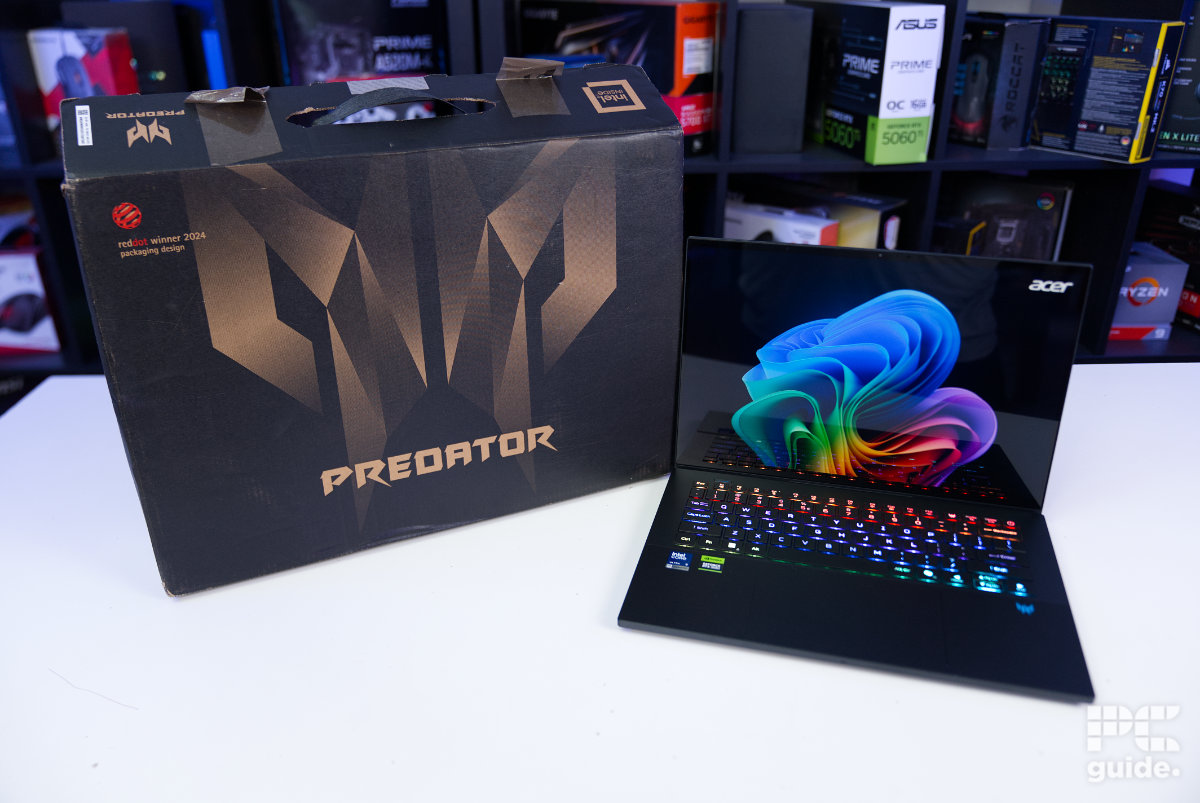
Table of Contents
Laptops come in all shapes and sizes, and the most compact are 13” or 14”. For this guide, we’ll focus on the latter, as they blend value, muscle, and portability, making them perfect for a travel or day-to-day companion. There are many options from brands such as Apple, ASUS, Acer, Razer, Lenovo, HP, and more, and all of them offer something unique, but the common thread remains power and compactness.
You’ll find 2-in-1 options that can turn into a tablet, productivity-specific offerings, but if a gaming laptop is what you’re looking for, options like the ASUS Zephyrus G14 rank among the best. However, while there are some clear pros to 14” laptops, there are cons as well.
In this guide, you’ll find options to cater to various use cases and budgets, along with their pros and cons. Our goal is to provide you with the most complete information so you can make an informed decision that will serve you best in the short and long term.
Latest tech deals.
- AMD Ryzen™ 9 9900X 12-Core - was $499 now $328
- CORSAIR 4000D PC Case - was $124.99 now $75.99
- Hisense 65" Class E6SR - was $549 now $377.99
- Apple 2026 MacBook Air - was $1,999 now $1,799
- Skytech Gaming PC Desktop (9850X3d) - was $4,299 now $3,799
- Apple Magic Mouse - was $79 now $59
- MSI Prestige 16 Flip - was $2,149 now $1,899
- Kotin 9700X Gaming PC - was $2,399 now $2,199
Prices correct as of October 9th, 2026.
Products at a glance
-
Best 14″ laptop
Acer Predator Triton 14 AI

-
Best runner-up
HP OmniBook X Flip
- CPU: AMD Ryzen AI 7 350/5 340
- GPU: AMD Radeon 860M/850M
- Memory: 16/32GB LPDDR5X – 7500 MT/s
- Storage: 1/2TB PCIe Gen4 NVMe M.2 SSD
- Max Refresh Rate: 120Hz
- Resolution: 2K(1920 x 1200)/3K (2880 x 1800)
-
 Best mid-range
Acer Swift Go 14
- CPU: Ryzen 7 8845HS
- RAM: 6GB LPDDR5X
- Storage: 1TB
- Resolution: 1920 x 1200
- Refresh rate: 60Hz
-
Best AI-powered
MSI Prestige 14 AI EVO C1MG
- CPU: Intel Core Ultra 5 processor 125H
- GPU: Intel Arc integrated
- RAM: 16GB (8*2), DDR5-5600
- Storage: 1TB NVMe SSD PCIe Gen4
- Max Refresh Rate: 144Hz
- Resolution: 1920×1200
-
 Best for gaming
ASUS ROG Zephyrus G14
- CPU: Ryzen 9 270
- GPU: RTX 5060
- RAM: 16GB LPDDR5X
- Storage: 1TB SSD
- Resolution: 2880 x 1800 (ROG Nebula OLED)
- Refresh rate: 120Hz
-
 Best 14″ Mac
Apple MacBook Pro M5
- CPU: M5
- RAM: 16GB
- Storage : 512GB
- Resolution: 3024 x 1964
- Refresh rate: Up to 120Hz

How we choose and test laptops
Here at PC Guide, we put our recommended laptops through rigorous testing to evaluate their performance, portability, and value. We evaluate key aspects like battery life, thermal management, display quality, build durability, and overall usability.
Each laptop undergoes rigorous in-house testing to ensure reliability in real-world conditions, including benchmarks for CPU/GPU performance, multitasking endurance, and heat dissipation during extended use. For a detailed breakdown of our laptop testing methodology, including stress tests, battery life, and more, see our full laptop testing guide here.
Our top picks





- CPU: Intel Core Ultra 9 288V
- GPU: Nvidia GeForce RTX 5070
- Memory: 32GB LPDDR5X – 8533MT/s
- Storage: 2TB NVMe SSD
- Max refresh rate: 120Hz
- Resolution: 2880 x 1800
- Panel Type: 14.5-inch OLED touchscreen
- Capable gaming performance for the hardware
- Great OLED screen colors and HDR
- Excellent build quality and cooling
- Great camera, microphone, and speaker setup
- Lots of handy features and controls
- Rather expensive for the components
- Soldered RAM and not many upgrade options
- Low-powered CPU
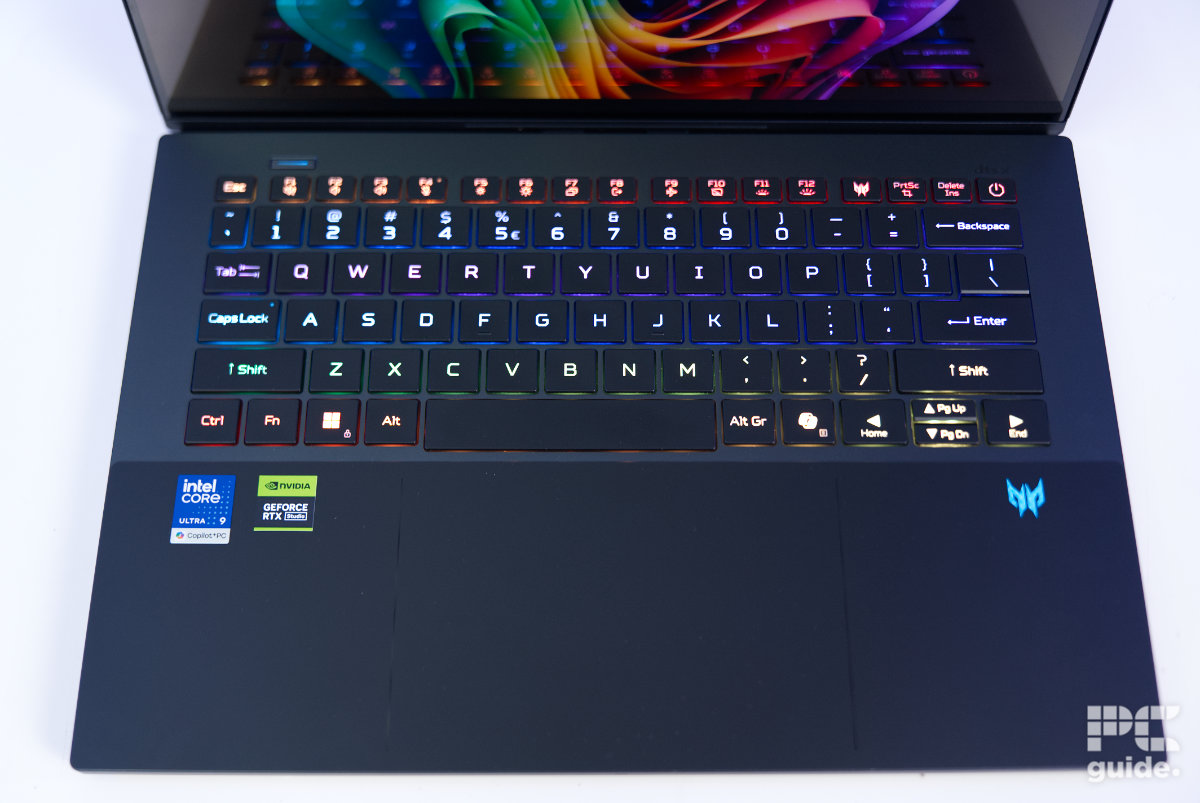
Acer’s latest Triton 14 AI receives our top spot for not only delivering great performance in both gaming and creative workflows, but also offering excellent functionality and features too. The Triton Series sits neatly between the Helios and Nitro series, providing a more all-round experience for multiple use cases.
The Triton 14 AI was configured with Intel’s Core Ultra 9 288V processor alongside Nvidia’s RTX 5070, a decent pairing that delivers solid frame rates in many modern games. More demanding AAA titles at ultra settings were more difficult to max out the screen’s 120Hz refresh rate – but that’s where Nvidia’s DLSS and MFG modes came in handy.
This laptop also comes with a full 1800p touchscreen OLED display (which can be controlled by the included stylus), which is great for creative tasks, taking notes, or artistic projects. Acer also uses premium materials throughout the design of this laptop, resulting in a premium finish that feels incredibly robust.
The only real downside to this laptop is its fairly high price point, currently retailing at over $2,500 – depending on the retailer. However, if price is no object, this should certainly be on your 14-inch laptop shortlist.







- Excellent 120Hz OLED touchscreen
- Decent pricing
- Light and flexible 2-in-1 functionality
- Strong, high-quality build
- Great-to-use keyboard
- OK Battery life
- Nice speakers, camera, and mic
- Speakers can vibrate the chassis on use
- Soldered memory
- Only one M.2 slot and Thunderbolt port
- Integrated graphics provide limited performance
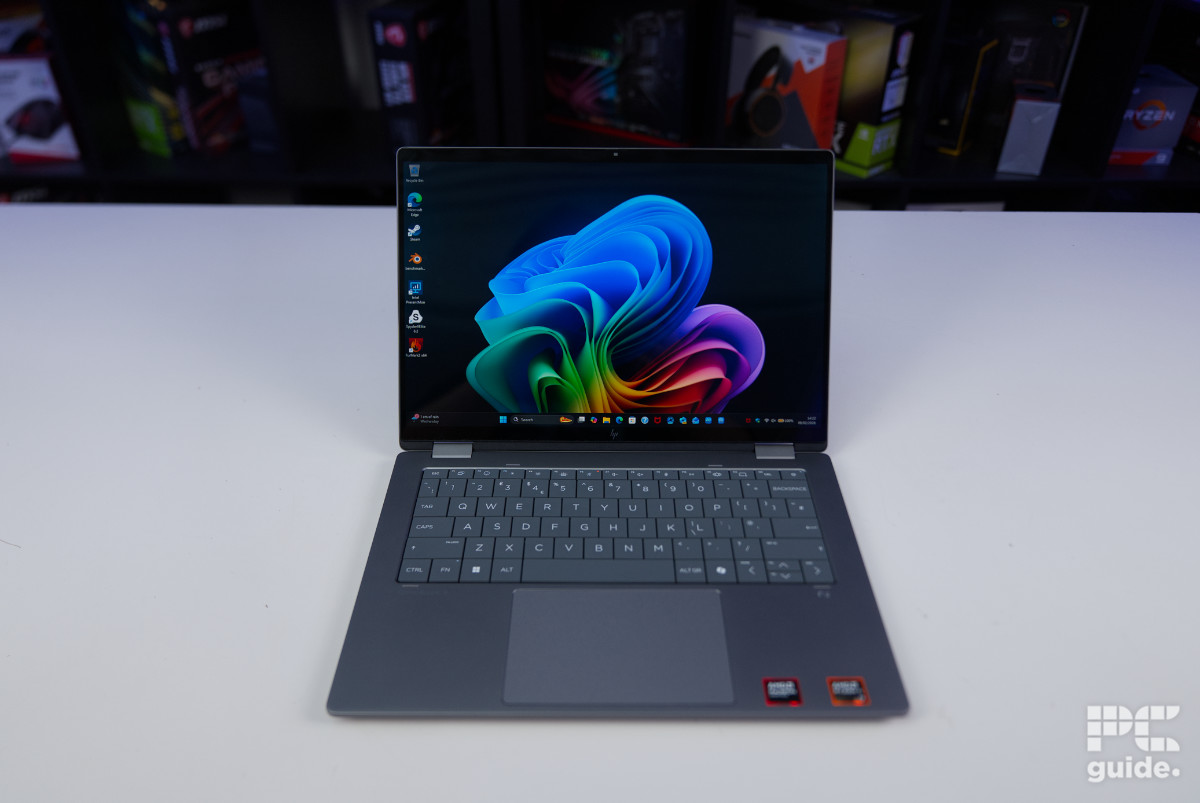
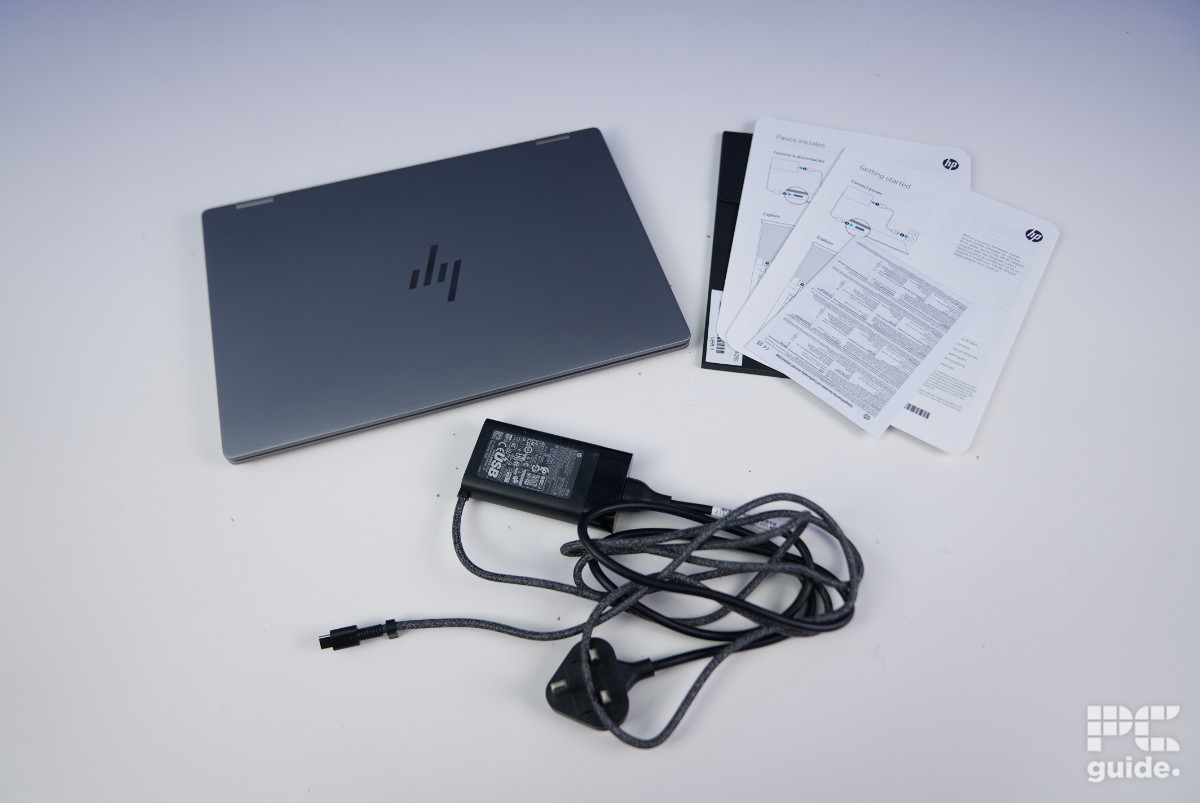
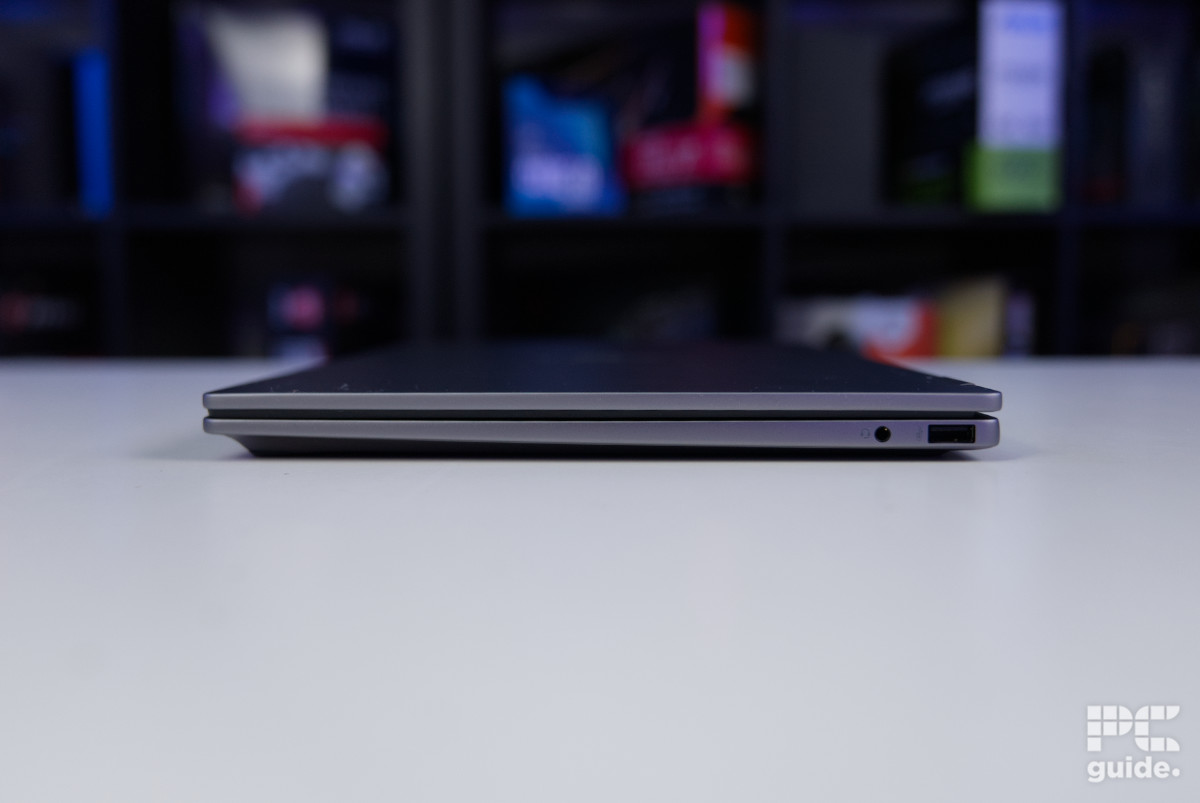
If you’re looking for another option to check out before making your decision, we recommend the HP OmniBook X Flip. This is a 2-in-1 laptop that we’ve reviewed in-house, and its performance earned it a 4.5/5 rating. It is lightweight, features an OLED display, can be turned into a table, but what is most impressive is the solid performance it delivers.
This makes it perfect for office work, to take with you on the go, and for other tasks. It comes with two CPU options, the Ryzen AI 7 350 or the Ryzen AI 5 340, both of which offer the Radeon 860M or 850M discrete graphics, respectively.
These processors are powerful and can handle demanding workflows with ease and excel at AI tasks, but since the laptop lacks a dedicated GPU, the gaming performance isn’t the best. The variant we tested comes with a 3K (2880 x 1800) OLED display protected by Corning Gorilla Glass 3.
We ran Datacolor SpyderX Elite to gauge its color accuracy, and it covers 100% of the sRGB gamut, which means that it is excellent for content creation, color grading, and more. The same should be expected from the DCI-P3 color space, which has a 97% coverage. The average deltaE score is 0.92, which is outstanding and points toward high levels of color accuracy.
The HP OmniBook X Flip 14 is an excellent lightweight 2-in-1 laptop. Its OLED touchscreen adds versatility, making it easy to use in a variety of settings. The bright, vibrant display combined with long battery life makes it simple to slip into a bag and set up quickly whenever you need it.
PC Guide
Moving on to other specifications, it has 32GB LPDDR5X RAM and a 2TB SSD, which are solid offerings. However, being a 14” laptop, there isn’t a lot of room for upgrades. The RAM is soldered to the board, and there is only one SSD slot, so you’ll have to remove the installed SSD to install another, and you can’t run two drives simultaneously.
When it came to the battery life, it lasted 10.5 hours with the battery saver mode, keyboard backlight turned off, and a brightness of 45%. So it should last you through the day, but for demanding tasks, you’ll need to switch it out of battery saver mode, which drains it faster.
Regarding the gaming performance, we ran Cyberpunk 2077 and only managed 8 FPS at ultra settings at 1800p. However, switching the resolution to 1080p, we saw the FPS shoot up to 11 and 33 FPS at ultra and low settings, respectively.
Counter-Strike 2 performed much better at 1080p low, delivering 127 FPS and 70 FPS at 1800p low. So, we definitely won’t recommend this laptop for gaming, but given its versatility, design, and specifications, it is perfect for productivity.

- CPU: Ryzen 7 8845HS
- RAM: 6GB LPDDR5X
- Storage: 1TB
- Resolution: 1920 x 1200
- Refresh rate: 60Hz
- It is very light
- It has a robust battery life
- Offers USB 4
- Not recommended for gaming
- The display has a 1920 x 1200 resolution, not ideal for content creation
- RAM can only be upgraded to 32GB
If you don’t want to spend a lot on a laptop but still want a decent machine, the Acer Swift Go 14 might be what you’ve been looking for. This laptop weighs 2.76 pounds and boasts a battery life of 9.5 hours. It is powered by the Ryzen 7 8845HS processor, which has 8 Zen 4 cores at its disposal with a boost clock speed of 5.1GHz.
It also offers the Radeon 780M graphics with Ryzen AI, capable of up to 38 TOPS. So, you should have an easy time dealing with AI-related worflows but for gaming, it isn’t the best option. It should be able to run titles like CS2 at low settings, but demanding titles will give it a lot of trouble.
The 14” touch display has a 1920 x 1200 resolution, which should make it easier for the integrated GPU to handle gaming, but more than that, it should make editing, designing, taking notes, and making changes to documents easiest if you prefer using it that way. Using something like an S-Pen would make this processor even better.
The system memory is 16GB LPDDR5X, and it comes with a 1TB SSD. These are good for everyday tasks and should deliver solid productivity. With WiFi 6E, you should get tri-band connectivity, providing robust wireless performance for gaming, streaming, and work.
It doesn’t have Thunderbolt 5, which is fine given the price tag, but you will get USB-4, which is capable of up to 40 Gbps. This should enable super-fast data transfer and allow you to work off an external SSD without any issues. The USB-C port also offers up to 100W charging, perfect for bringing your other gadgets up to speed while you take care of work.
Overall, the Acer Swift Go 14 laptop is a very solid offering for productivity and should keep you at the top of your game, regardless of whether you’re taking a lecture, in a meeting, or working outdoors.

- CPU: Intel Core Ultra 5 processor 125H
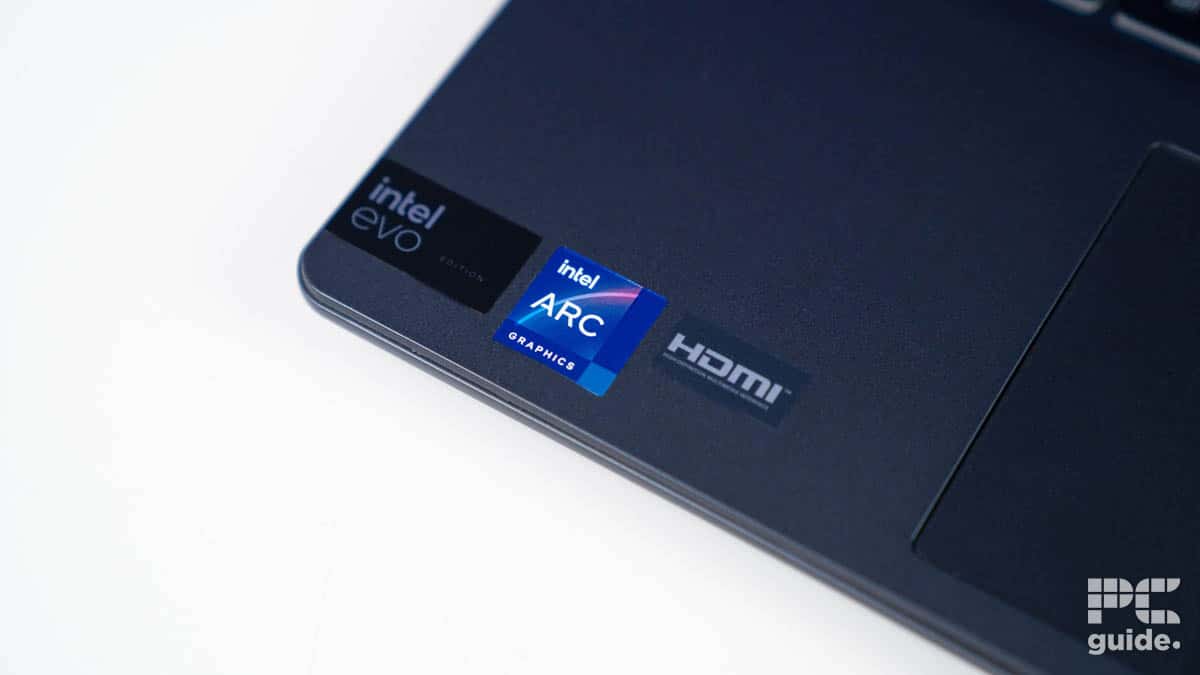
- GPU: Intel Arc integrated
- RAM: 16GB (8*2), DDR5-5600
- Storage: 1TB NVMe SSD PCIe Gen4
- Max Refresh Rate: 144Hz
- Resolution: 1920×1200
- Screen Size: 14″
- Panel Type: IPS LED
- Inexpensive for the quality and hardware inside
- Next-gen wireless connectivity offers great speed if you have it
- Small and relatively lightweight for good mobility
- Does opt for a 16:10 screen size for bigger space and a fast refresh rate
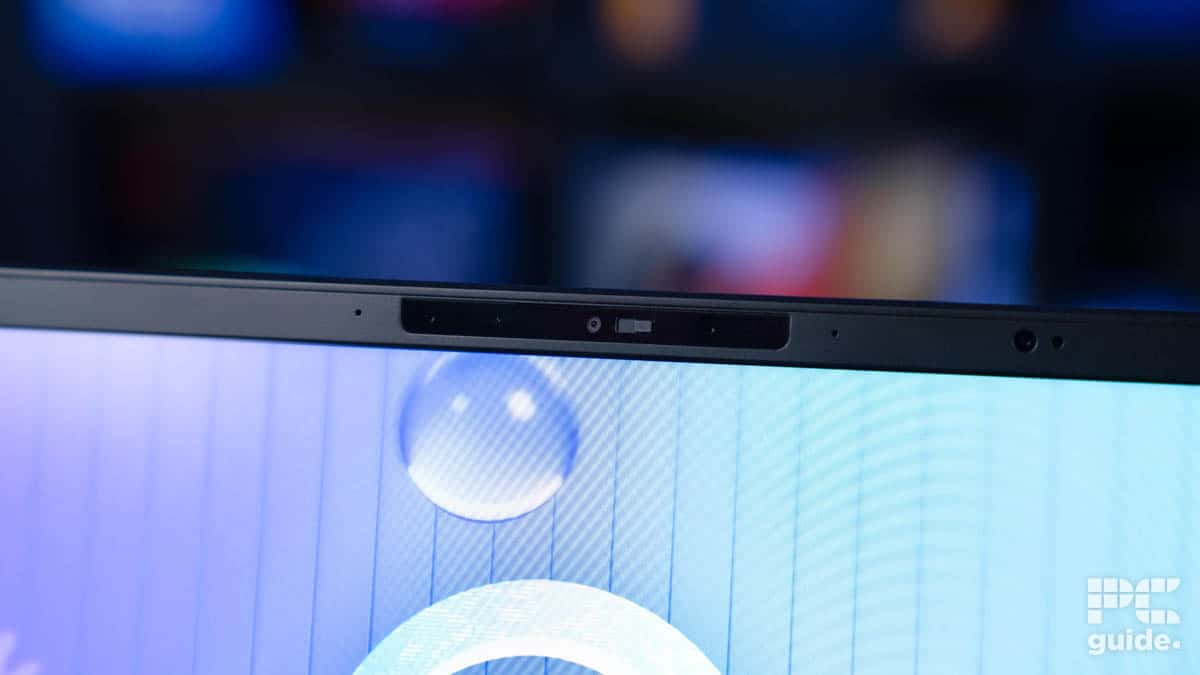
- Offers some neat security features like webcam shutters and security sensors
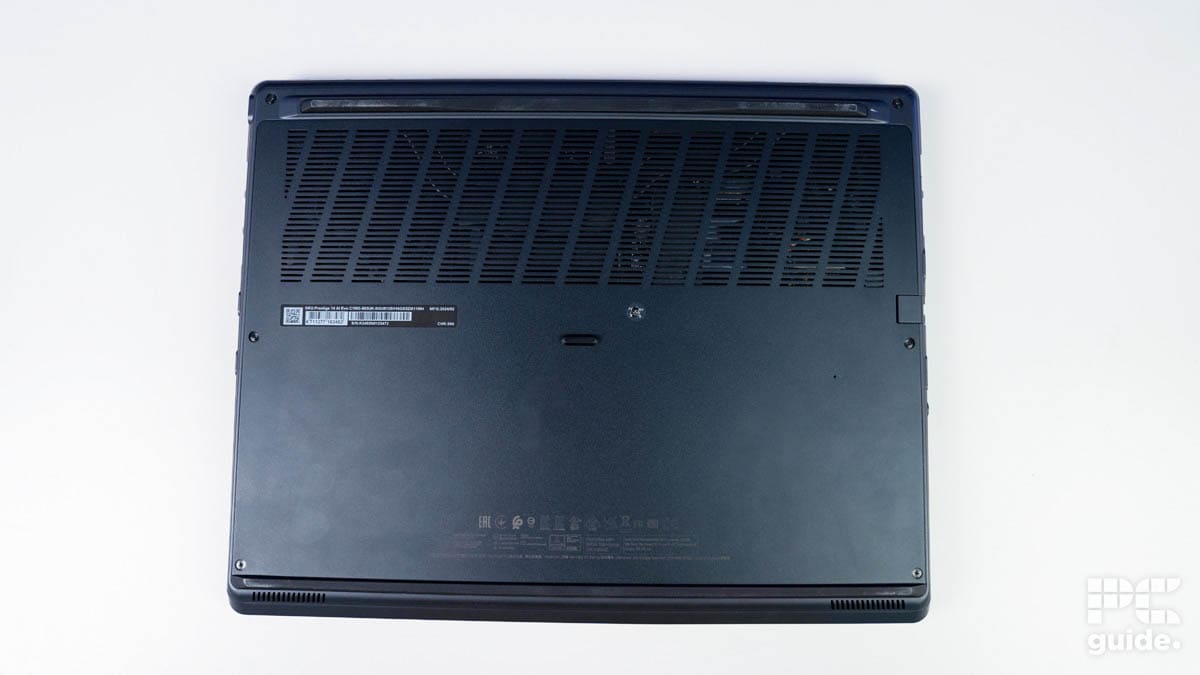
- A lot of capable cooling for the hardware inside
- Lacks a dedicated GPU for an uplift in capabilities
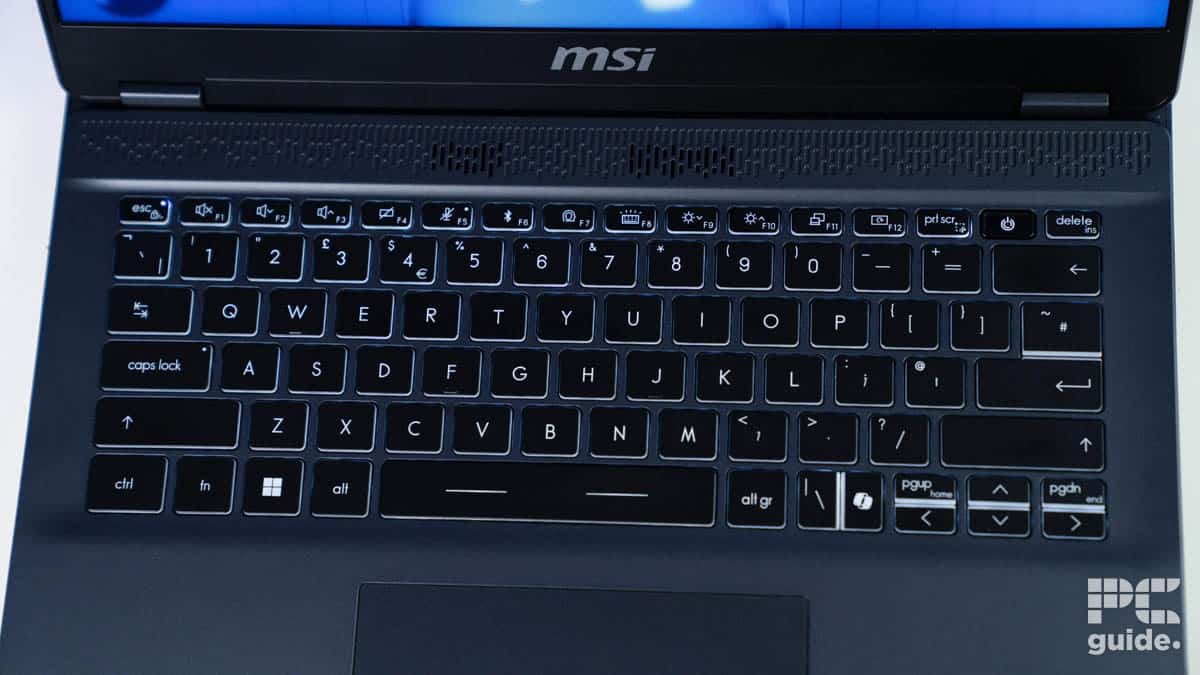
- Smaller keyboard and is compact which takes some getting used to
- Weak speaker setup
- A bit tougher to get into the underside for upgrades
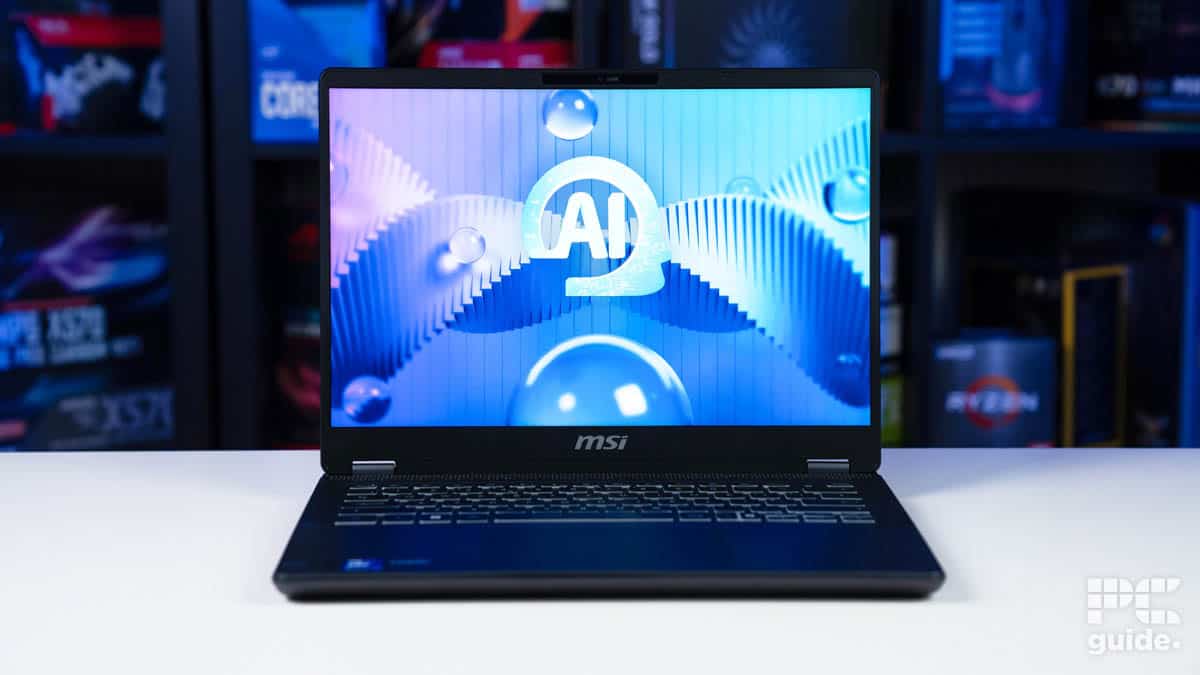
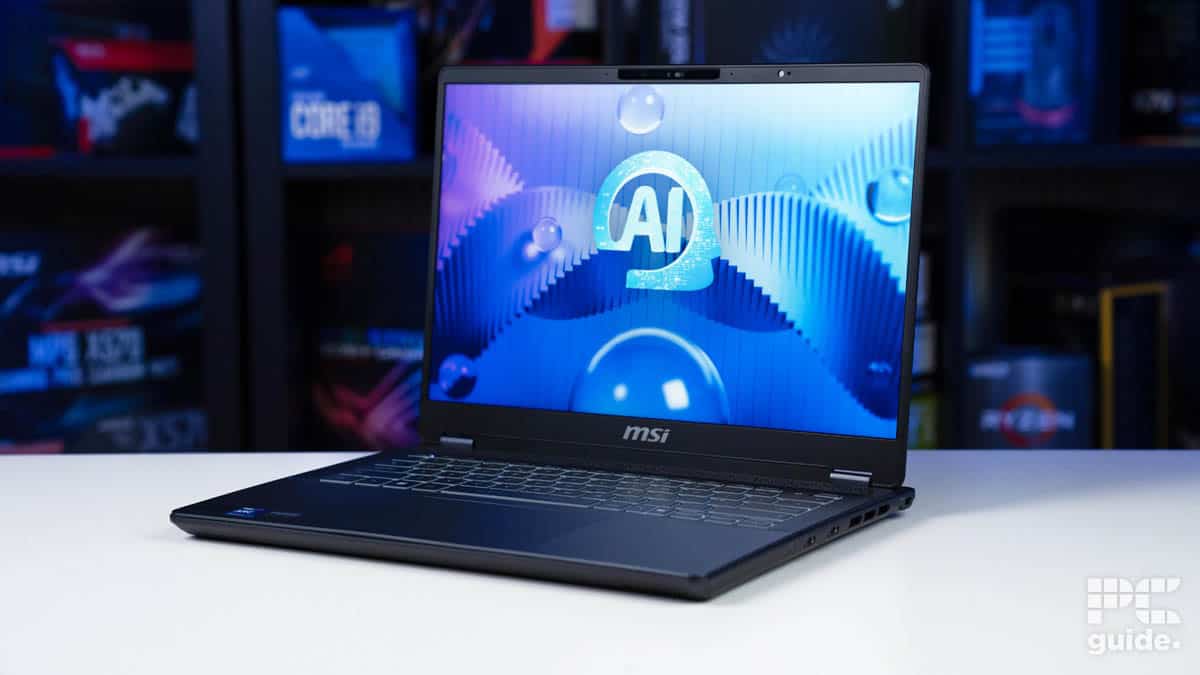
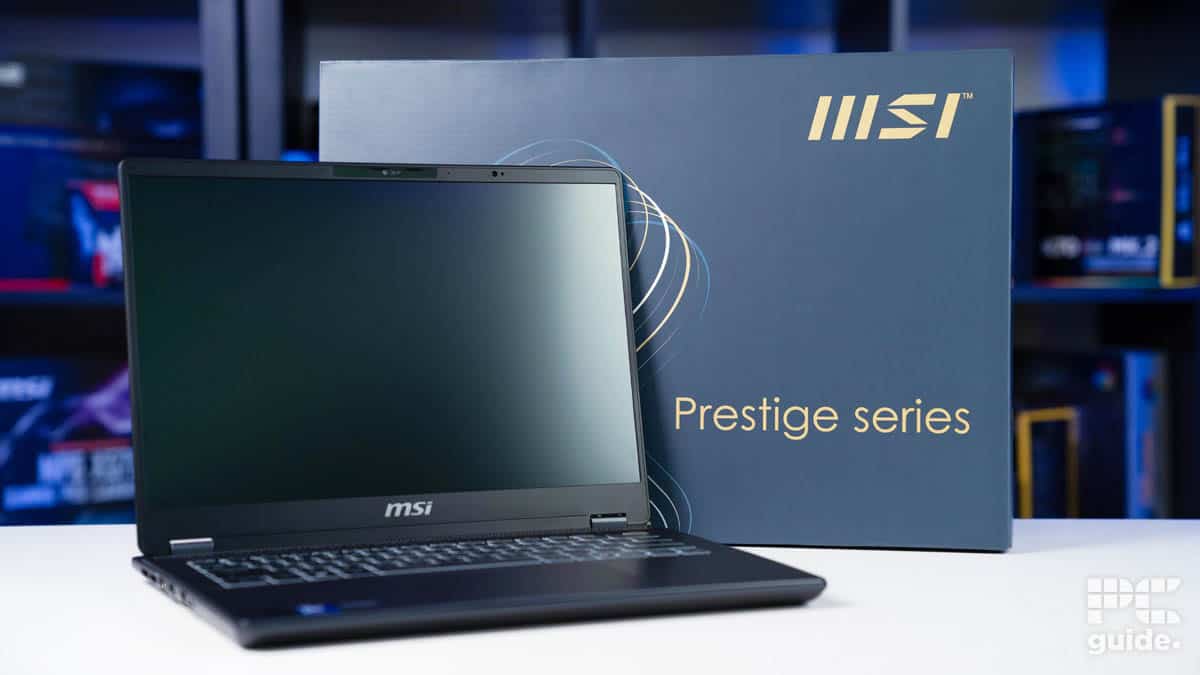
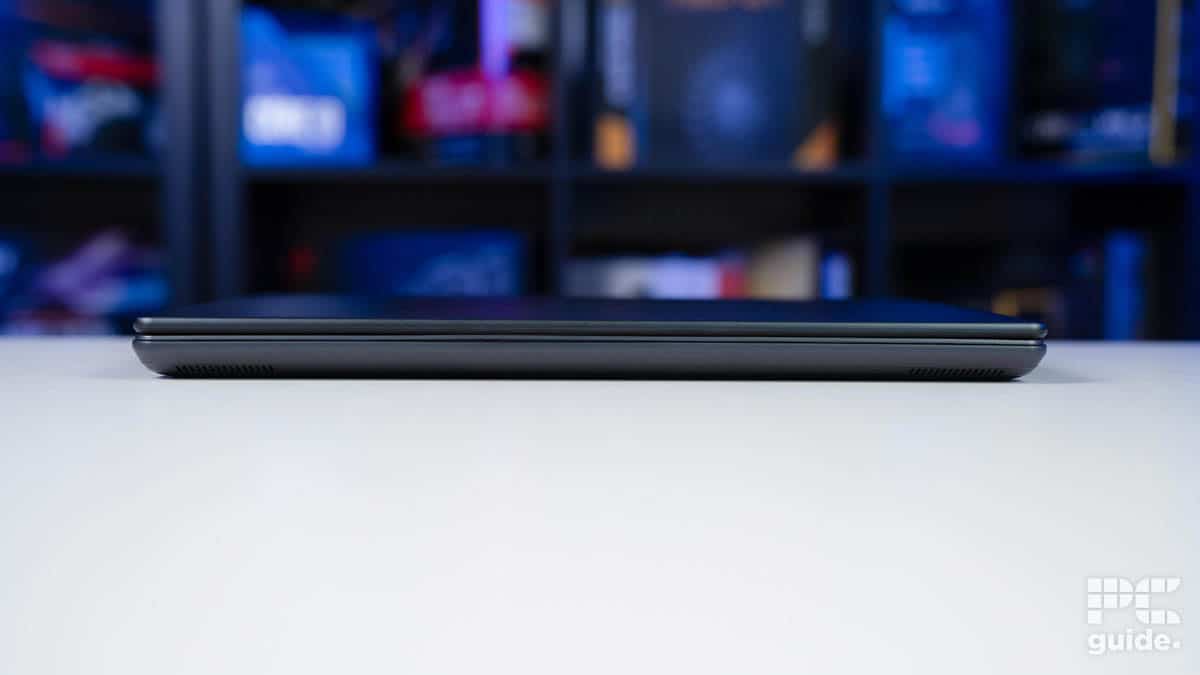
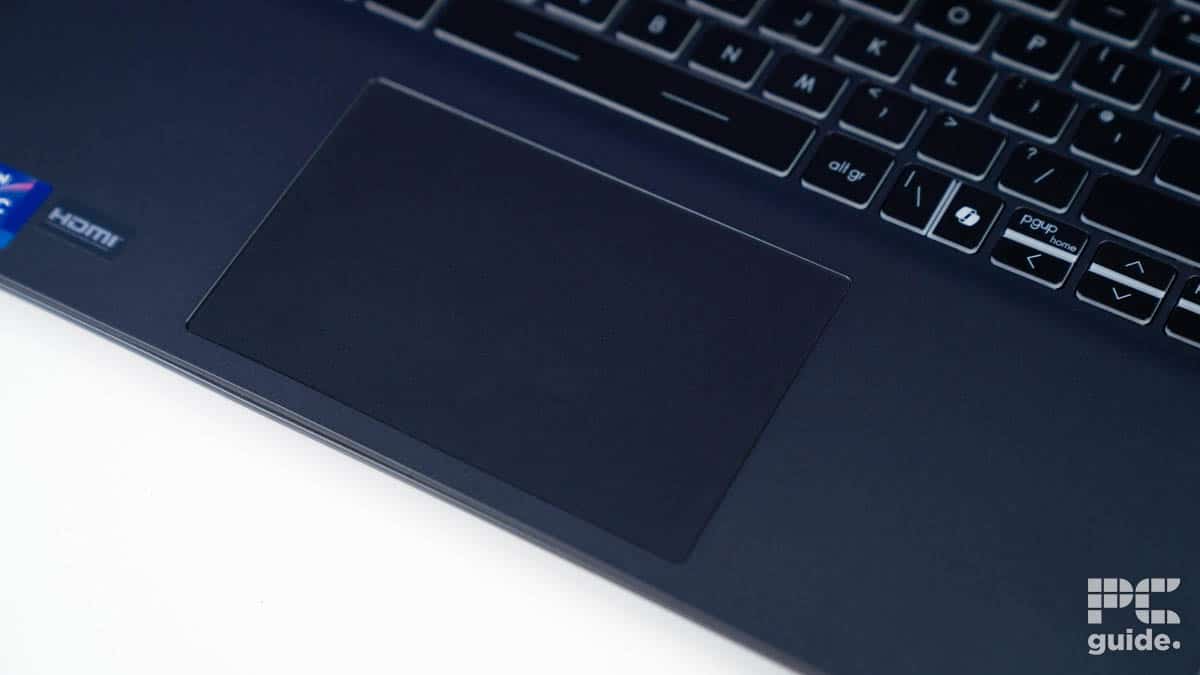
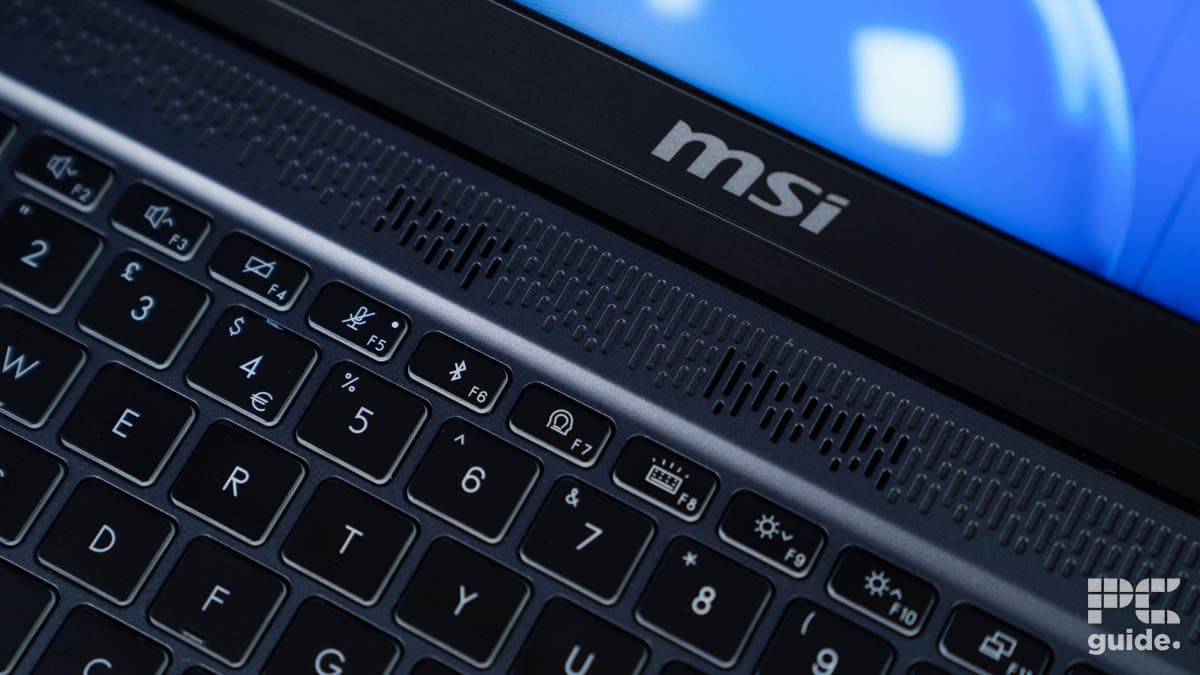
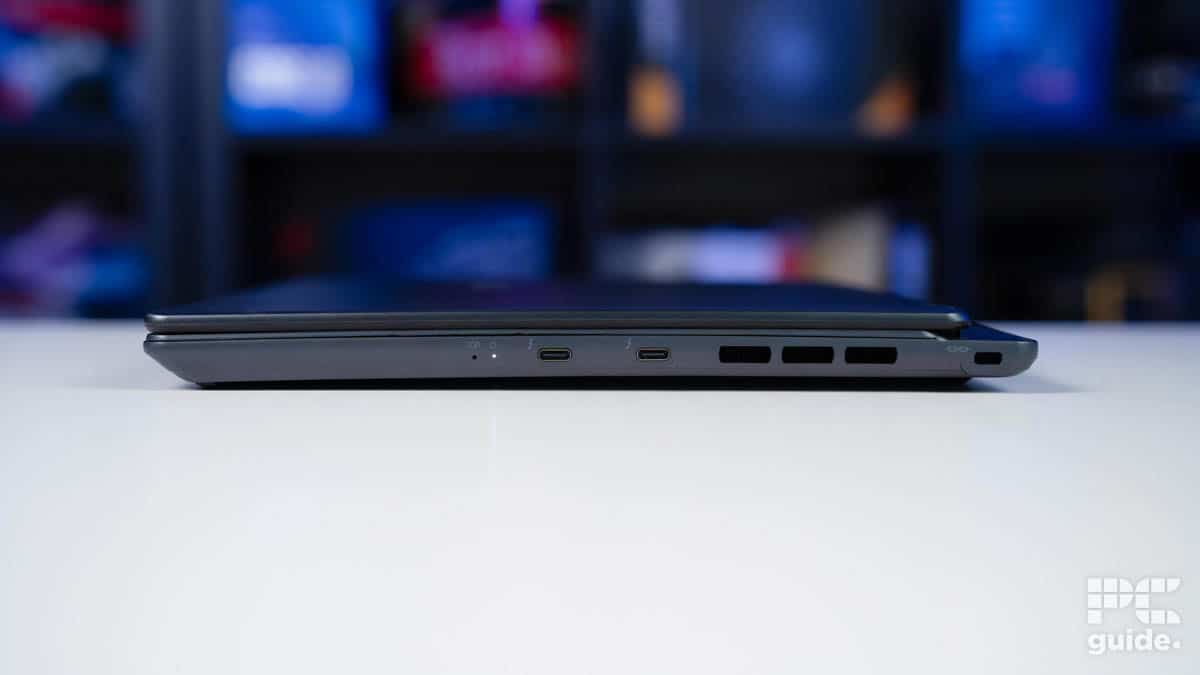
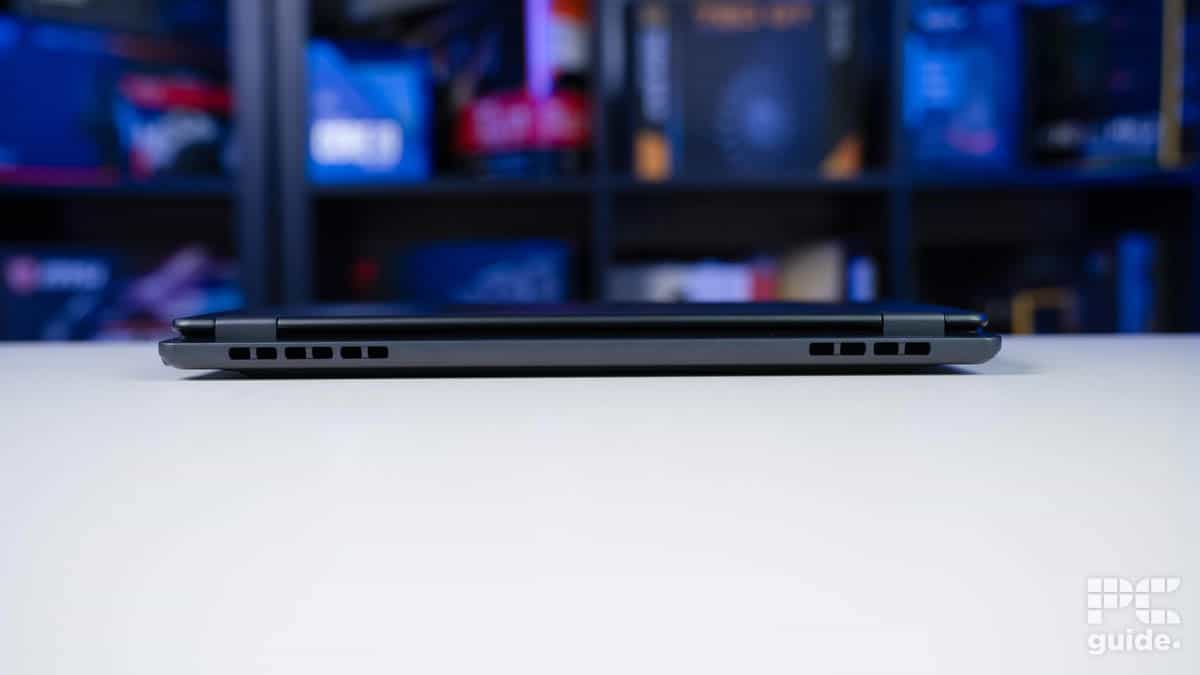
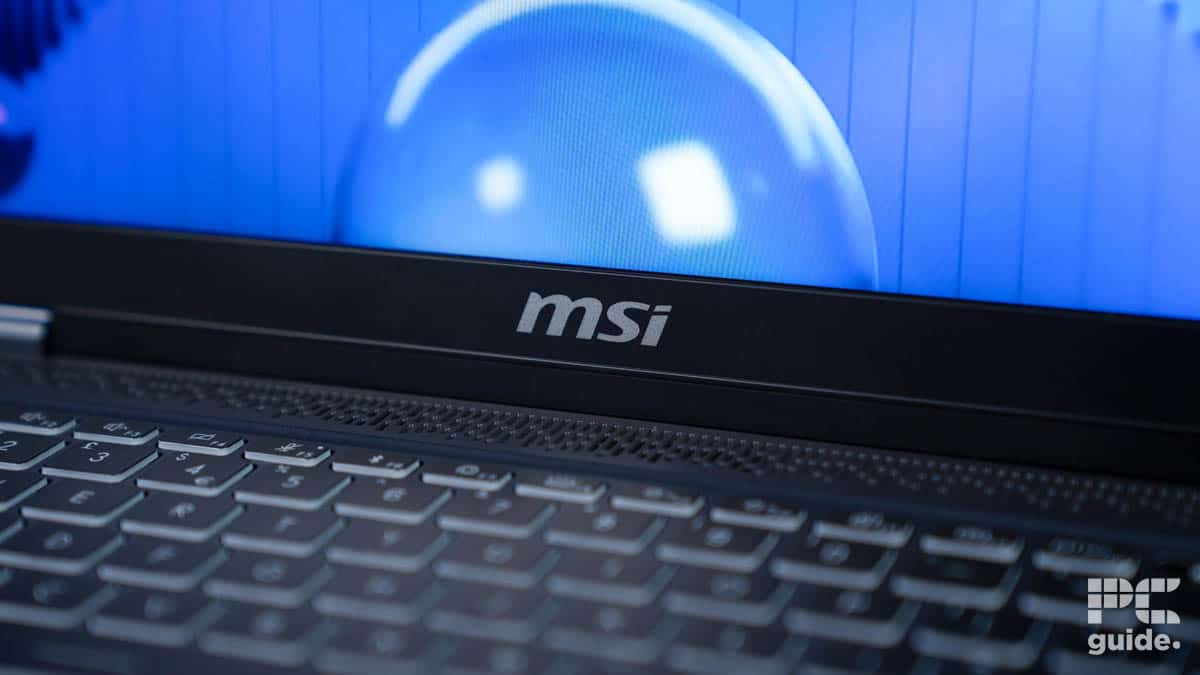
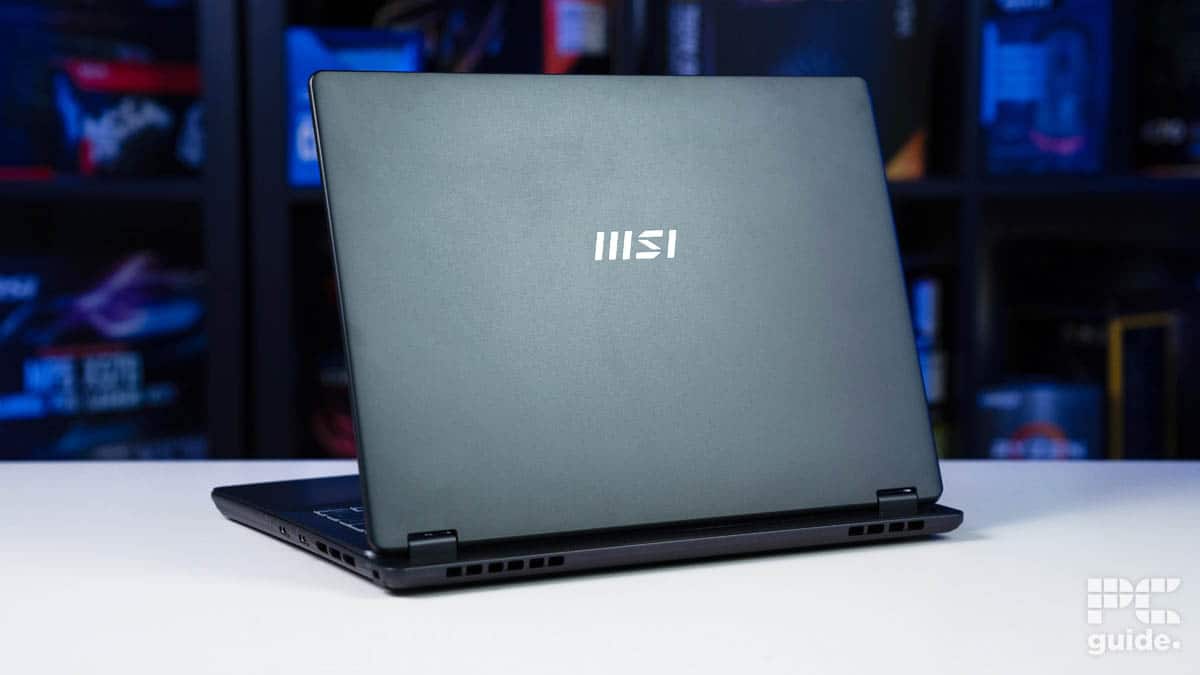
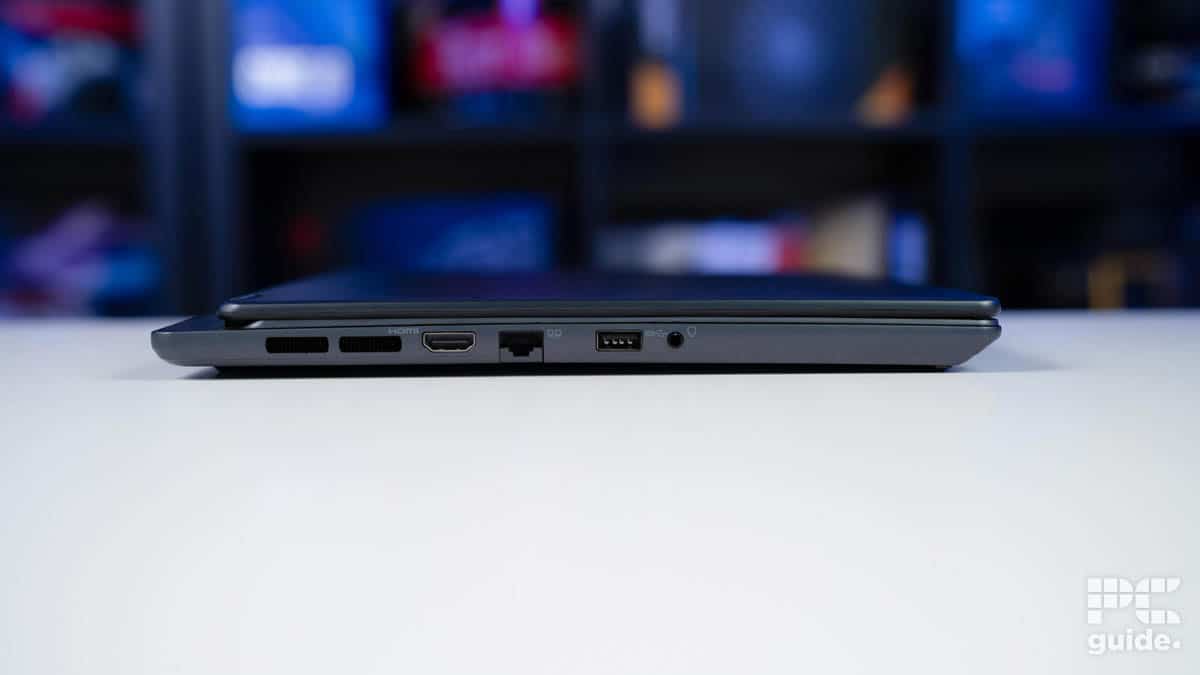
If you’re dealing with AI-related tasks on a daily basis, the MSI Prestige 14 AI Evo might be for you. This laptop is a decent offering, featuring the Core Ultra 5 125H processor and integrated Intel Arc graphics. This isn’t the heaviest-hitting 14” laptop on the market, but it has decent hardware to get the job done.
It comes with 16GB DDR5 RAM and a 1TB Gen4 SSD. The IPS display has a 1920 x 1200 resolution and a 144Hz refresh rate. These are decent specifications and should ensure that you get a smooth output in various tasks, but keep in mind that it isn’t meant to handle very heavy workflows.
It is best suited for casual and everyday tasks. The total power input for this laptop is 100W; the CPU draws about 60W, with the rest of the components drawing 40W. So, this should give you an idea of what to expect from it, but we’ve tested it in-house and will showcase how it performed.
Overall, the laptop is an OK machine for general use, light work, and browsing as lacking dedicated graphics hardware knocks it out of contention for doing anything too demanding.
PC Guide
The lack of a dedicated GPU dealt it a huge blow in testing, as the 3DMark and Blender performance were on the low side. We got 1847 in Fire Strike Ultra and 79.4 points in Blender Monster. In gaming, Cyberpunk 2077 ran at 33 FPS on low settings with XeSS enabled, dropping to 20 FPS when we ramped the settings to ultra.
So, by no means is this laptop a gaming beast. However, as we’ve mentioned before, it is a good option for casual office work, web browsing, consuming content, and more. It also stays cool: when we stress-tested it with Furmark 2, it reached 80°C after 10 minutes with a 45W power draw.
This is a good aspect, as one of the biggest issues with 14” laptops is that they tend to overheat, but that shouldn’t be the case with this offering. Overall, it is certainly worth considering, but keep in mind its limitations before making a decision.

- CPU: Ryzen 9 270
- GPU: RTX 5060
- RAM: 16GB LPDDR5X
- Storage: 1TB SSD
- Resolution: 2880 x 1800 (ROG Nebula OLED)
- Refresh rate: 120Hz
- Perfect for gaming and other workflows
- Solid 3K display with 16:10 aspect ratio
- 0.2ms response time
- Liquid metal cooling
- Can get hot to the touch
- Fans make noise
- Expensive for a small laptop
If you’re looking for a 14” gaming laptop that has great hardware to tackle gaming and other demanding tasks, the ASUS ROG Zephyrus G14 is worth checking out. This is a white-themed gaming laptop that features the Ryzen 9 270 and the RTX 5060.
These are excellent components as the processor has 8 cores and 16 threads with a 45W TDP and a 5.2GHz boost clock speed. It also has the Radeon 780M integrated graphics and an NPU capable of 39 TOPS. On the other hand, we have the RTX 5060, NVIDIA’s latest entry-level GPU, featuring cores based on the Blackwell architecture, GDDR7 VRAM, and DLSS 4 to enhance gaming performance.
What this means is that the pairing should deliver smooth gaming performance while also efficiently handling other tasks such as video editing, rendering, and more. It has a 4-Cell 73 WHr battery, which should keep it up and running for a good while, but when it comes to gaming, you’ll need to plug in the charger for the best performance.
The display on this gaming laptop is exceptional, featuring an OLED panel with 2880 x 1800 resolution and a 120Hz refresh rate. This gives it a 16:10 aspect ratio, which should give the small 14” display more screen real estate to work with.
This means that the gaming and working experience should be better compared to offerings that have a 16:9 aspect ratio. Other than that, it comes with Wi-Fi 7, Dolby Vision, and Atmos to enhance video and audio, a powerful 6-speaker system for immersive audio, USB 4, and more.
Competitive gaming should be possible with this laptop, as it has a 0.2ms response time. However, the 14” display might take some time to get used to. One thing to keep in mind is that these are powerful components for a 14” laptop, so ensure the laptop doesn’t overheat.

- CPU: M5
- RAM: 16GB
- Storage : 512GB
- Resolution: 3024 x 1964
- Refresh rate: Up to 120Hz
- Significant performance improvement over M4
- Better AI performance
- Exceptional battery life
- Doesn’t have WiFi 7 or Thunderbolt 5
- It can’t be upgraded
- Learning curve if you’re coming from Windows
If you’re looking for a laptop that offers the best productivity, there is no better option than the Apple MacBook Pro M5. MacBooks are known for their productivity, and with the latest 2026 models powered by M5 processors, they are even better than before.
This laptop has a 10-core CPU and GPU with built-in neural accelerators. What this means is that it offers a complete package, and you should be able to handle various workflows related to AI, content creation, and more with high efficiency. The 16-core neural engine also takes it to the next level, making it well-suited for intense AI workflows.
This chip is also very efficient, and the overall package is designed to offer all-day battery life. According to Apple, this is the longest battery life ever in a Mac and offers up to 14 more hours compared to an Intel-based MacBook Pro. The fast charge can get it up to 50% in 30 minutes, meaning that there should be minimal downtime.
You can’t talk about a MacBook without shining light on the exceptional display. The Liquid Retina XDR display combines mini-LEDs with extreme dynamic range, which gives it outstanding 1,000,000:1 contrast, a 1600 nits peak brightness, and vibrant colors. This makes it perfect for designing, editing, and color grading.
While all these aspects are great, there are some downsides to having a MacBook as well. These machines have never been great at gaming, and even though the M5 chip brings next-level power to the table, it just isn’t enough compared to what you’d get from a gaming laptop.
Overall, considering the weight, build quality, performance, battery, display, connectivity options, and everything it has to offer, the MacBook Pro M5 is certainly in a league of its own when it comes to productivity and would be a perfect fit if you’re already in the Apple ecosystem.
Why you should trust us
Here at PC Guide, we follow a rigorous and transparent testing process for everything that we recommend, whether it is laptops, processors, or graphics cards. We blend hands-on lab evaluation and market analysis conducted by our team of experts to deliver reliable, real-world recommendations.
We also take into account the use cases and aspects like build quality, software, design, and other aspects that go beyond mere specifications. We don’t have brand bias because we uphold the standards we’d want for ourselves, so what you see in our reviews is how the product really is.
How to choose the right 14-inch laptop for you
Choosing a 14” laptop might seem like an easy decision as you just need to set the cost filter and grab an option that you like best, but there is more that you need to consider, especially with these smaller machines.
We’ve highlighted some crucial aspects to consider before making your decision, which should help you avoid needlessly spending on a premium option and filter out options that aren’t ideal for you.
Usecase
The first thing you need to consider is your primary needs, such as what you need the laptop for. Is it for productivity, creative work, gaming, or everyday use? For productivity, a higher core count is preferred, as it can divide demanding tasks and process them more efficiently and faster. At least 16GB of RAM is also recommended.
However, if you’re looking for a gaming laptop, a model with a dedicated NVIDIA GPU would be excellent, and the latest RTX 50-series cards also offer strong AI upscaling. That being said, for everyday use, you don’t need to look at all of this; focus on the battery, weight, a decent processor, memory, and storage.
Display
The display is also an important factor, as it can make or break your experience. We’d recommend going for at least 1920 x 1200 with an IPS or OLED panel. The higher the refresh rate, the better, but that is more important for gaming.
For office work and other tasks, 60-75Hz should be fine, but if it is a gaming laptop, at least 120Hz is preferred for a smooth experience. Also, keep in mind the color gamut coverage, as it will tell you how color-accurate the display is and help with creative workflows like color grading, editing, and more.
For that, higher resolutions such as 2880 x 1800 (3K) shine, and since 14” laptops are also sought after for portability, look for an option that offers anti-glare, as that will enable you to see clearly during the day. An important note, higher refresh rate and resolution panels also drain the battery faster, so don’t forget about that.
Portability and battery life
If you’re looking for a laptop you can easily carry every day for the office, university, or other tasks, we’d recommend a model that weighs 3 pounds. This is a sweet spot for many, as it provides a slim chassis and offers a compact size.
On the other hand, battery life is also a vital factor in decision-making. Since laptops are small, the battery has less capacity to power them, but that depends on the hardware, the type of work you’re doing, the display, and the brightness.
14” laptops generally offer a battery life of 8 to 12 hours, with efficient chips like Apple M4, Ryzen processors, or Intel Lunar Lake. Thinner designs also trade some cooling for weight savings.
FAQs
Is a 14″ laptop good for gaming?
A 14” laptop is good for gaming as long as it has a powerful GPU. You’ll find options with the RTX 5050 or RTX 5060, and if you go back a generation, the RTX 4060. These graphics cards are perfect for 1080p and 1440p, but gaming with such a small display won’t provide the best experience.
On top of that, thermal constraints limit sustained power, which can lead to throttling during prolonged sessions, unlike larger 16-17-inch rigs. However, you do have the option of connecting to an external monitor and using a laptop cooler.
What is the advantage of a 14″ laptop?
They excel in portability for travel while packing strong CPUs/GPUs for on-the-go productivity and casual gaming. Battery life suits mixed use (8-12 hours non-gaming), and the compact size fits easily on airlines without sacrificing much performance on efficient 2026 chips like Intel Lunar Lake.
What are 14-inch laptops not suitable for?
There are plenty of advantages of smaller 14” laptops, but due to the size, there are some restraints as well. Since there is less space between the components, they generally run very hot, and that can cause throttling. This makes them not entirely suitable for heavy video editing, 3D rendering, content creation, and more. These tasks require plenty of power from the CPU and GPU, and since they are running at higher frequencies for prolonged durations, they generate more heat.
That being said, some premium offerings do offer a vapor chamber and other cooling solutions, and you can invest in a laptop cooler as well. Besides this, the small screen size isn’t great for watching movies, gaming, and consuming other content, especially if you’re used to a larger screen, but after a while, you do get used to it.
What are the limitations of 14″ laptops?
To summarize the limitations of 14” laptops, here is holds them back:
- Smaller chassis means hotter operation
- Louder fans to keep it cool
- Battery life doesn’t last during gaming
- Not enough space for upgrades
- Limited screen real estate isn’t great for gaming, content creation, and other tasks.
Written by
