


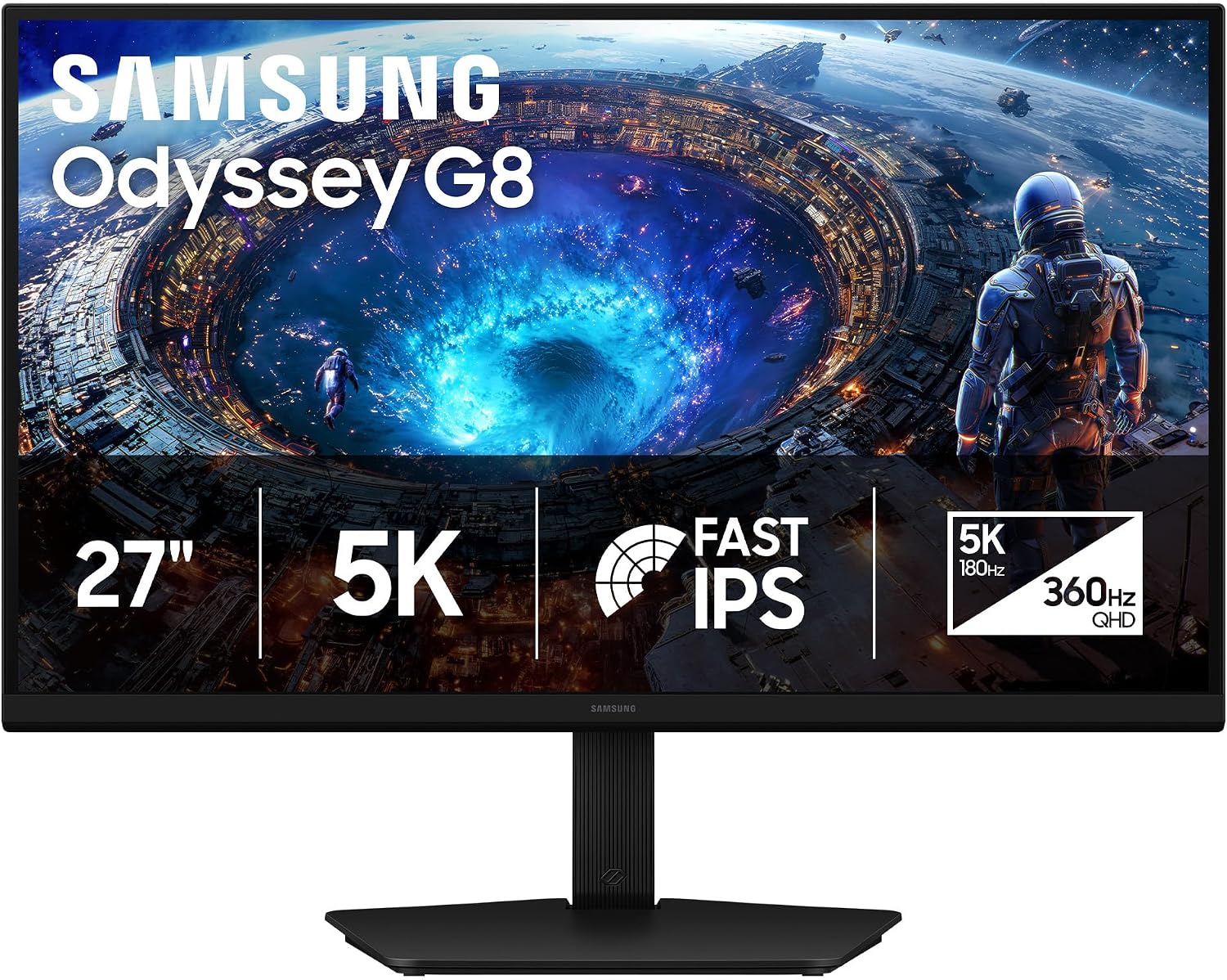
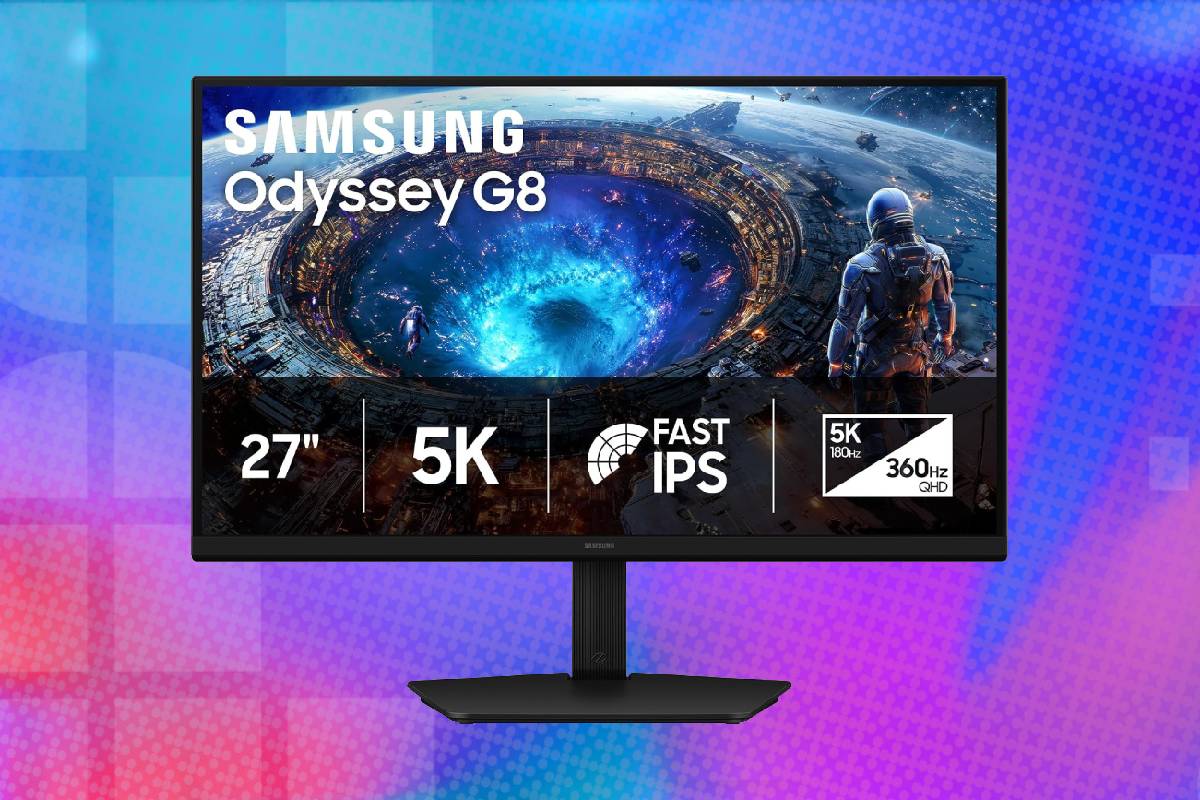
This Samsung Odyssey G8 G80HF gaming monitor combines a remarkably dense 5K desktop image with a 180Hz refresh rate, perfect for graphically advanced single-player titles, with a QHD mode and a faster 360Hz refresh rate for competitive gaming. Its Fast IPS panel cannot reproduce the perfect blacks of OLED, but it avoids OLED burn-in concerns and delivers more practical text clarity for productivity. This is best suited to buyers with a powerful gaming PC who will genuinely benefit from both sides of its unusual dual-mode design. Pick it up now for $255 off the MSRP!
Prices and savings can change. Check the retailer for the current price.
Samsung includes a height-adjustable stand that can tilt, swivel and rotate into portrait orientation. That range is valuable for positioning a dense 27-inch screen at an appropriate eye level and reducing the need for a separate monitor arm. Portrait rotation may also appeal to programmers, writers and users working with long documents. Cable routing through the stand helps control clutter, although the monitor still requires separate display, power and USB upstream cables when every feature is in use. The display is compatible with wall or monitor-arm mounting. Buyers considering an arm should verify the VESA pattern and ensure that the mount can comfortably handle the display’s weight.
Below we’ve summarised more details of the specifications of this great gaming monitor. We’ve also got multiple alternative offers at the bottom of this page on different monitor deals if this one doesn’t tickle your fancy.
Latest tech deals.
- AMD Ryzen™ 9 9900X 12-Core - was $499 now $331
- Sony INZONE M10S 27” - was $899 now $748
- Thermaltake LCGS View i1470S-170 - was $2,399 now $2,099
- Apple 2026 MacBook Air - was $1,999 now $1,891
- Bose QuietComfort Headphones - was $359 now $169
- LG 77-inch OLED C6 - was $2,499 now $1,999
- MSI Prestige 16 Flip - was $2,149 now $1,870
-
Hisense 85" U6 Pro Series-
Prices correct as of November 5th, 2026.
What we like about the Samsung 27-inch Odyssey G8 G80HF 5K gaming monitor
Exceptionally sharp 5K resolution
A 5120 x 2880 resolution across a 27-inch screen produces a pixel density of approximately 218 pixels per inch. Fine text, interface elements and high-resolution images can consequently look much cleaner than they do on a similarly sized QHD or 4K display.
The density is particularly useful for programming, writing, photo editing and other work involving small interface elements. Operating-system scaling will normally be required because displaying the desktop at 100% would make text extremely small. At 200% scaling, the monitor effectively offers the workspace dimensions of a 2560 x 1440 display while rendering each logical pixel with four physical pixels.
That arrangement can provide especially crisp text and icons. Users who want more desktop space can select an intermediate scaling level, although the exact balance between usable area and readability will depend on viewing distance and eyesight. The high density is also helpful outside work. Native 5K photographs contain plenty of visible detail, while high-quality video and games benefit from reduced pixel structure and smoother edges. The improvement over 4K will be subtler at normal desk distance than the jump from QHD to 4K, but it remains meaningful for users who are sensitive to text rendering.
Two genuinely distinct gaming modes
Dual Mode is more than a minor refresh-rate adjustment. It changes the monitor from a 5K, 180Hz screen into a QHD, 360Hz display, giving it two materially different performance profiles.
The 5K setting is the stronger choice for slower games, cinematic single-player releases and desktop use. It favors environmental detail, fine geometry and image clarity. A refresh rate of 180Hz is already well beyond the 60Hz or 75Hz offered by many high-resolution productivity monitors.
The QHD setting trades some sharpness for considerably more refresh headroom. It is intended for games in which input responsiveness and motion clarity are more valuable than fine visual detail. Because 2560 x 1440 is exactly half the native resolution in each dimension, the conversion is structurally cleaner than switching a 4K monitor to QHD, although image processing and the panel’s mode implementation will still influence perceived sharpness.
A 360Hz refresh cycle lasts about 2.78 milliseconds, compared with 5.56 milliseconds at 180Hz and 16.67 milliseconds at 60Hz. That does not automatically make someone a better player, but it can reduce the delay between newly rendered information and its appearance on the screen.
Fast IPS practicality
The G80HF uses an IPS LCD rather than OLED. That means it cannot switch individual pixels completely off, so blacks in a dark room will appear lighter and backlight glow may be visible near the edges. Its specified 1,000:1 contrast ratio is ordinary for IPS technology. The tradeoff is practicality. Static applications, taskbars, browser tabs and development tools can remain on screen for long periods without creating the same cumulative image-retention concern associated with OLED panels. That makes the G80HF more comfortable for buyers who plan to divide their time evenly between work and gaming.
IPS technology also provides broad viewing angles and stable color reproduction. Samsung specifies support for up to one billion colors and 99% coverage of the sRGB color space. That is suitable for mainstream creative work and general media production, although professionals should still verify factory accuracy or calibrate the monitor for color-critical assignments.
The screen has a matte finish, which should reduce sharp reflections from windows and room lighting. Matte coatings can slightly soften the apparent image compared with a glossy display, but that compromise is often worthwhile in a bright office or gaming room.
Modern high-bandwidth connections
The monitor provides one DisplayPort 2.1 input and two HDMI 2.1 inputs. Those connections are appropriate for the unusually demanding combination of 5K resolution, high refresh rates and high color depth. Users should not assume that every source device or cable can deliver 5K at 180Hz. Available refresh rates can depend on the graphics card, connection type, color format, bit depth, driver and support for Display Stream Compression. Older GPUs may support the monitor at lower refresh rates or resolutions without exposing its maximum mode.
The product listing does not identify this as a USB-C monitor, and Samsung’s specifications do not list USB-C video input or laptop charging. A USB-C laptop will therefore require an appropriate USB-C-to-DisplayPort or USB-C-to-HDMI connection, and compatibility at the monitor’s highest modes should be checked carefully.
A conventional USB hub is included. Samsung’s official specifications list one USB-B upstream connection and two USB-A 3.2 Gen 1 downstream ports, allowing a keyboard, mouse or another peripheral to connect through the monitor. This resolves the conflicting marketplace specification that describes only one total USB port.
There is also a 3.5mm headphone output. Samsung does not list built-in speakers, so buyers planning to use the display without headphones will need external speakers or another audio device.
Adaptive-sync support for both major GPU platforms
The combination of FreeSync Premium and G-Sync Compatible support makes the G80HF viable with recent AMD and Nvidia graphics cards. Adaptive sync is particularly useful at 5K, where even powerful hardware may not maintain a perfectly fixed frame rate.
Instead of forcing the monitor to refresh before a complete frame is ready, variable refresh synchronizes the display cycle with the GPU’s delivery. This reduces tearing without relying exclusively on conventional vertical synchronization, which can add latency or produce visible stutter when performance crosses a fixed refresh boundary.
The feature is useful at 360Hz as well, although competitive players may choose different combinations of frame limiting, adaptive sync and low-latency settings. The best configuration will depend on the game, GPU performance and whether the priority is minimum latency or consistently tear-free output.
Gaming conveniences without smart-TV overhead
The G80HF includes gaming-oriented controls such as Black Equalizer, Virtual Aim Point and Samsung’s Super Arena Gaming UX. Auto Source Switch+ can detect an active connected source, while CoreSync coordinates the rear accent lighting with onscreen content. These are supplementary conveniences rather than reasons to purchase the monitor by themselves. The more important point is that the G80HF is a conventional monitor rather than a smart display. It does not rely on a television-style operating system, streaming applications or a remote-control interface for its main functions.
That simpler design is sensible for a display intended to remain connected to a desktop PC. It reduces interface complexity and leaves content playback to the computer or console.
Who should pick up this 5K monitor deal?
The Samsung Odyssey G8 G80HF is primarily for PC users who want one monitor for detailed productivity work and serious gaming. A developer, designer or writer can benefit from the 218-PPI desktop image during the day, then switch to 5K at 180Hz or QHD at 360Hz for games. It is particularly compelling for someone who would otherwise consider buying a 5K productivity monitor and a separate esports display. Dual Mode cannot eliminate every compromise, but it lets one panel address both use cases without taking up the space required for two monitors.
A high-end graphics card is strongly recommended. Native 5K gaming demands substantially more rendering performance than 4K, and reaching 180 frames per second at that resolution will be unrealistic in many demanding games without reduced settings or upscaling. The 360Hz QHD mode also makes the most sense when the rest of the computer can consistently generate very high frame rates.
Console owners should approach it as a PC-first monitor. Current consoles do not output games at 5K and will not make use of QHD at 360Hz. HDMI 2.1 may still make the display usable with a console at supported resolutions and refresh rates, but much of the monitor’s distinctive capability would remain unused.
It is unnecessary for buyers satisfied with ordinary QHD gaming. A less expensive 1440p monitor can deliver a high refresh rate without requiring the GPU power, connection bandwidth or operating-system scaling considerations associated with 5K.
The monitor makes the most sense when its unusual combination is the point: very sharp text, substantial desktop flexibility, a native refresh rate far above conventional 5K displays and an optional 360Hz mode for competitive play. For that specific audience, the G80HF fills a gap that relatively few monitors address.
Alternative gaming monitor deals



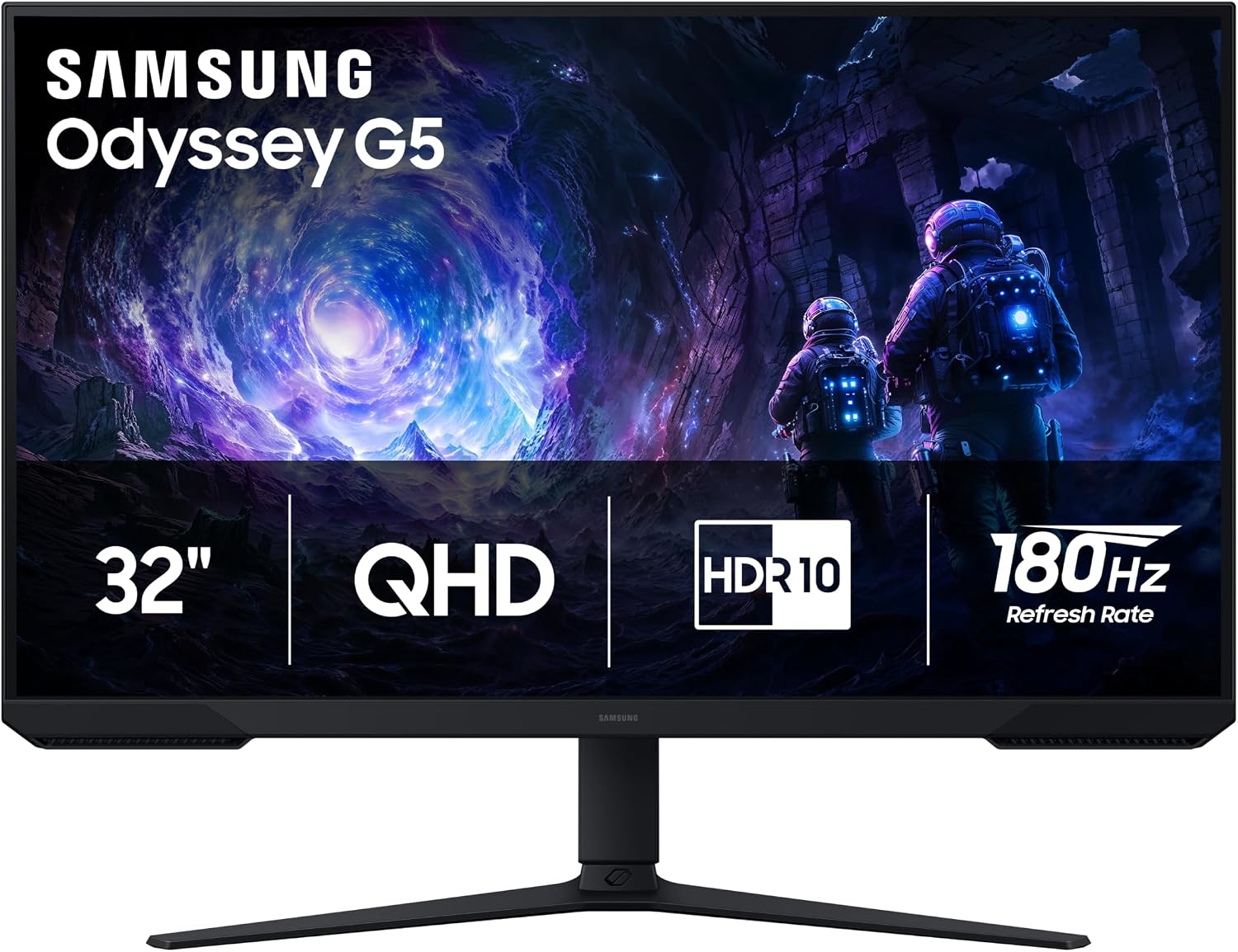
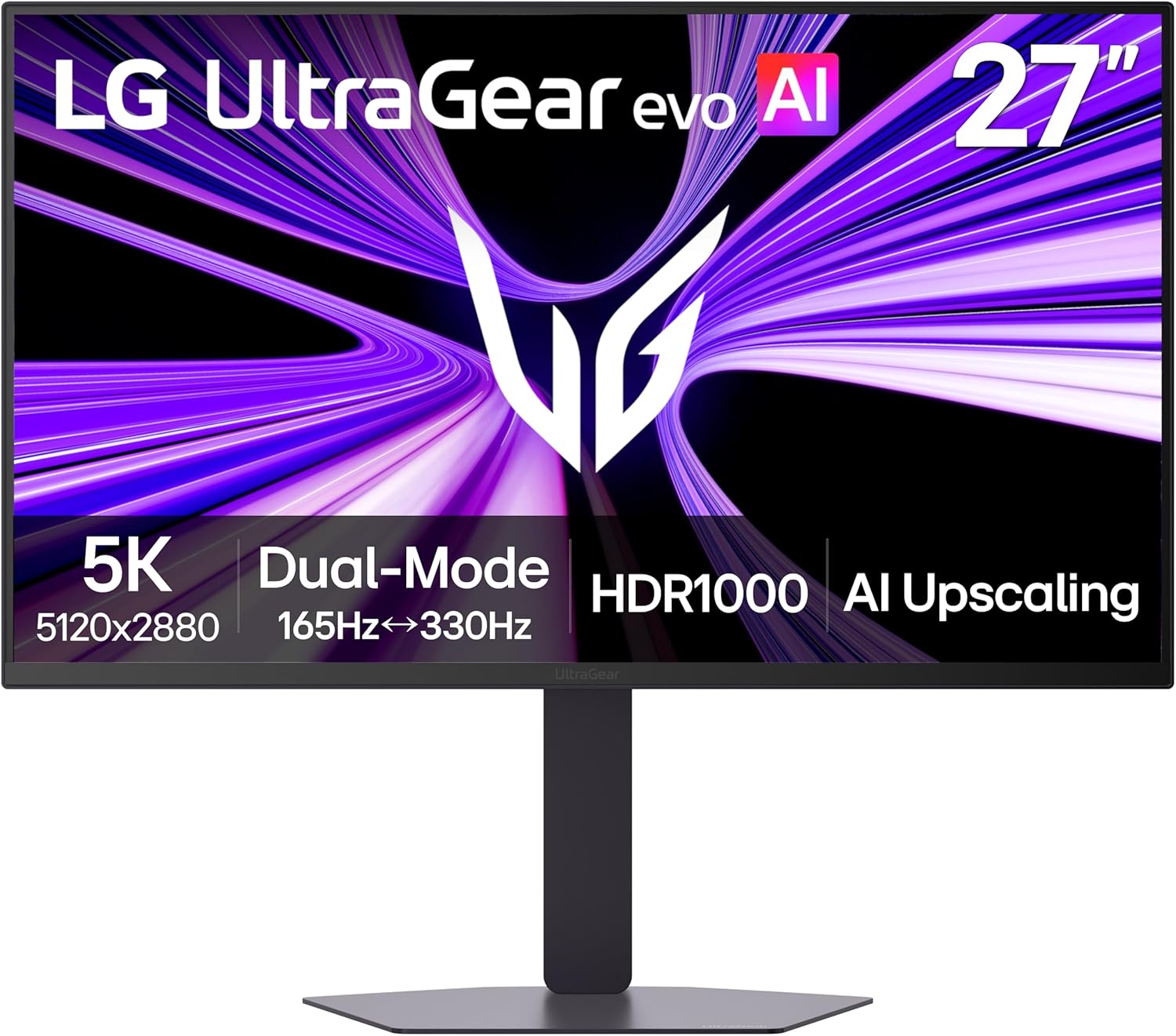
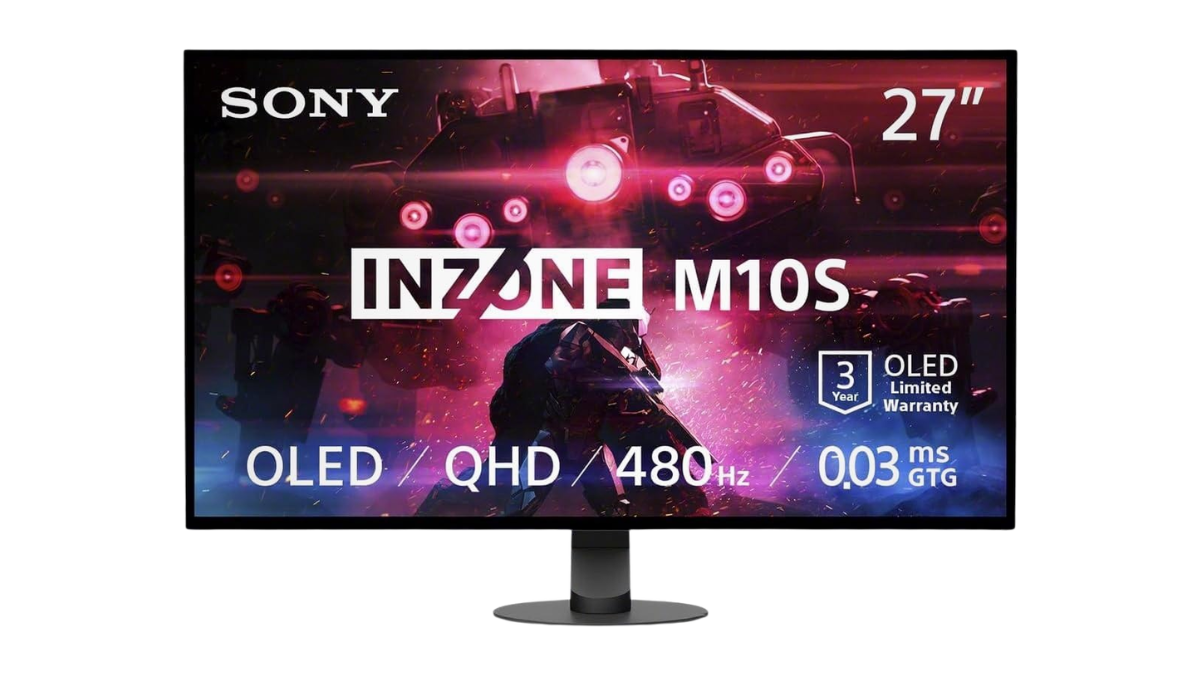
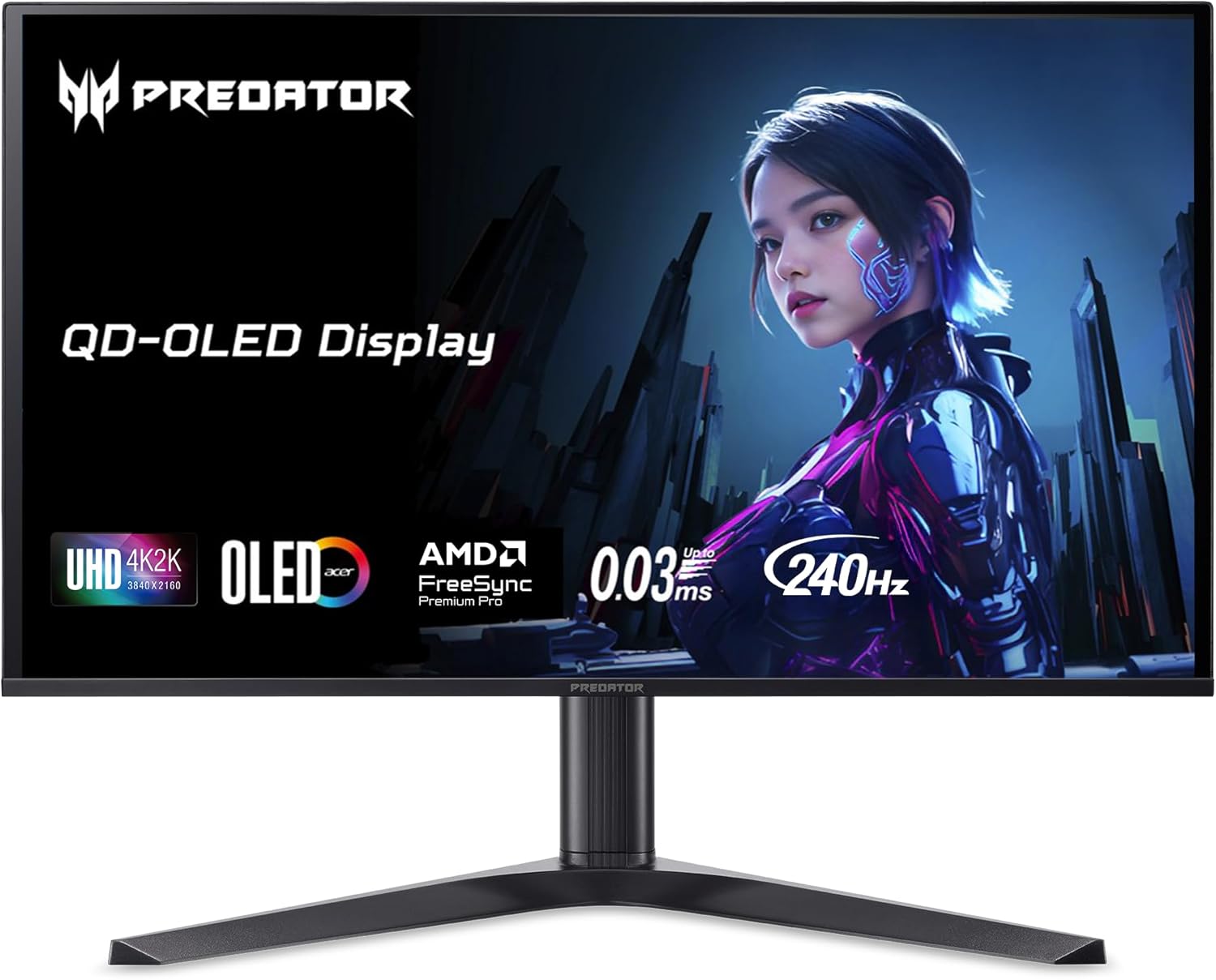
Prices and savings can change. Check the retailer for the current price.
Written by
