

Best RX 7700 XT GPUs in 2026 – Our top picks

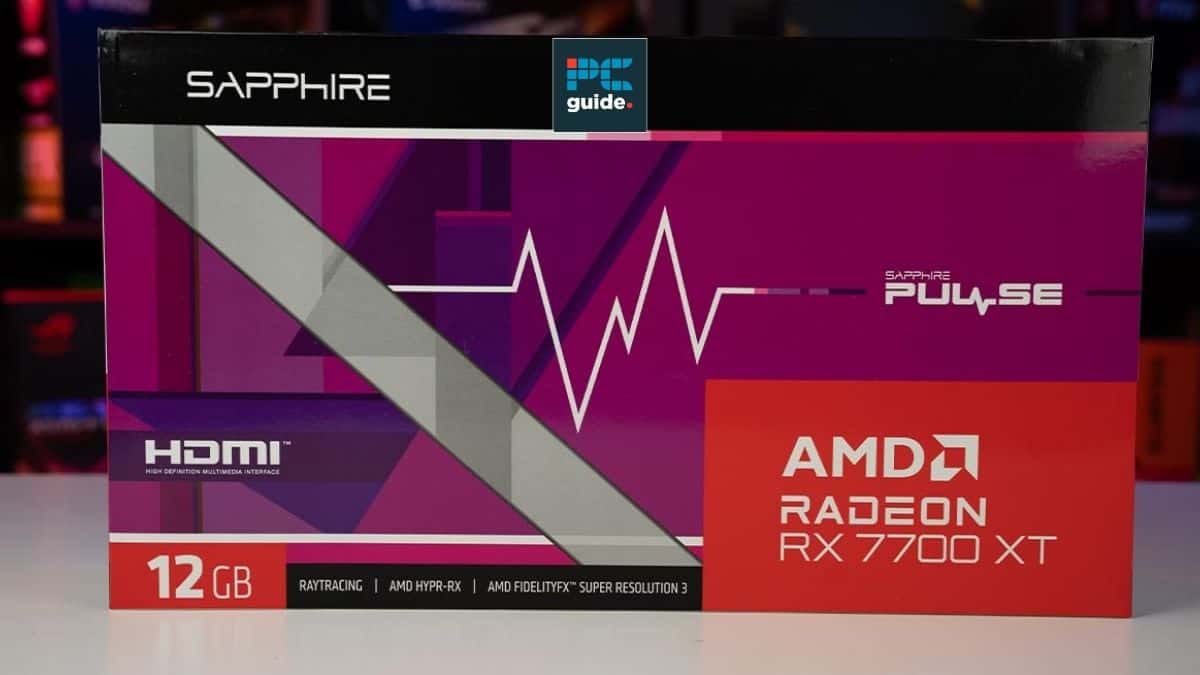
Table of Contents
Outshining its Nvidia counterpart in a range of benchmarks, the RX 7700 XT has proven to be more than just a cost-effective option.
The RX 7700 XT, released by AMD in August 2023, is often positioned as a mid-range GPU. It boasts a powerful RDNA 3 architecture that underpins its exceptional performance. Unlike its predecessors, this RX card features a revamped 7nm manufacturing process for the Navi 32 graphics core. This translates to superior performance and power efficiency. Additionally, the graphics card packs in 12GB of next-generation GDDR6 memory, enabling faster data transfer rates that prove crucial for high-resolution gaming and demanding applications.
With its feature set, this AMD GPU is a great choice for gamers who want to strike a balance between performance and price. In this guide, we have selected some of the best 7700 XT models that we researched and found.
Latest tech deals.
- AMD Ryzen™ 9 9900X 12-Core - was $499 now $331
- Sony INZONE M10S 27-inch - was $899 now $748
- Thermaltake LCGS View i1470S-170 - was $2,399 now $2,099
- Apple 2026 MacBook Air - was $1,999 now $1,891
- Bose QuietComfort Headphones - was $359 now $169
- LG 77-inch OLED C6 - was $2,499 now $1,999
- MSI Prestige 16 Flip - was $2,149 now $1,870
- Hisense 85-inch U6 Pro Series - was $1,999 now $997
Prices correct as of November 5th, 2026.
Products at a glance
-
Best RX 7700 XT GPU
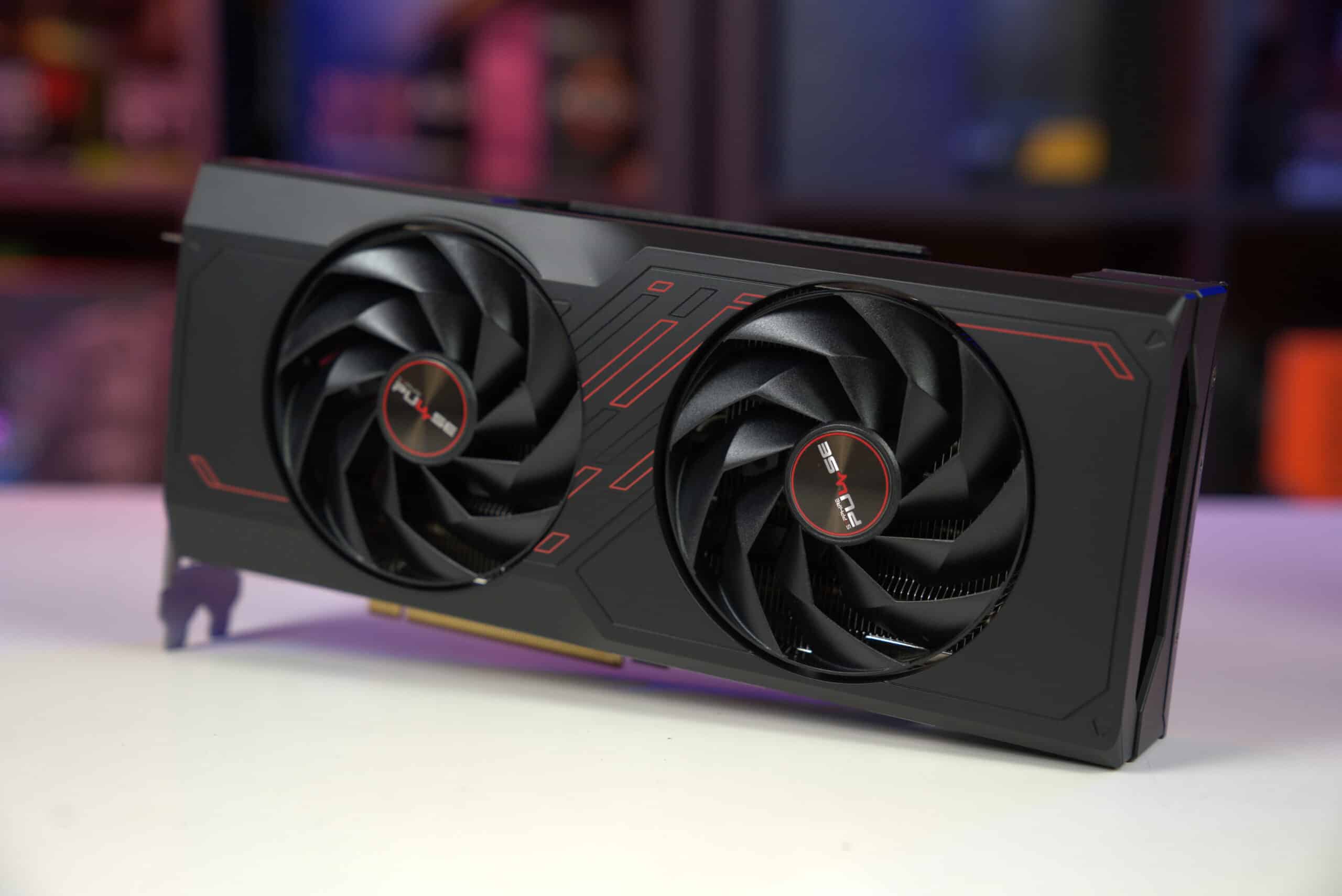
Sapphire Radeon Pulse RX 7700 XT
- GPU: Navi 32
- Stream Processors: 3,456
- VRAM: 12GB GDDR6
- Bandwidth: 432 GB/sec
- Memory bus width: 192-bit
- Base clock speed: 1,435 MHz

-
 Best RX 7700 XT GPU for cooling
Best RX 7700 XT GPUs in 2026 – Our top picks
-
 Best RX 7700 XT GPU for overclocking
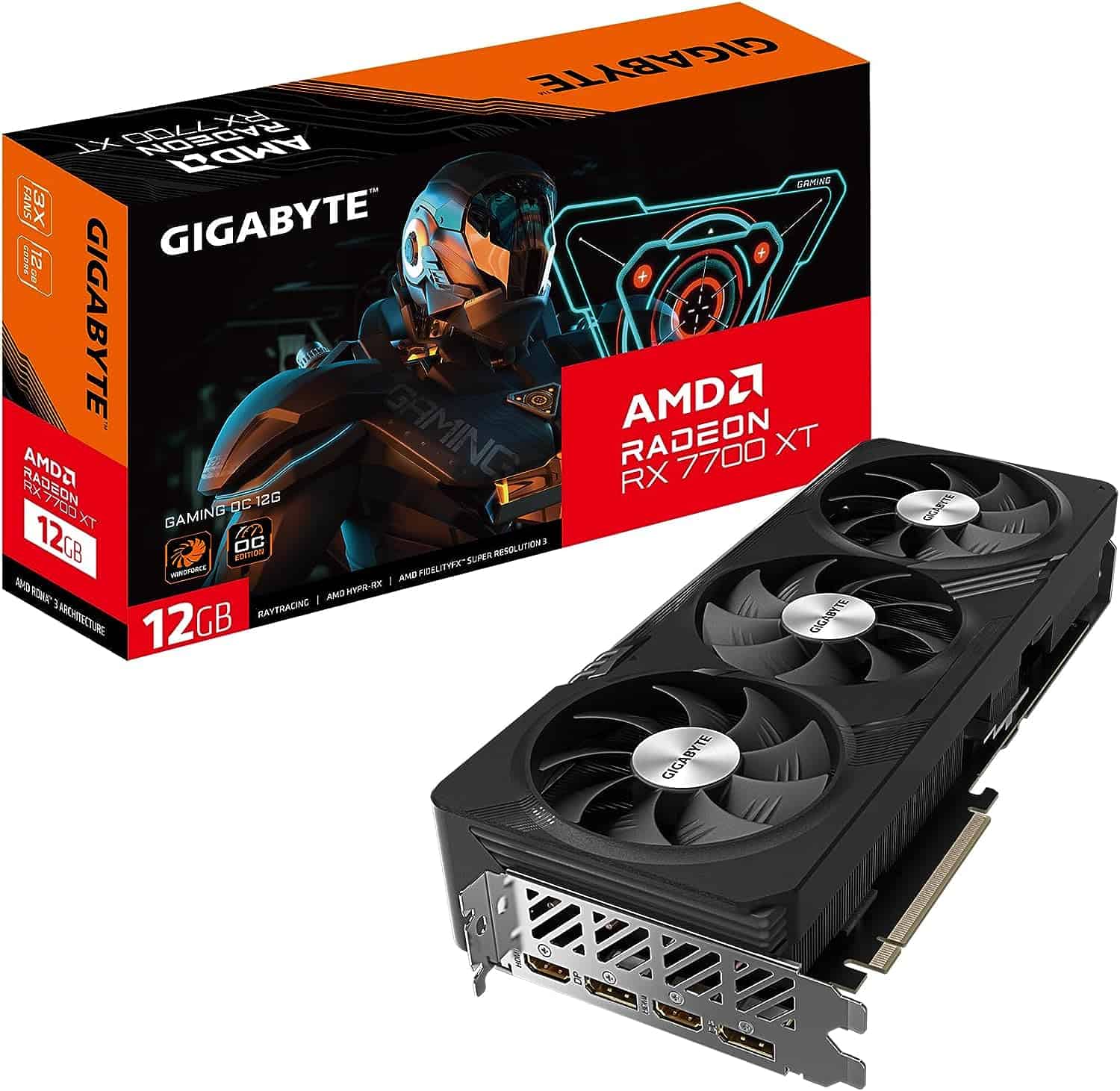
Gigabyte Radeon RX 7700 XT Gaming OC
- GPU: Navi 32
- Stream processors: 3456
- VRAM: 12 GB GDDR6
- Bus width: 192 bit
- Base clock speed: 1784 MHz
- Boost clock speed: 2599 MHz
-
 Best 7700 XT for aesthetics
ASRock STEEL LEGEND Radeon RX 7700 XT
- GPU: Navi 32
- Stream processors: 3456
- VRAM: 12 GB GDDR6
- Bus width: 192 bit
- Base clock speed: 1784 MHz
- Boost clock speed: 2599 MHz

How we selected the GPUs
While we haven’t tested all the models mentioned in this article, we have tested the Sapphire Radeon Pulse RX 7700 XT hands-on. We test GPUs based on various metrics like raw performance, advanced features (and how they boost performance), and much more.
For other models, we take into consideration technical specifications, performance benchmarks, and user experience. We compare the GPUs side-by-side and pick the ones that we think offer the best performance and value. In addition to this, reliability, temperature control, noise levels, and even the software experience are all part of the equation.

Coming to the RX 7700 XT, specifically, the card features the latest innovations from AMD. Not only does it utilize the RDNA 3 architecture, but the RX 7700 XT and RX 7800 XT offer considerable gains over their predecessors, such as the RX 6700 XT. This is partly due to incorporating the FidelityFX Super Resolution (FSR) and HYPR-RX technologies for advanced ray tracing.

- Attractive launch price point
- Efficient heat management
- Can run on an affordable 550W PSU
- No RGB lighting
- The RX 7800 XT is similarly priced
- 4K performance is limited
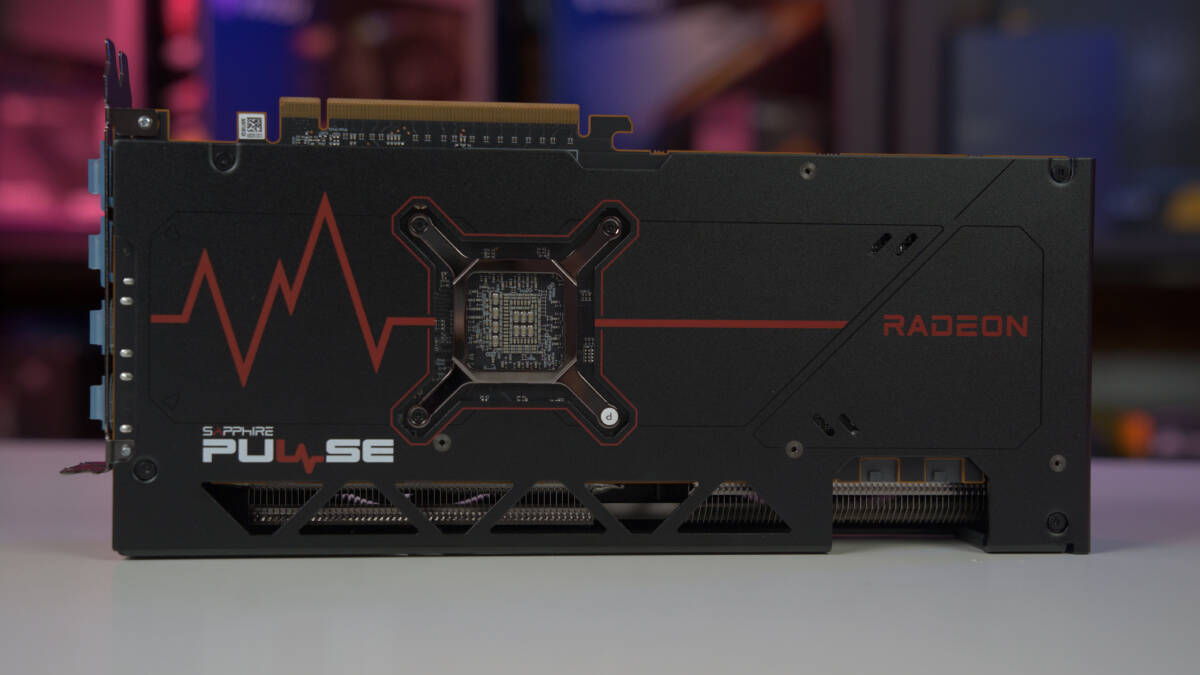
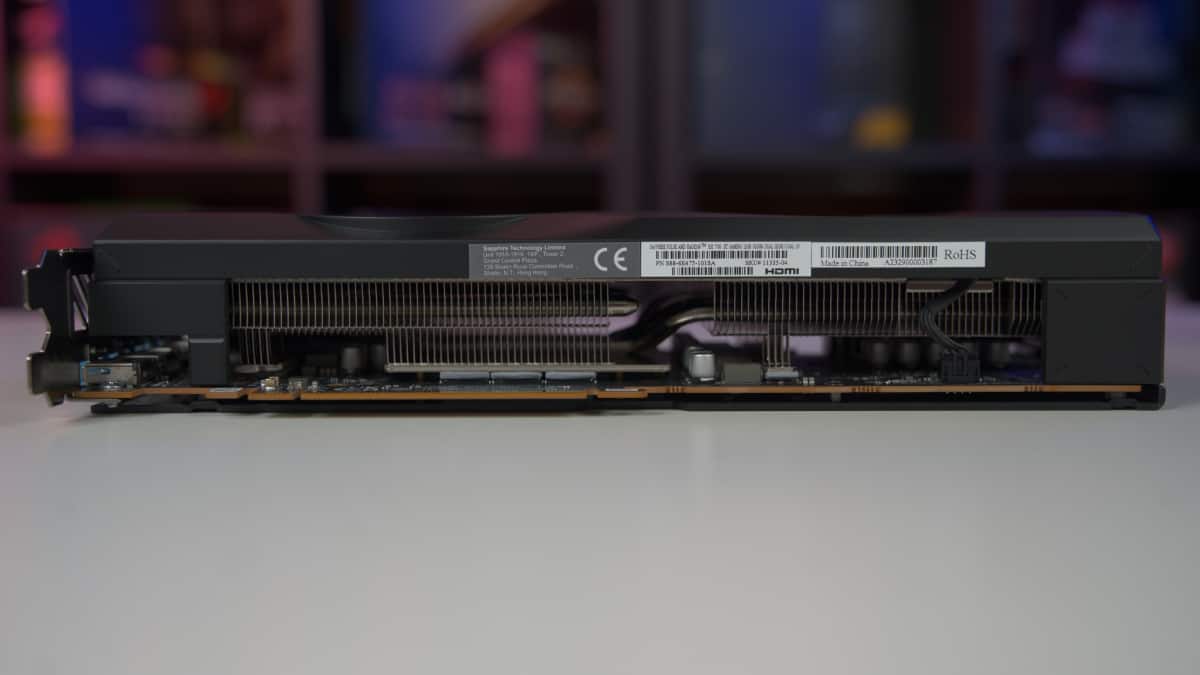
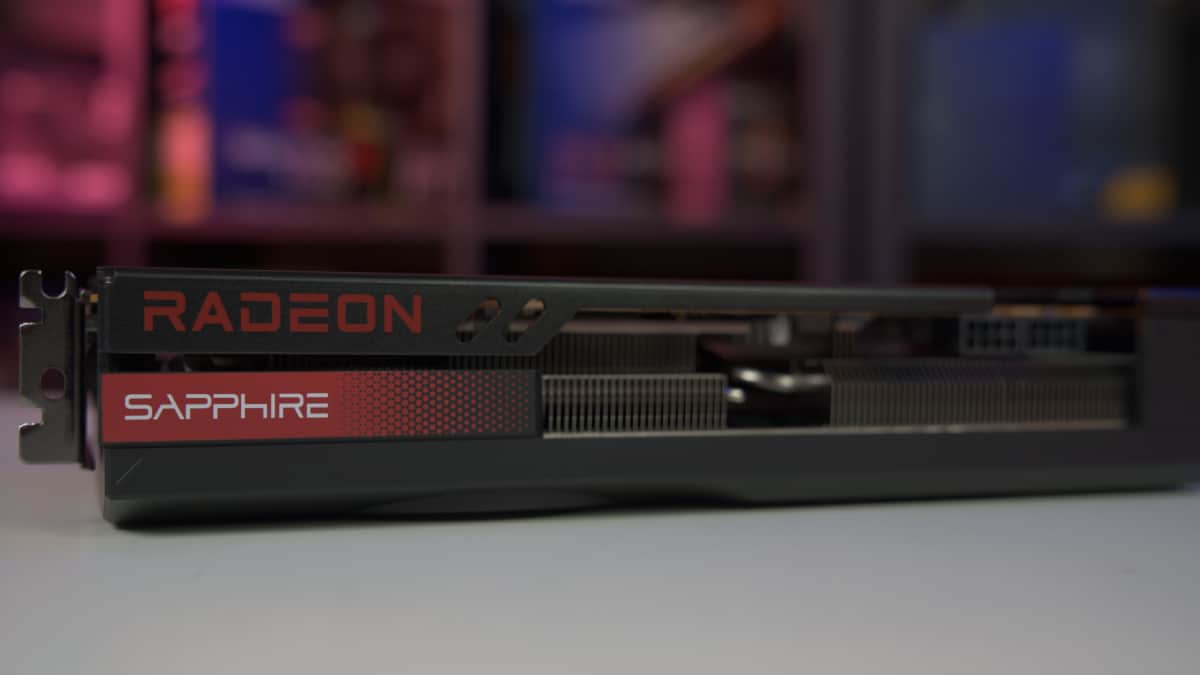
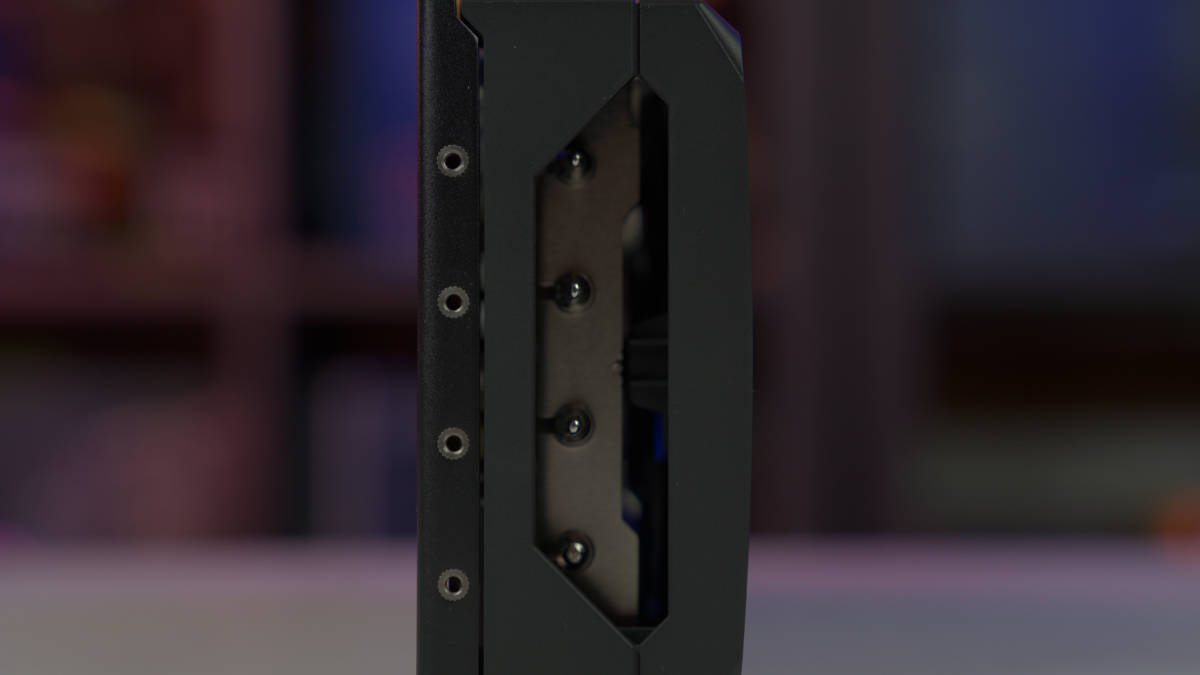
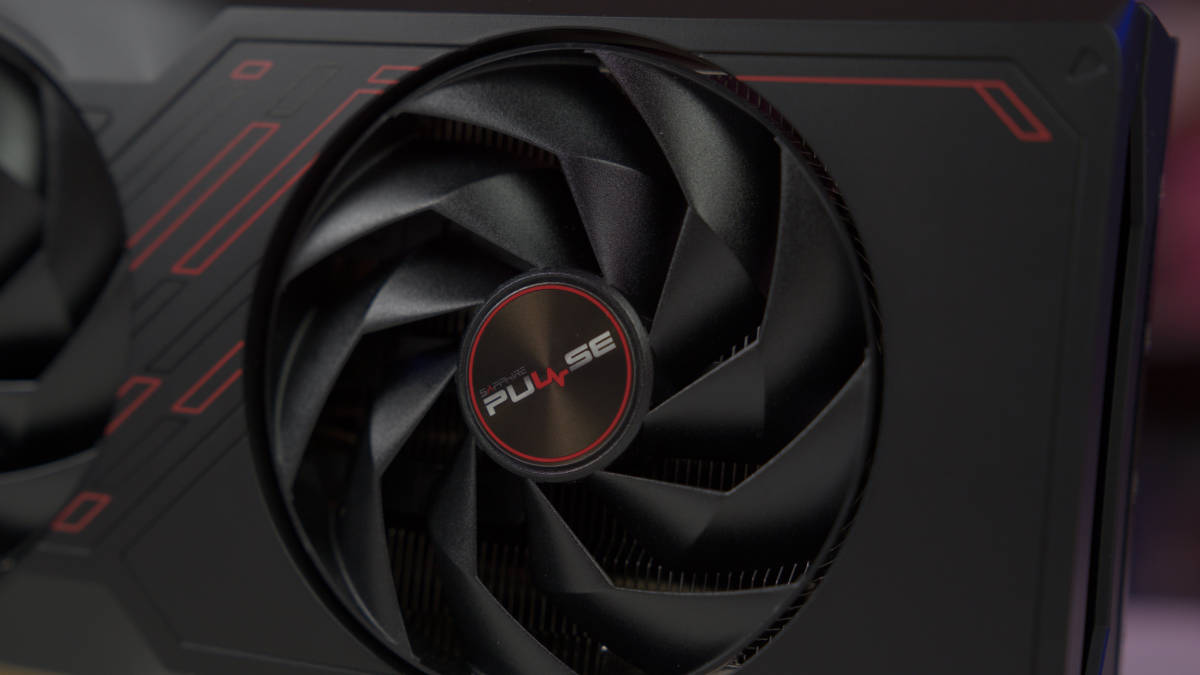
If you’re in the market for a no-frills, reliable GPU, this Sapphire Pulse model might just be your pick; what’s more, it’s our review unit, too.
Now, don’t be thrown off by the ‘no-frills’ label. This new Radeon RX GPU is still a solid choice, even without the RGB lighting and factory overclocking. This card boasts the original specs of the RX 7700 XT, including the 12GB VRAM, 192-bit memory bandwidth, and 54 ray accelerators. And if you’re a gamer who’s all about that 1440p gameplay, this one won’t let you down. It’s designed to handle the demands of many modern titles, and it does so with ease.
And if you’re a gamer who’s all about that 1440p gameplay, this one won’t let you down.
PC Guide
In our RX 7700 XT review, we saw that the card delivered excellent framerates for 1440p gaming. It also gave us decent performance for some 4K titles (some, not all). For instance, we played Far Cry 6 in 4K and got 68 FPS. However, with Cyberpunk 2077 4K, we got only 36 FPS.
Price-wise, the Sapphire Pulse gives you value for your money. Set at the $450 launch MSRP, this card is for those who want optimal performance without the extra decorative features. Even with the lower price point, this card still holds its own against the GeForce RTX 4060 Ti in the AMD vs Nvidia competition.

- GPU: Navi 32
- Stream processors: 3,456
- VRAM: 12 GB GDDR6
- Bus width: 192 bit
- Base clock speed: 1435 MHz
- Boost clock speed : 2544 MHz
- Competitive price
- Direct Touch Copper Base for cooling
- Durable dual-ball bearings
- No RGB effects
- No overclocking support
Right off the bat, this Fighter card from PowerColor asserts itself with noteworthy features like its hefty 12GB GDDR6 memory and a robust boost clock of 2585 MHz. Dive a bit deeper, and you’ll notice the GPU’s unique strengths: a reinforced backplate and a Direct Touch Copper Base. The latter ensures rapid heat dissipation, which is a godsend for those intense gaming marathons.
Now, who is this card for? If you’re someone who cares more about performance and reliability rather than flashing RGB lights, this is the card for you. The lack of overclocking support might irk some, but honestly, for the everyday gamer, this card does more than justice to modern titles. With RAM allocations of 12GB, you’re investing in a future-proof purchase.
The lack of overclocking support might irk some, but honestly, for the everyday gamer, this card does more than justice to modern titles.
PC Guide
At its competitive $449 price point, it’s a sweet deal for anyone on a budget but not willing to compromise too much on performance. Your money will get you playing with high frame rates at 1440p, with the addition of occasional 4k. Plus, with its dual-ball bearings, you’re assured of its longevity, ensuring your gaming sessions remain uninterrupted for a good long while.
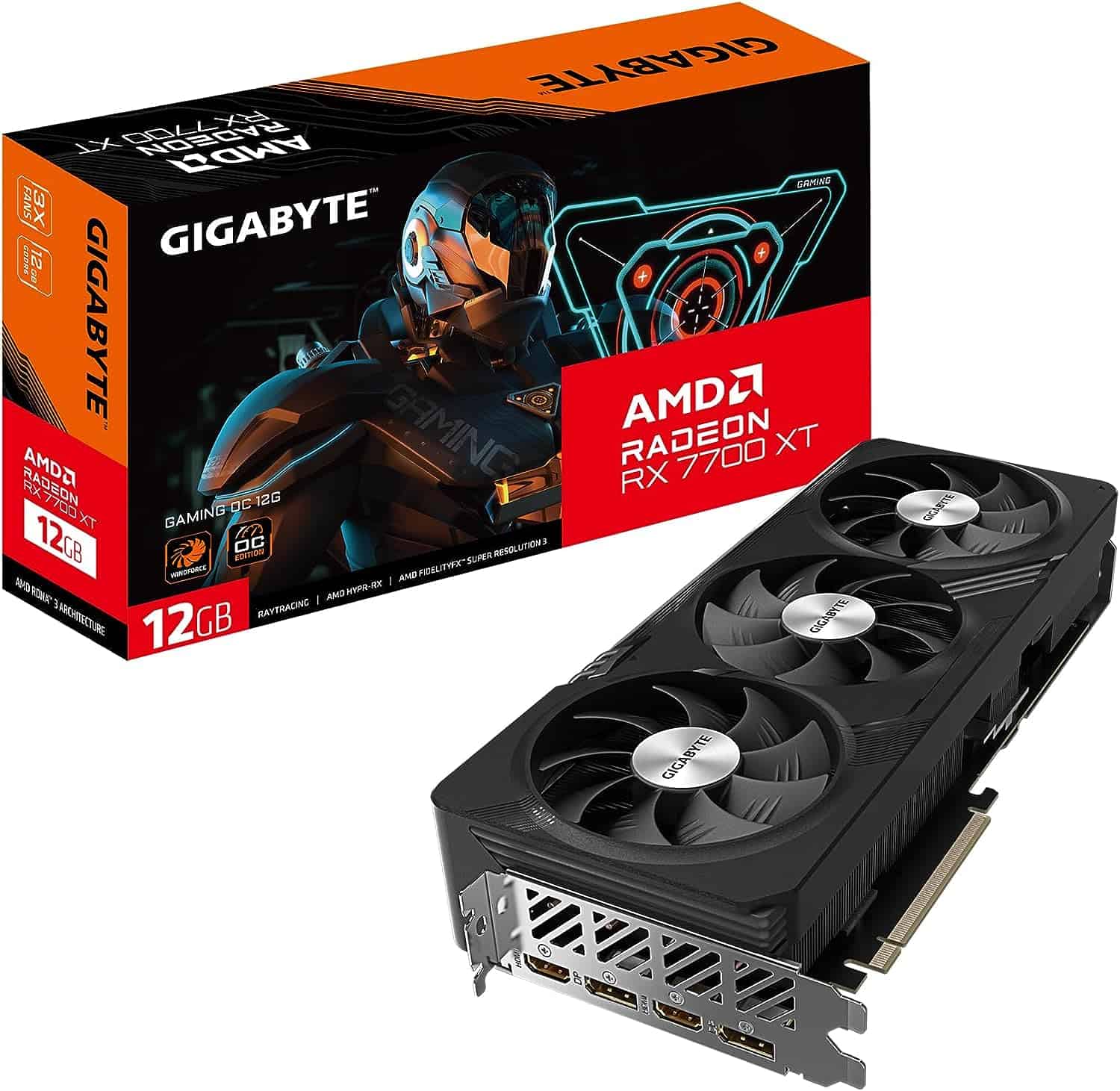
- GPU: Navi 32
- Stream processors: 3456
- VRAM: 12 GB GDDR6
- Bus width: 192 bit
- Base clock speed: 1784 MHz
- Boost clock speed: 2599 MHz
- Performance uplift with higher clock speeds
- Sleek and simple design
- Effective WINDFORCE cooling system
- Minimal RGB customization options
- No major game-changing features
- Might not fit budget constraints for everyone.
If you’re keen on squeezing a few more frames per second from your games, the Gigabyte OC model has your back. With boosted clock speeds across the board, this GPU provides a noticeable bump in performance.
With a boost clock of up to 2599 MHz, this 7700 XT is a great choice for overclocking.
PC Guide
While it’s not going to revolutionize your gameplay, it sure doesn’t hurt to have those bonus FPS for smoother visuals and more stability. Combined with the cards Hypr-RX, AMD’s alternative to DLSS, you can expect even extra boost and anti-lag optimization.
Now, let’s talk design. Gigabyte has gone with a minimalistic yet futuristic aesthetic. The all-black shroud has this cybernetic etching, which looks pretty slick. And if you’re a fan of RGB (let’s face it, who isn’t?), the Gigabyte logo lights up to add a pop of color to your rig. With a boost clock of up to 2599 MHz, this 7700 XT is a great choice for overclocking.

- GPU: Navi 32
- Stream processors: 3456
- VRAM: 12 GB GDDR6
- Bus width: 192 bit
- Base clock speed: 1784 MHz
- Boost clock speed: 2599 MHz
- Aesthetic white design with RGB
- Enhanced clock speeds
- Superior cooling with triple fans
- Requires a spacious case
- Power-hungry (650W PSU recommended)
For users looking for a bit of flair in their GPU, ASRock’s Steel Legend OC has you covered. With its all-white design and the addition of customizable RGB color effects, it’s sure to be the centerpiece of any gaming rig. But beyond its looks, this card has some serious muscle. It sports an improved base clock speed, game clock, and boost clock, ensuring that it not only looks cool but also performs like a beast.
If you’re a gamer who appreciates a blend of aesthetics and performance, then look no further.
PC Guide
So, who’s this beauty for? If you’re a gamer who appreciates a blend of aesthetics and performance, then look no further. The performance uplift, thanks to those enhanced clock speeds, translates to smoother gameplay in demanding titles. However, its 3,456 stream processors mean this card performs well in productive tasks as well as gameplay.
Now, here’s a heads-up: It’s a pretty substantial card in terms of size. So, before diving in, ensure your PC case has the space to accommodate it, and don’t skimp on the power supply either.
Considerations for the best RX 7700 XT GPU
Here are a few things that you should consider before getting a new graphics card –
CPUs
A key feature of a good GPU is a well-selected CPU to go with it. A strong CPU ensures the GPU works quickly, preventing bottlenecks that slow down performance. This is a must for high-resolution gaming and video editing, where both components need to work together for optimal results. So, what are the best CPUs to pair with the GPU in question? Well, we have a whole guide dedicated to the best CPUs for RX 7700 XT.
Motherboards
The motherboard is another essential component of a strong PC build, providing connections for all components, including the GPU. Pairing a good motherboard with your GPU allows the GPU to deliver its full graphical power without limitations. This is especially the case for high-end GPUs, where a compatible motherboard with enough bandwidth and features is crucial for unlocking their peak performance. We also have a host of dedicated best motherboard guides available if you are interested.
Monitors
It goes without saying, but a suitable monitor is also important when considering the RX 7700 XT GPU. A powerful GPU needs a good monitor to showcase its capabilities. Make sure to investigate high refresh rates and resolutions, which will allow you to see the smooth, detailed graphics the GPU renders. This is particularly important for fast-paced games or high-resolution design work. Our best monitors for GPUs guide should help you with this process.
Price
To get the best deal possible, track your product’s price history using a tool like Camelcamelcamel. This website shows you price fluctuations over time, allowing you to jump on a deal when the price dips. Additionally, consider buying during seasonal sales like Amazon Spring Sale or Black Friday to maximize your savings.
Written by
