

Best RTX 5090 laptops in 2026: Our top picks, including tested and reviewed models

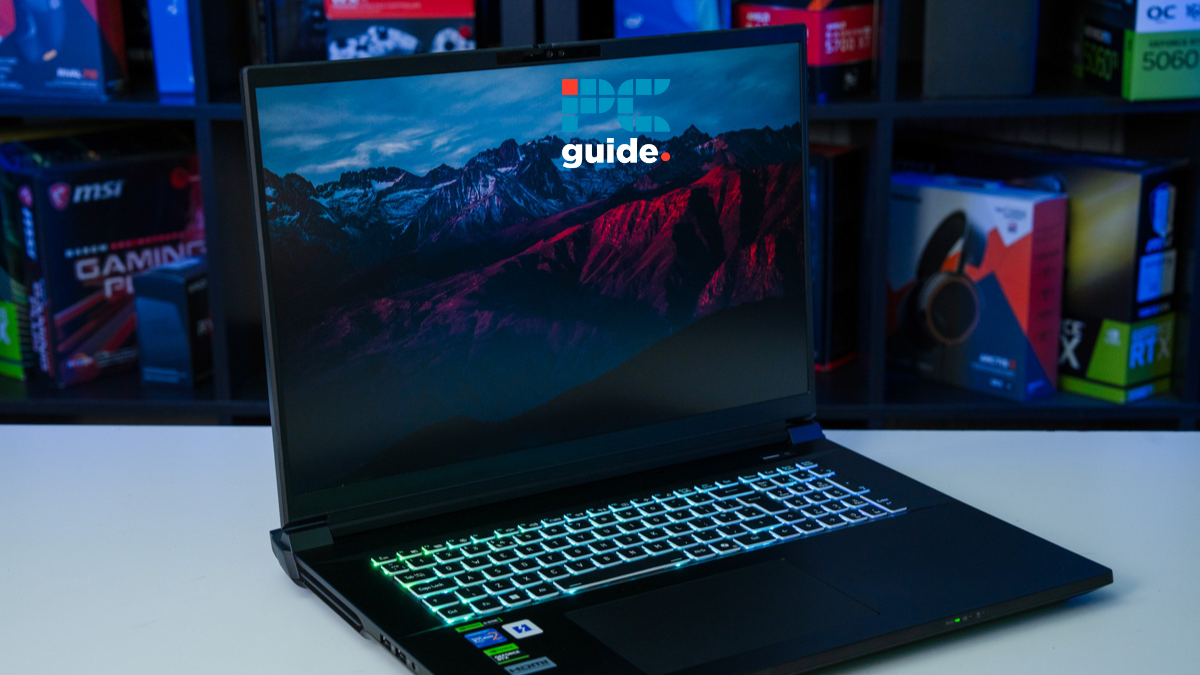
Table of Contents
Gaming laptops can be expensive, especially if they come equipped with high-end components such as Nvidia’s RTX 5090. Models that feature Nvidia’s flagship mobile GPU are, without doubt, the most lavish gaming laptops on the market, offering up stunning performance whether you’re a gamer, creative, or someone who undertakes demanding workflows.
The trade-off for having such impressive performance, however, is the price point. While the best RTX 5090 laptops on the market will make playing demanding titles and performing endless video editing look easy, they don’t come cheap. In fact, they’re some of the most expensive tech products on the market right now.
Thankfully, the RTX 5090 stands out thanks to DLSS 4 and Multi-Frame Generation, delivering superior gaming performance across a wide range of supported titles. In this guide, we’ve selected some of the best RTX 5090 laptops currently available, using our own in-house testing and knowledge of the market to determine our recommendations.
Latest tech deals.
- AMD Ryzen™ 9 9900X 12-Core - was $499 now $331
- Sony INZONE M10S 27” - was $899 now $748
- Thermaltake LCGS View i1470S-170 - was $2,399 now $2,099
- Apple 2026 MacBook Air - was $1,999 now $1,891
- Bose QuietComfort Headphones - was $359 now $169
- LG 77-inch OLED C6 - was $2,499 now $1,999
- MSI Prestige 16 Flip - was $2,149 now $1,870
-
Hisense 85" U6 Pro Series-
Prices correct as of November 5th, 2026.
Products at a glance
-
Best RTX 5090 laptop overall
OcUK Pinnacle X580WNT-G
- CPU: Intel Ultra Core 9 275HX
- GPU: NVIDIA GeForce RTX 5090/RTX 5080/RTX 5070 Ti
- RAM: 32/48/64/96/128/192GB DDR5
- Storage: 1-32TB NVMe SSD (4 slots)
- Max Refresh Rate: 200/240Hz
- Resolution: 3840×2400

-
Best runner-up
MSI Raider A18 HX A9WJG (RTX 5090)
- CPU: Up to AMD Ryzen 9 9955HX3D
- GPU: Up to Nvidia GeForce RTX 5090
- Memory: Up to 64GB DDR5 6400MHz RAM
- Storage: Up to 2TB SSD
- Max Refresh Rate: 240Hz
- Resolution: 3840 x 2400
-
Best dual-resolution pick
Acer Predator Helios 18 AI (RTX 5090)
- CPU: Up to Intel Core Ultra 9 275HX
- GPU: Up to Nvidia GeForce RTX 5090
- Memory: Up to 192GB DDR5 6400MHz (4 slots)
- Storage: Up to 6TB PCIe Gen5 SSD (M.2 3 slots)
- Max Refresh Rate: Up to 250Hz
- Resolution: 2560 x 1600 / 3840 x 2400
-
 Best QHD+
ASUS ROG Strix SCAR 18 (RTX 5090)
- CPU: Up to Intel Core Ultra 9 processor
- GPU: Up to Nvidia GeForce RTX 5090
- Memory: Up to 64GB DDR5 5600MHz RAM
- Storage: Up to 4TB PCIe Gen4 in RAID 0 (slots support PCIe Gen5)
- Max Refresh Rate: 240Hz
- Resolution: 2.5K
-
 Best for creatives
ASUS ROG Zephyrus G16 (RTX 5090)
- CPU: Up to Intel Core Ultra 9 285H
- GPU: Nvidia GeForce RTX 5090
- Memory: Up to 64GB LPDDR5X 7467MHz
- Storage: Up to 2TB SSD
- Max Refresh Rate: 240Hz
- Resolution: 2.5K


How we picked
We selected these RTX 5090 laptops based on their hardware, features, and the in-house performance they showcased. We take a hands-on approach with every product, and our goal is to test and review every piece of hardware we recommend. Our laptop testing protocol is split between gaming performance, workstation performance, picture quality, general features and upgradability, power and cooling, design, and value for money.
This gives us the complete picture, and based on that, we rate and can accurately and confidently recommend products. If you’re interested in checking out more laptop options, we’ve got plenty of laptop reviews available.
Our top picks


- CPU: Intel Ultra Core 9 275HX
- GPU: NVIDIA GeForce RTX 5090/RTX 5080/RTX 5070 Ti
- RAM: 32/48/64/96/128/192GB DDR5
- Storage: 1-32TB NVMe SSD (4 slots)
- Max Refresh Rate: 200/240Hz
- Resolution: 3840×2400
- Screen Size: 18-inch
- Panel Type: LCD
- Touchscreen?: No
- Weight: 3.6kg (7.94lbs)
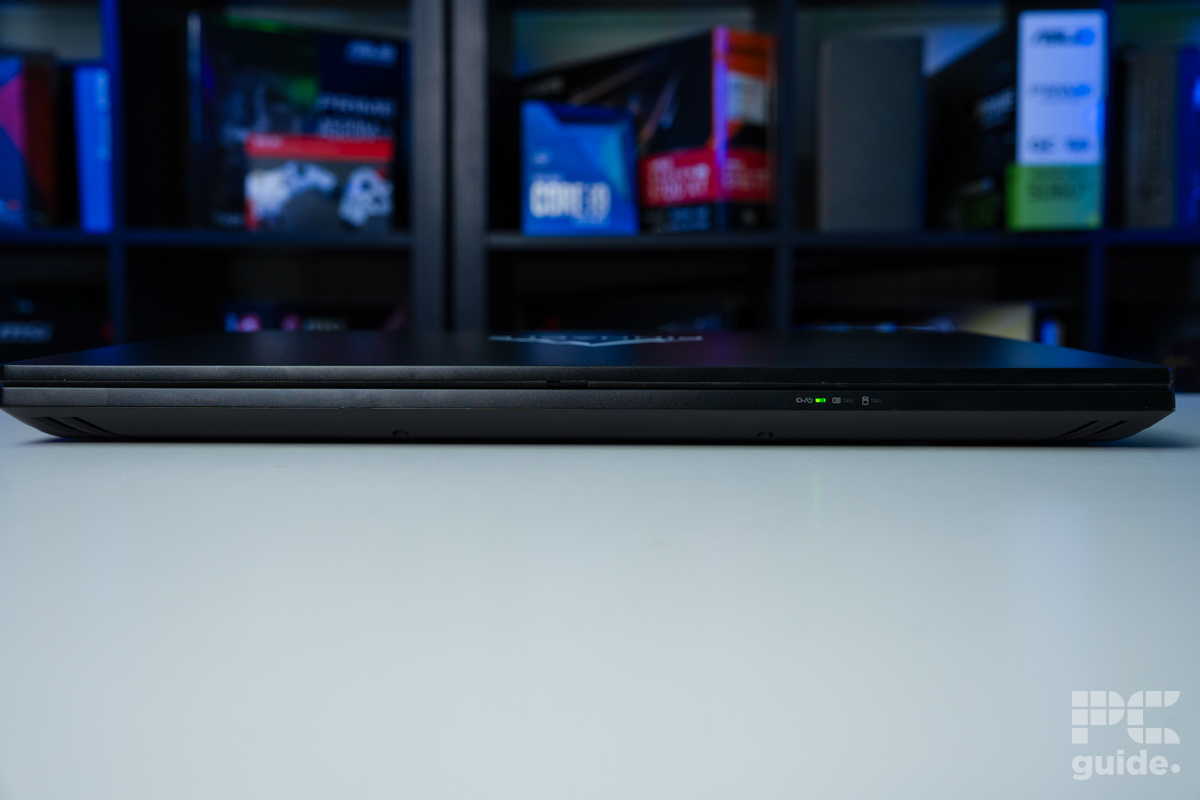
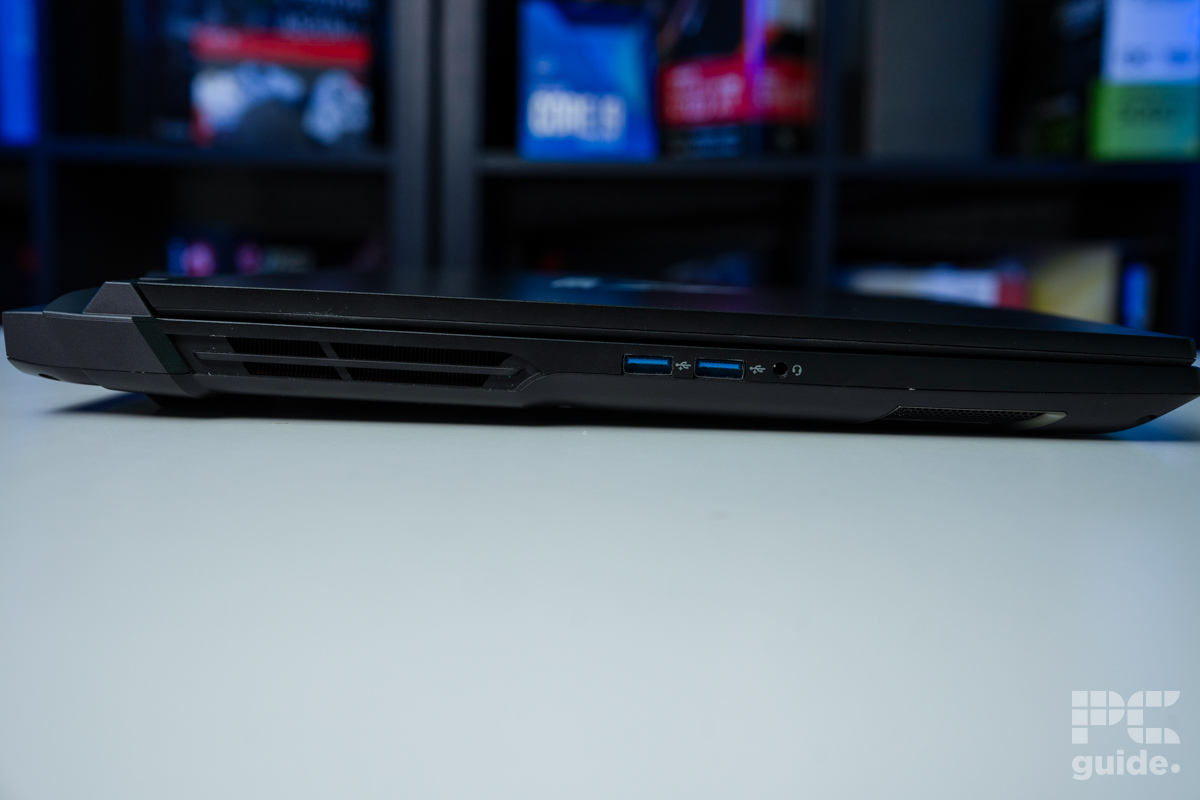
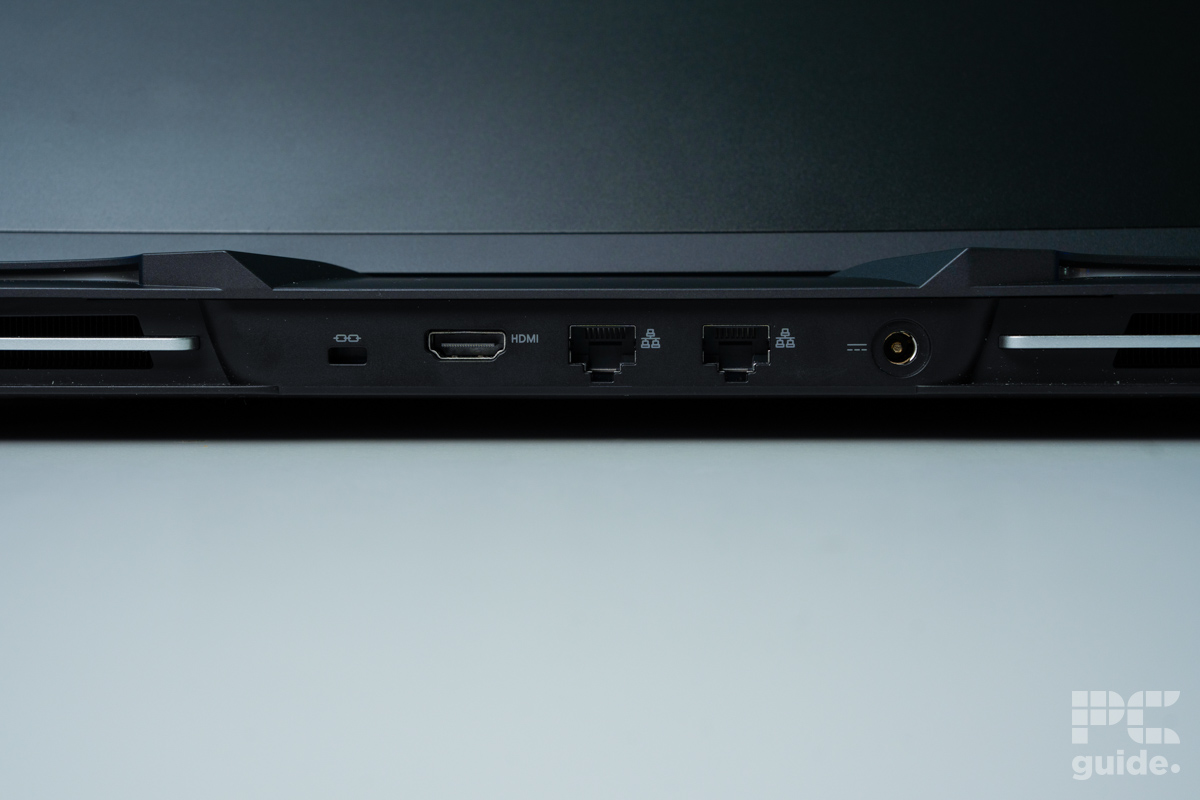
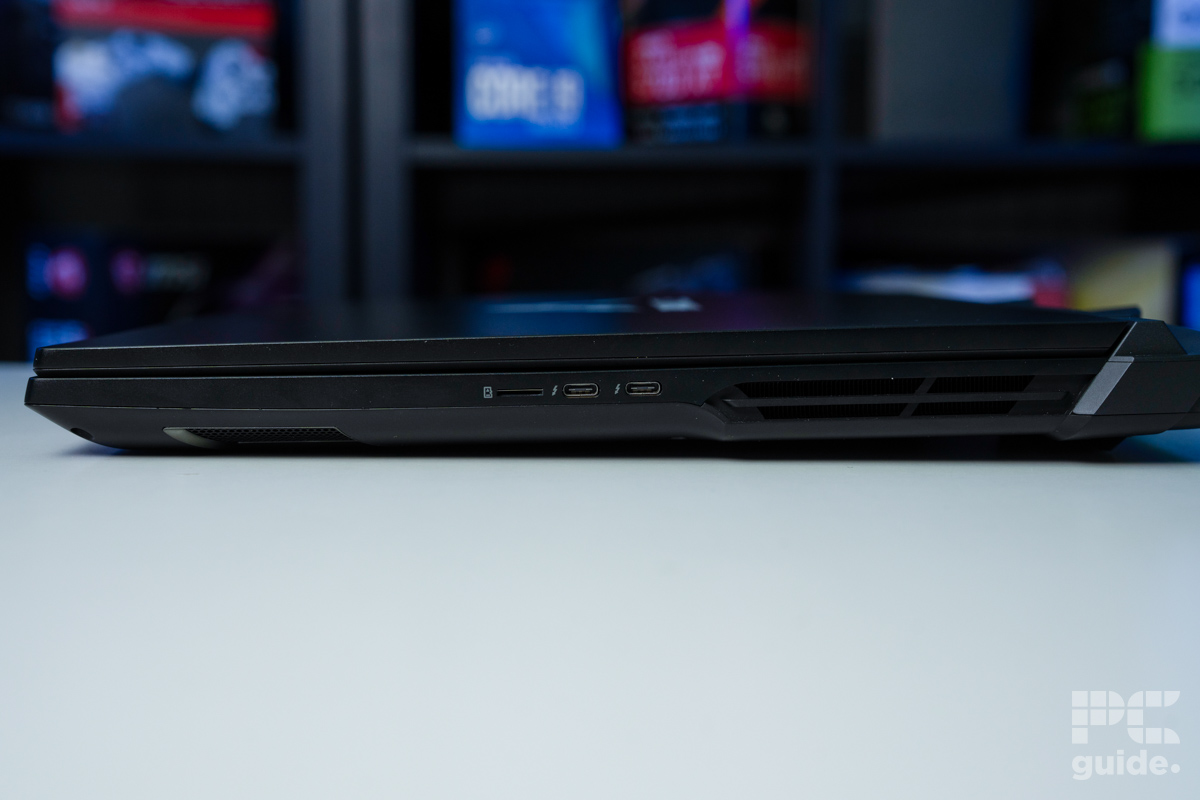
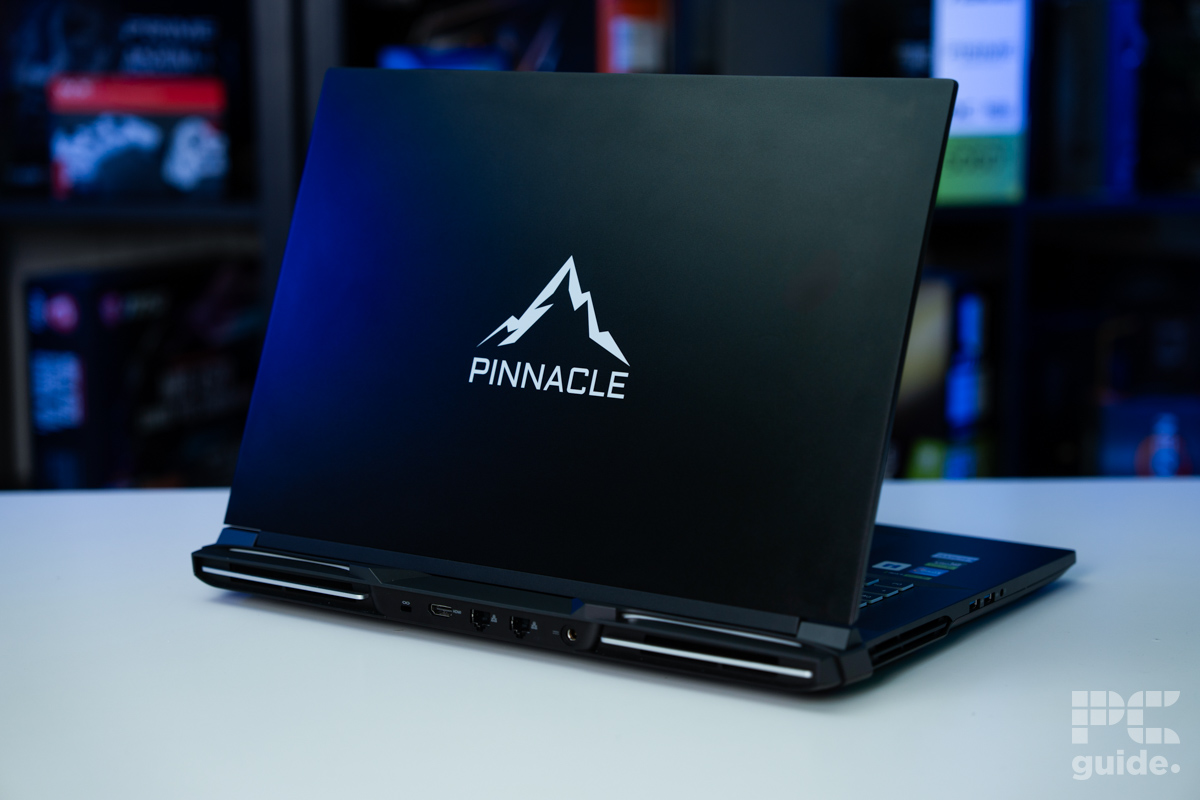
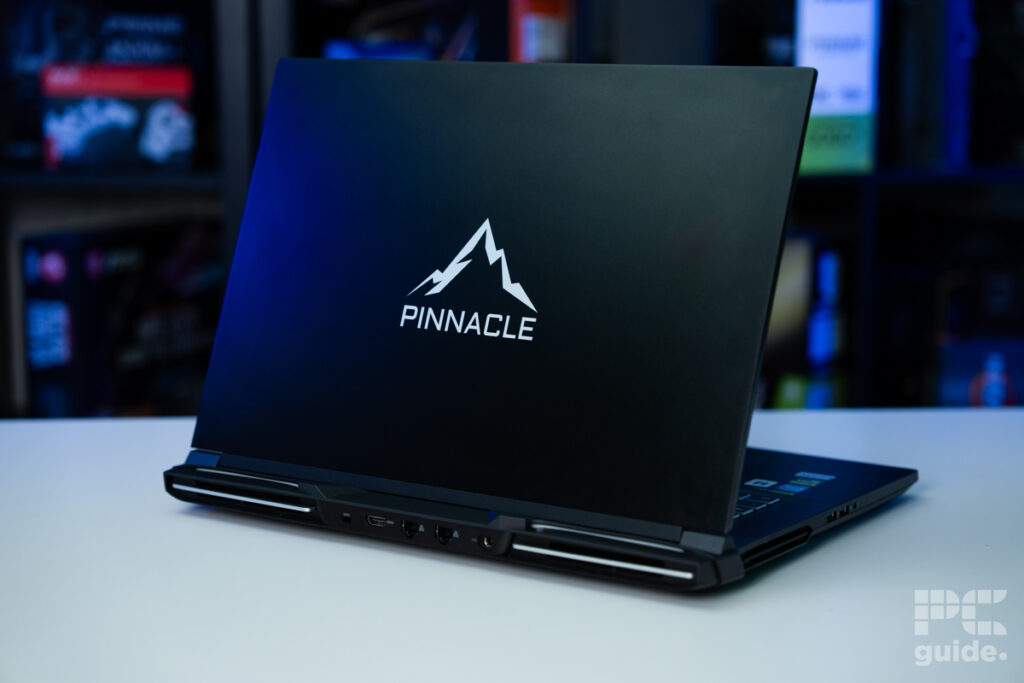
- Ports: 2x RJ45, 2x USB-C (Thunderbolt 5 w/PD DC & Thunderbolt 5), 2x USB-A 3.2 Gen2, 1x HDMI, Micro SD, 1x 3.5mm
- Powerful CPU and GPU, resulting in top performance
- Plenty of customisation choices in building the laptop
- Strong build quality and easy access to upgradeability
- Impressive thermal performance and power balances
- Great colour gamut coverage and accuracy
- Very heavy and not easy to move around
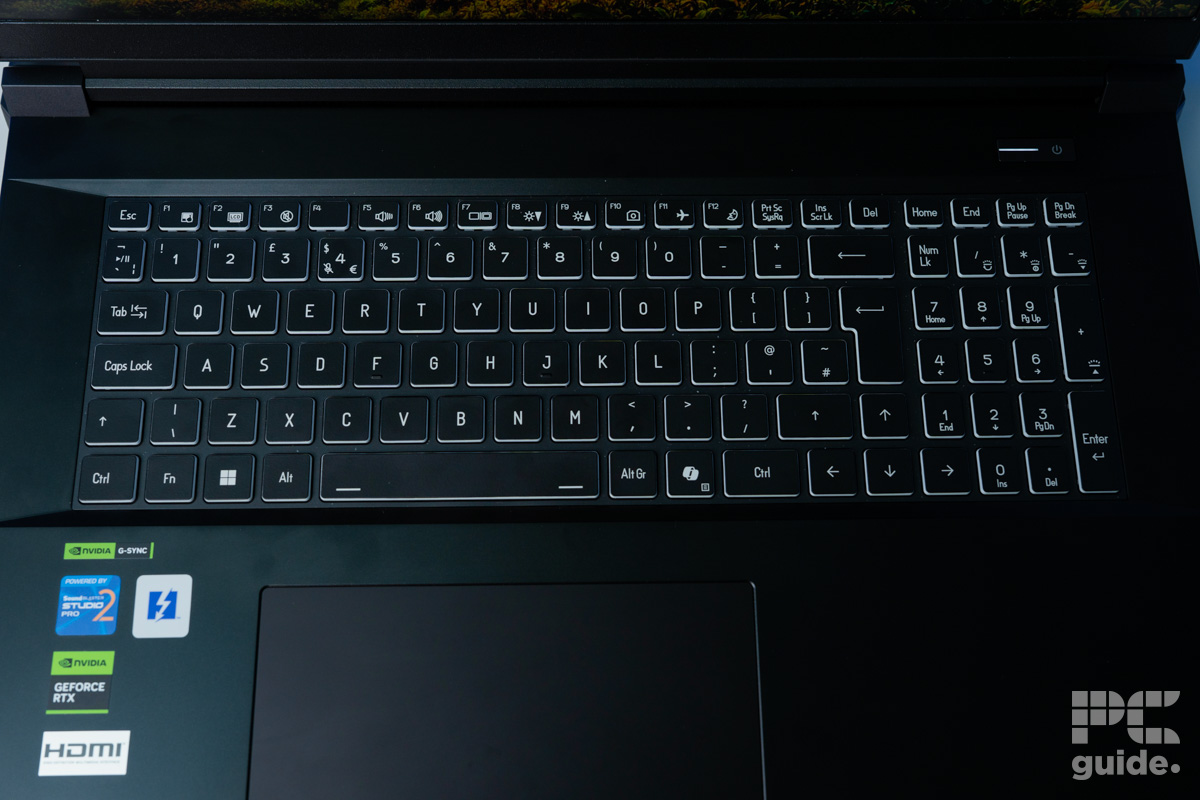
- Large in size, with the keyboard rather far away
- It can get very loud and obnoxious
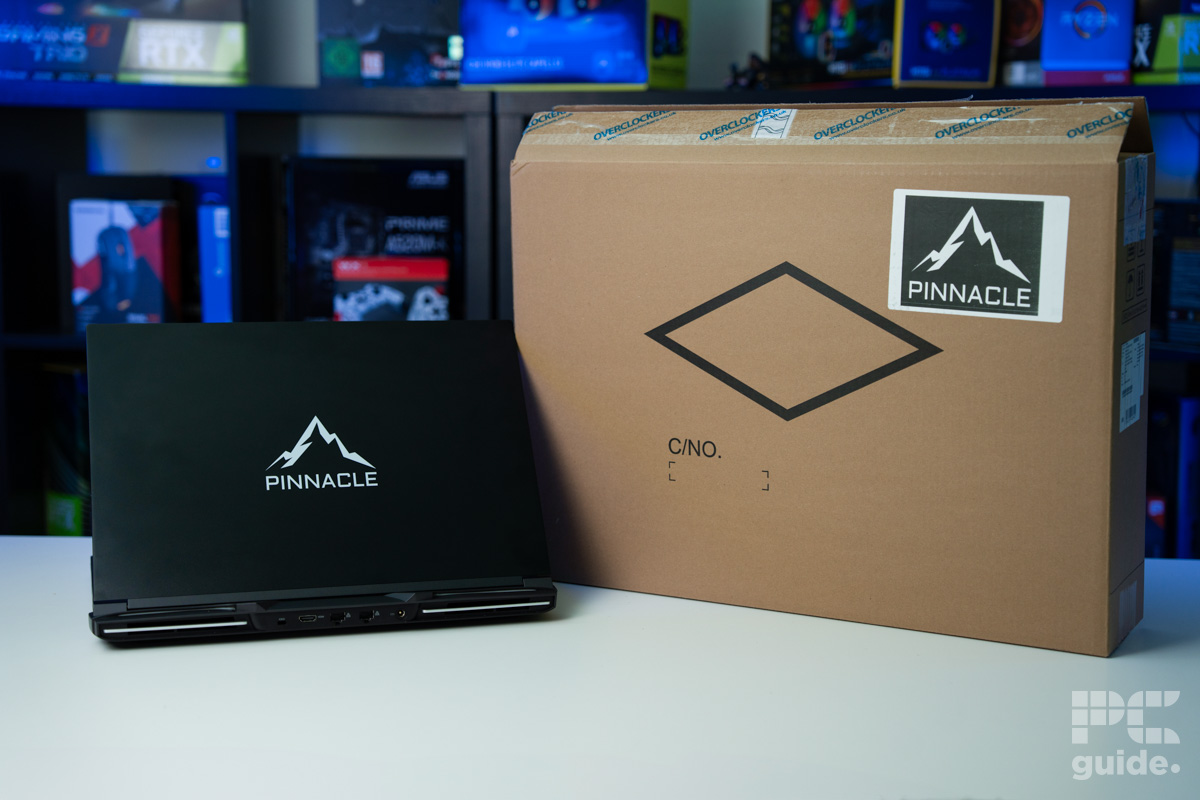
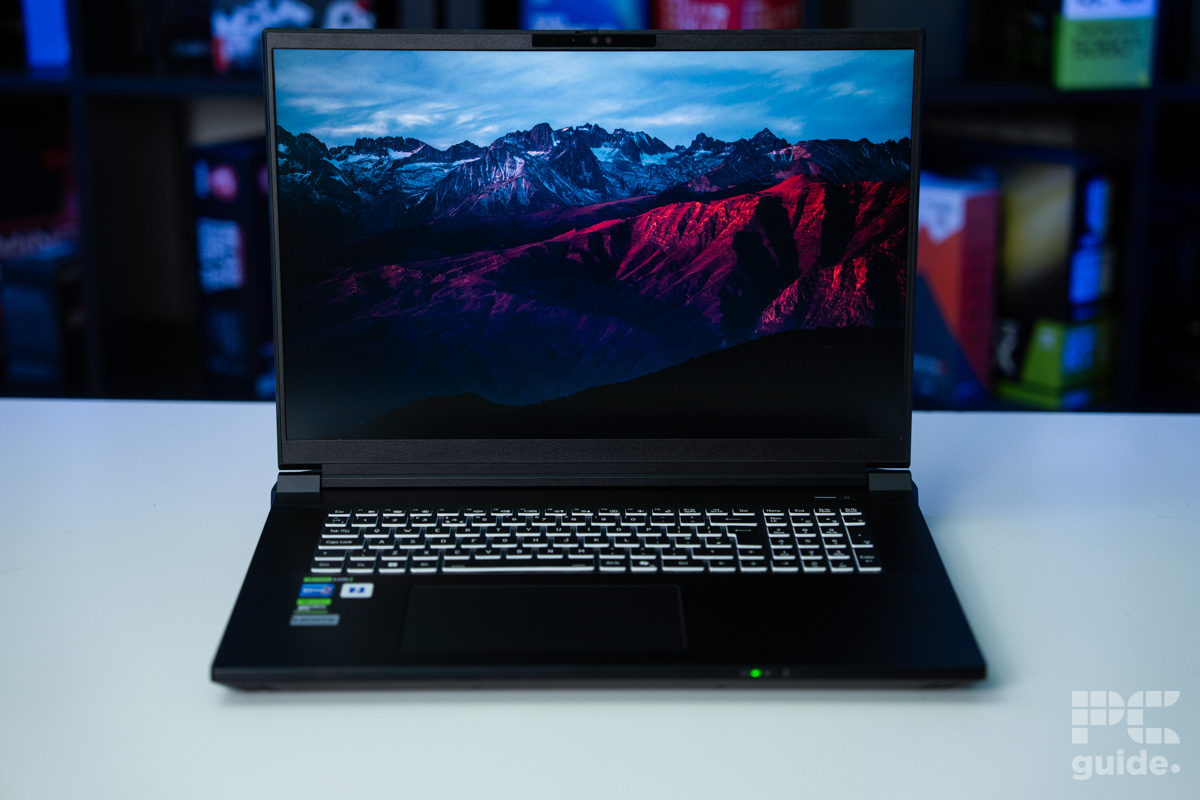
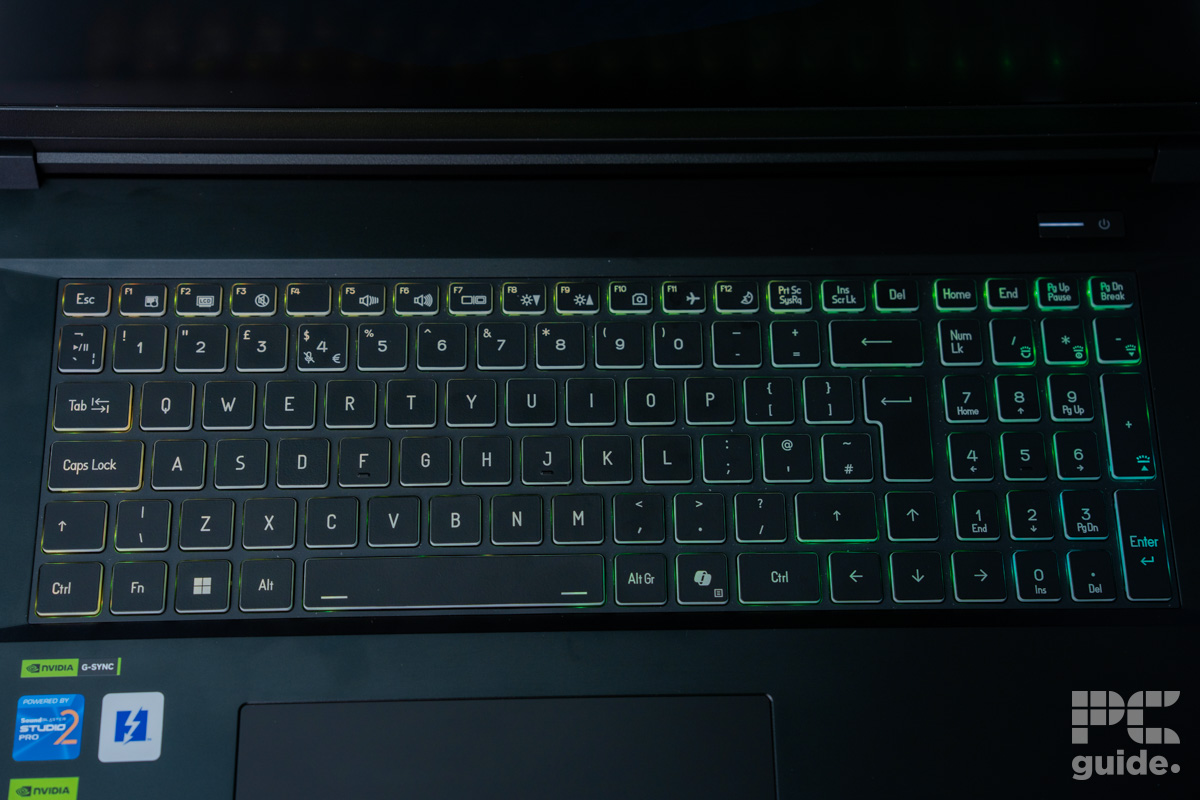
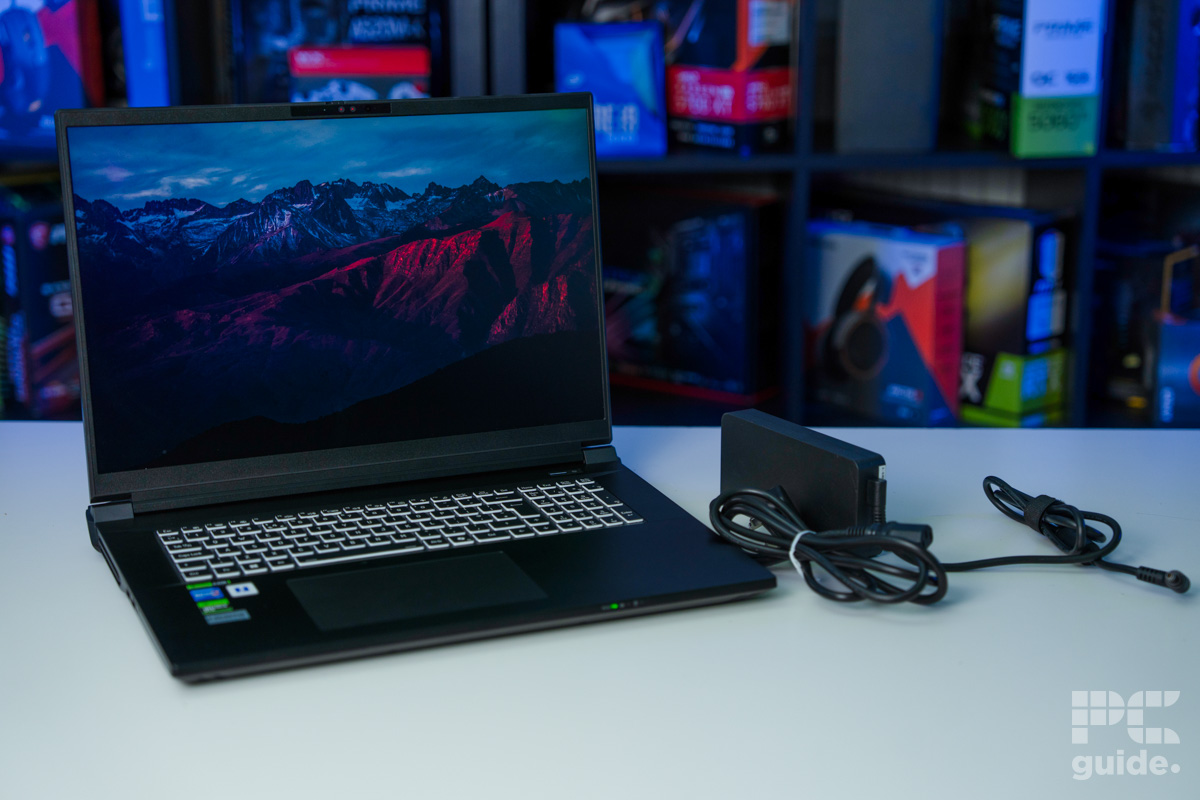
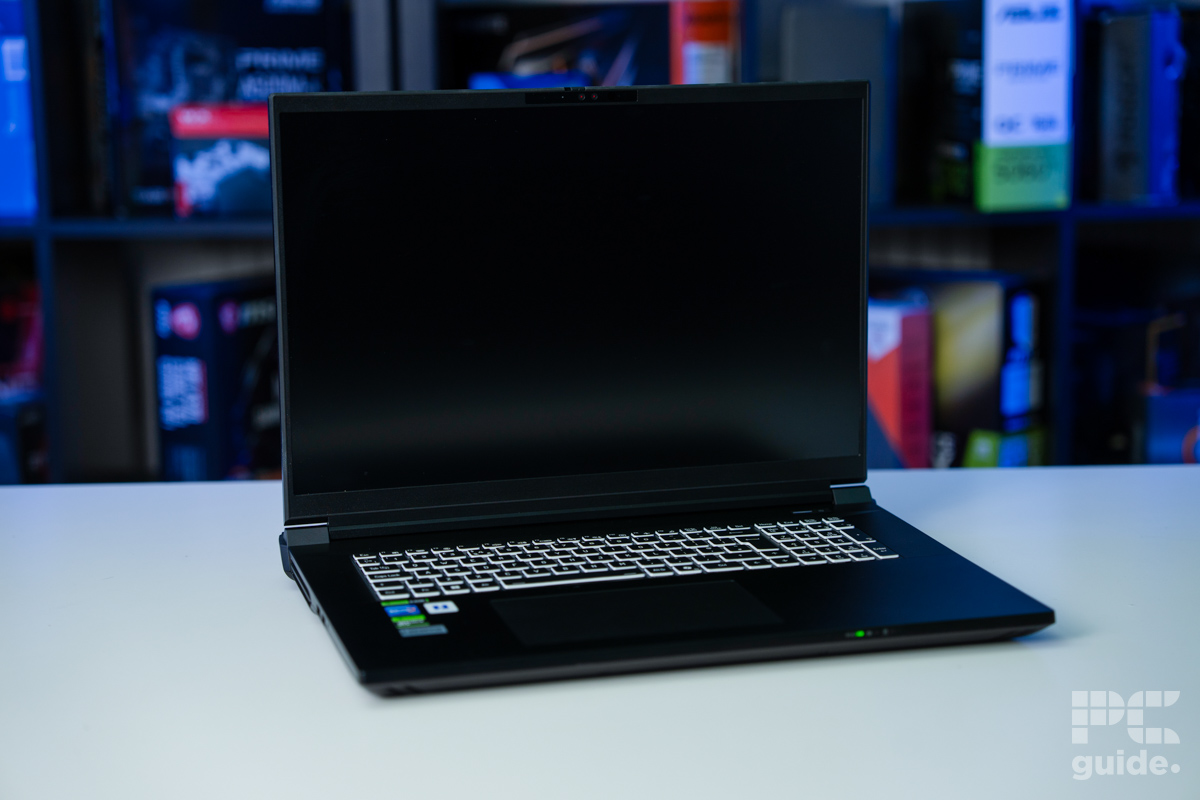
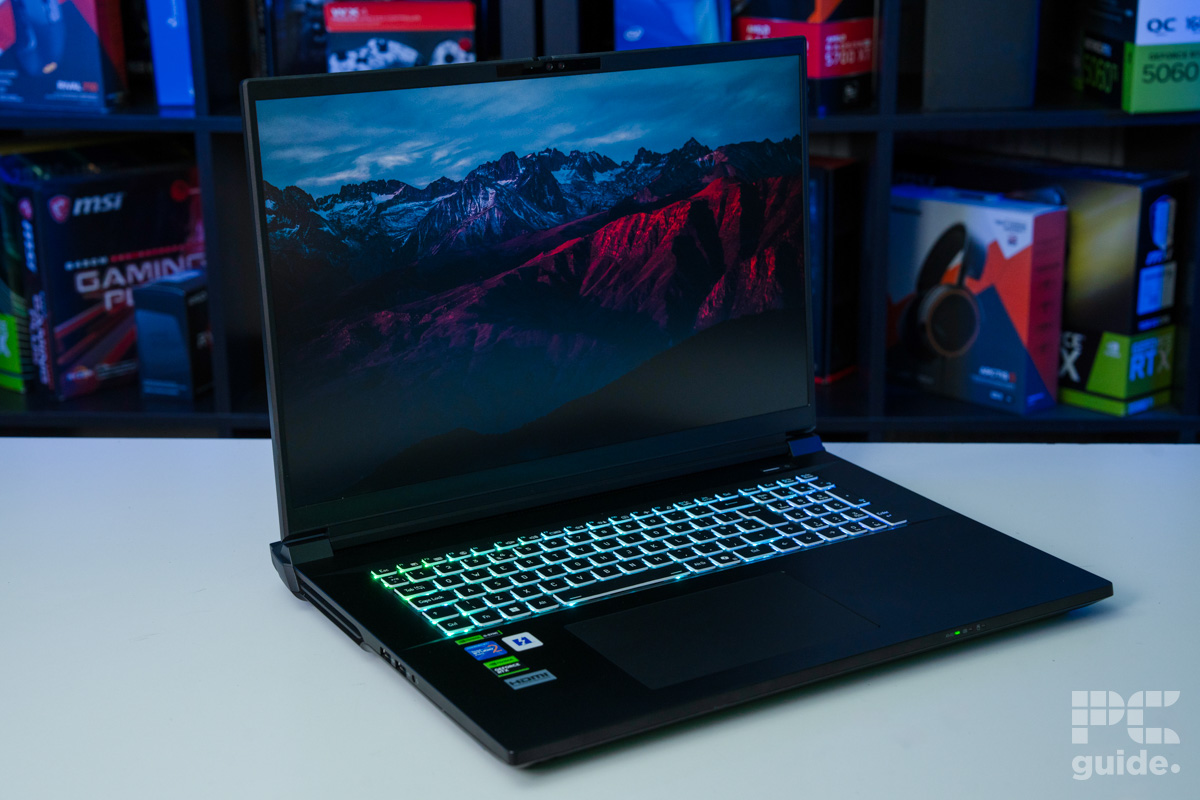
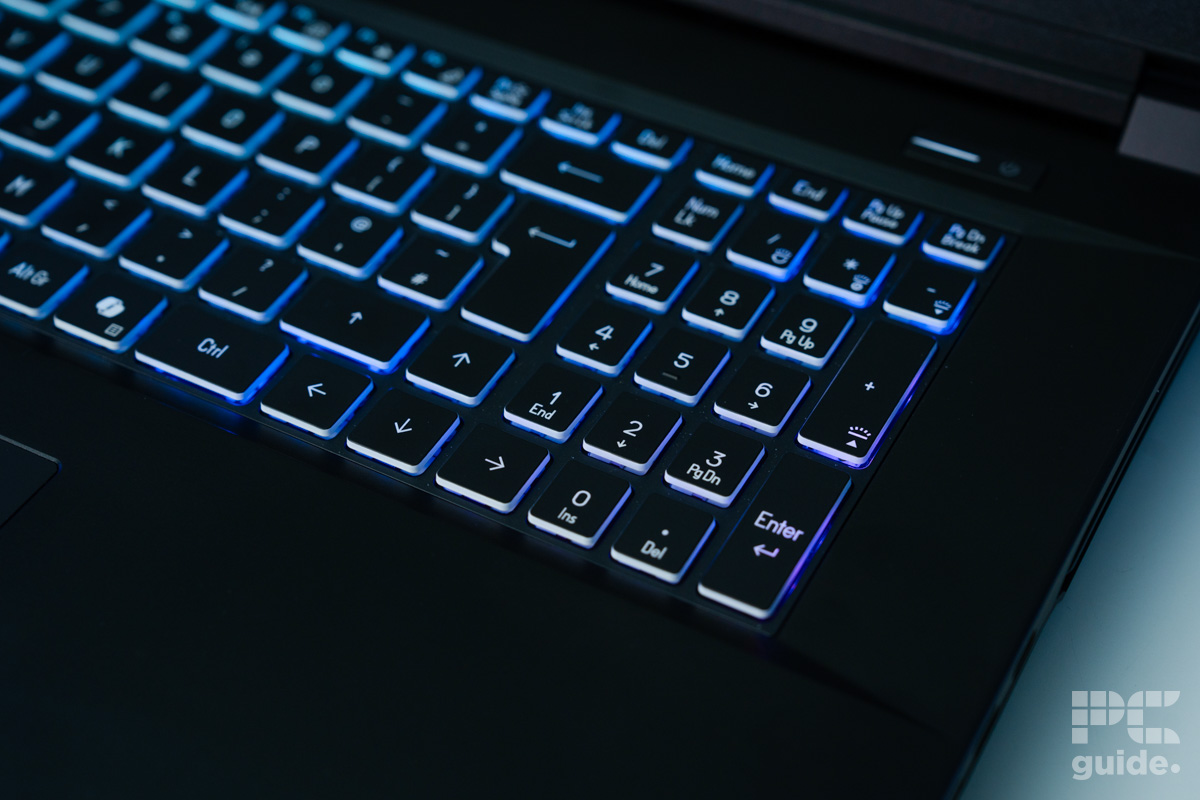
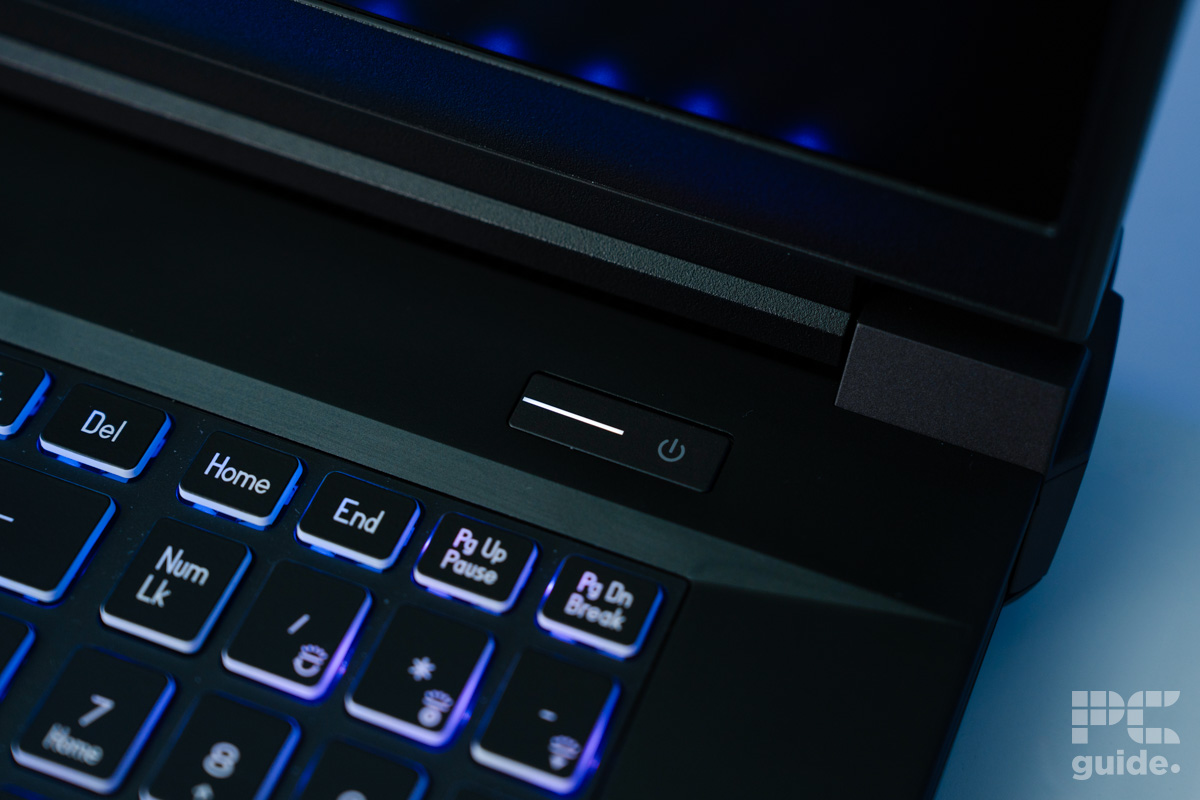
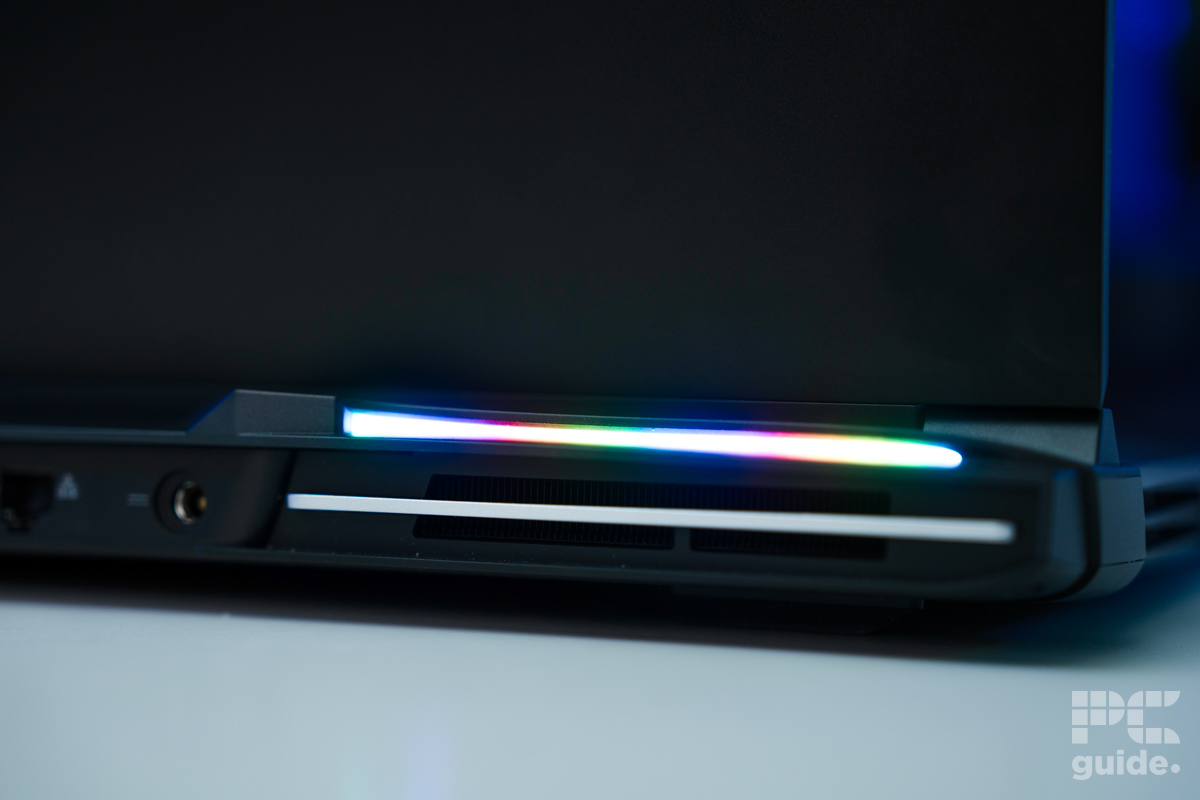
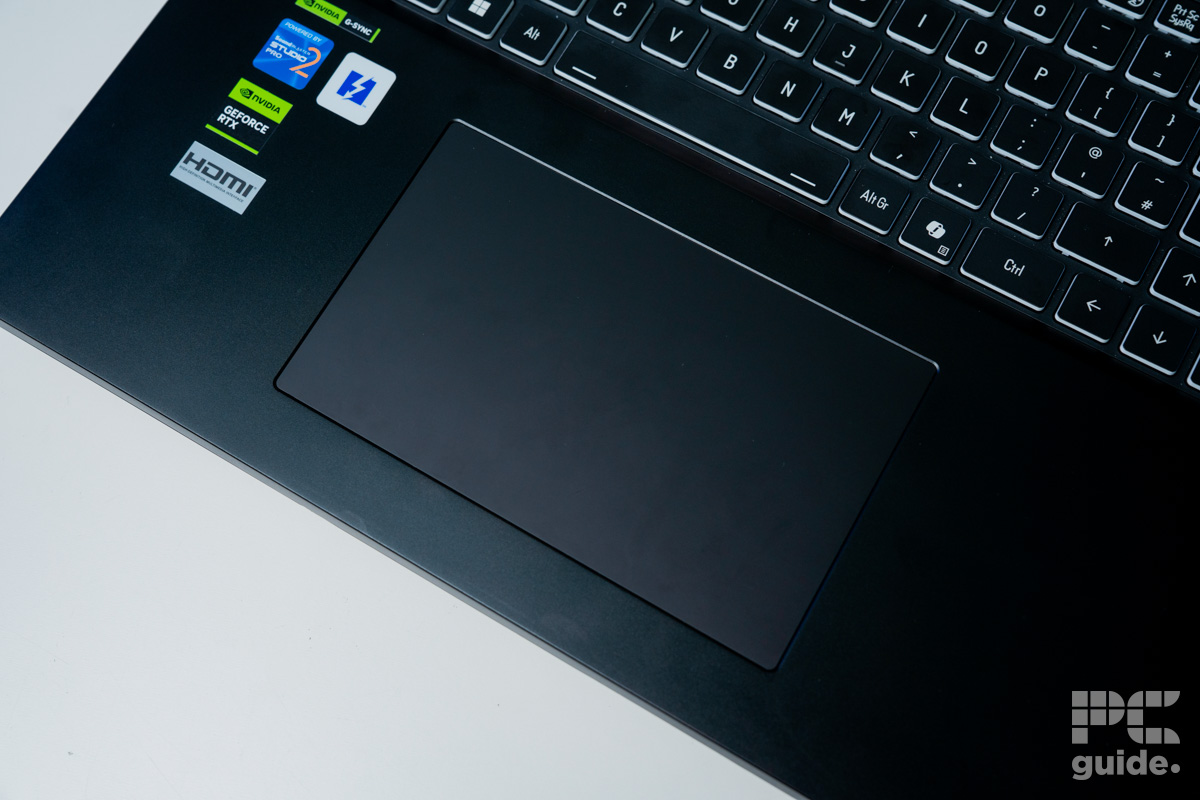
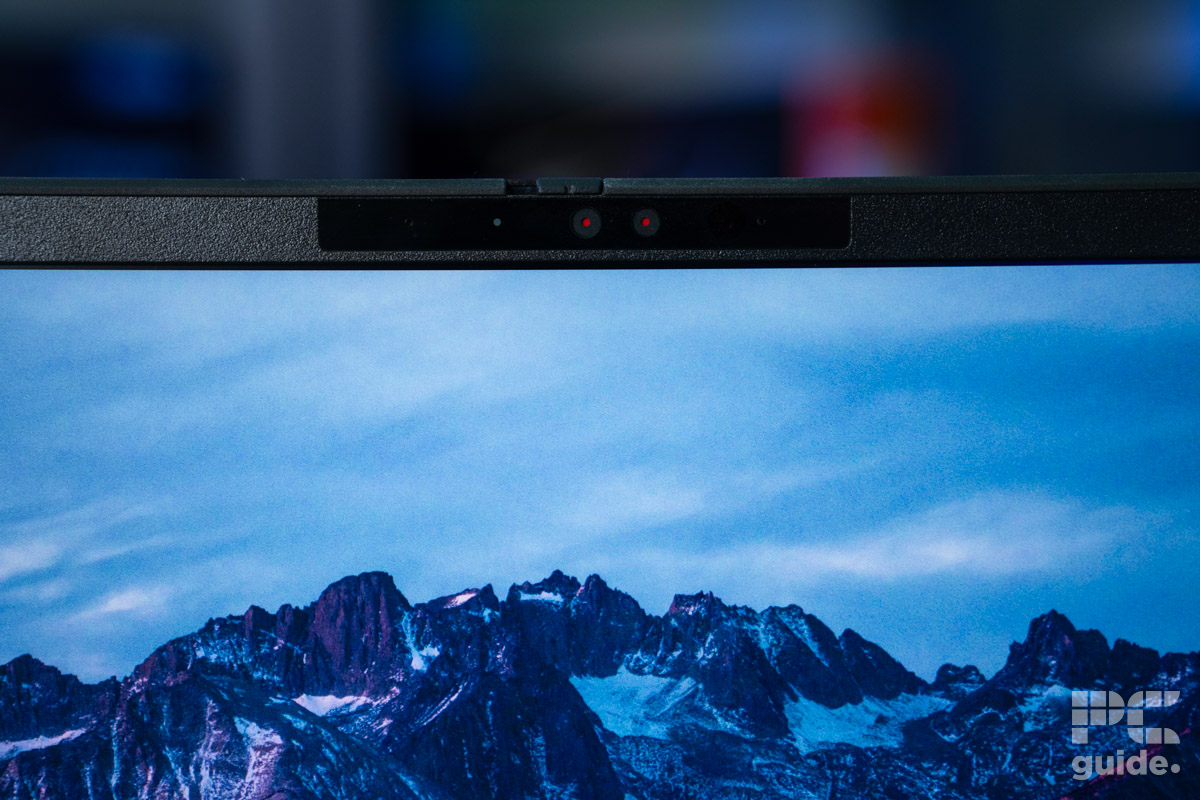
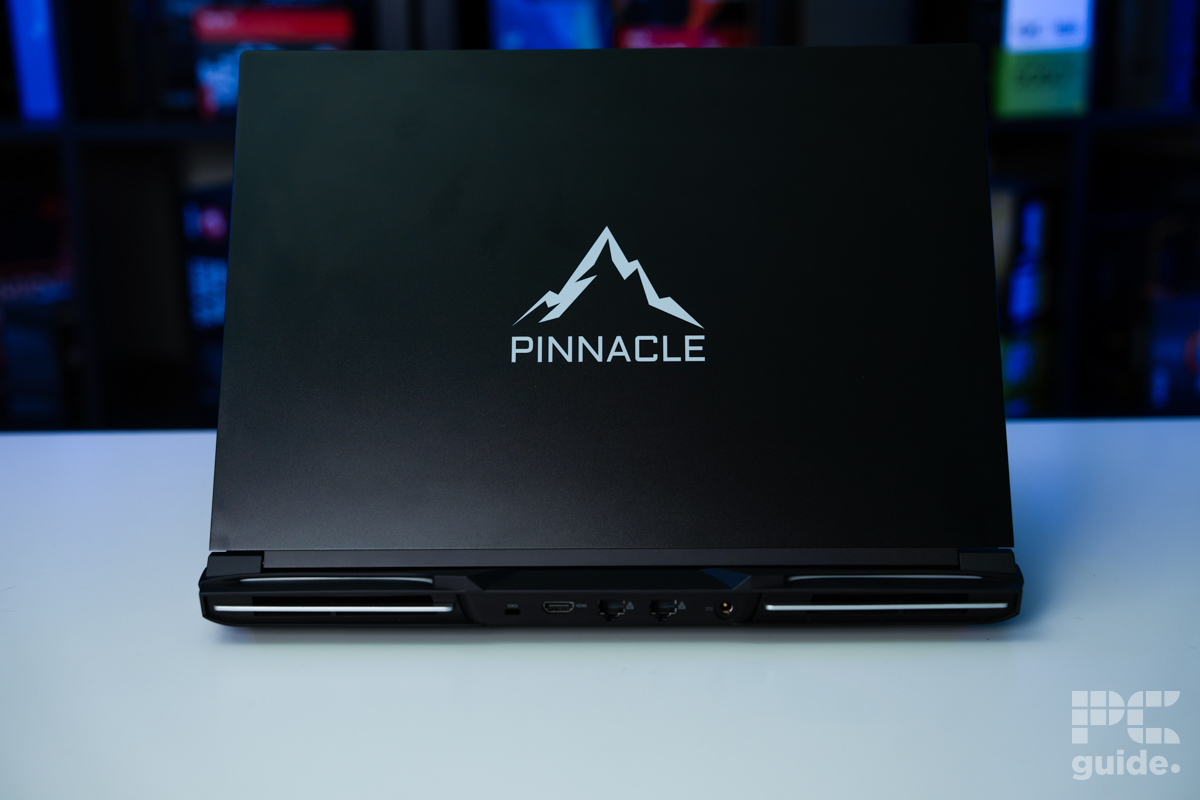
If you want the best RTX 5090 gaming laptop, we recommend you check out the Pinnacle X580WNT-G. This laptop is made by OcUK and enters the scene, guns blazing, with its high-end features and performance that seriously impressed us.
In our Pinnacle X580WNT-G review, we have it a 5/5 rating due to the level of performance and customizations it brings to the table, and of course, the hardware is nothing to scoff at as well. To begin with, it sports an Intel Core Ultra 9 275HX processor and an RTX 5090 GPU, but also comes in RTX 5080 and RTX 5070 Ti variants, which helps drop its price a bit.
This is a powerful combination, as neither component should hold the other back when it comes to productivity and gaming. In addition, it has a 330W power brick, which is more than enough to deliver the 175W and 55W-160W of power to the GPU and CPU, respectively.
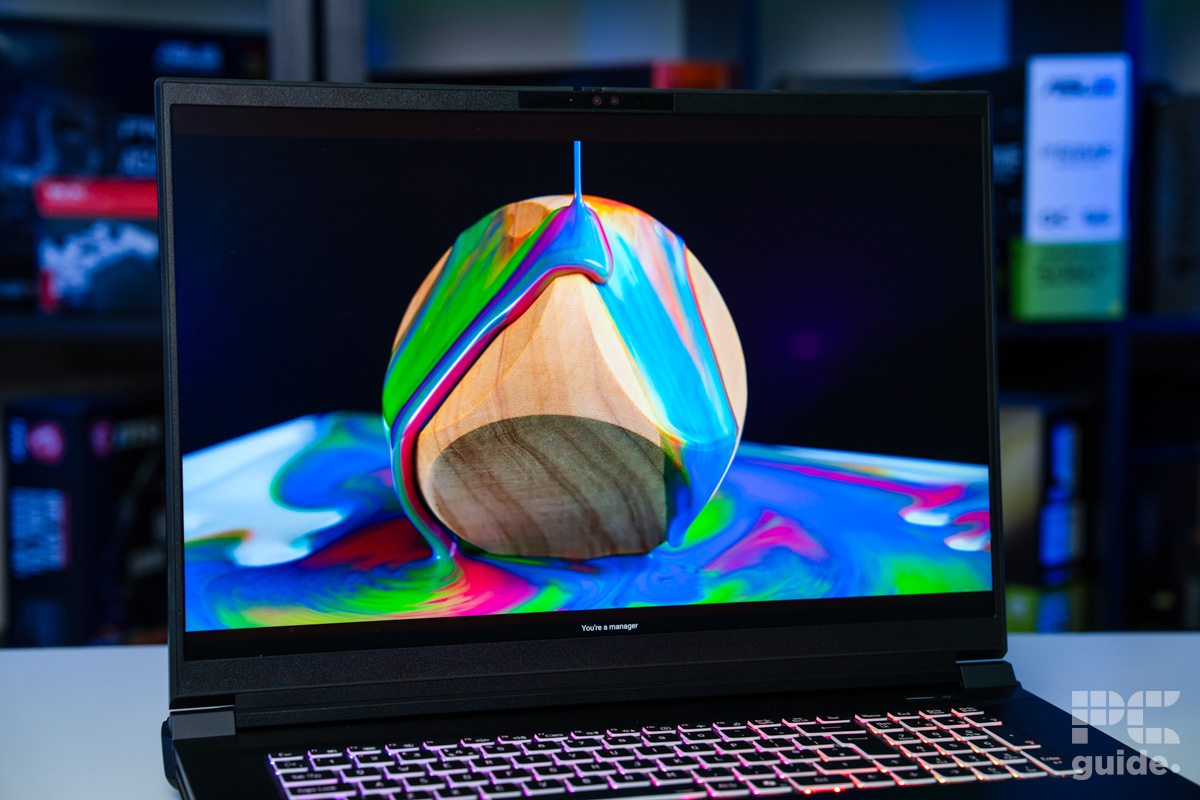
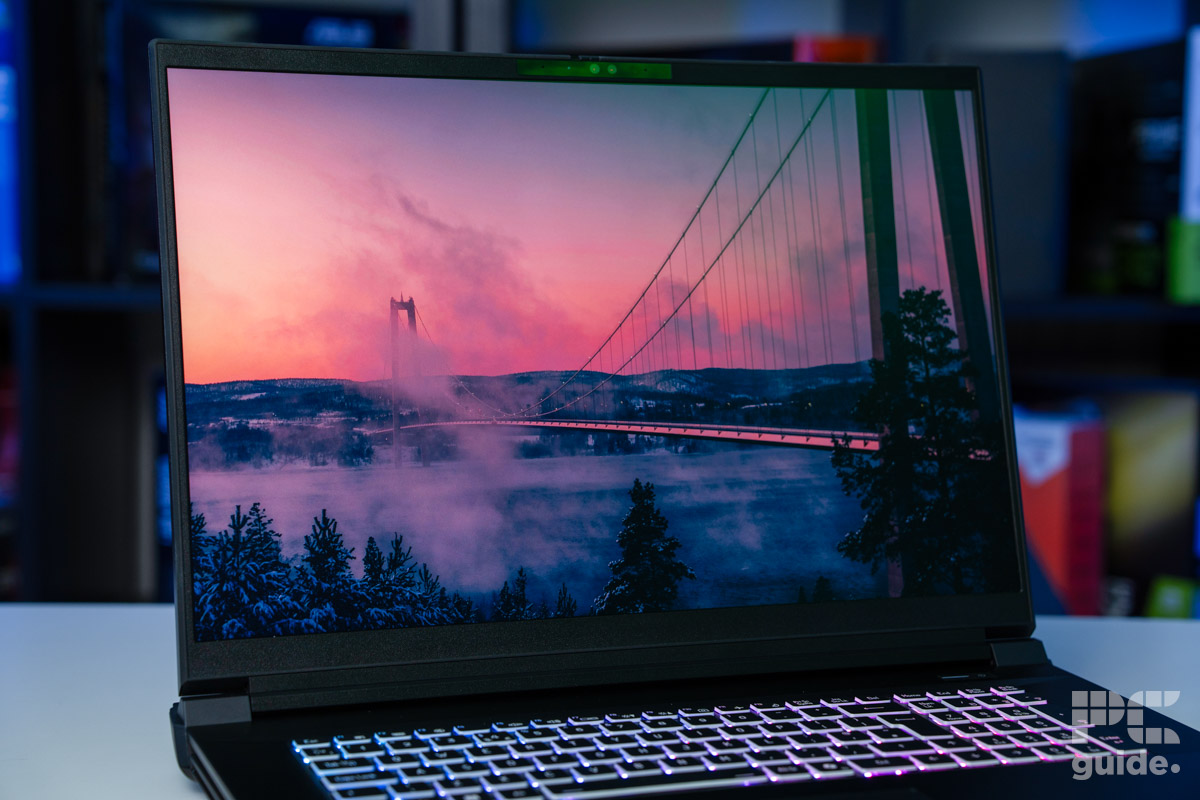
What makes it even better is its 18-inch LCD panel with a 3840×2400 resolution, which is 4K but with a 16:10 aspect ratio, and a maximum refresh rate of 200-240Hz. What this means is that whether you’re playing single-player or competitive games, you should have a smooth and stutter-free experience, as this display will showcase what the RTX 5090 is capable of.
There is no shortage of system memory and storage, as you can easily upgrade it to house up to 192GB of DDR5 RAM and 32TB NVMe SSD, as there are 4 slots available. Regarding its battery life, we ran a YouTube video for two hours, and after that used the laptop for web browsing and sorting through documents with all the lighting turned off and battery saver turned on.
An impressive bit of hardware, the Pinnacle X580WNT-G has everything you might need in a gaming laptop. Providing you with a machine that can run anything you might want, from games, streams, or any other hard computational work.
PC Guide
It lasted up to 6 hours, which is incredible as it has very power-hungry components, but this goes to show that you can take it with you for work without having to worry about the battery running out on you too quickly. However, keep in mind that this laptop weighs 3.6kg or 7.94 lbs, so carrying it around will require some effort.
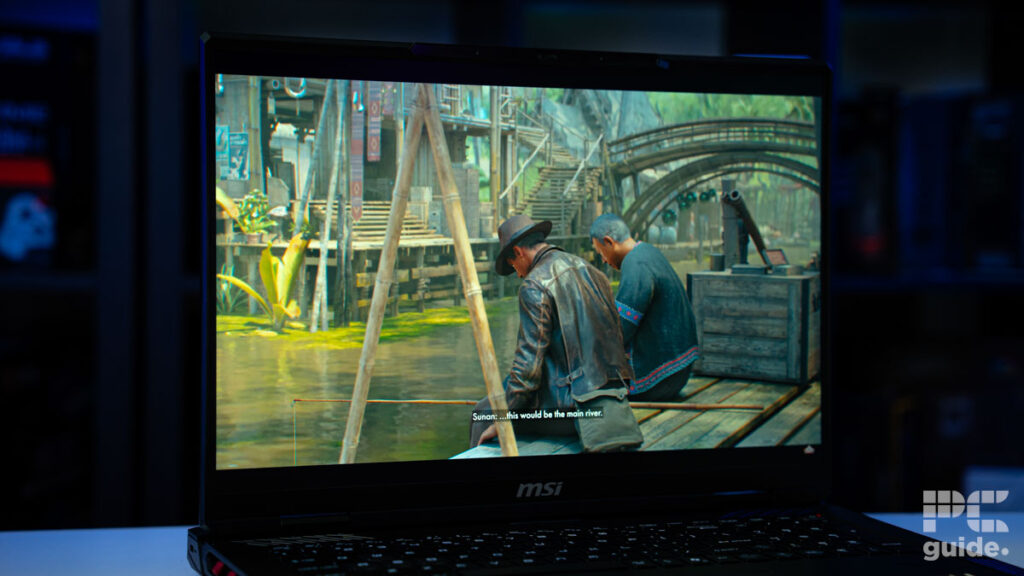
To test its performance, we ran Cyberpunk 2077 and a couple of benchmarking applications. In Cyberpunk 2077, with ultra-pure rasterization, we got 47 FPS, which is acceptable as it is running at 4K, but with the inclusion of DLSS 4, it jumped up to 144 FPS, which is a 101% performance increment.
Turning on Ray Tracing, we saw the FPS plummet to 21 FPS, but once again, with the help of MFG and DLSS 4, we saw it ramp up to 66 FPS, which is amazing.
In the 3DMark tests, Port Royal, Time Spy Extreme, and Fire Strike Ultra, we got 15,978, 11,780, and 14,170 points, respectively. This puts it at the level of the RTX 4080 or the RTX 4080 Super. So, this output is pretty good, and when it comes to thermals, we ran Furmark for 5 minutes, and the GPU and CPU were roughly around 83°C, and the fans were quite loud, attempting to keep it cool.
Overall, this is a beast of a gaming laptop, and if you can afford it, you shouldn’t need another laptop for years to come, regardless of the titles launched in the coming years.
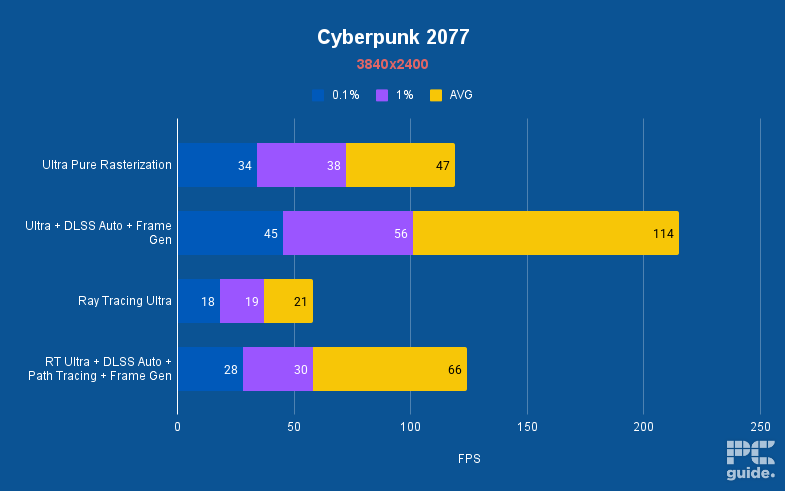
Pinnacle X580WNT-G Cyberpunk 2077, Image by PC Guide
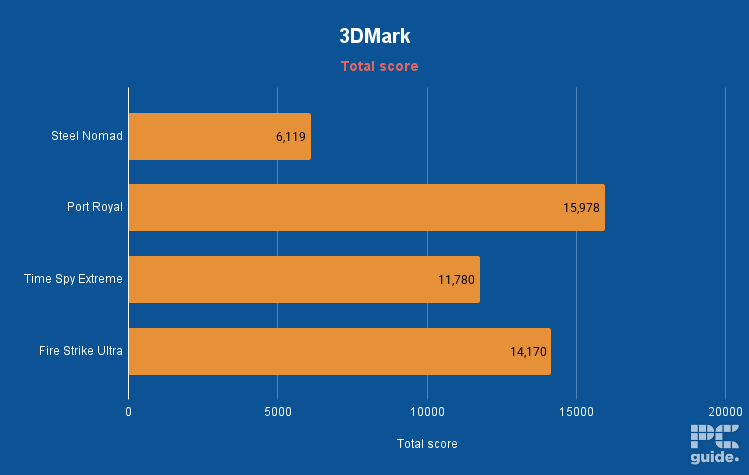
Pinnacle X580WNT-G 3DMark, Image by PC Guide





- CPU: Up to AMD Ryzen 9 9955HX3D
- GPU: Up to Nvidia GeForce RTX 5090
- Memory: Up to 64GB DDR5 6400MHz RAM
- Storage: Up to 2TB SSD
- Max Refresh Rate: 240Hz
- Resolution: 3840 x 2400
- Panel Type: Mini-LED (100% DCI-P3, G-SYNC, ACR)
- Very powerful CPU options
- High TGP RTX 50-series GPUs
- Fantastic, bright UHD+ mini-LED panel
- Very expensive
- Screen limited to 120Hz max refresh rate
- Among the heavier laptops
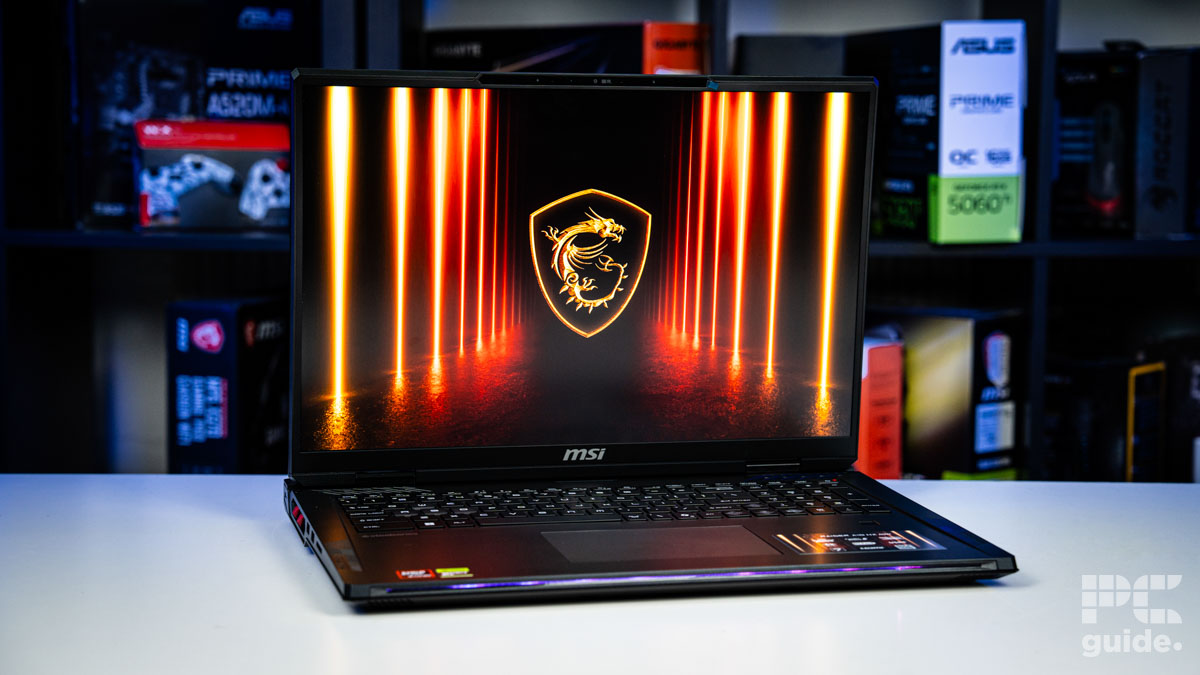
There are three different high-end, 18-inch MSI laptops that can be equipped with the RTX 5090 GPU, but our choice pick is the classic MSI Raider, which has been a mainstay of their gaming laptop line for years. This year’s model comes with a UHD+ (4K but 16:10) Mini-LED display across its 18-inch screen. You get ample power for both the GPU and the high-end processor options, which include the best both AMD and Intel have to offer.
The model we’ve picked has the fantastically powerful Ryzen 9 9955HX3D processor, which comes with all the benefits of AMD’s 3D V-cache technology for gamers. Besides this, you get 64GB of 6400MHz DDR5 RAM, which is well above what you’ll need for any game but gives lots of futureproofing and is great for productivity software. You also get 2TB of SSD storage, a memory card reader, and a fingerprint scanner.
There’s also the Intel Core U9-285HX variant if you like the laptop but prefer to opt for the Blue Team, which you can pick up for exactly the same specs at the same price. Alternatively, the MSI Titan 18 HX AI offers a similar design and specs but with a much higher ceiling for RAM and SSD, plus a few extra bells and whistles (though it costs even more).
We haven’t gone for the Titan because paying that much more money for a ridiculous amount of memory and storage isn’t likely to attract the majority of people reading this guide, though if you’re after the most powerful workstation laptop on the market then it’s an excellent choice. Conversely, for those after something a bit thinner at the expense of some power, there’s the MSI Stealth A18, which can be equipped with an AMD Ryzen AI 9 HX 370 or Intel Ultra 9-275HX processor.











- CPU: Up to Intel Core Ultra 9 275HX
- GPU: Up to Nvidia GeForce RTX 5090
- Memory: Up to 192GB DDR5 6400MHz (4 slots)
- Storage: Up to 6TB PCIe Gen5 SSD (M.2 3 slots)
- Max Refresh Rate: Up to 250Hz
- Resolution: 2560 x 1600 / 3840 x 2400
- High TGP RTX 50-series GPUs
- Ridiculously high 192GB DDR5 RAM ceiling
- Dual-resolution display option (UHD+/FHD+)
- FHD mode may look a bit low-res on an 18” screen
- Expensive
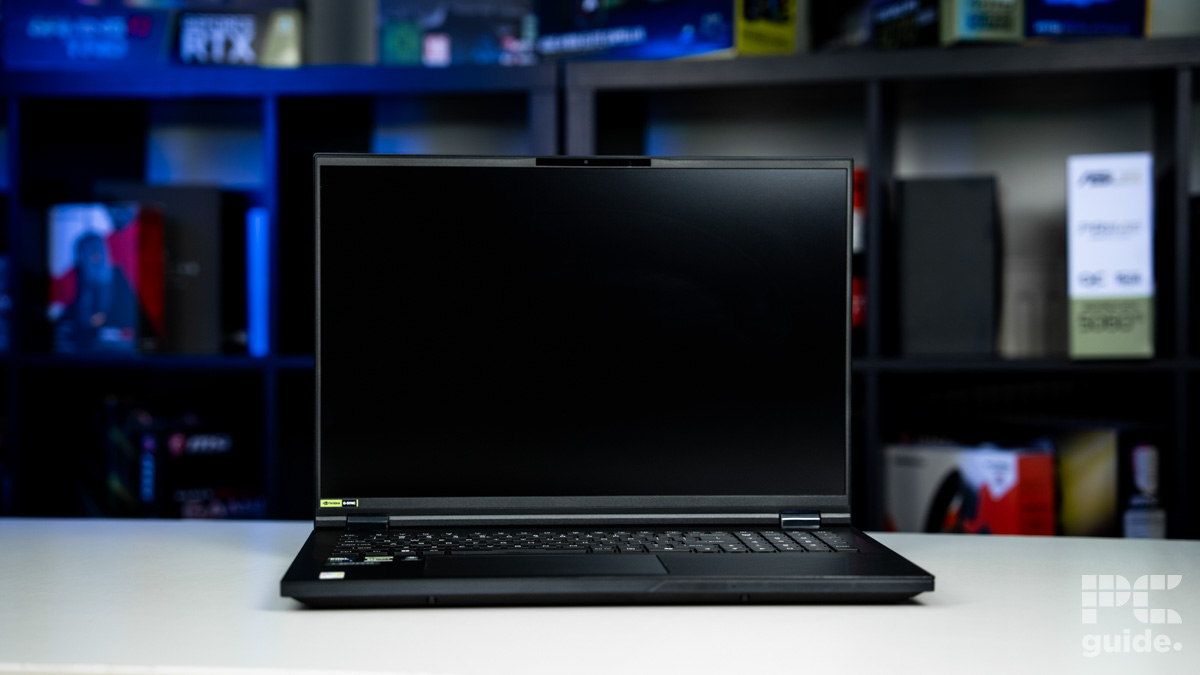
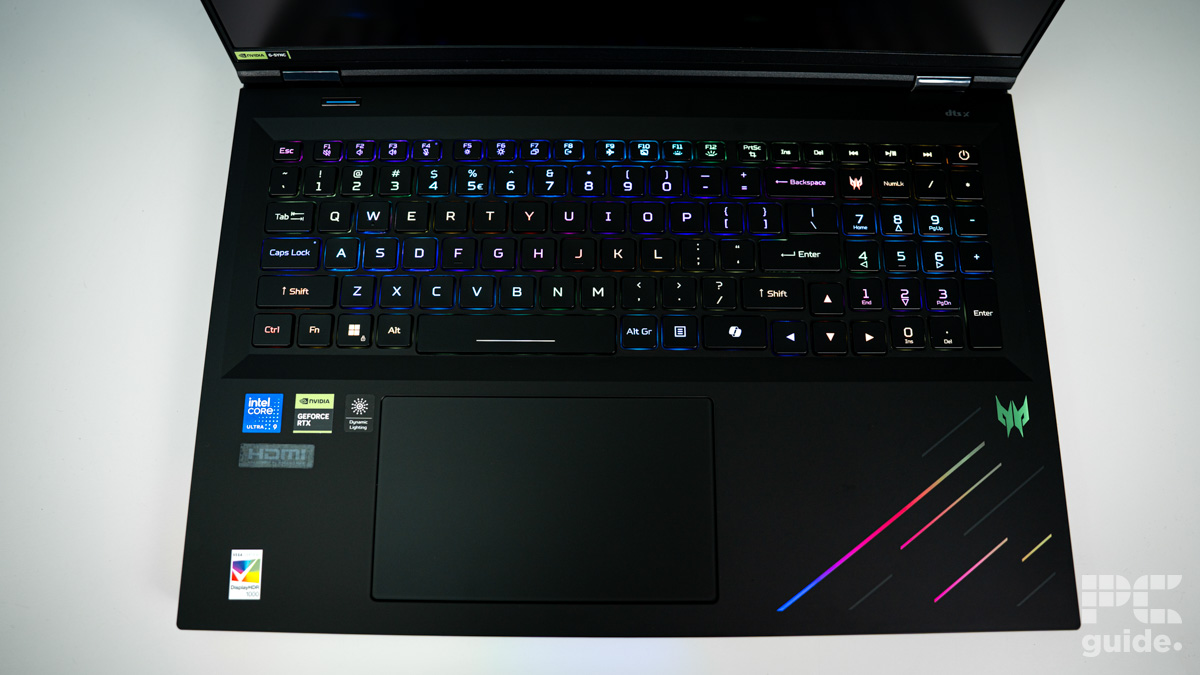
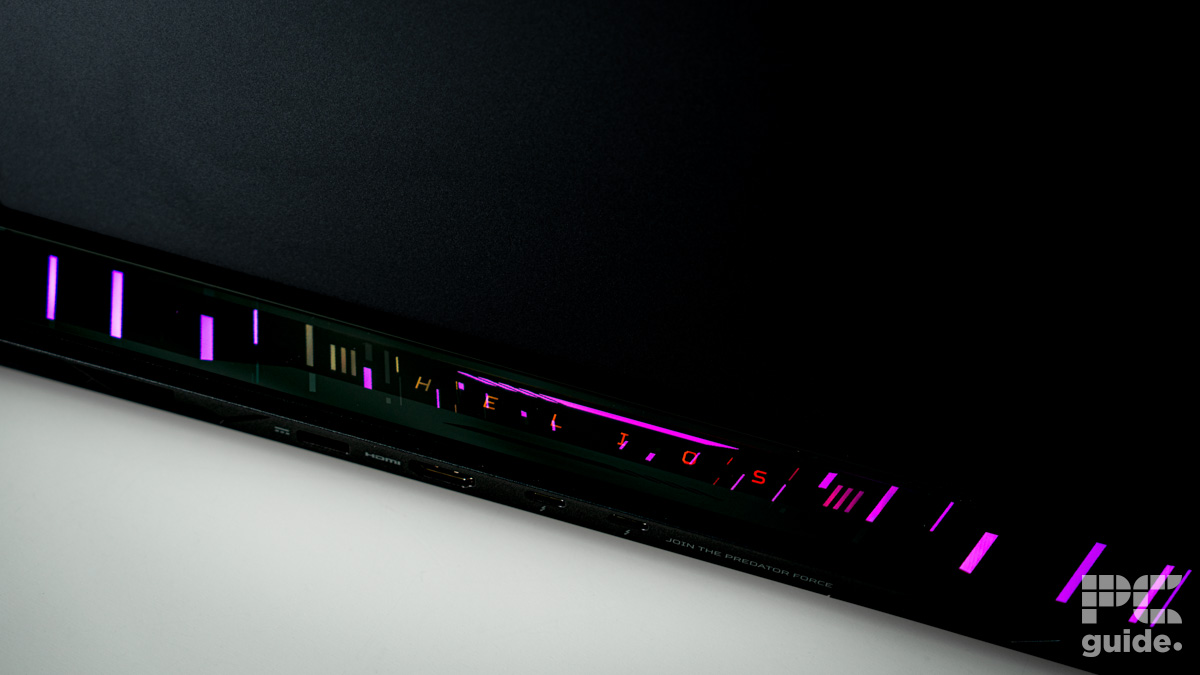
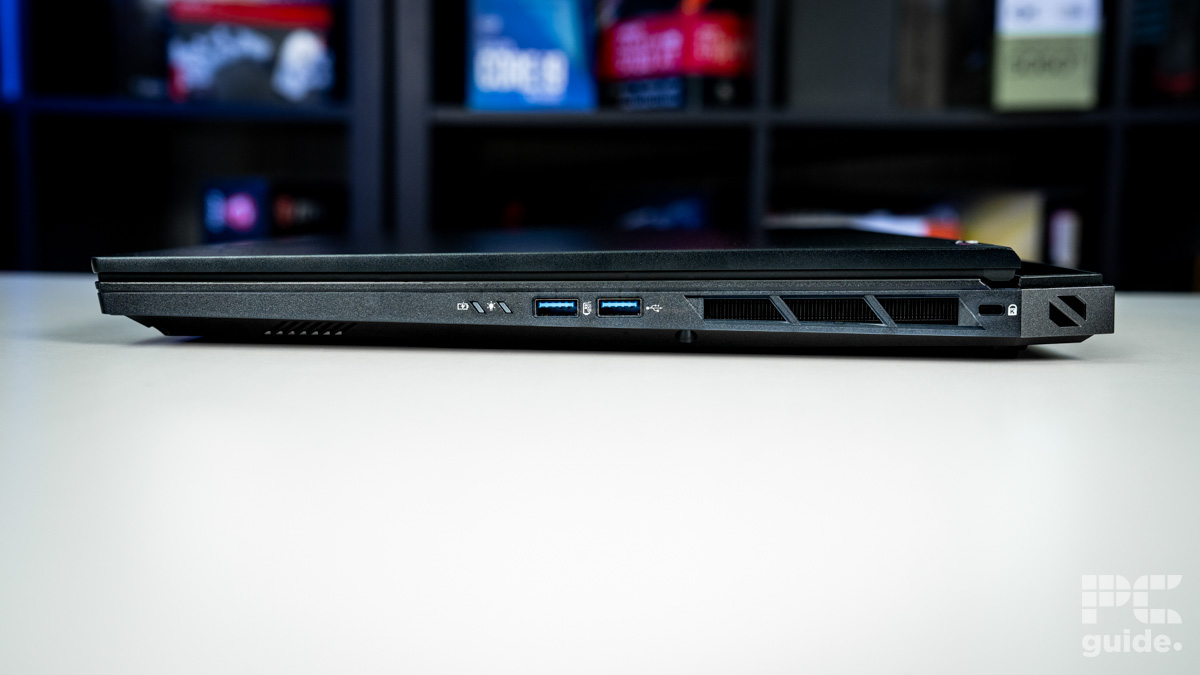
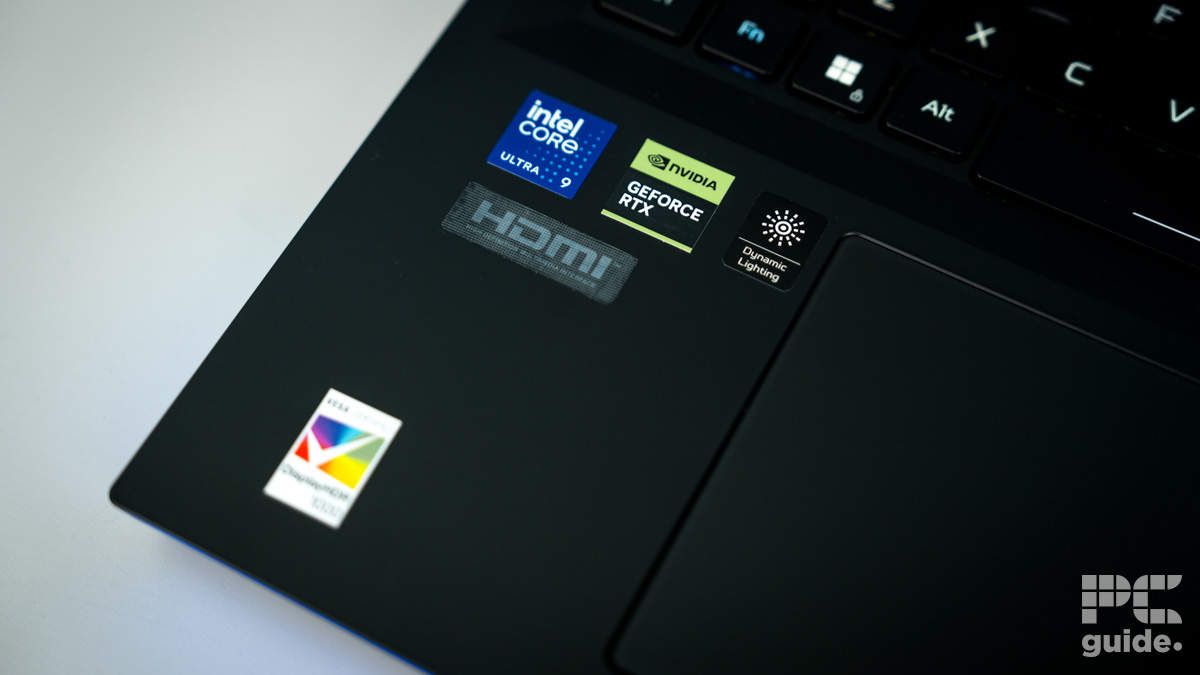
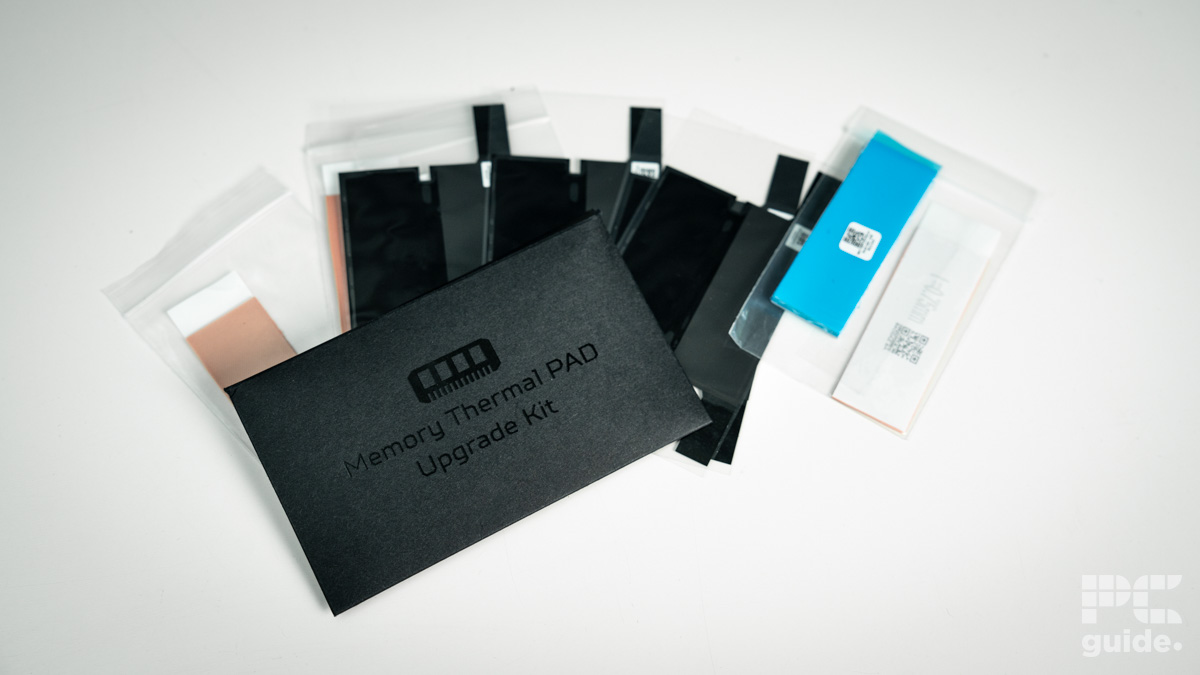
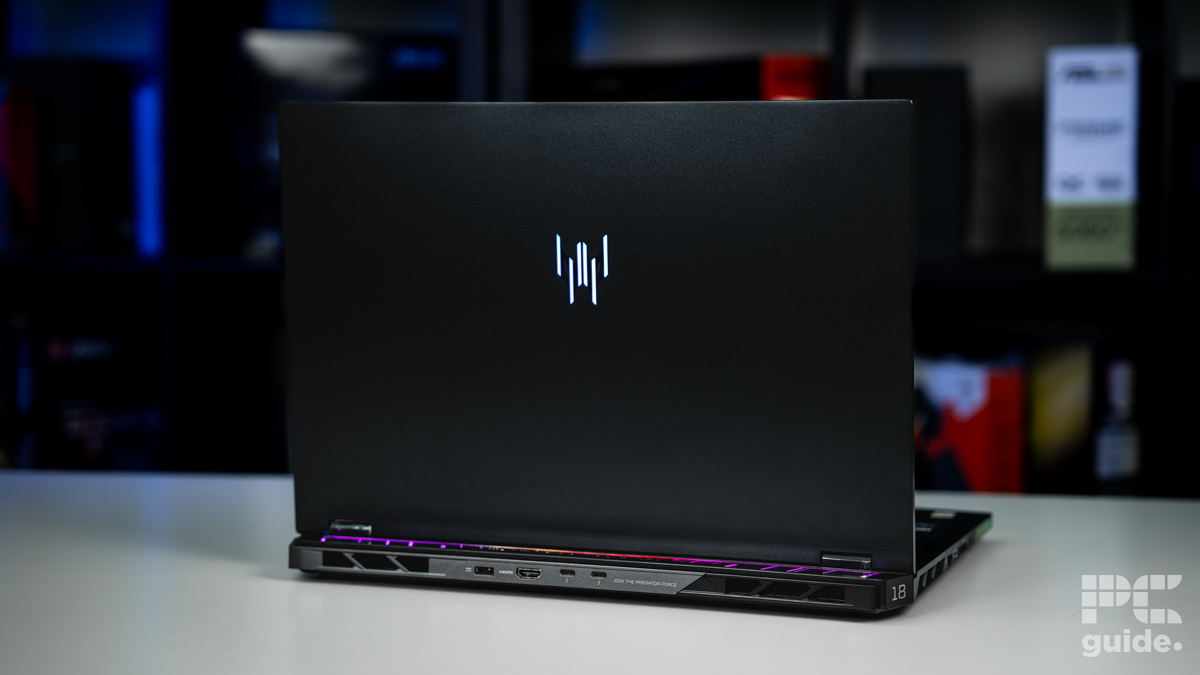
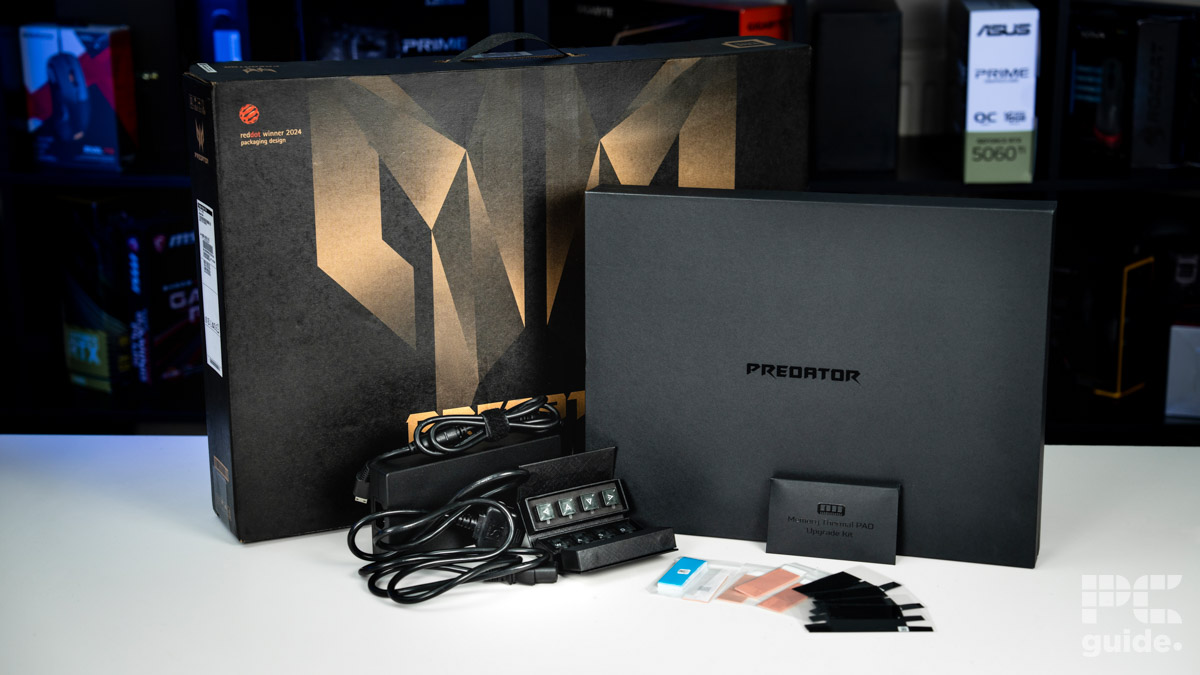
Acer’s Predator Helios 18 AI is the most formidable laptop in the company’s lineup, which can be equipped with up to the RTX 5090 GPU and Intel Ultra 9 275HX processor.
This makes it not quite as powerful as some of the other picks on this page in terms of the CPU, but it does come with a uniquely staggering memory capacity: offering up to 192GB of blazing-fast 6400MHz DDR5 RAM. That’s an almost absurd amount for a laptop, far beyond the needs of most users unless tackling high-intensity workstation tasks. Still, it’s always nice to see the envelope being pushed a bit.
The other unique thing about this device is one of the screen options. If you choose to, you can equip it with a dual-mode screen, capable of switching between 4K resolution at a 120Hz refresh rate or FHD resolution at 240Hz refresh rate, though we’re not always convinced about how attractive this is to the consumer, particularly given 1080p can look a bit naff these days when stretched over an 18” display. Alternatively, the laptop is also available with a 2560 x 1600 (QHD+) screen with a 250Hz refresh rate if you’d rather go for this one. In either case, the Mini-LED panel ensures terrific brightness levels.
Keeping the powerful internals in check is an upgraded cooling system, featuring sixth-generation AeroBlade fans. These fans, now sporting thinner yet more numerous blades than the 2024 model, promise a 10% improvement in cooling efficiency.
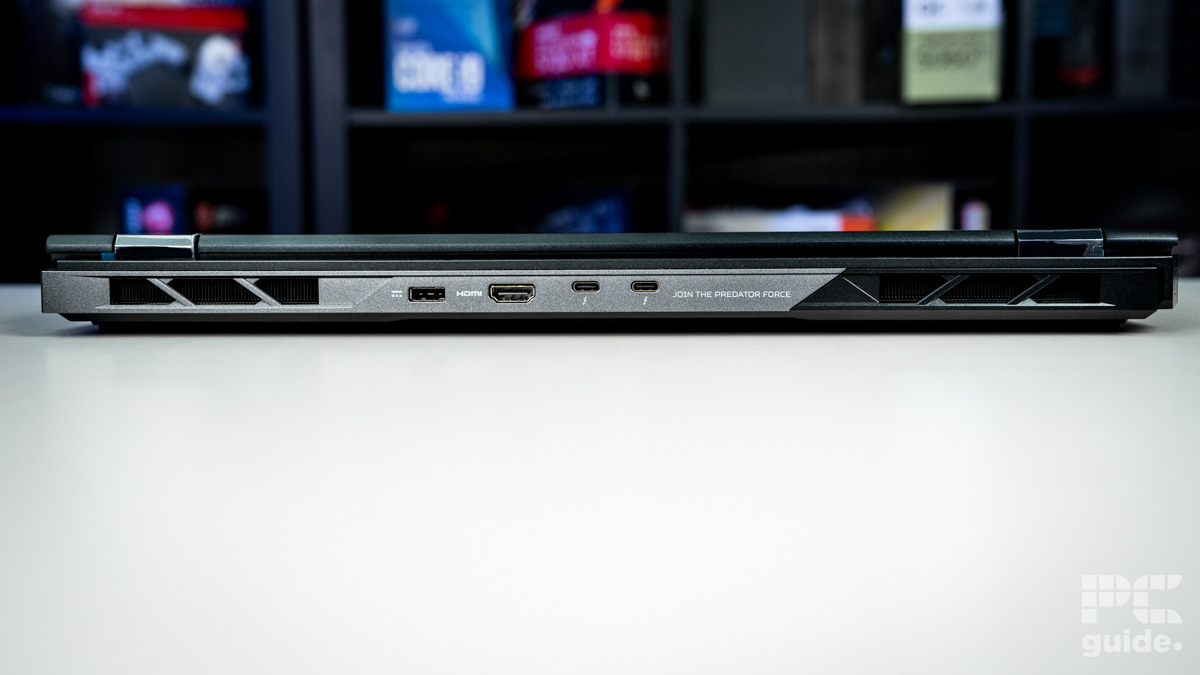
Meanwhile, the keyboard has seen an upgrade from the MagKey 3.0 to the MagKey 4.0, retaining the swappable WASD and arrow keys, which can be swapped out for included mechanical alternatives. Additional refinements include a move to Thunderbolt 5 for the USB-C ports at the back, an upgrade from a mini to a full-sized SD card reader, and a significant boost to the audio setup: now equipped with six speakers instead of two, suggesting a much richer sound experience.
- CPU: Up to Intel Core Ultra 9 processor
- GPU: Up to Nvidia GeForce RTX 5090
- Memory: Up to 64GB DDR5 5600MHz RAM
- Storage: Up to 4TB PCIe Gen4 in RAID 0 (slots support PCIe Gen5)
- Max Refresh Rate: 240Hz
- Resolution: 2.5K
- Panel Type: Mini-LED (100% DCI-P3, G-SYNC, ACR)
- High TGP RTX 50-series GPUs
- Bright 2.5K mini-LED panel with 100% DCI-P3 coverage
- 240Hz refresh rate
- Easy toolless upgradability for RAM & M.2 SSDs
- Expensive
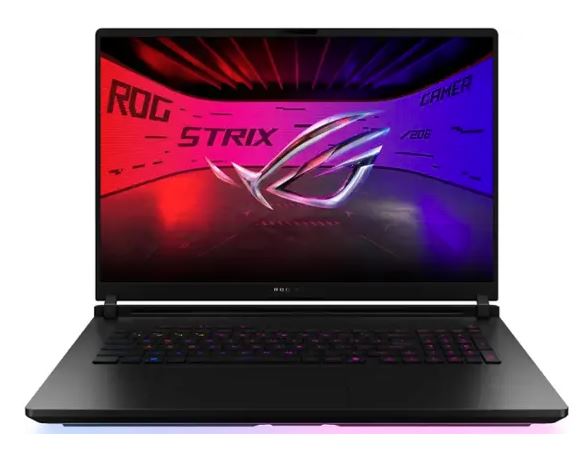
The ROG Strix SCAR 18 represents the most top-of-the-line offering from the ASUS lineup, not to be confused with the standard ROG Strix, which is similar but not quite as premium. Alongside the RTX 5090, this laptop features the Intel Core Ultra 9 275HZ processor, which is not quite the most powerful option Intel offers, but one SKU below. Still, this is a powerful laptop that enjoys the maximum wattage allocation available to the GPU.
When it comes to the screen itself, you’re getting a 2.5K/QHD+ Mini-LED display with a 240Hz refresh rate and 100% DCI-P3—meaning it’s bright, fast, and has excellent color replication. This is a great combination for gaming, consuming media, and also design and creative work.
In terms of storage and RAM, you’re getting up to 4TB and 64GB of DDR5, with both memory and storage being easily upgradable thanks to their screw-less Q-latch designs. Although the storage option that comes with the laptop is PCIe Gen 4, the socket supports up to PCIe Gen 5 for future upgrading. You can also slide off the bottom of the laptop to get at the internals much more easily without a screwdriver.
Other features include a welcome upgrade to a 1080p webcam, Wi-Fi 7 connectivity, and a new 360-degree light bar that surrounds the base of the laptop—of course, there’s a stealth mode too, should you want to use this in a more professional environment.
- Weight: 1.95kg/4.3lbs
- 2.5K OLED screen with 100% DCI-P3 coverage
- 240Hz refresh rate & excellent response times
- Slimline & lightweight
- Looks great
- GPU limited to 115W TGP
- Expensive
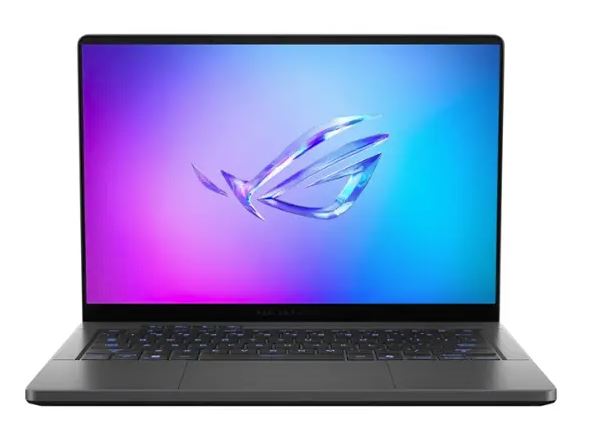
For those who are looking for a more elegant laptop, more suited for travel, and that can serve as a Windows replacement for a MacBook Pro when it comes to video editing or similar creative pursuits, then the Zephyrus G16 is the pick for you.
Although underpowered relative to the other picks on this list (with the TGP for the RTX 5090 capped to 115W), it will still play any game you throw at it and offers gaming performance leagues above what you’d get with a MacBook.
Ultimately, the lower wattage is the trade-off you pay for the slimmer profile. The 2025 G16 retains the same chassis as last year’s redesign, which introduced a significantly lighter (1.85kg) and thinner (1.49cm) build, giving it a sleek and modern aesthetic.
Despite being so slender, it still features both vapor chamber cooling and liquid metal for heat dissipation. Processor options include up to an Intel Core Ultra 9 285H. While AMD Ryzen processors are available for this laptop, the RTX 5090 configuration is restricted to Intel chips.
In terms of the screen, you get a lush, vibrant 2.5K OLED display with G-Sync support, full 100% DCI-P3 color gamut coverage, and a maximum refresh rate of 240Hz. As was the case previously, the more compact Zephyrus G14, consistently ranked among our top 14-inch gaming laptops each year, will not include the highest-end RTX 5090 option due to the limitations imposed by the smaller size.
Why you can trust us
At PC Guide, our approach is deeply rooted in being hands-on with every product we recommend, as only then can we gauge its performance and accurately showcase its real-world performance. While not every product recommended in this guide has been tested or reviewed, we aim to update it as soon as possible with tested and reviewed offerings.
We do not compromise on the quality, reliability, performance, features, ergonomics, and aesthetics, and believe in 100% transparency. What this means is that what you see is how it is, whether it is good or bad. Our reviews are free from any bias because honesty and trust go a long way, and we demand the same standard that we look for ourselves.
RTX 5090 mobile GPU vs RTX 4090 mobile GPU specs
When it comes to performance, it’s no secret that laptop GPUs are scaled-down versions of their desktop counterparts. There are a lot of reasons behind this, from the obvious lack of space in a laptop chassis to the difficulties in cooling the component itself, compared to a desktop. That being said, this generation does appear to promise a significant improvement on the mobile RTX 4090.
Here’s a table showing the RTX 5090 mobile GPU specs, the main standout of which is to do with the dramatic increase in cores, VRAM, and the inclusion of the latest GDDR7 memory.
| GPU Name | Nvidia GeForce RTX 5090 mobile | Nvidia GeForce RTX 4090 mobile |
| GPU | GB203 | AD103 |
| CUDA Cores | 10496 | 9728 |
| VRAM | 24GB GDDR7 | 16GB GDDR6 |
| Memory Bus width | 256 bit | 256 bit |
| Base Clock speed | 990 MHz | 1335 MHz |
| Boost Clock speed | 1515 MHz | 1695 MHz |
| TDP | 95W maximum | 120W maximum |
How to choose the best RTX 5090 laptop
When it comes to choosing the best RTX 5090 laptop, we put the budget aside, as there is no such thing as a budget option, but there are other factors that you need to consider. Here are some of them:
Cooling solution
The RTX 5090 is the most powerful graphics card, and it shouldn’t be surprising that it generates a lot of that. This means that you need to look for a laptop that offers robust cooling solutions in the form of extensive heatsinks, a vapor chamber, and other technologies.
This should ensure that the RTX 5090 remains relatively cool, and it will also be a pleasant experience when you use the laptop, as it won’t be too hot to touch.
Display quality
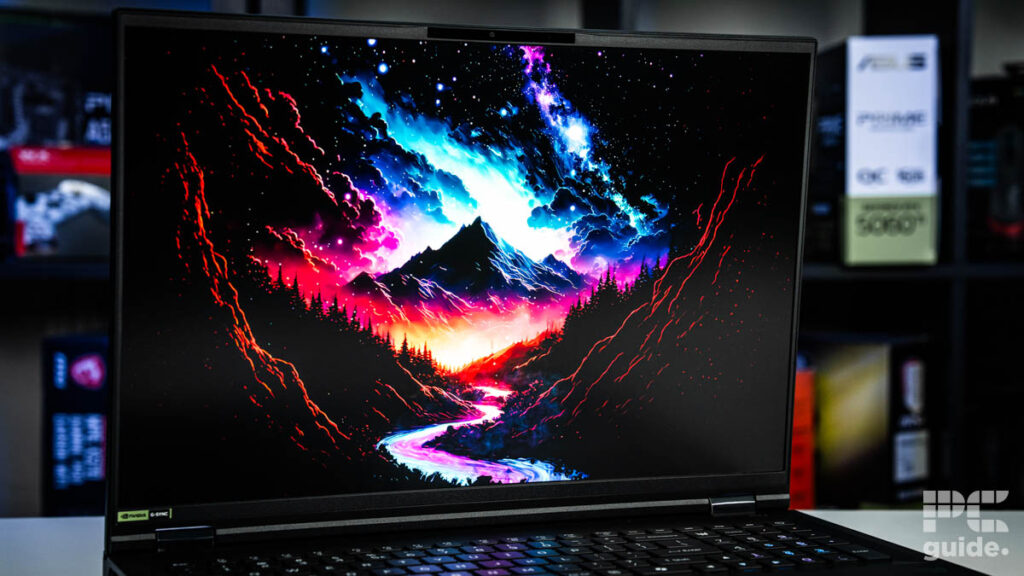
There is no point in getting an RTX 5090 laptop; the resolution, panel, and refresh rate aren’t up to par. So, we recommend you check out options with 4K resolution and an OLED or mini LED panel, as they’ll showcase vibrant and serene visuals.
The true capabilities of a GPU are only appreciated with a good display, so ensure that the display doesn’t cut out on anything, and a high refresh rate will be better, as that is generally required for FPS games, covering both ends of the spectrum.
FAQs
Is 5090 overkill for gaming?
The answer to this question depends on the type of gaming. For example, if you’re playing FPS games, then the RTX 5090 can be considered overkill as the graphical fidelity of FPS titles isn’t a lot, and even mid-range GPUs can push them at 4K.
However, if you’re playing single-player games with path tracing turned on at 4K, then the RTX 5090 isn’t overkill but more of a requirement for a smooth and stable gaming experience.
Is 5090 enough for 4K gaming?
Yes, the RTX 5090 is more than enough for 4K gaming, natively, and with DLSS 4 and MFG in its corner, it can tackle any title at 4K.
Final word
One of the best RTX 5090 laptops you can get your hands on is the OcUK Pinnacle X580WNT-G. This is an amazing machine with extreme hardware that puts it a bit above the other offerings. The upgradability aspect is great, which means you can fine-tune or just increase its performance according to your needs. The display and battery are excellent, as they can last up to 6 hours, according to our tests, which is nothing short of incredible for a laptop housing an RTX 5090.
Written by
