


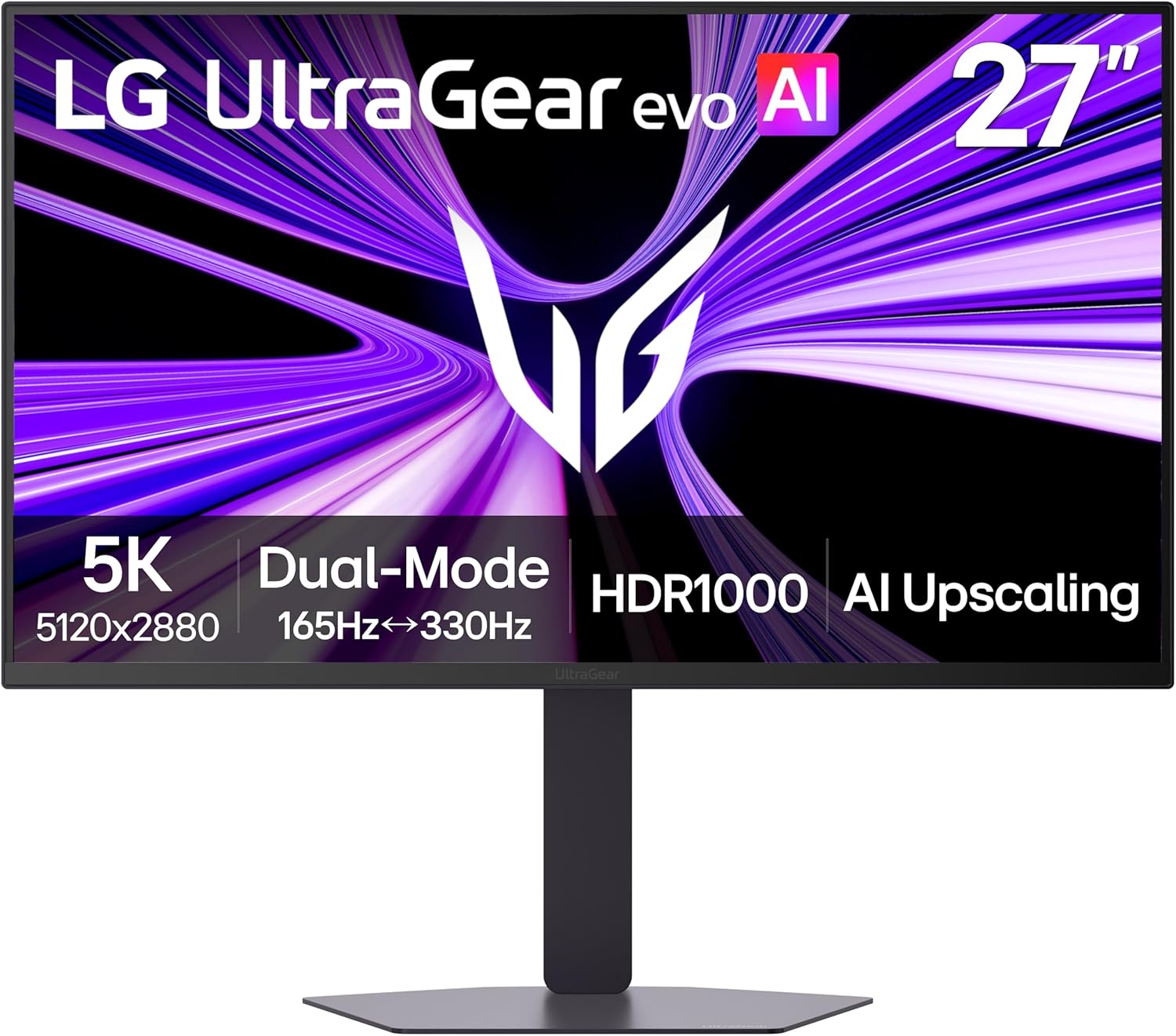
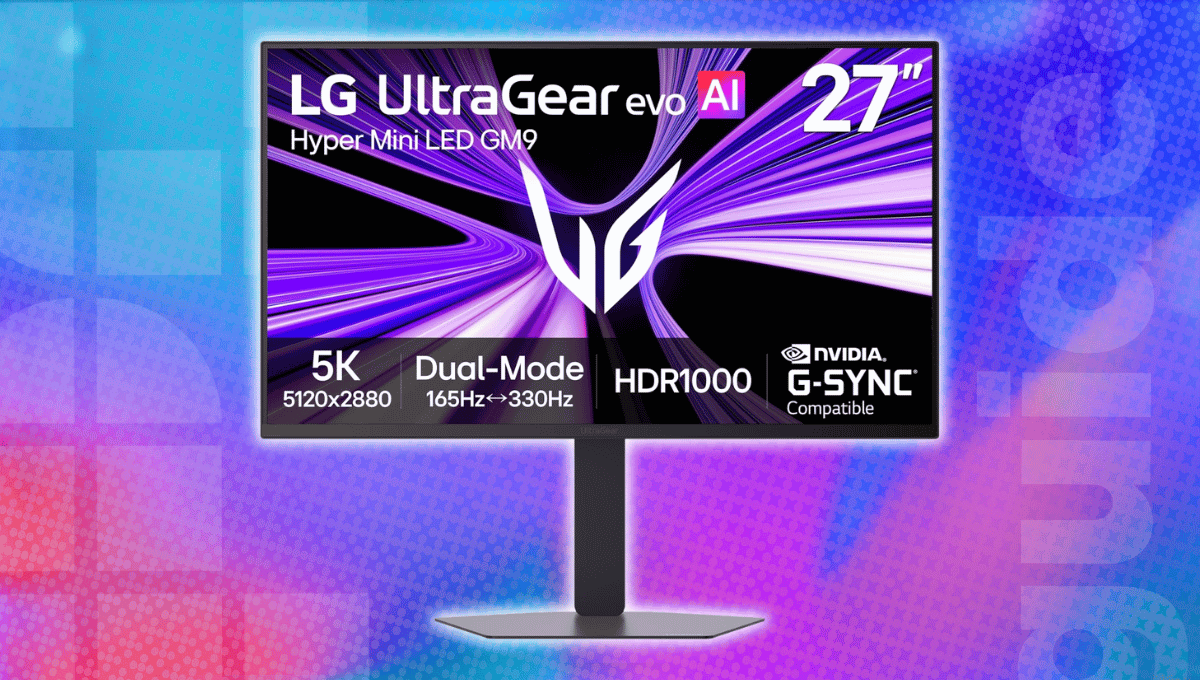
The LG 27GM950B-B is a brilliant gaming monitor that brings a lot of unique features to the table. For starters, it has a 27″ mini-LED panel that sports a 5K (5120 x 2880) resolution, so you’re getting next-level sharpness whether you’re gaming, watching a movie, or editing an image. It also has a 165Hz refresh rate, which is perfect for fast-paced gaming, and with DisplayHDR 1000, the mini-LED panel can deliver super-high brightness.
You’ll also get on-board AI upscaling, making it perfect for setups that don’t have a dedicated GPU, but the best part is the dual mode. You can switch the resolution to QHD, which increases the framerate to 330Hz, ideal for FPS and racing games. DisplayPort 2.1 (UHBR20) and USB Type-C with 90W power delivery are also part of the package, and this entire thing, with a 33% discount, will only cost you $799.99.
Prices and savings can change. Check the retailer for the current price.
Why this gaming monitor caught our attention
5K resolution on a 27″ panel
The LG 27GM950B-B packs an impressive 5120 x 2880 resolution into a 27-inch display, delivering exceptional sharpness with approximately 218 pixels per inch. This high pixel density makes fine details, textures, and in-game text look remarkably crisp, while also providing plenty of workspace for productivity tasks. You can comfortably work with multiple windows, detailed creative projects, and text-heavy applications without sacrificing clarity. It’s also worth noting that 5K gaming demands quite a bit more GPU horsepower than QHD, so you’ll need one of the best graphics cards to take full advantage of the native resolution in demanding titles.
Latest tech deals.
- AMD Ryzen™ 9 9900X 12-Core - was $499 now $331
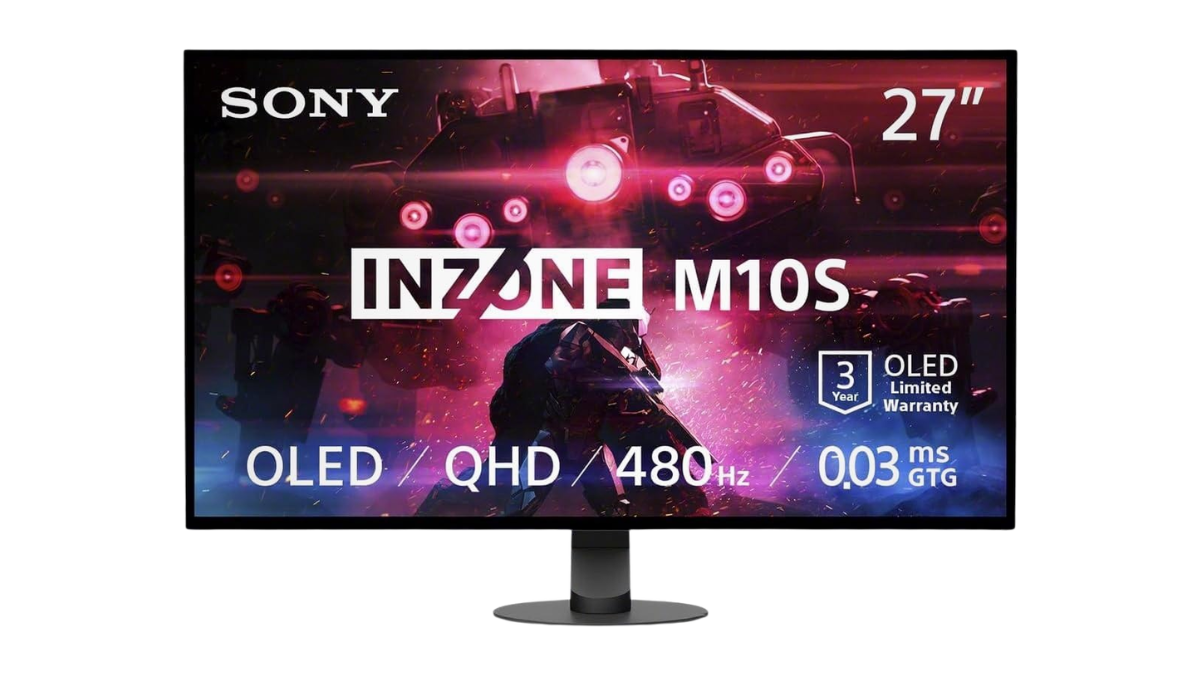
- Sony INZONE M10S 27” - was $899 now $748
- Thermaltake LCGS View i1470S-170 - was $2,399 now $2,099
- Apple 2026 MacBook Air - was $1,999 now $1,891
- Bose QuietComfort Headphones - was $359 now $169
- LG 77-inch OLED C6 - was $2,499 now $1,999
- MSI Prestige 16 Flip - was $2,149 now $1,870
-
Hisense 85" U6 Pro Series-
Prices correct as of November 5th, 2026.
DisplayHDR 1000 with mini-LED
Thanks to 9,216 mini LEDs and 2,304 local dimming zones, this gaming monitor offers brighter highlights and more control over the backlight. This boosts the contrast, allowing it to maintain bright highlights while still preserving detail in darker environments. With DisplayHDR 1000 certification and a peak brightness of up to 1,250 nits, the monitor can raise the impact of HDR content, supporting the heightened differences between light and dark for moments of explosions, sunshine, and other moments of intense lighting within games. And, with 99% DCI-P3 coverage, the monitor can cover many colors, delivering brilliant images for gaming and creative content creation.
Dual mode for next-level gaming
One of the best features of this monitor is that you can switch between two display modes: 5K 165Hz or QHD 330Hz. The 5K mode can show image detail in spades and is perfect for graphics-intensive games, compelling single-player campaigns, and everyday work. Flip to QHD 330Hz, though, and you’ll experience an incredibly high refresh rate that can’t be beaten for competitive FPS and eSports titles. You also get to choose between image quality and responsiveness, and with a 1ms response time, AMD FreeSync Premium, and NVIDIA G-SYNC support, you should be able to enjoy smooth motion and very little screen tearing or motion blur.
AI upscaling without any GPU
The built-in AI processor is also impressive. It can upconvert supported lower-resolution content to almost 5K without taking up any graphics card power or putting more load on the graphics card. If your gaming PC or console graphics card cannot render a real 5K game at native resolution, you simply drive the monitor with a lower-resolution game and let the monitor use its onboard AI processing to simulate sharper, more detailed image quality. It is also effective for lower-resolution video content. But remember, when you use the AI to up-convert the input signal, you still need to meet the GPU requirements for the game you are playing.
More gaming monitor deals

Prices and savings can change. Check the retailer for the current price.
Written by
