


Table of Contents
When it comes to photo editing, having the best GPU can make a world of difference in your workflow and the overall quality of your work. A powerful graphics card not only accelerates the processing of your images but also ensures smooth performance while working with multiple high-resolution images and applying complex edits.
In this article, we’ll explore the top GPUs for photo editing, helping you find the perfect fit to enhance your creative process and produce stunning results. We’ve had plenty of hands-on experience with the latest cards, so this list will include some newer cards, as well as some less powerful older ones, if you’re after a more budget-friendly option.
Products at a glance
-
Best GPU for photo editing
ASUS Prime RTX 5060 Ti 16GB OC
- GPU: GB206-300
- CUDA Cores: 4,608
- VRAM: 16GB GDDR7
- Memory Bus Width: 128-bit
- Base/Boost Clock: 2.4/2.65 GHz
- TBP: 180W

-
Best Intel GPU for photo editing
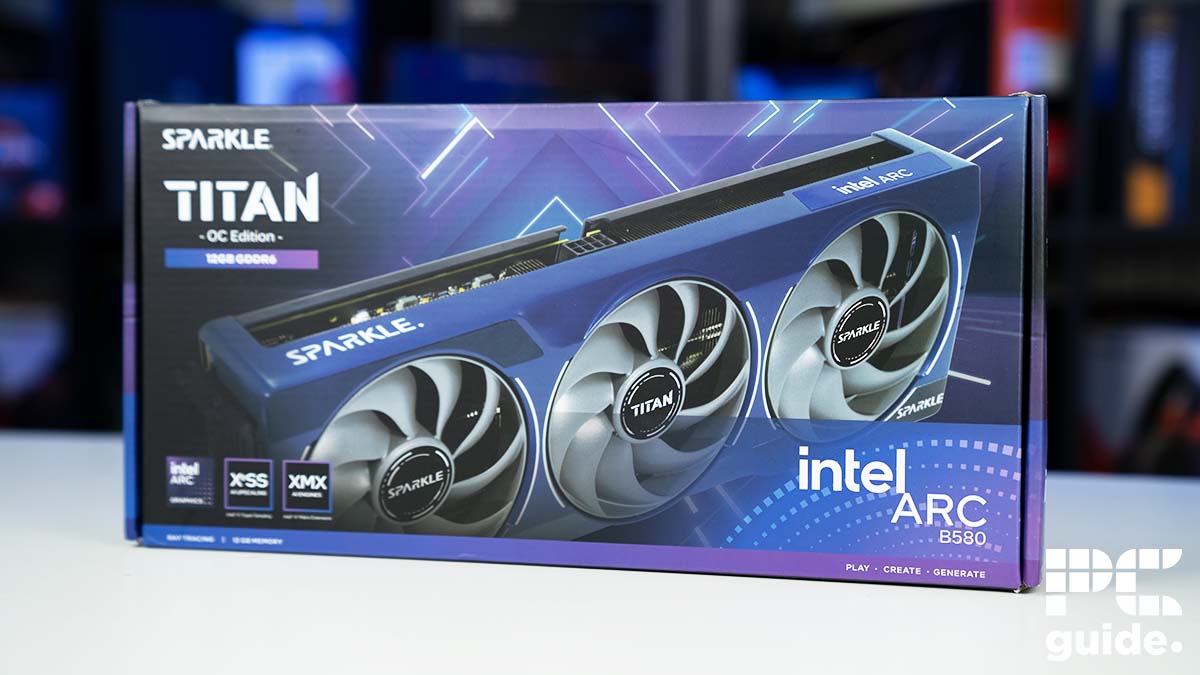
SPARKLE Intel Arc B580 TITAN OC
- GPU: BGM-G21
- Shading units: 2,560
- VRAM: 12GB GDDR6
- Memory bus width: 192-bit
- Bandwidth: 456GB/s
- Base/Boost clock speed: 2,670/2,740 MHz
-
Best AMD GPU for photo editing
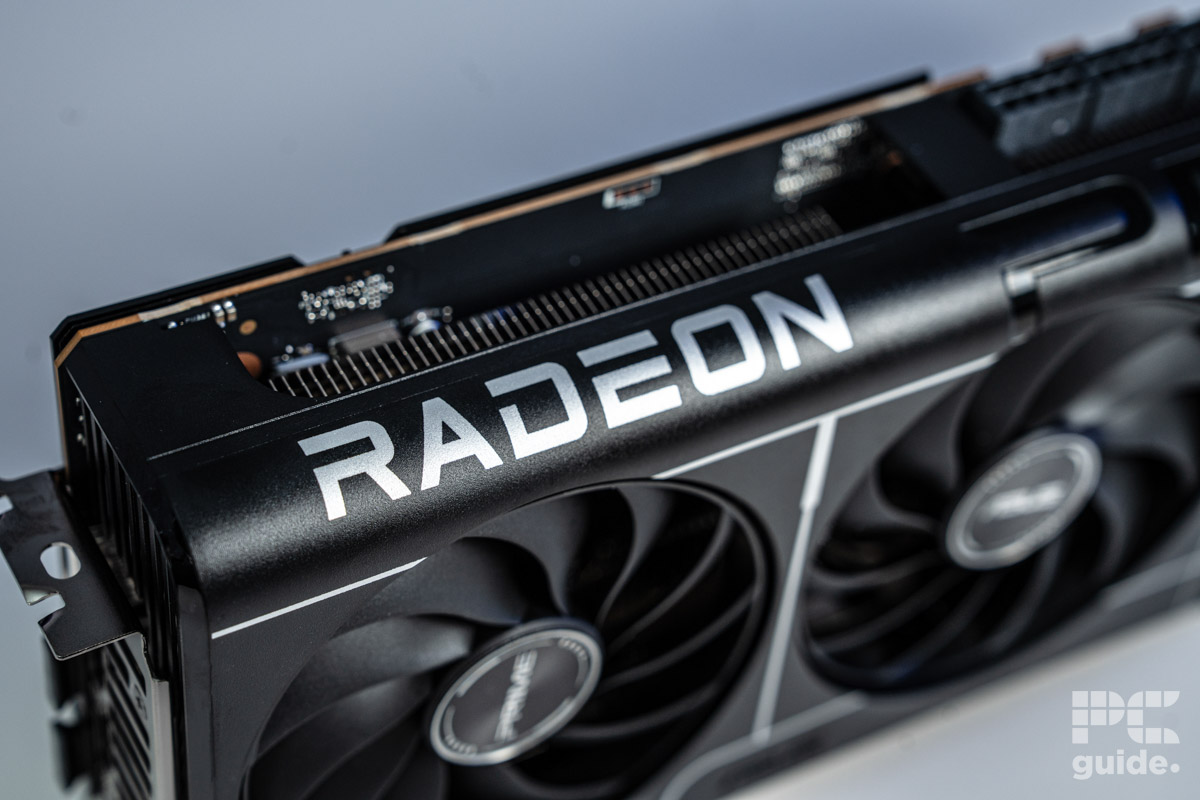
ASUS Prime RX 9070 XT OC
- GPU: Navi 48 XT
- Stream Processors: 4,096
- VRAM: 16GB GDDR6
- Memory Bus Width: 256-bit
- Base/Game/Boost clock speed: 1,660/2,400/2,970 MHz
- TBP: 304W
-
Best last-gen GPU for photo editing
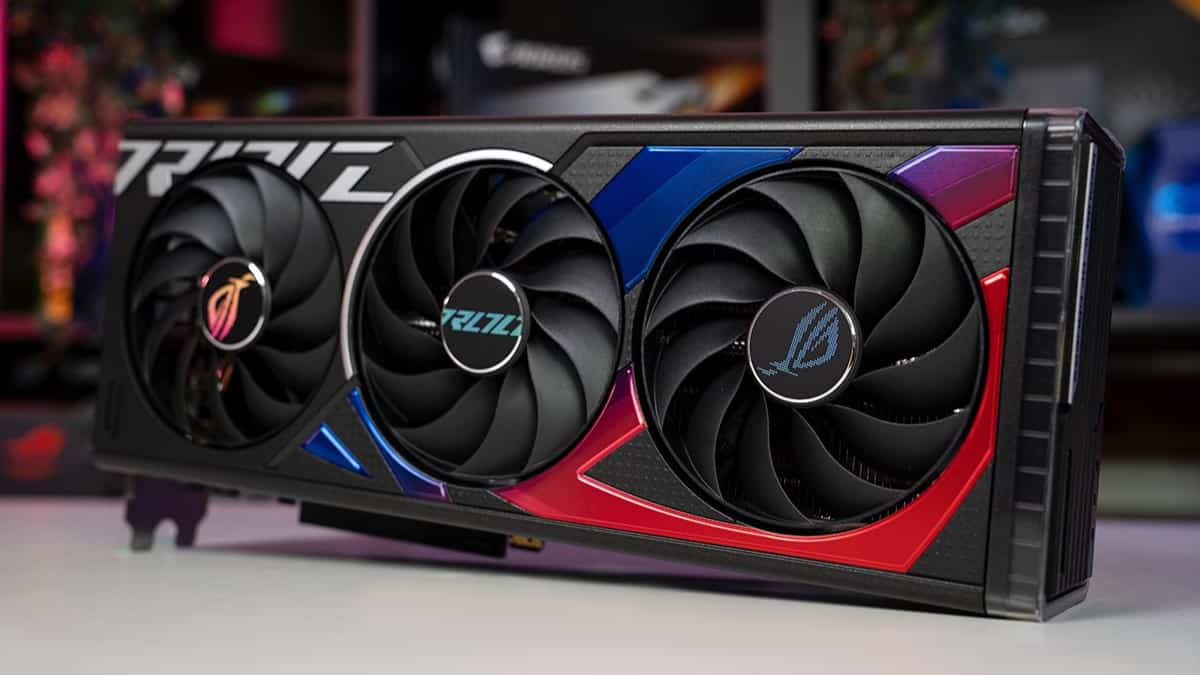
ASUS ROG Strix RTX 4060 OC Edition
-
Best last-gen AMD GPU for photo editing
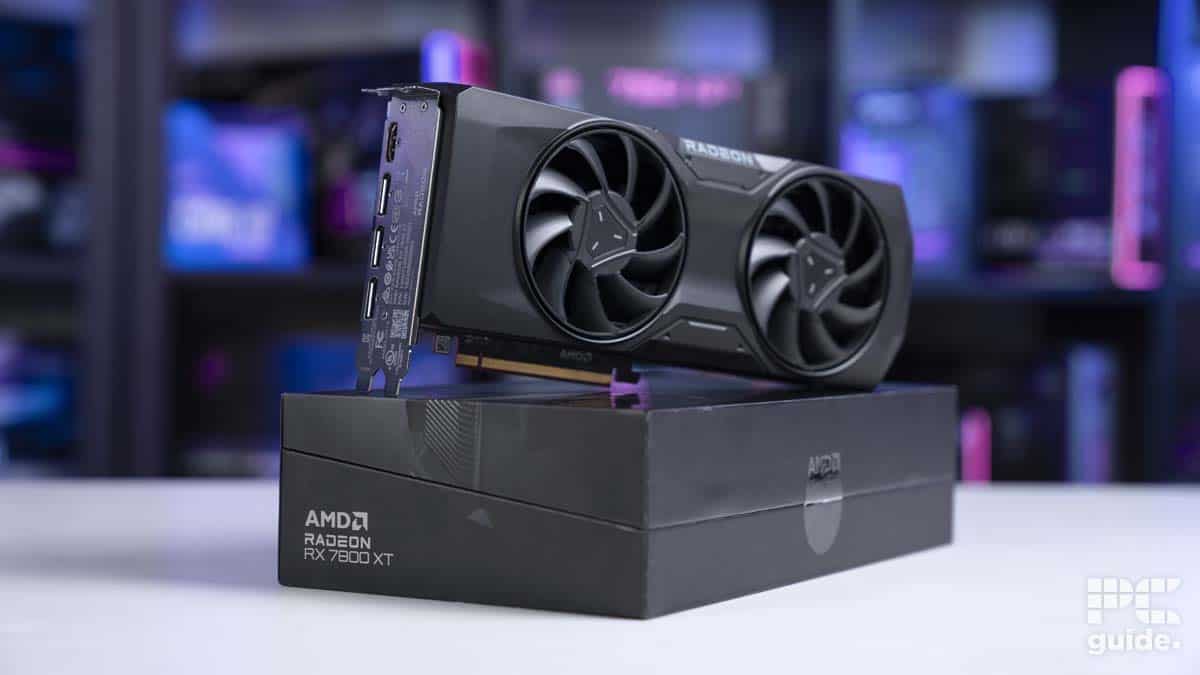
AMD Radeon RX 7800 XT
- GPU: Navi 32
- Stream Processors: 3,840
- VRAM: 16 GDDR6
- Memory bus width: 256-bit
- Bandwidth: 624.1 GB/sec
- Base clock speed: 1,295 MHz
How we selected the best GPUs for photo editing
Our selection process for the best GPUs for photo editing involved thorough research and analysis of the specifications and performance of various graphics cards available on the market. We considered factors such as performance, VRAM capacity, compatibility, display support, and overall value for money. We also took into account user reviews, our own testing, and expert opinions to ensure that our recommendations cater to a wide range of creative editing needs, from casual hobbyists to professional photographers.
Latest tech deals.
- AMD Ryzen™ 9 9900X 12-Core - was $499 now $328
- CORSAIR 4000D PC Case - was $124.99 now $75.99
- Hisense 65" Class E6SR - was $549 now $377.99
- Apple 2026 MacBook Air - was $1,999 now $1,799
- Skytech Gaming PC Desktop (9850X3d) - was $4,299 now $3,799
- Apple Magic Mouse - was $79 now $59
- MSI Prestige 16 Flip - was $2,149 now $1,899
- Kotin 9700X Gaming PC - was $2,399 now $2,199
Prices correct as of October 9th, 2026.
As part of our hands-on reviews, we tested GPUs to achieve benchmark results. To see how we went about this process, make sure you check our dedicated GPU testing page. Additionally, if you are in the market for a GPU, head over to our best graphics card guide for all the latest and greatest choices.
Our top picks

- GPU: GB206-300
- CUDA Cores: 4,608
- VRAM: 16GB GDDR7
- Memory Bus Width: 128-bit
- Base/Boost Clock: 2.4/2.65 GHz
- TBP: 180W
- Great for 1080p and 1440p performance
- Improved value compared to RTX 40 series
- Access to Blackwell features and improvements
- Still a higher premium price compared to the competition
- Pricing and availability questionable on launch
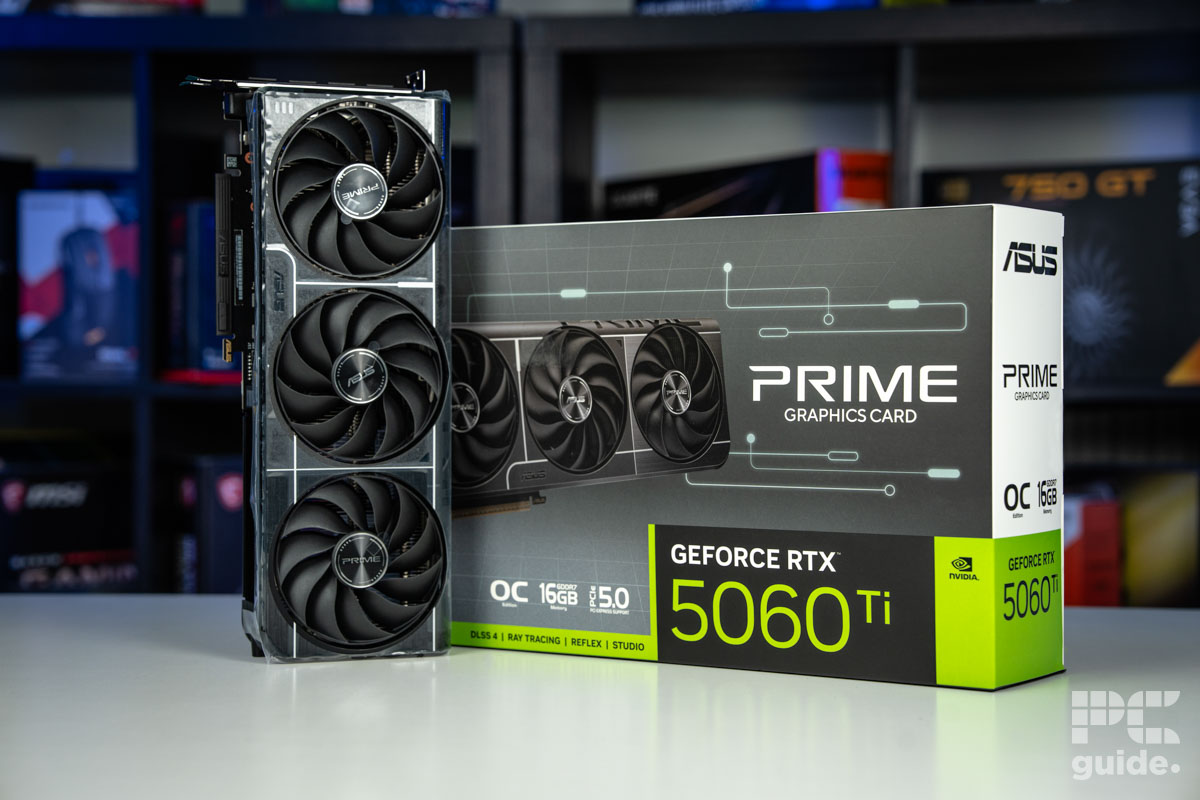
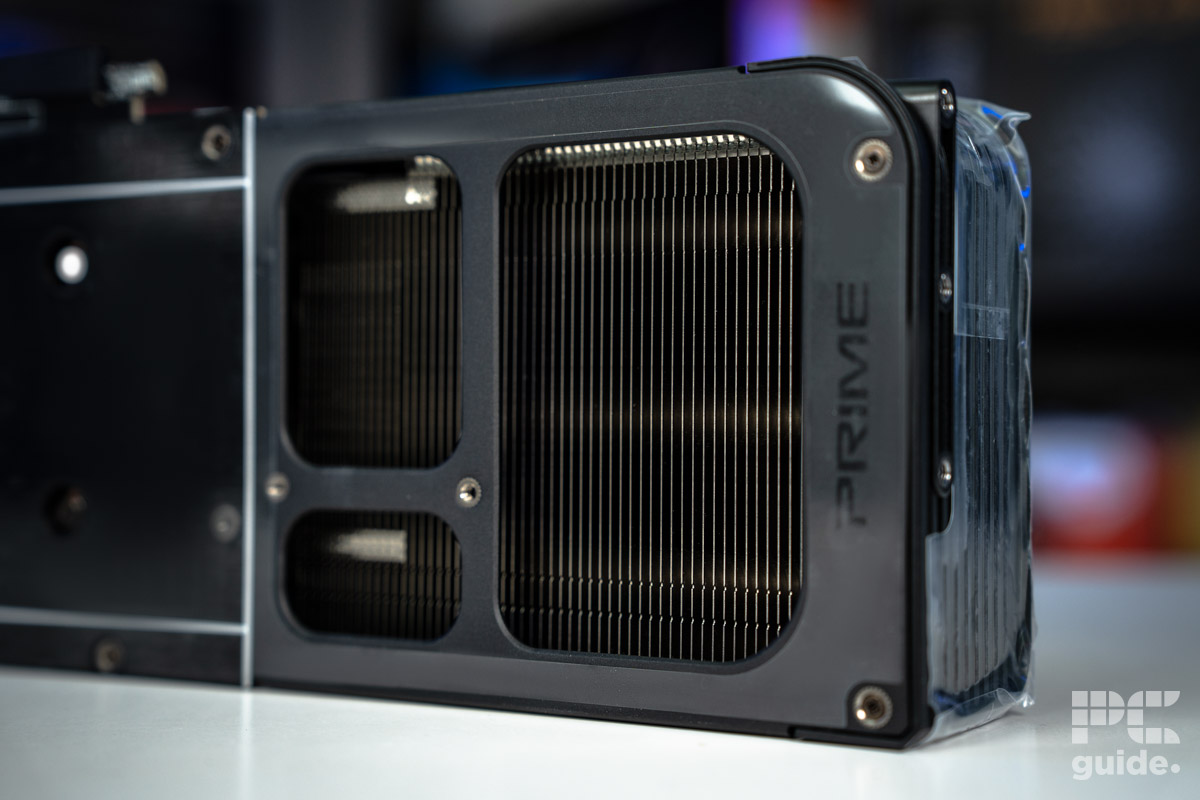
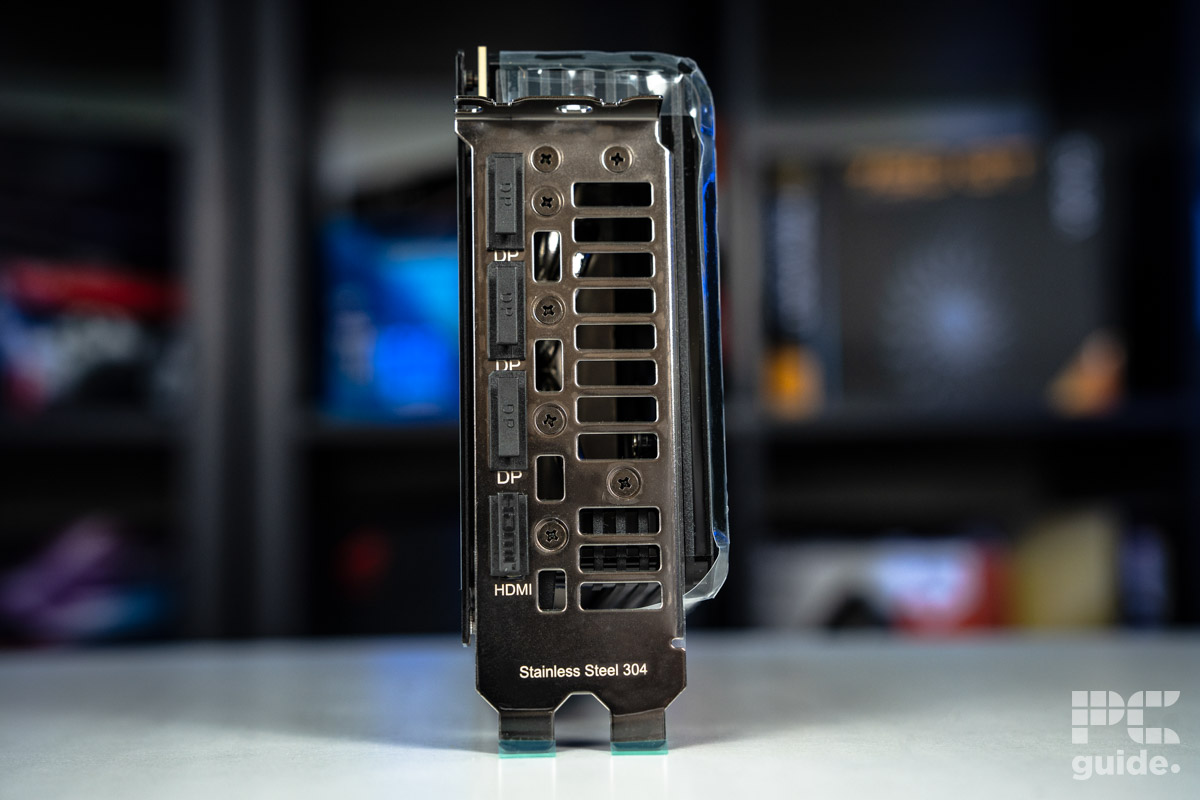
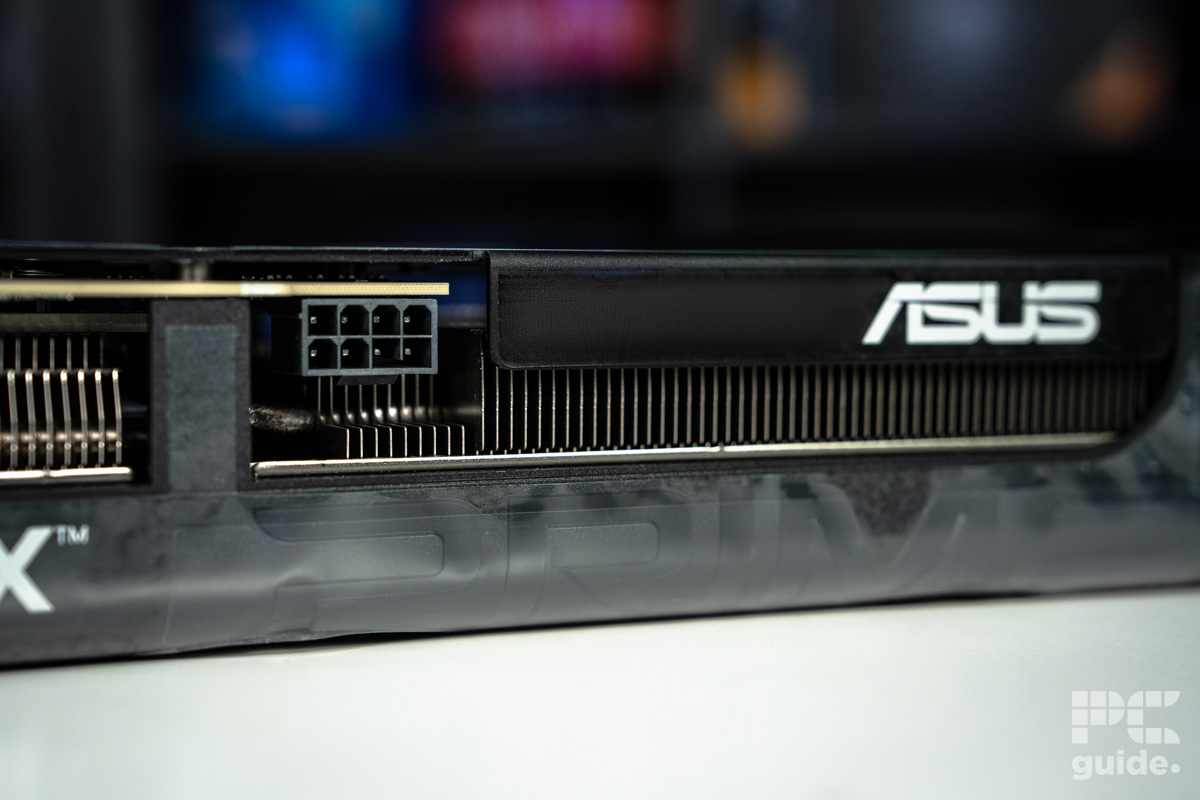
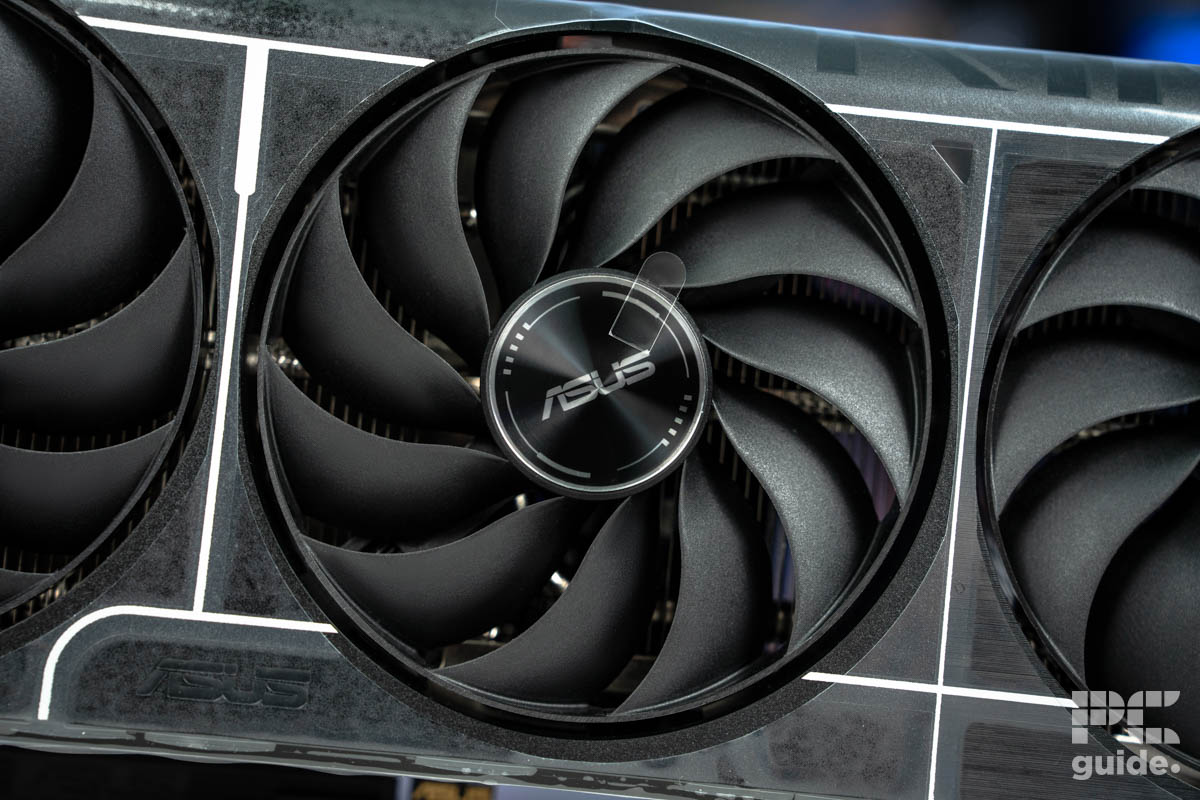
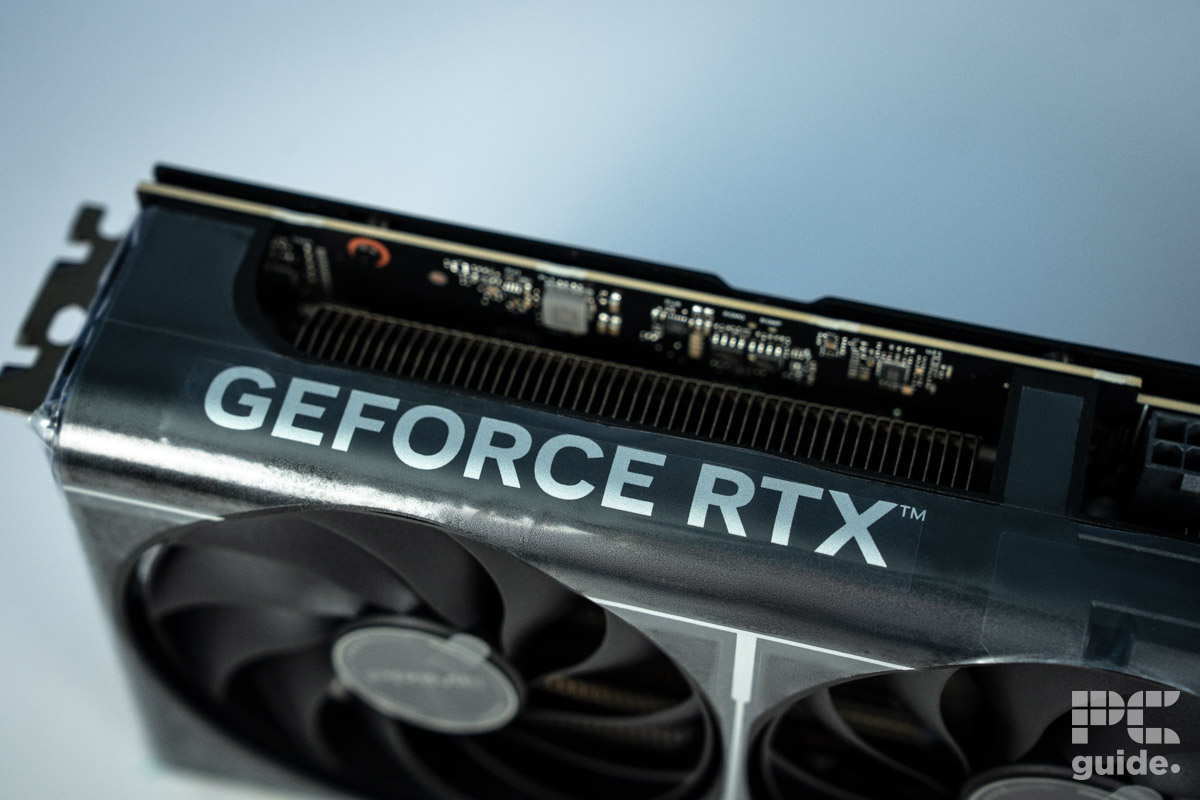
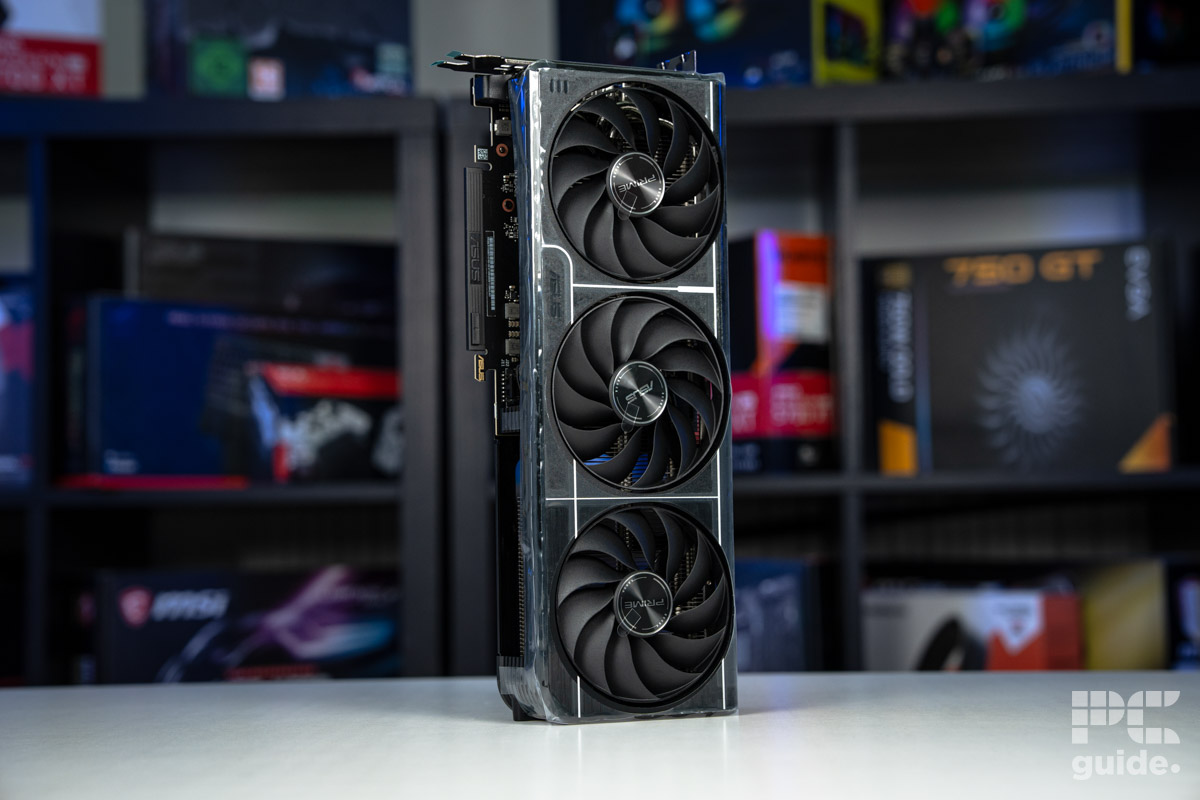
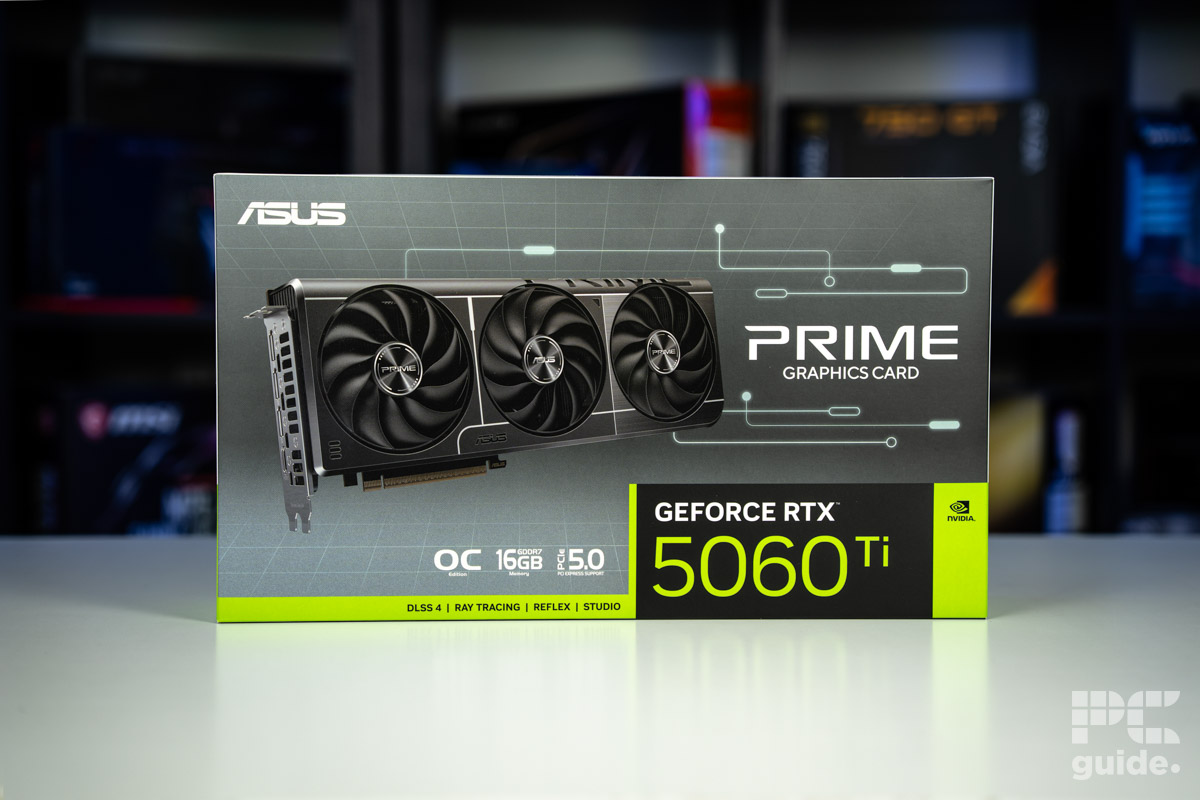
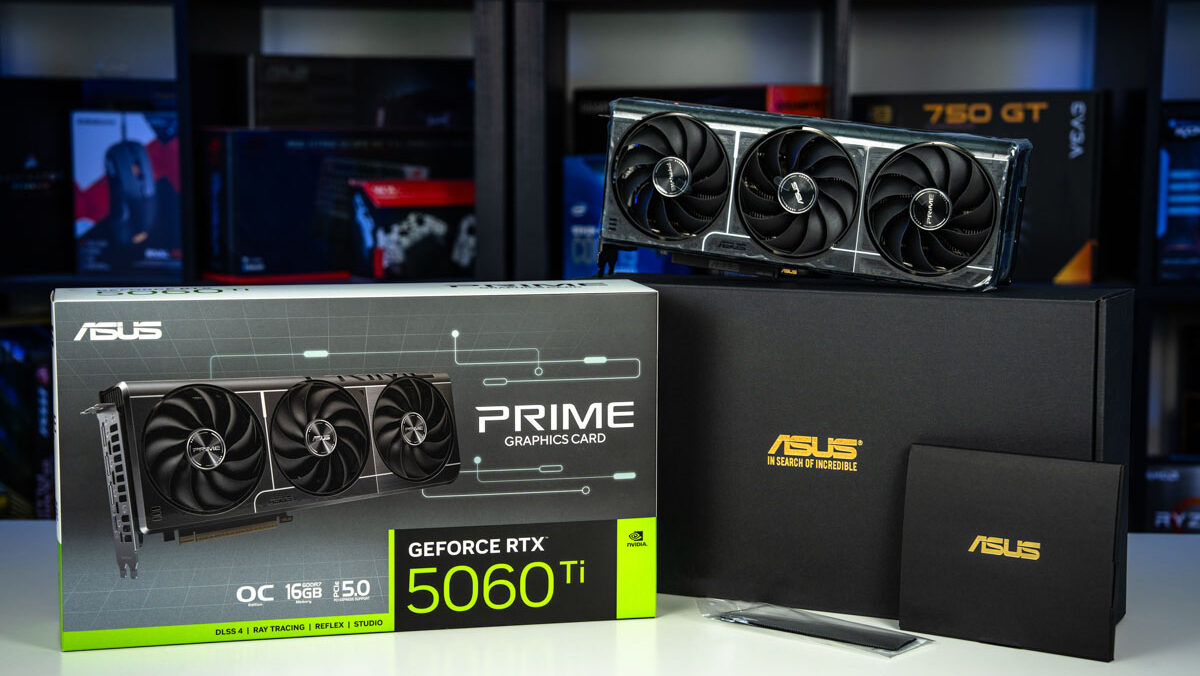
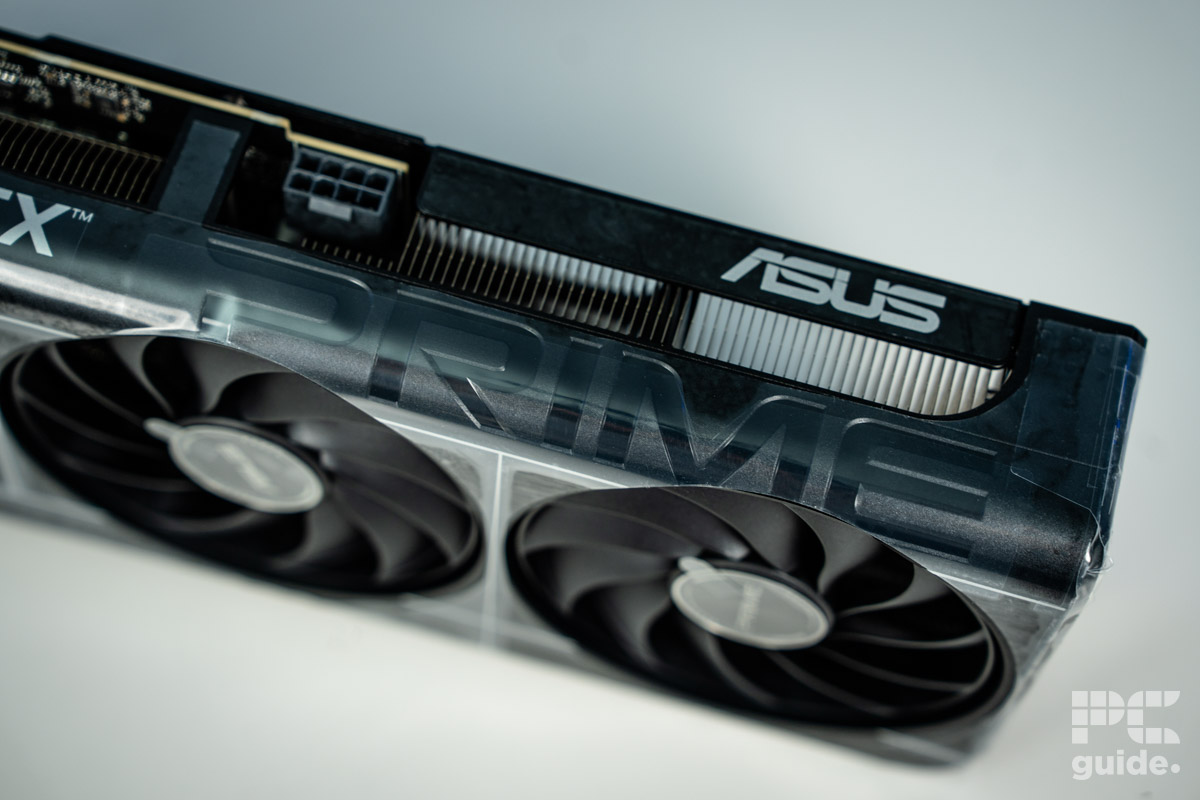
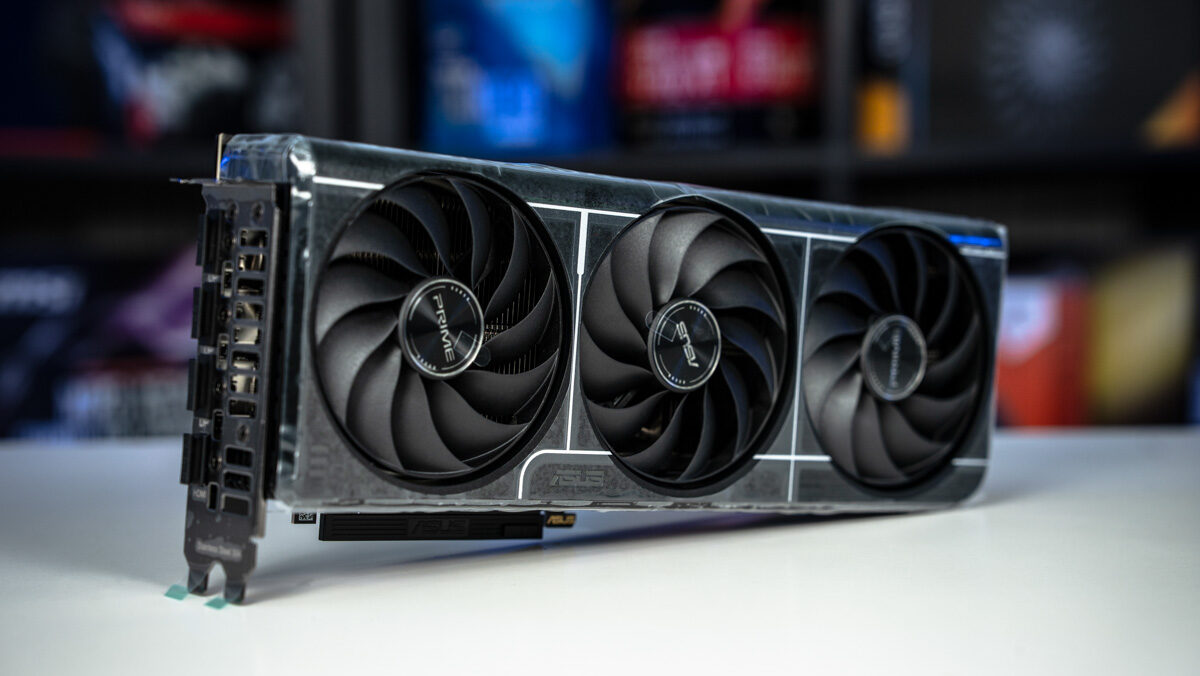
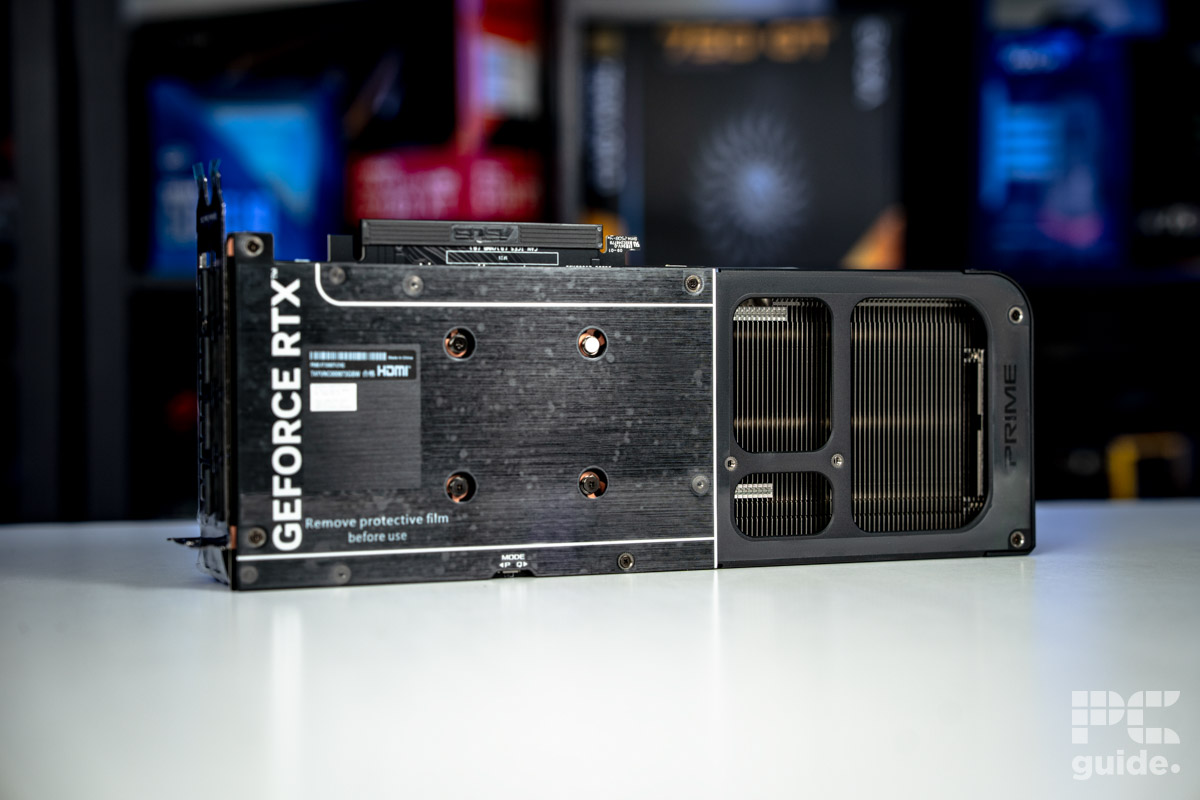
At the top of the list for the best GPU for photo editing, we have put the RTX 5060 Ti 16GB. A bit of a lower-end choice from Nvidia’s Blackwell lineup, but it has the hardware and optimizations behind it that make it a well-rounded option without having to spend too much on it.
Having reviewed the RTX 5060 Ti, we do recommend it a recommendation and a better choice compared to its lower 8GB sibling. Its capacity easily meets the recommended system requirements for both Photoshop and Lightroom, and so is very likely to offer the best performance, no matter which photo editing software you use.
That 16GB of VRAM is also of the GDDR7 generation, allowing it to be clocked in at 28Gbps, a faster offering than the last generation. But the 128-bit bus used on the card limits the total bandwidth to 448GB/s, still giving it plenty of power for even working on higher resolution photos and features.
The RTX 5060 Ti 16GB is an improvement over the last generation. Higher frame rates and speeds, with more features and upgraded specs, it’s safe to say the new card offers substantially better value for money.
PC Guide
It also features 4,608 CUDA cores and 36 ray tracing cores, utilizing the latest Blackwell architecture that enhances AI performance and offers numerous additional features, including DLSS 4. That makes it an optimal choice for a well-rounded build without having to spend more on performance you don’t need.
In our review of the 5060 Ti, although we didn’t test it in photo editing software, we have a range of other creative benchmarks to show off its performance. Such as in Blender, where it achieved a samples per minute of 2,057 in monster, 1,112 in junkshop, and 1,118 in classroom. Beating out the 5060 and B580, while falling behind the 5070 and 80-class cards.
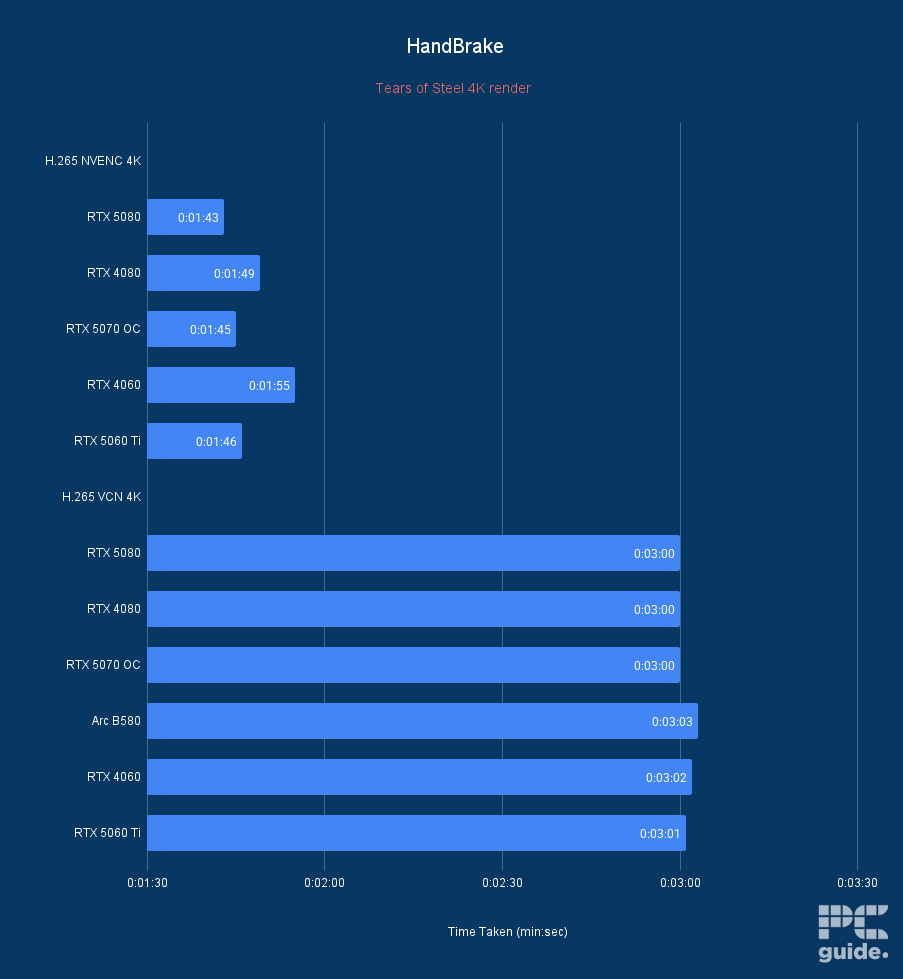
ASUS Prime RTX 5060 Ti 16GB OC Handbrake Time Taken, Image by PC Guide
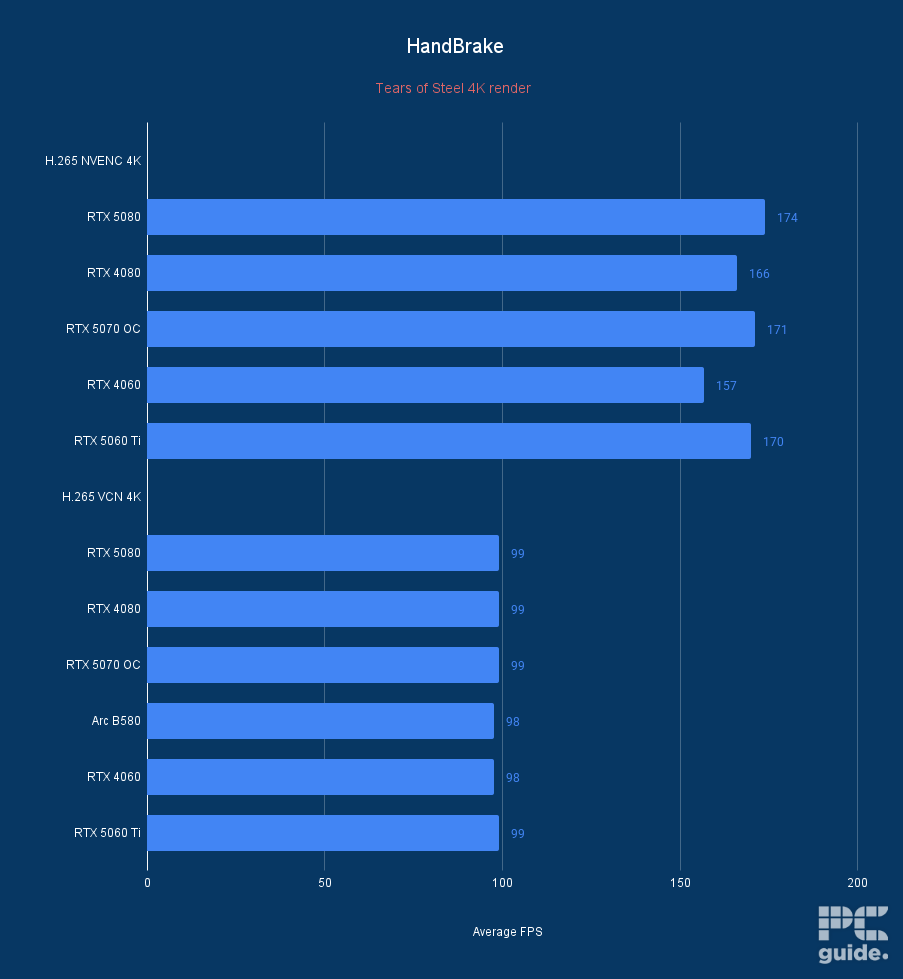
ASUS Prime RTX 5060 Ti 16GB OC HandBrake Average FPS, Image by PC Guide
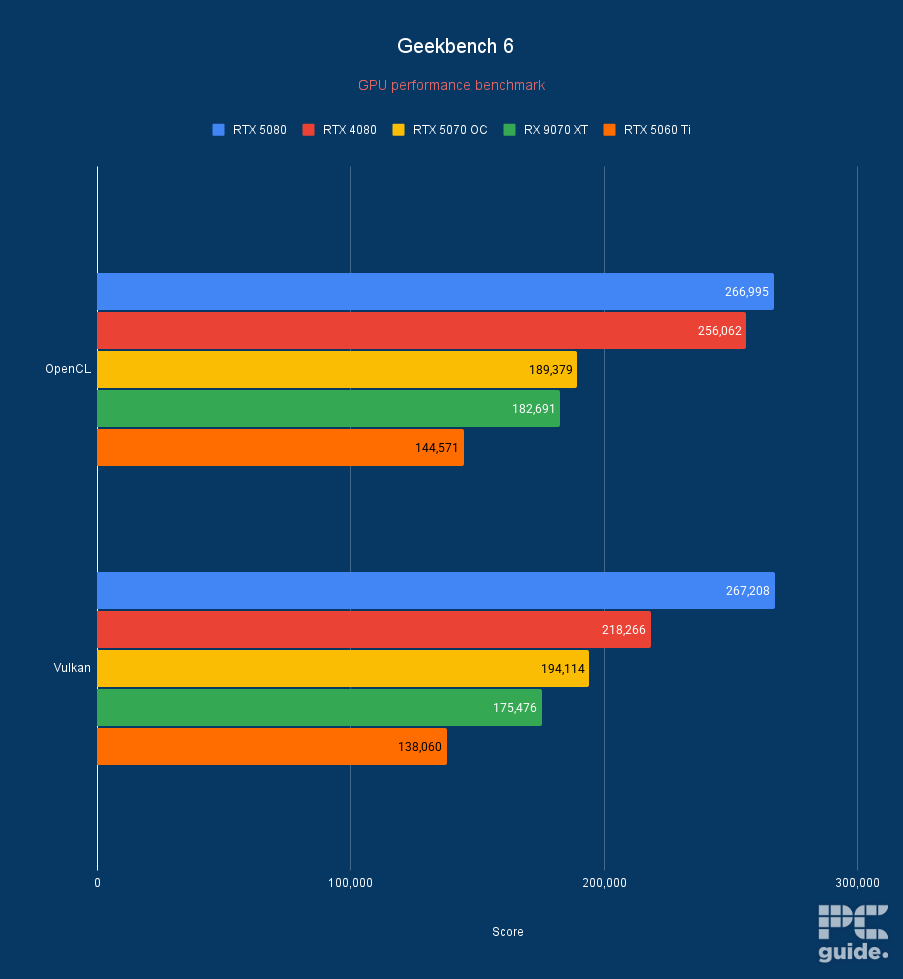
ASUS Prime RTX 5060 Ti 16GB OC Geekbench 6, Image by PC Guide
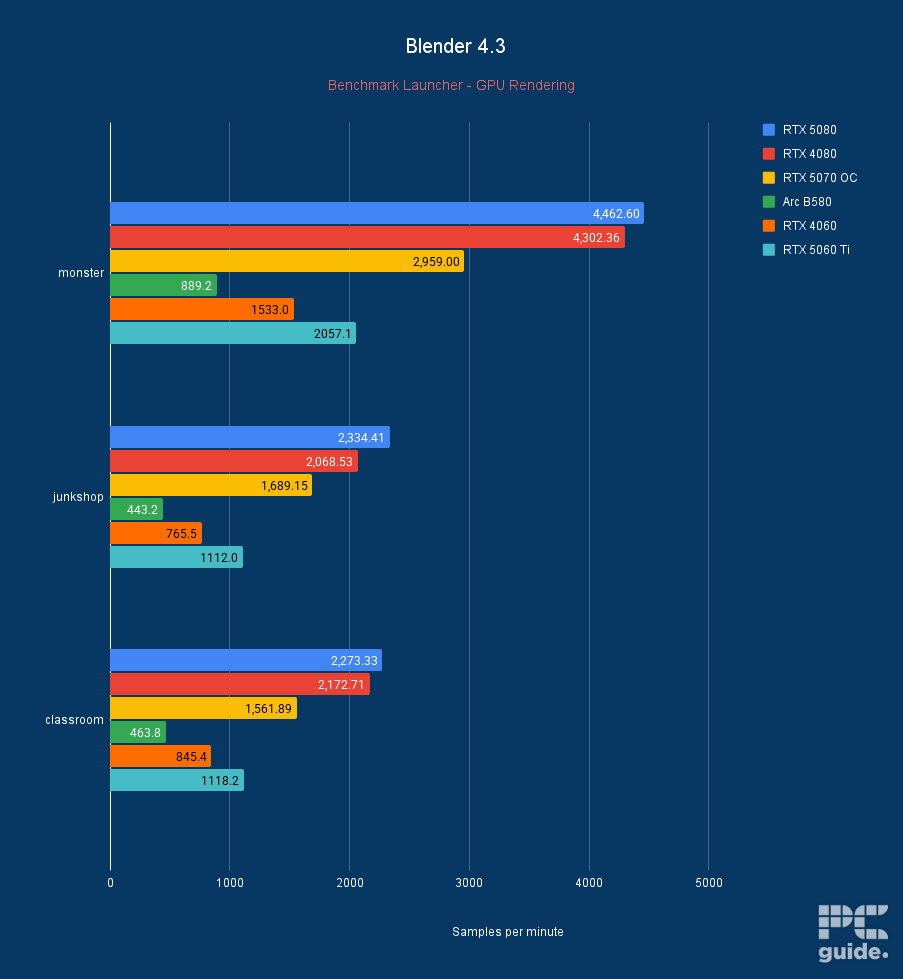
ASUS Prime RTX 5060 Ti 16GB OC Blender 4.3, Image by PC Guide
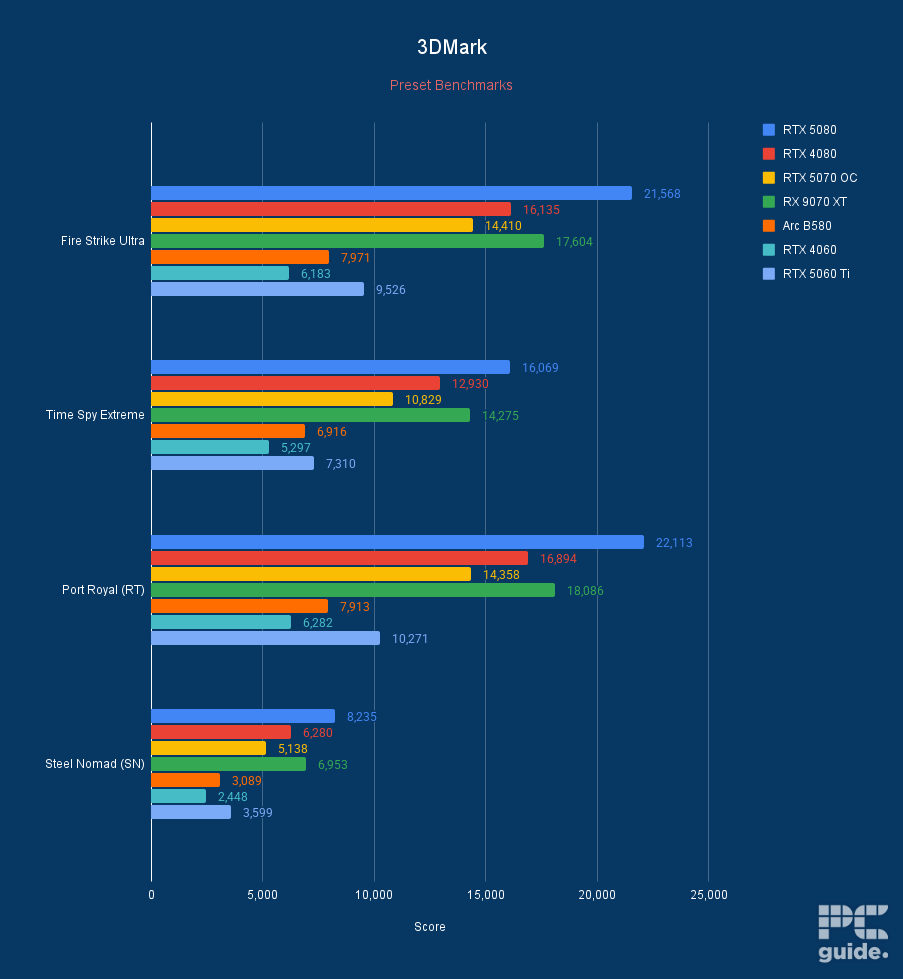
ASUS Prime RTX 5060 Ti 16GB OC 3DMark, Image by PC Guide
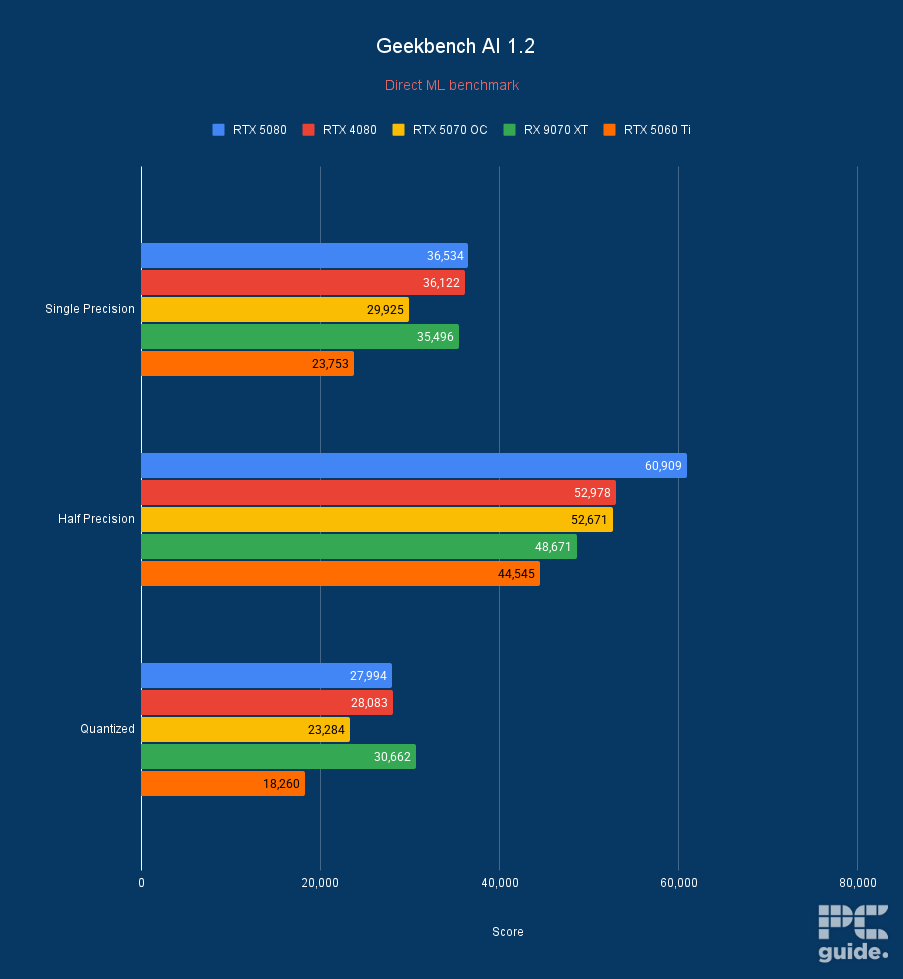
ASUS Prime RTX 5060 Ti 16GB OC Geekbench AI 1.2, Image by PC Guide

- GPU: BGM-G21
- Shading units: 2,560
- VRAM: 12GB GDDR6
- Memory bus width: 192-bit
- Bandwidth: 456GB/s
- Base/Boost clock speed: 2,670/2,740 MHz
- Great price to performance
- Plenty of VRAM in comparison to the competition
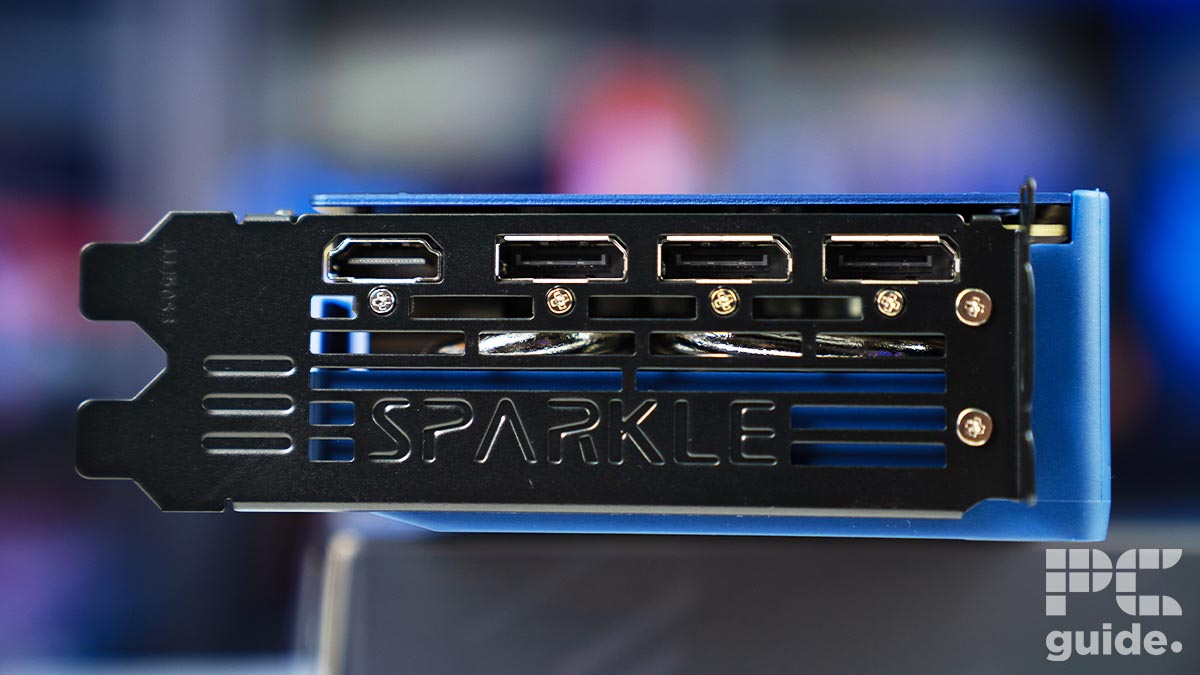
- HDMI 2.1 and DP 2.1 are available
- Well-built and slim design
- Only Gen 4 x8 PCIe – may be an issue for older motherboards
- Slightly more expensive than reference card
- Still occasional troubles in older games specifically
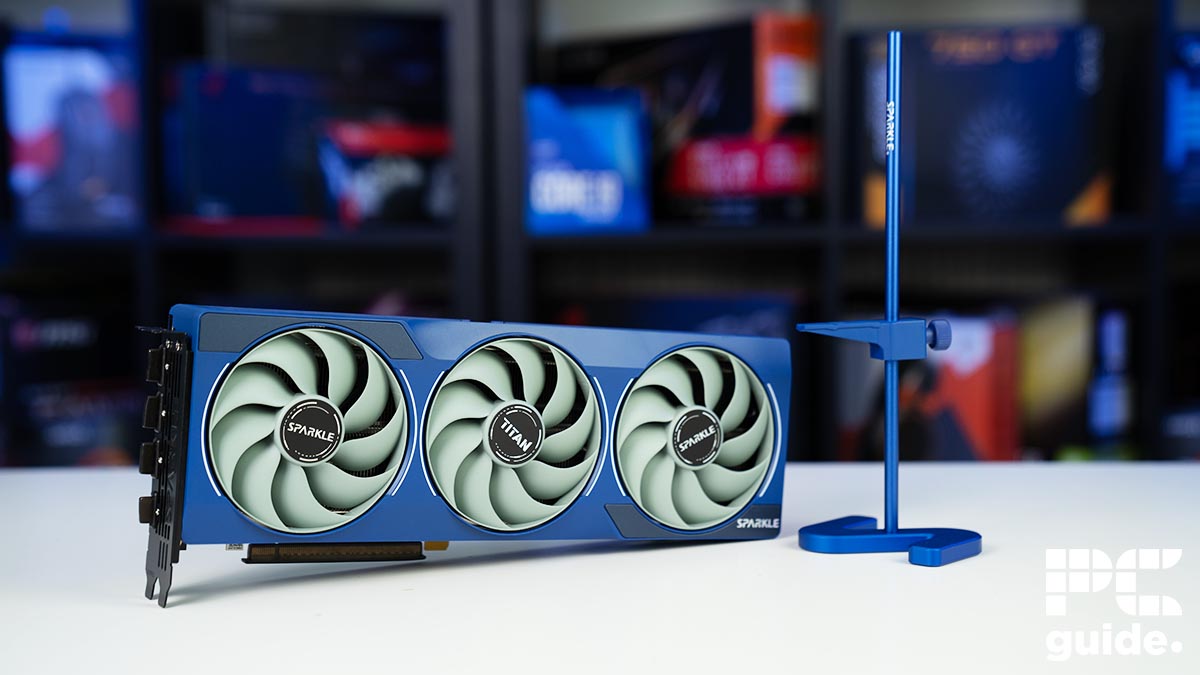
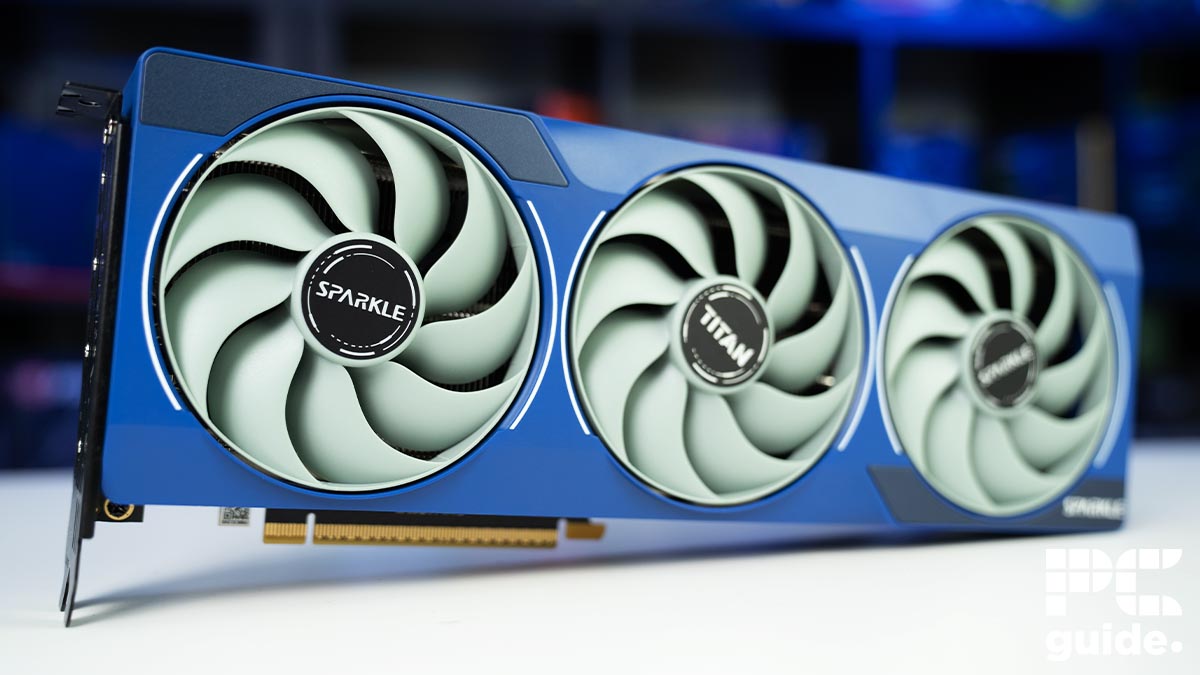
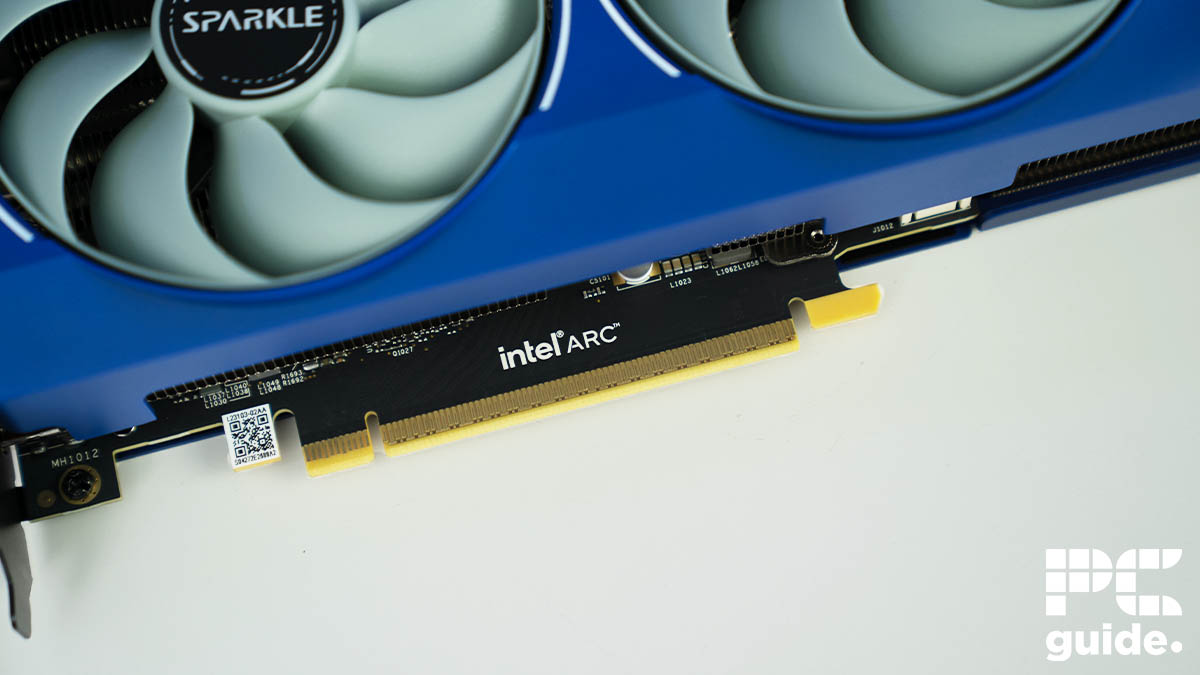
The second of the picks is from a newer entry into the general GPU market. Intel’s Arc series has impressed many thoroughly, breaking through the price barrier at the bottom, offering a more budget-friendly GPU. At the top of its latest Battlemage is the Intel Arc B580, which is our pick for photo editing.
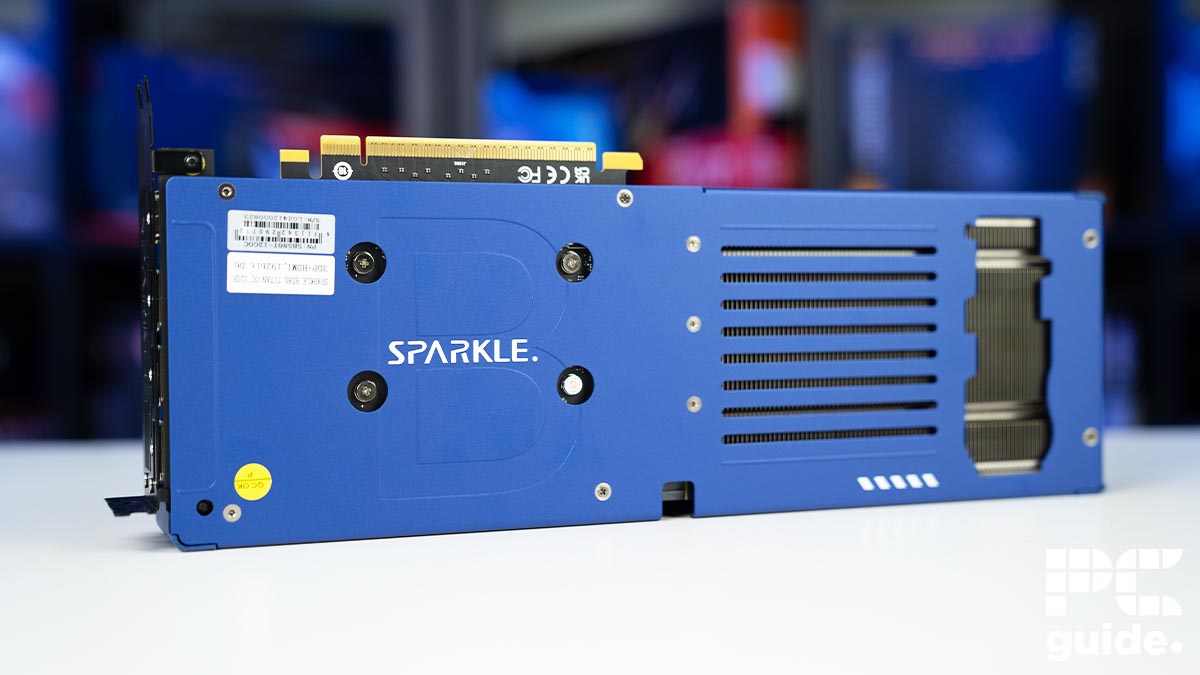
With our review of various models, like the Sparkle Titan, Maxsun iCraft, and Acer Nitro, there are plenty of models to choose from, with so much going for them. Even though there might be some drawbacks here and there, the B580 provides a great value across the board and easily meets photo editing requirements.
Intel doesn’t shy away in the memory setup of the GPUs either. Launching the B580 with 12GB of GDDR6, it has plenty of capacity for the tier it is. Even if it’s the slower GDDR6, the 19Gbps clock and 192-bit bus offer 456GB/s of bandwidth that makes it optimal for the level it’s at and manages to become more future-proof as games and modern applications become more demanding.
The Intel Arc B580 is a great budget graphics card with an MSRP of $250; it provides competition and an entry-level solution where it seems to be lacking.
PC Guide
The configuration of the card comes with 2,560 shading units from its Xe2 architecture, along with 20 ray tracing cores, and a power draw of 190W. Keeping it on the low down, it’s not the beast that Nvidia and AMD offer but rather well suited for the lower to mid range.
In our reviews, we checked how the B580 performed in various games and creative workloads, evne if it not exactly photo editing software, it should give you a look at its performance. Such as in Blender, it achieved 889 samples per minute in monster, 443 in junkshop, and 463 in classroom. In comparison, the 4060 got nearly double with 1533, 765, and 845.
Overall, it might not be the most powerful outright option, but it has great value and adds some alternatives to the market. Considering the under $300 mark MSRP, it’s an exceptional budget GPU.

Acer Nitro Intel Arc B580 Blender, Image by PC Guide

Acer Nitro Intel Arc B580 Geekbench, Image by PC Guide

Acer Nitro Intel Arc B580 Geekbench AI, Image by PC Guide
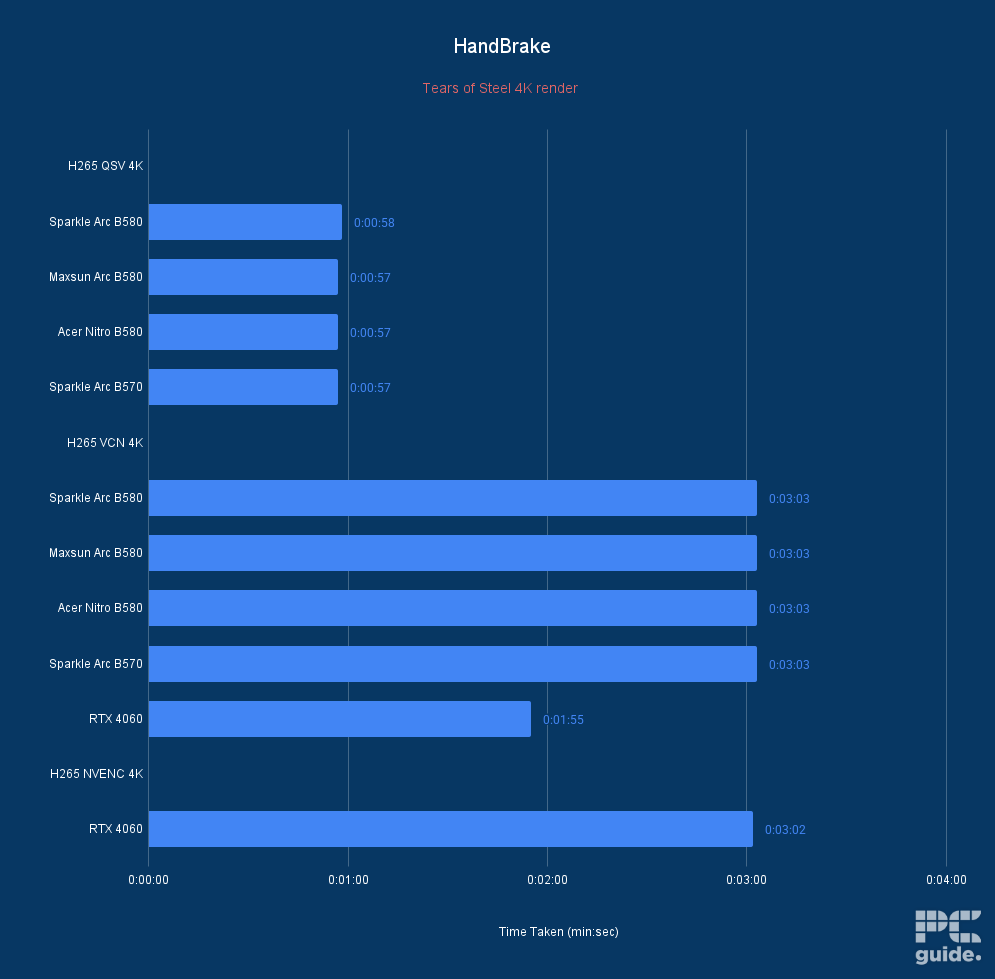
Acer Nitro Intel Arc B580 HandBrake Time Taken, Image by PC Guide

Acer Nitro Intel Arc B580 HandBrake Average FPS, Image by PC Guide
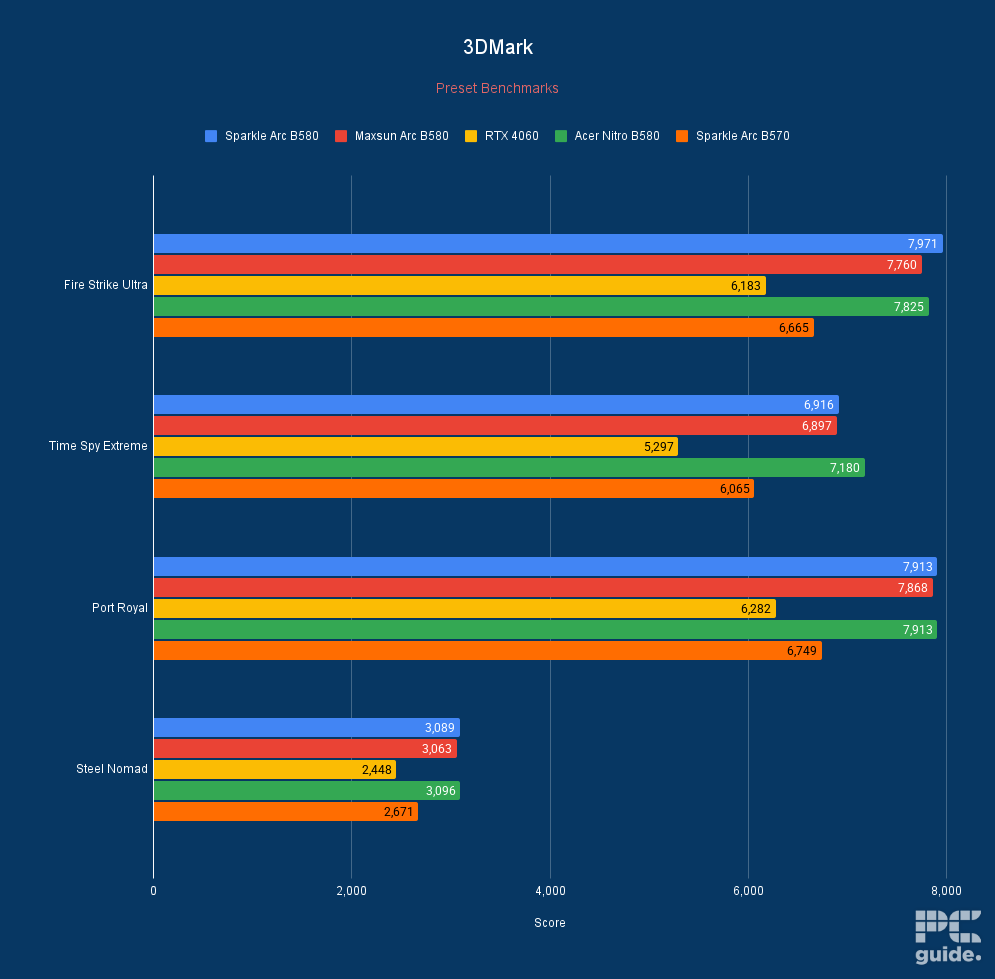
Acer Nitro Intel Arc B580 3DMark, Image by PC Guide
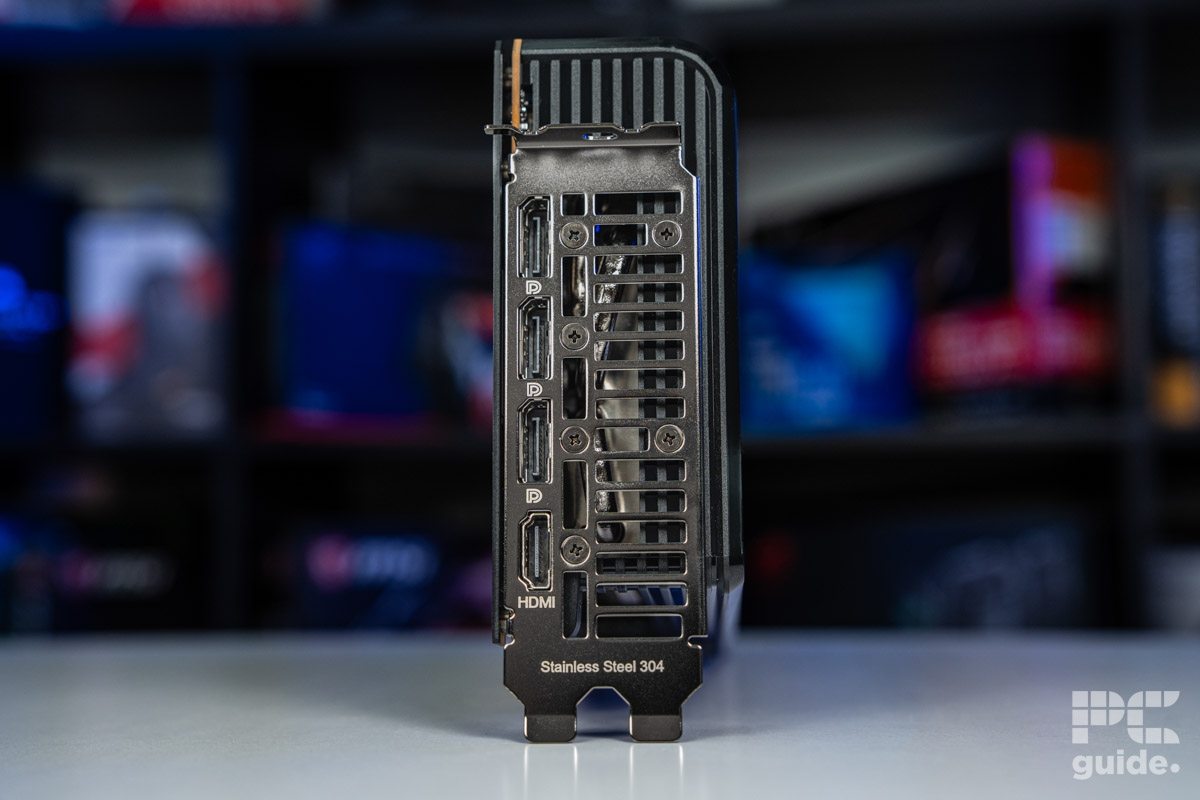
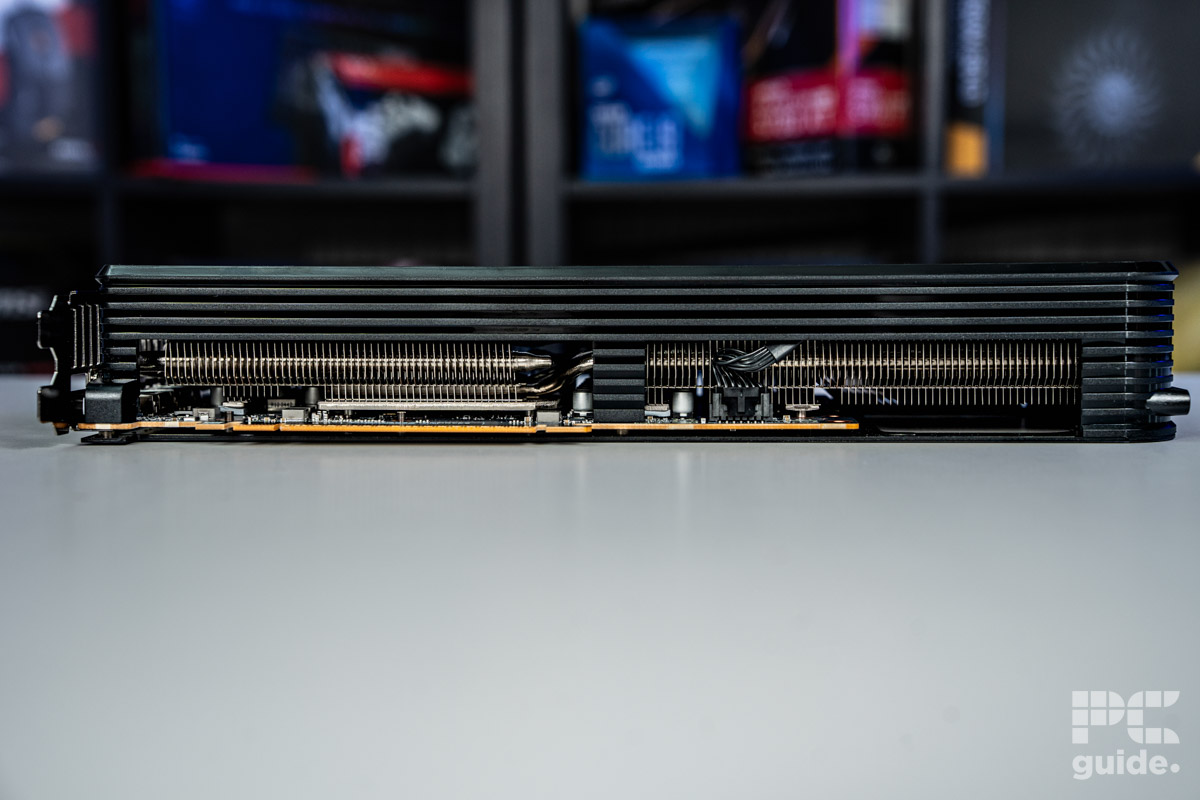
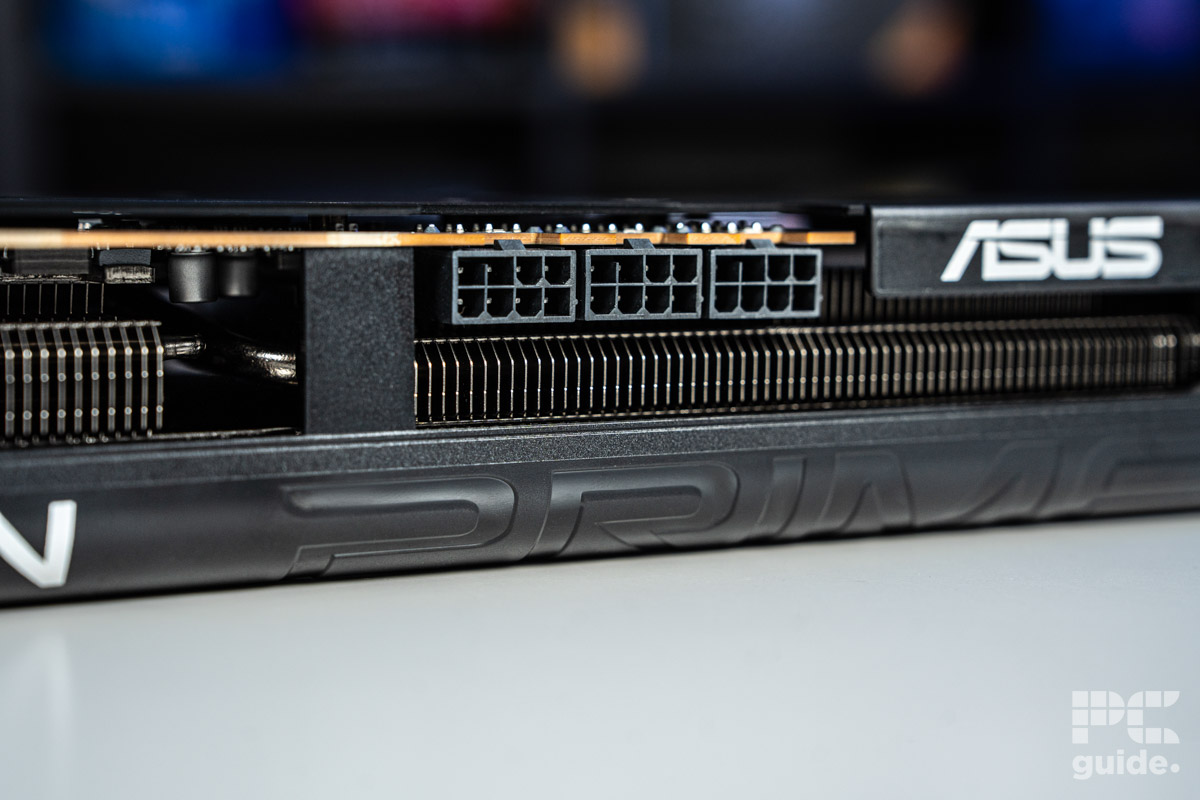
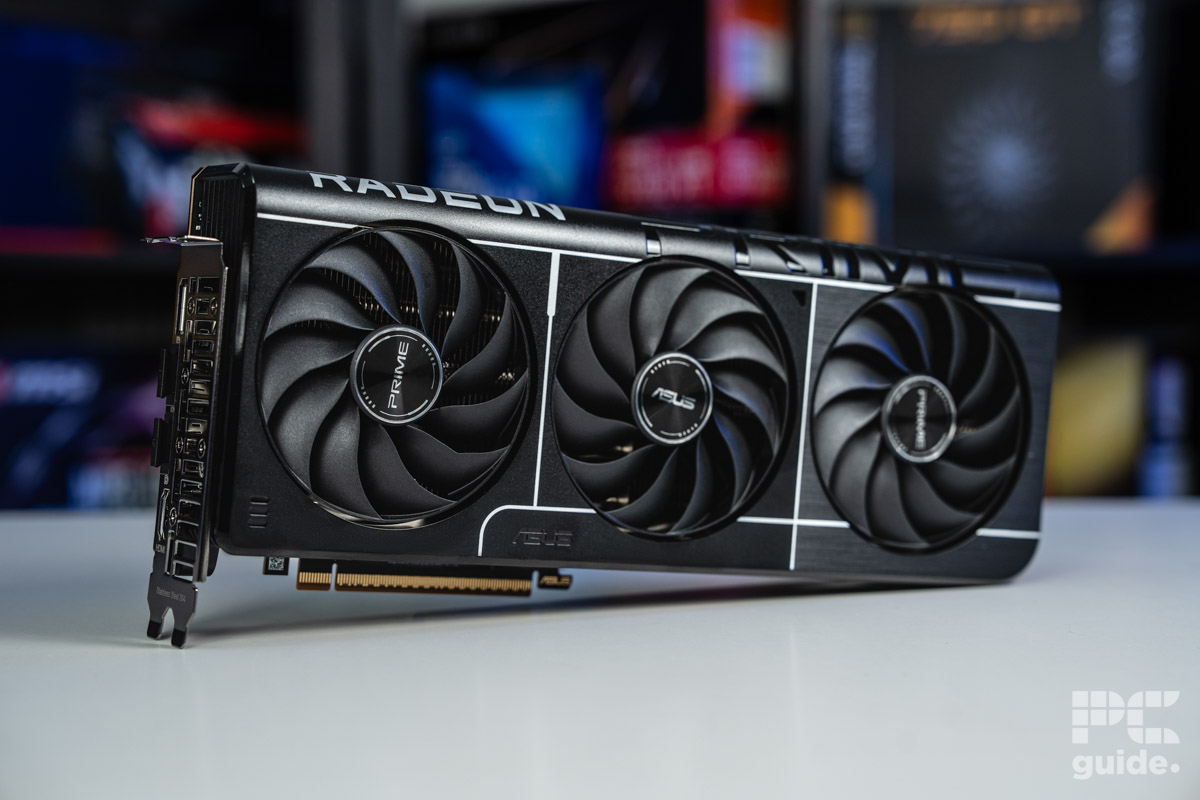
- GPU: Navi 48 XT
- Stream Processors: 4,096
- VRAM: 16GB GDDR6
- Memory Bus Width: 256-bit
- Base/Game/Boost clock speed: 1,660/2,400/2,970 MHz
- TBP: 304W
- Great performance even at 4K and reaching RTX 4080 levels
- Excellent MSRP makes it much more appealing against competition
- Incredible improvements over the previous generation
- Plenty of VRAM for the price
- Still falls behind in ray tracing, AI, and creative workloads
- Spiking and high power draw
- Features not as extensive as Nvidia
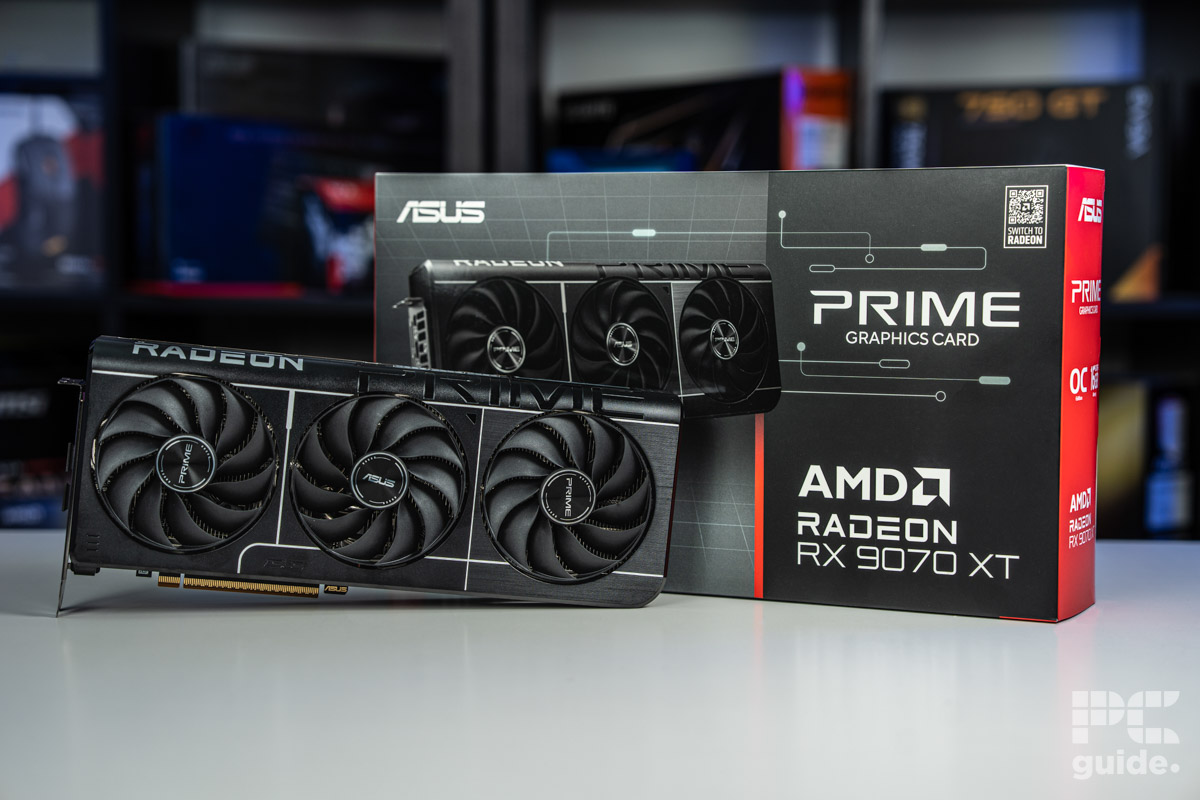
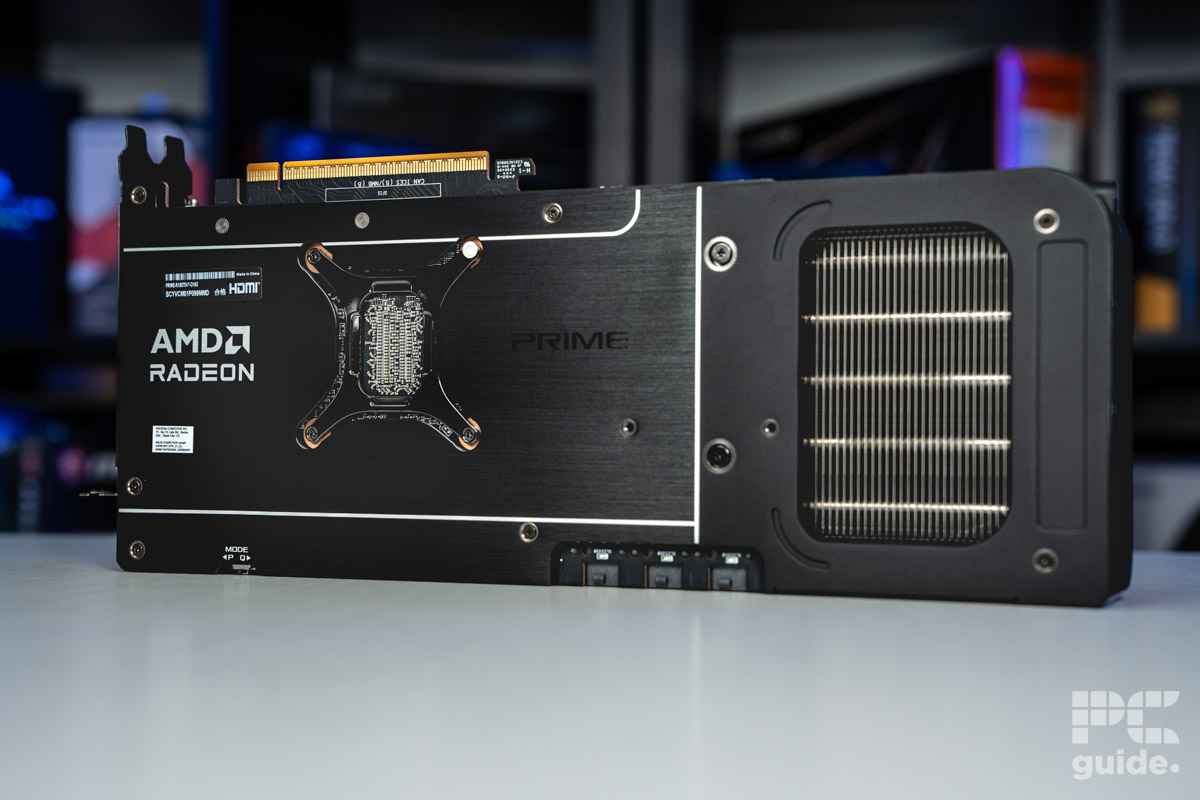
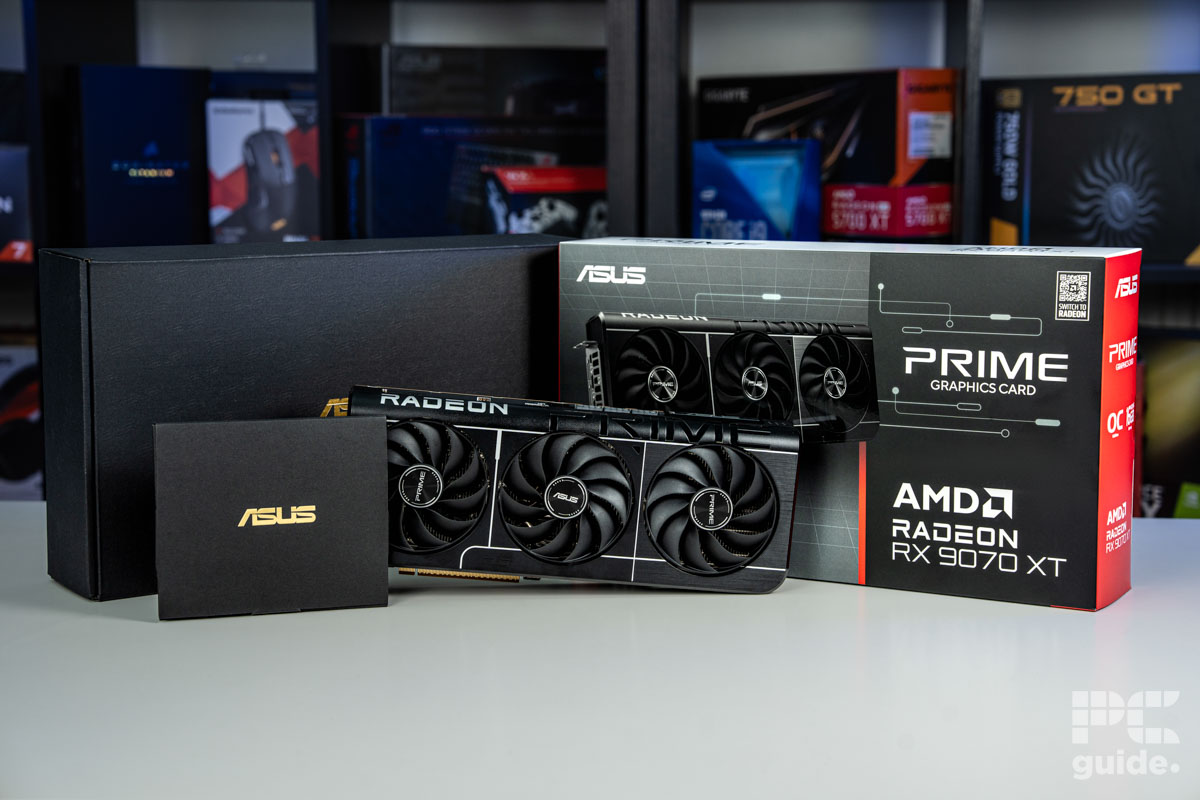
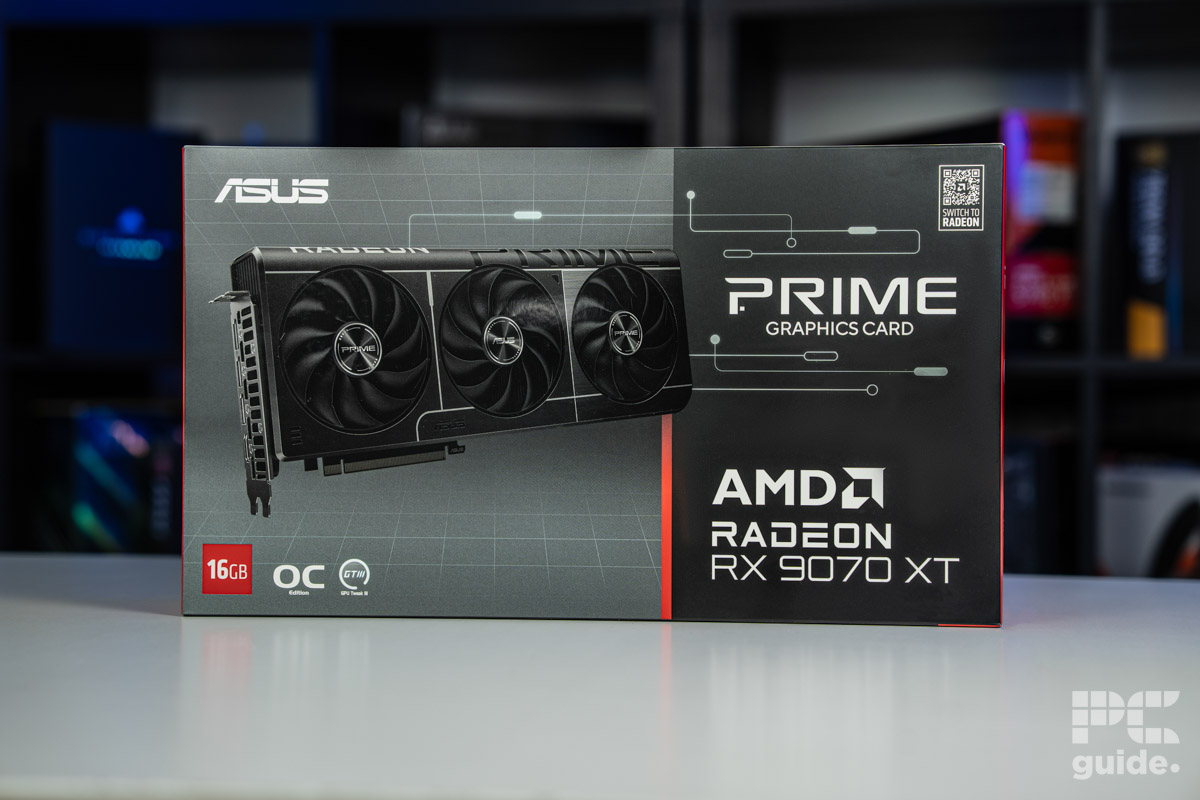
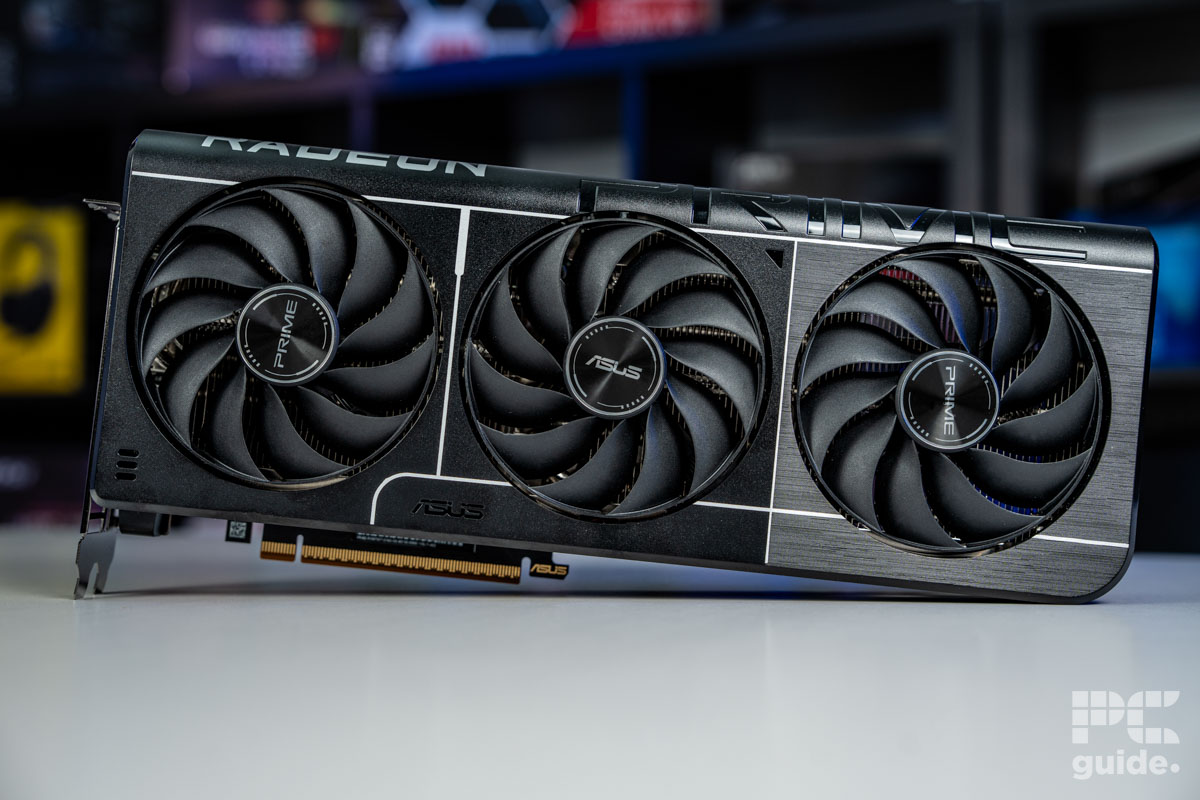
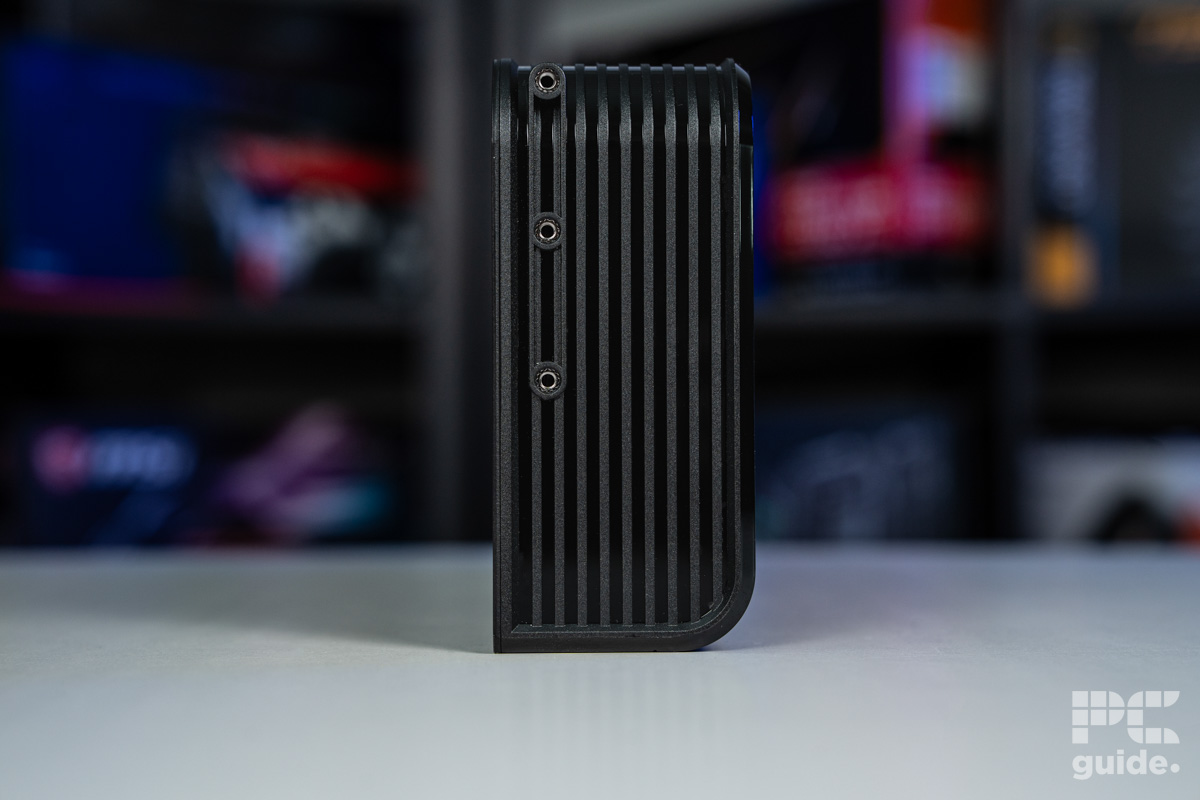
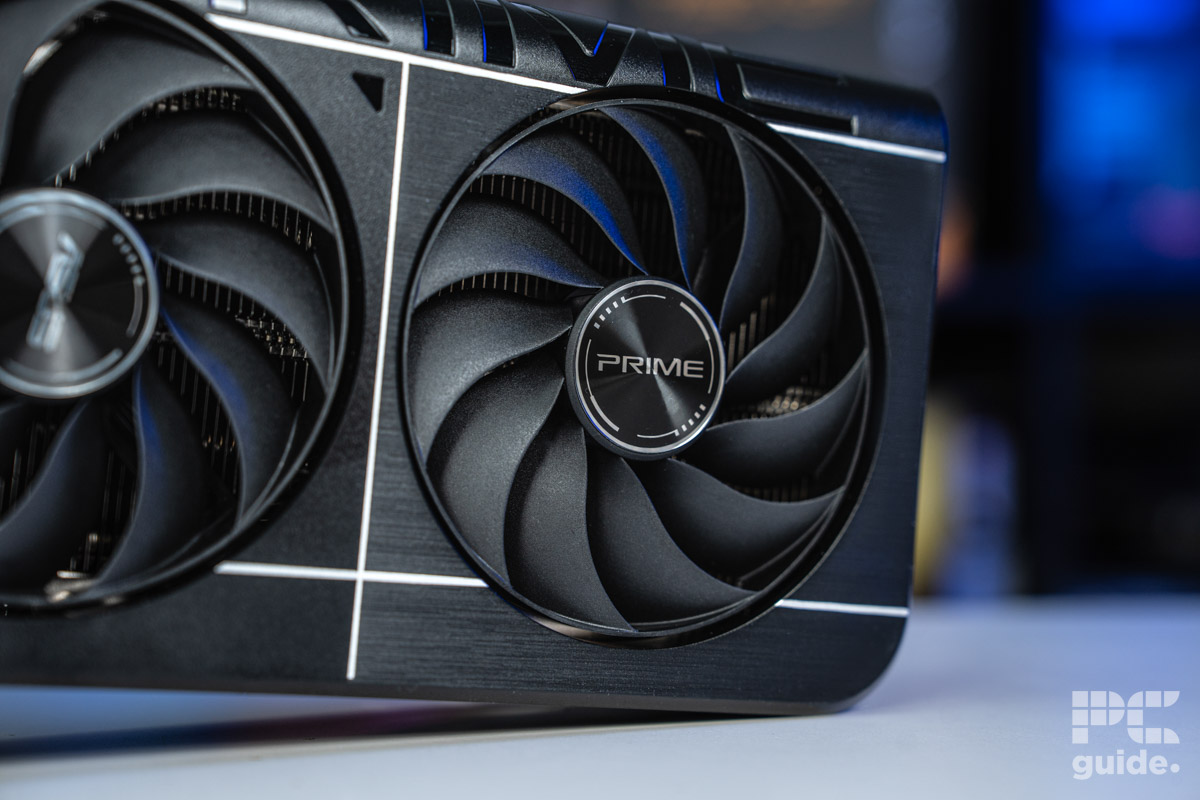
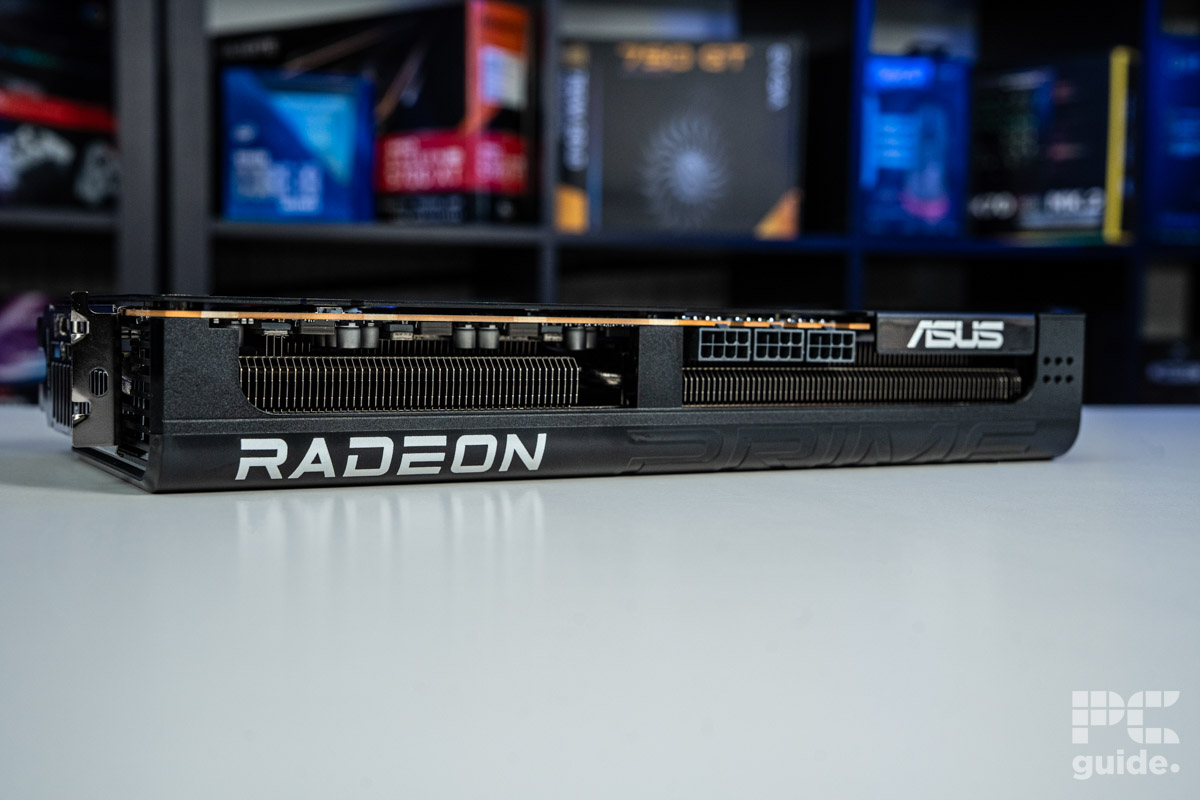
Looking at AMD’s selection of graphics cards, at the top of the range, there is the RX 9070 XT. Leading the way for RDNA 4, it showed off all the improvements Radeon came with in the generation, excelling in both gaming and creative workloads, which made it all the better and an actual alternative to Nvidia’s domination.
That’s especially when it comes to the value. The memory setup on board and the performance it brings make it a well-rounded option when you want a great card. That’s what gave it an excellent score in our Prime RX 9070 XT review and a fan favorite across the market.
With 4,906 streaming processors in the Navi 48 chip and 64 RT cores, it does manage to provide an outstanding performance in scenarios it might have fallen behind on previously. Bringing up its ray tracing and creative workload ability finally closes the gap with Nvidia.
AMD has even made great strides in AI and ray tracing performance, closing the gap to Nvidia and what it is capable of. Even though it’s not all there, it definitely makes it a more rounded option than either the previous generation.
PC Guide
It also doesn’t hold back on the memory setup that it provides. With 16GB of GDDR6, it doesn’t upgrade to the faster and newer generation, as it keeps power and costs down. Yet it still is clocked in at 20Gbps with a 256-bit bus to get a bandwidth of 644GB/s.
Testing it for our review, it does provide a look at just what it can do. With Geekbench 6 putting it just behind the RTX 5070, as in 3DMark, it jumps ahead of it and even the RTX 4080.
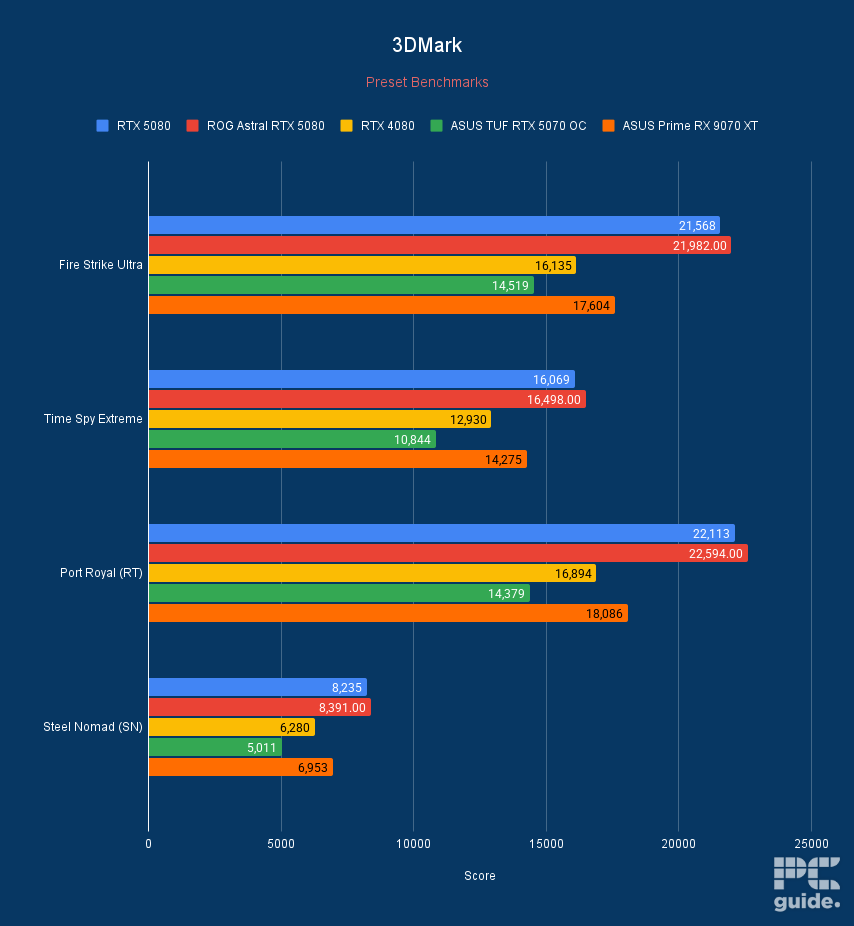
ASUS Prime RX 9070 XT OC 3DMark, Image by PC Guide
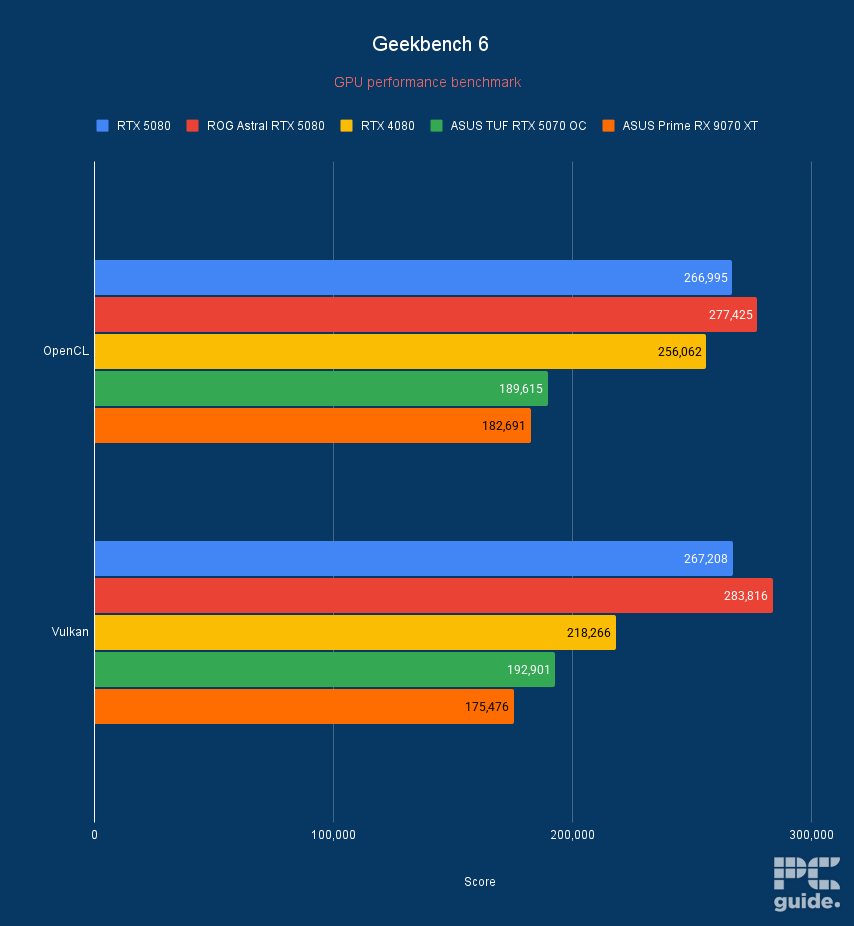
ASUS Prime RX 9070 XT OC Geekbench 6, Image by PC Guide
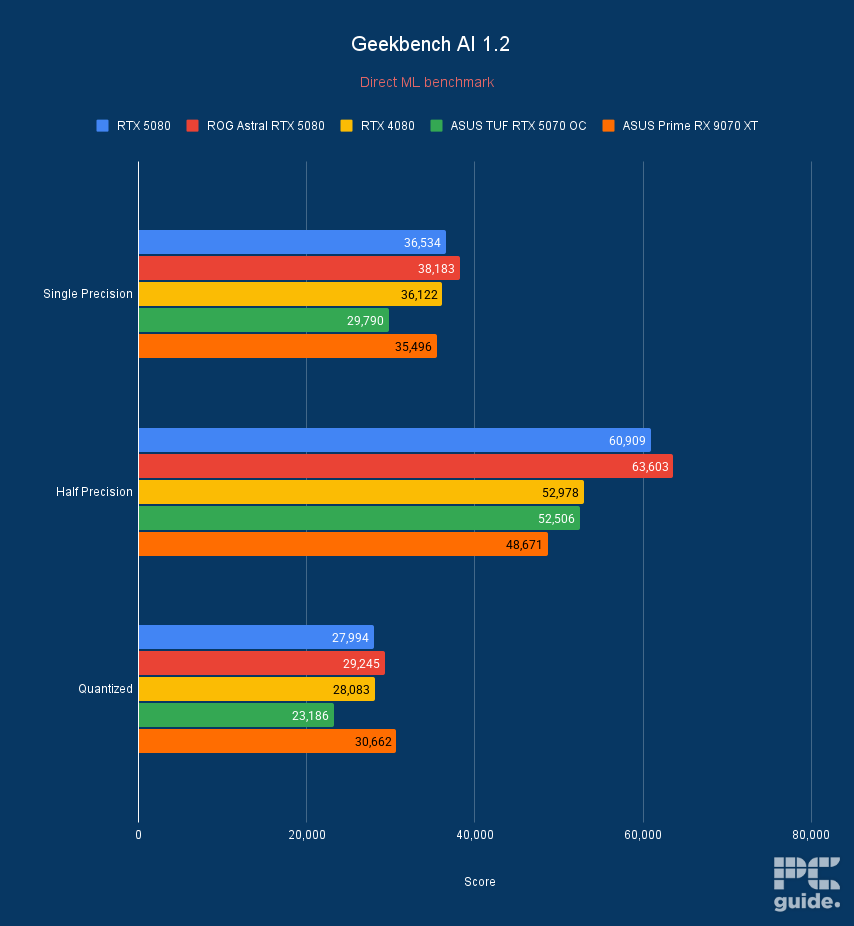
ASUS Prime RX 9070 XT OC Geekbench AI, Image by PC Guide
- GPU: AD107 die
- CUDA cores: 3,072
- VRAM: 8GB GDDR6 VRAM
- Bandwidth: 272 GB/s
- Memory bus width: 128-bit memory bus
- Base clock speed: 1830 MHz
- Boost clock speed: 2670 MHz
- Powerful enough for the likes of Photoshop and Lightroom
- Supports NVIDIA DLSS and is great for 1080p gaming
- Decent for video editing also thanks to 8GB of speedy VRAM
- May be overkill if you’re just using it for photo editing
- A near-entry level 4000 Series card – so don’t consider if you’re after more of an all rounder
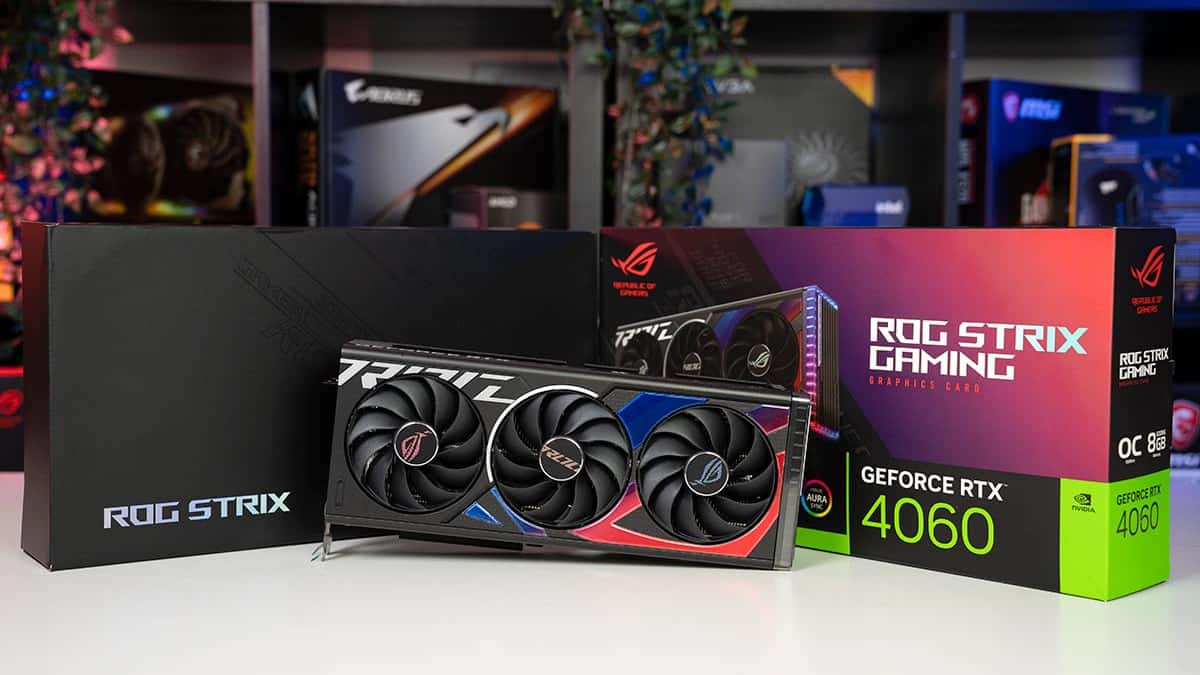
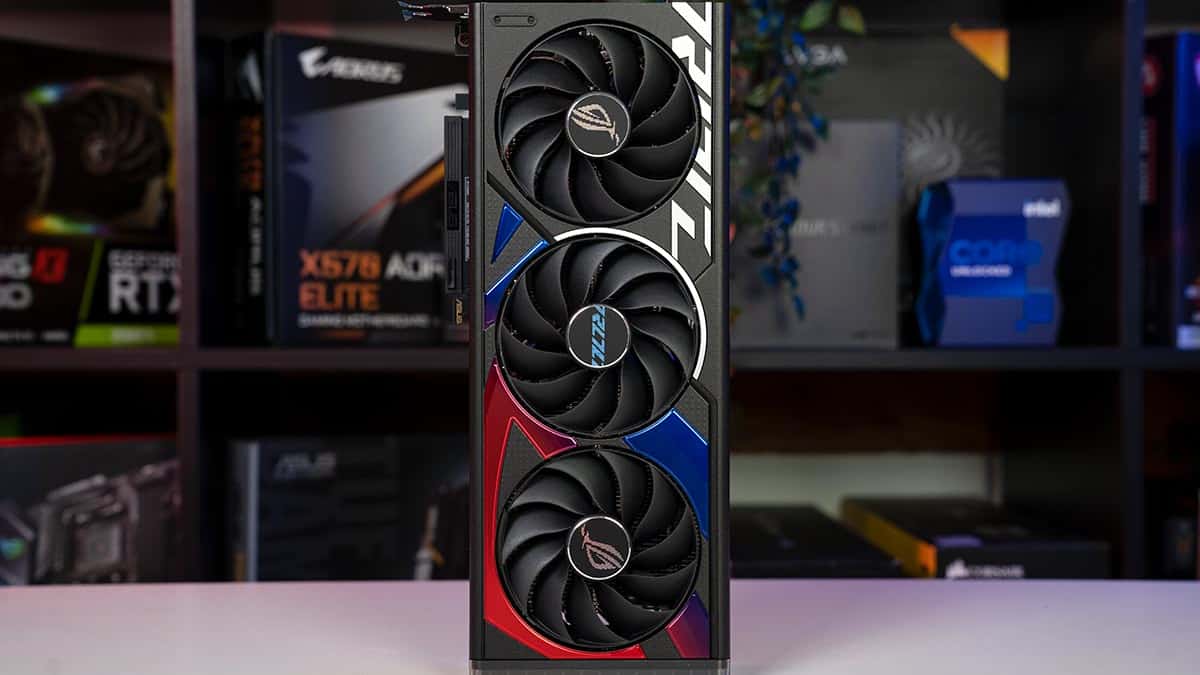
The Nvidia RTX 4060 is the entry-level GPU of the 4000 series, but as we found in our 4060 review, it’s a versatile all-rounder that makes it an easy top pick. Under the hood, you’ve got an ample 8GB of VRAM, which ensures smooth sailing for photo and even video editing.
The Nvidia RTX 4060 is a solid video card for 1080p and 1440p gaming at a good price point.
PC Guide
We’ve given it the top spot, however, because of its prowess in other areas, too. For one, our benchmarking data revealed solid performance at both 1080p and 1440p resolutions across a number of our games, not to mention impressive encoding times in HandBrake’s Tears of Steel 4K render and Cinebench R24. In other words, the 4060 is a fantastic all-rounder for those wanting a PC that can work and play hard.
To further emphasize the point, it managed 77 and 48 FPS in Cyberpunk 2077 at 1080p and 1440p, while in less demanding titles like Rainbow Six Siege, it churned out 392 and 241 in the same resolutions. In addition, its graphics score in Fire Strike Ultra was 5,725, and the overall score was 6,039. These values showcase that it is more than able to handle a graphically challenging workload, so running Photoshop or other photo editing software should be a walk in the park.
- GPU: Navi 32
- Stream Processors: 3,840
- VRAM: 16 GDDR6
- Memory bus width: 256-bit
- Bandwidth: 624.1 GB/sec
- Base clock speed: 1,295 MHz
- It has excellent 1440p performance
- It can push 4K in some titles
- It costs less than Nvidia alternatives
- It doesn’t have the best Ray Tracing performance
- It isn’t the best card for creators
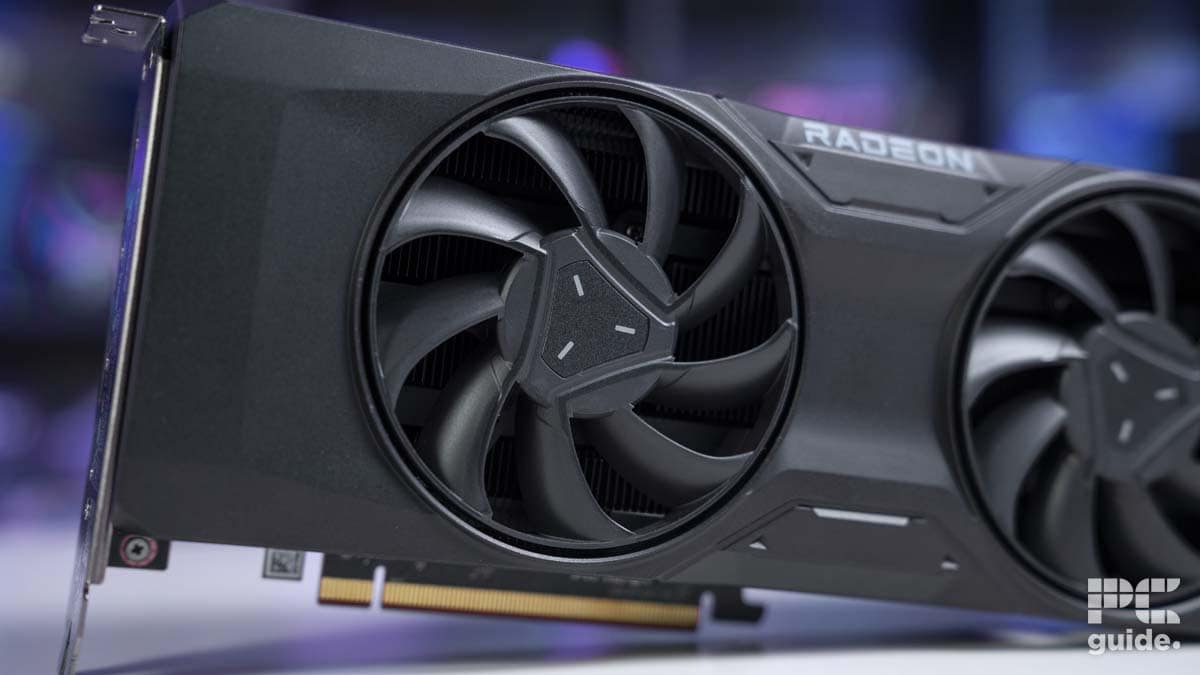
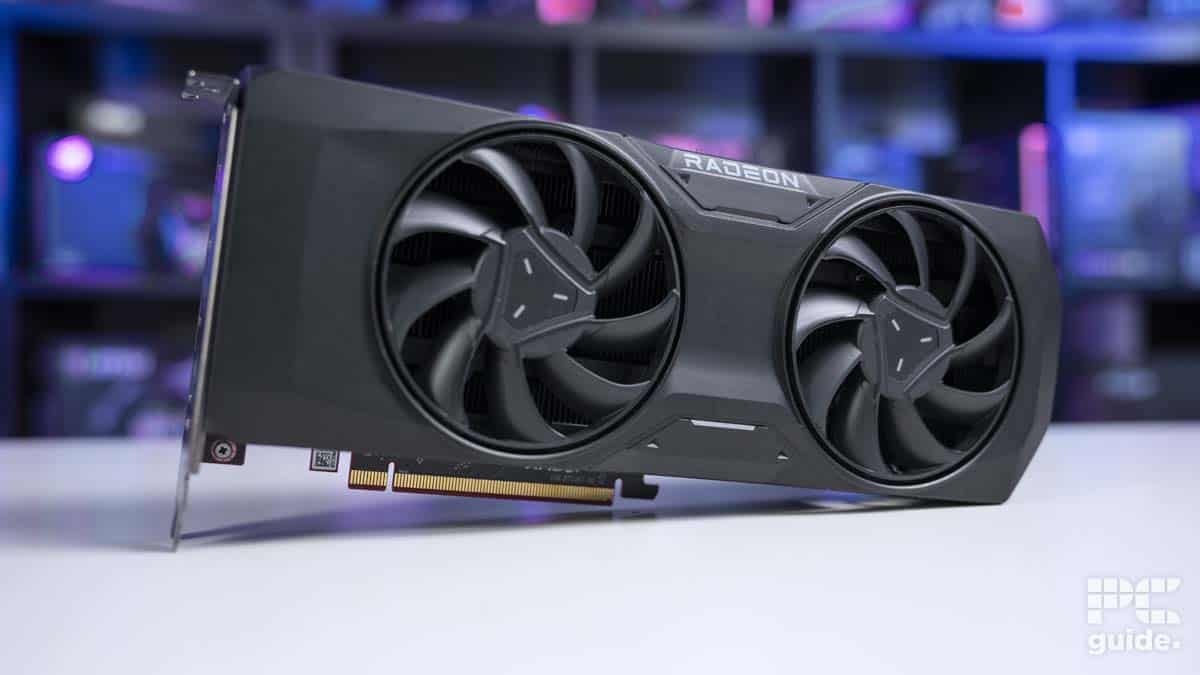
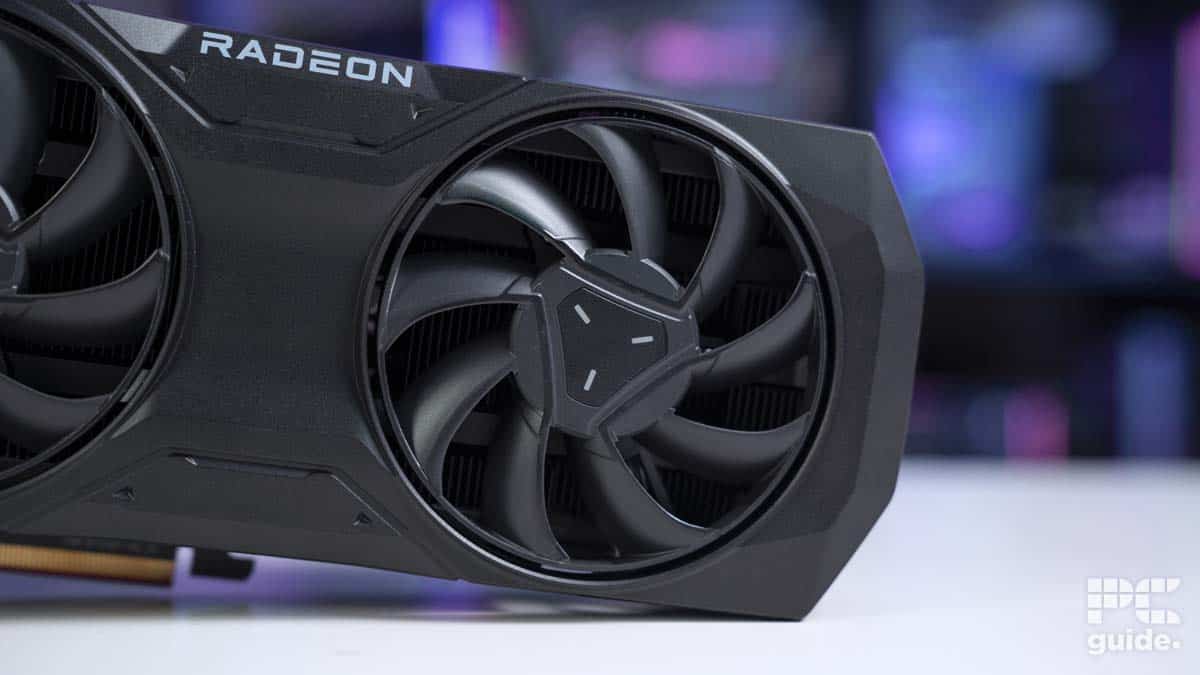
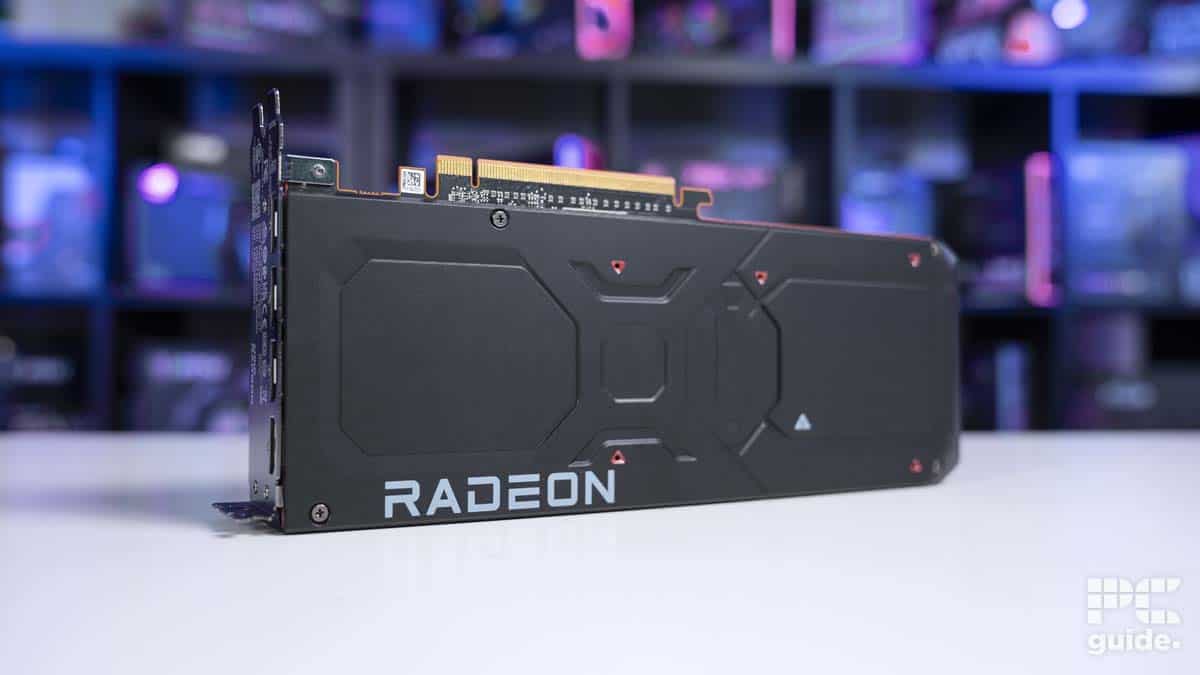
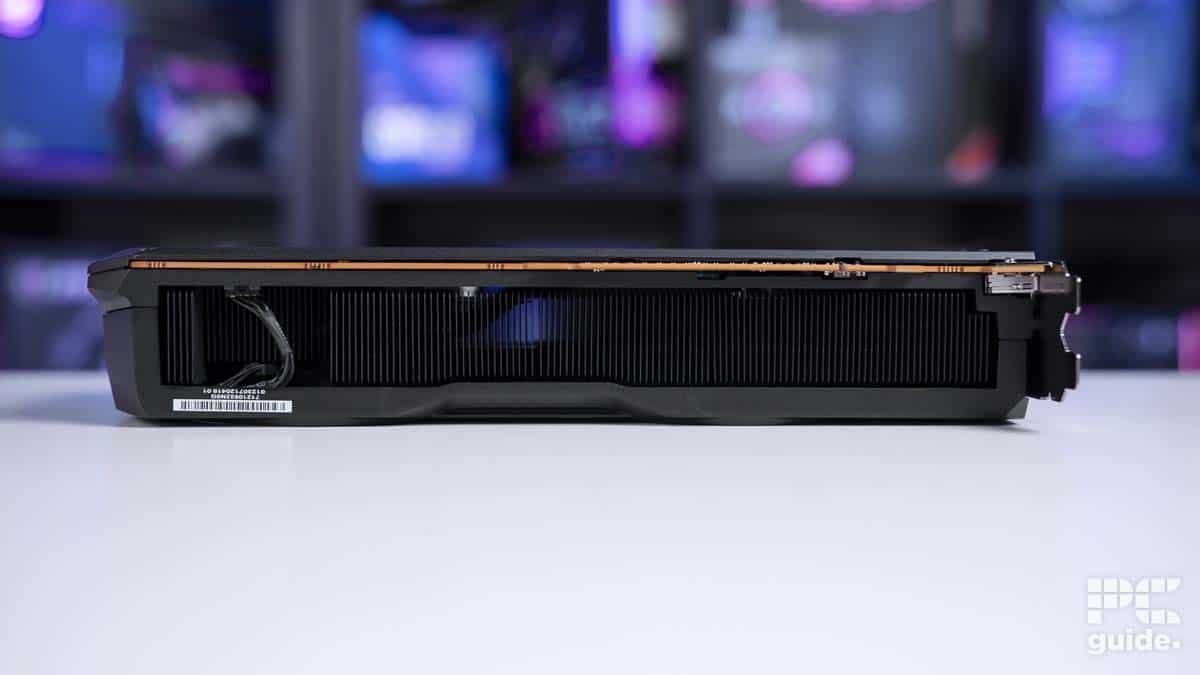
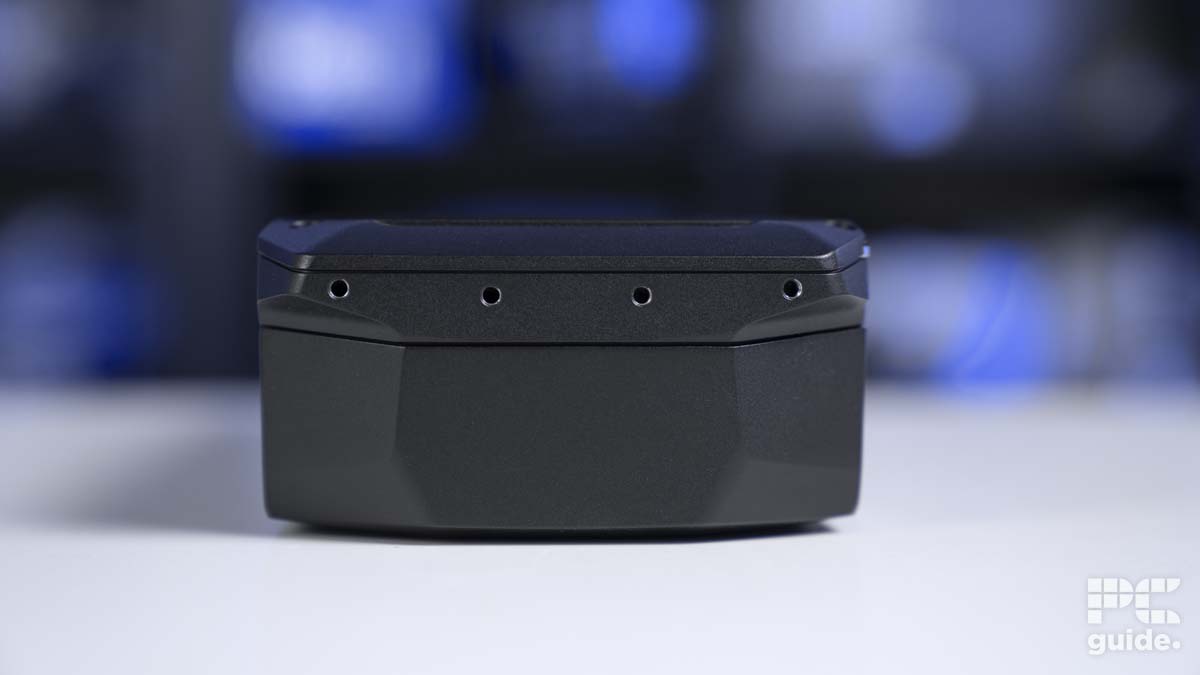
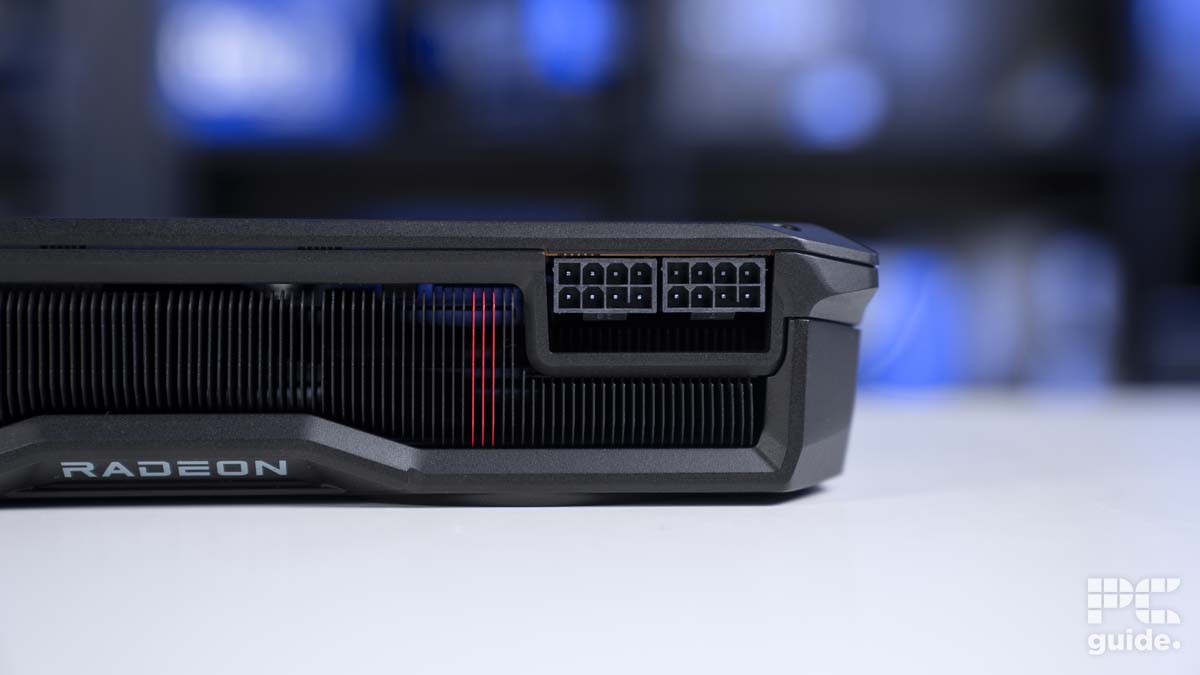
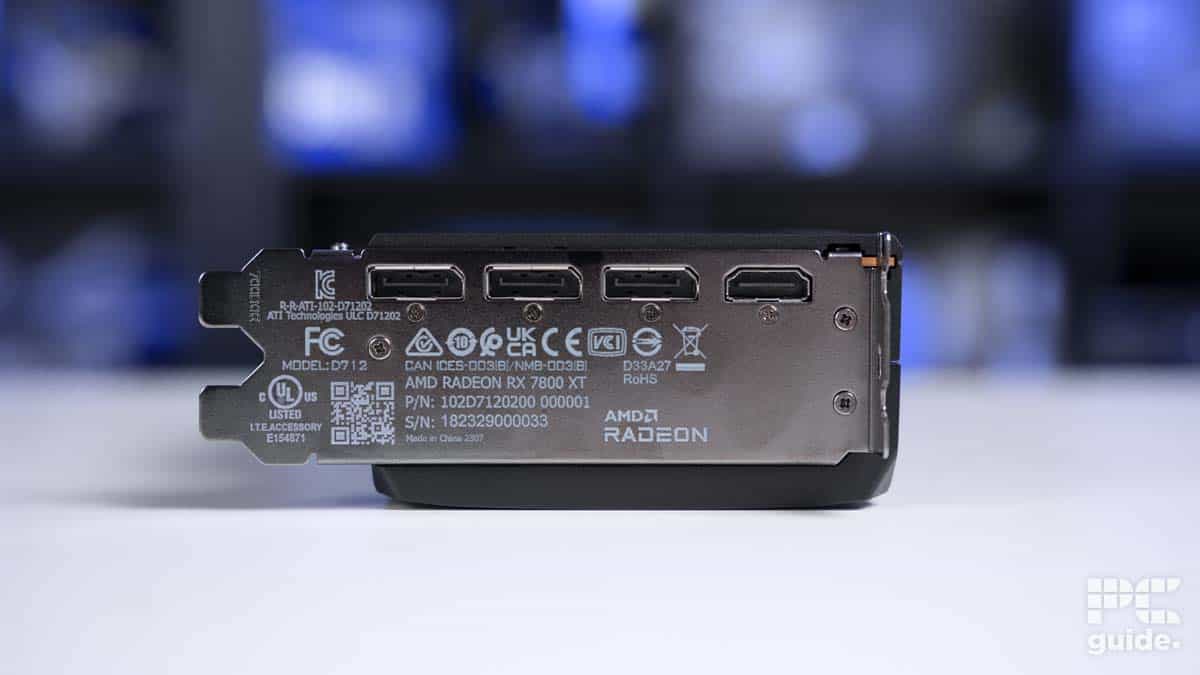
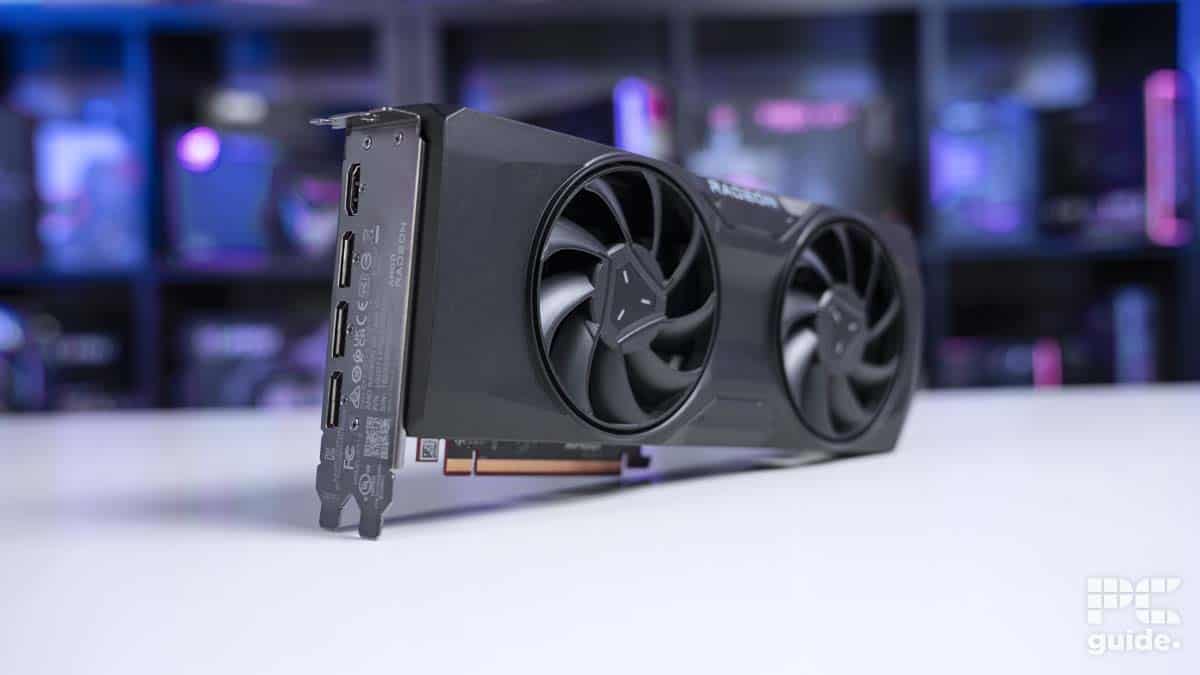
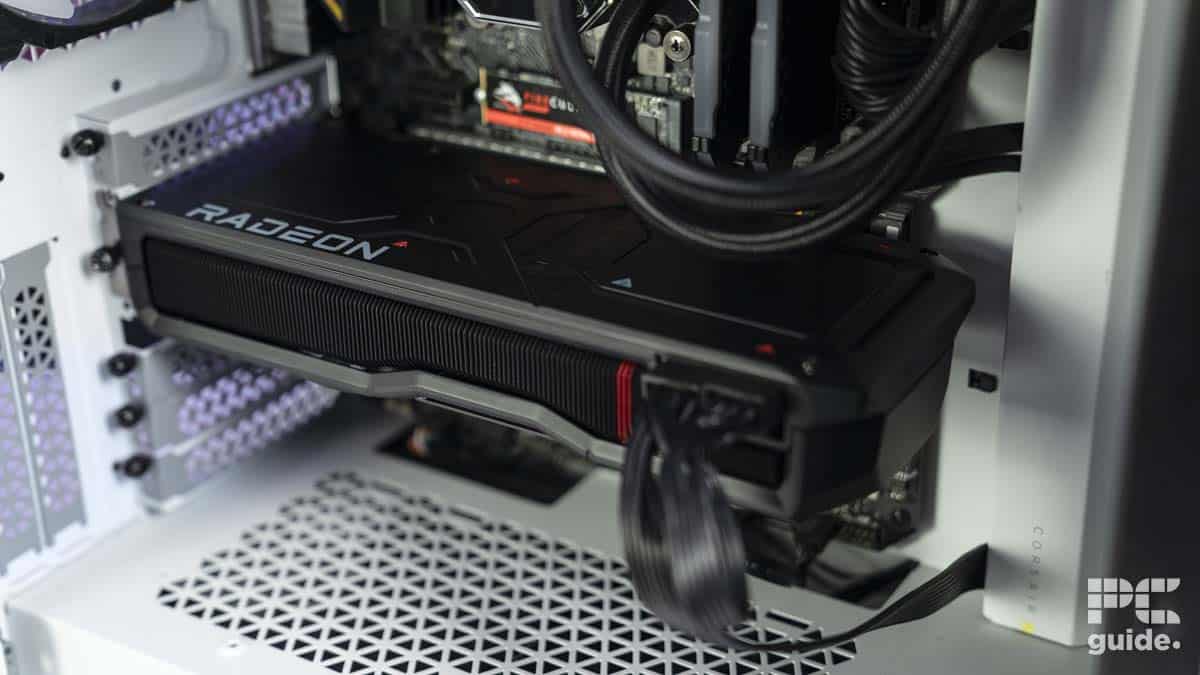
The RX 7800 XT is dubbed the “Ultimate 1440p upgrade” by AMD, and that is true, as it delivered exceptional performance during our 7800 XT review at 1440p and even managed to cross over to the 4K domain in some titles. So, taking its performance into consideration, this is the best GPU for photo editing if you lean more toward Team Red.
This GPU comes with 3,840 stream processors, a 2,124 MHz game frequency, a 2,430 MHz boost frequency, and 240 texture units. These specifications mean that it has enough hardware under the hood to tackle graphically intensive workloads and should be able to run Photoshop or GIMP without a hitch, resulting in smooth content creation.
It also features 16 GB of GDDR6 VRAM with a 256-bit memory interface. This means it has plenty of memory to handle resource-intensive applications, and the 256-bit memory interface should ensure that data can travel to and from the GPU seamlessly without running into bottleneck issues.
Since its launch, the RX 7800 XT has been an incredibly aggressively priced and powerful video card with strong ray tracing prowess compared to the previous generation RX 6800 XT.
PC Guide
Regarding its performance, in Blender 4.0, it managed 1130.8 points in Monster, 586 points in Junkshop, and 561.2 points in Classroom. So, this should give you an idea of how well it can render, but for photo editing, it should be more than enough, as even the latest version of Photoshop, version 25, has humble system requirements. Compared to this, the 7800 XT seems like overkill.
Overall, this is an excellent GPU that can handle creative workflows and has better gaming performance as well. However, that doesn’t mean it’s a total dud, and whatever you want to create in photo editing software like GIMP or Photoshop, you should be able to do with ease.
Considerations for the best GPUs for photo editing
When choosing the best GPU for photo editing, it’s crucial to consider the features that will impact your editing experience. First and foremost, you’ll want to ensure that the graphics card you choose offers excellent performance for handling large image files and running editing software such as Adobe Photoshop and Lightroom.
Look for GPUs with a good amount of VRAM, as this will allow you to work with multiple high-resolution images simultaneously without slowing down your system. If you’re looking just for a GPU that can run Photoshop well, you can find our top picks in the best GPU for Photoshop.
Another important aspect to consider is the GPU’s compatibility with your existing hardware and software. Make sure the graphics card you choose is compatible with your computer’s motherboard, power supply, and the editing software you use. Additionally, check if the GPU supports the latest display technologies, such as high-resolution monitors and multiple displays, as this can greatly enhance your editing workspace.

What size GPU do I need for photo editing?
The size of the GPU you need for photo editing depends on the complexity of your projects and the software you use. In most cases, a mid-range GPU with at least 8 GB of VRAM should be sufficient for handling basic to moderately complex editing tasks. However, if you work with high-resolution images, multiple layers, or use GPU-intensive filters and effects, you might benefit from a more powerful GPU with 16 GB or more VRAM.
Does a GPU affect photo editing?
The GPU can significantly impact editing performance. A powerful GPU can accelerate various tasks, such as applying filters, rendering effects, and processing high-resolution images, leading to a smoother and more efficient workflow. Many modern editing software applications, such as Adobe Photoshop and Lightroom, utilize GPU acceleration to enhance performance. Therefore, investing in a good GPU can result in a better overall experience and faster processing times when working with editing software.
What GPU do you need for Photoshop?
On Windows, Adobe’s system requirements at a minimum require a graphics card that supports DirectX 12.0, with 1.5GB of VRAM, and released in the past 7 years. The recommendation, though, is the same DirectX level, but it only needs 4GB of memory to support the more intense 4K display. That covers most modern GPUs, so you should have no problems with them, but older ones might have some compatibility issues.
What GPU do you need for Lightroom?
As for the Lightroom system requirements, the graphics card needs are a bit higher compared to Photoshop. This time, at a minimum, the GPU needs DirectX 12 support and 2GB of VRAM. Instead of the recommendation, Adobe asks for a GPU with DirectX12 and with 4GB of memory for 4K displays. But it asks for 8GB of memory to utilize full GPU acceleration and AI features, unlocking even more from the software with a higher capacity graphics card, which is still most of the modern released ones.
Written by
