Table of Contents
MS Paint (short for Microsoft Paint) has long been the butt of the joke when it comes to graphic design software. It was never that good, but it was free and pre-installed with every Windows system. Now, however, the free paint app on your PC will benefit from the same DALL-E 3 (Stylized DALL·E 3) AI image generator as Bing Image Creator. In some respects, particularly text-in-image generation, this is the best AI model out there! Could the brand new Microsoft Paint Cocreator app change its long-standing reputation?
What is Microsoft Paint Cocreator?
MS Paint Cocreator is a new AI-powered update to the classic Microsoft Paint app. The upgrade sees the integration of DALL·E 3, one of the worlds best AI image generators. Also written as DALL-E 3, it is an AI model specialized to generate images, and the style of the image can be absolutely anything you can image. This includes emulating realistic photos, vintage film, 2D or 3D animation, greyscale photography, graphite pencil drawings, digital illustration and more! The same can be said of any leading AI art generator, such as Midjourney, Stable Diffusion, Adobe Firefly.
The new paint uses DALL-E 3, as opposed to any of the above examples because Microsoft has a corporate partnership with DALL-E 3 parent company OpenAI. In fact, the tech giant has invested at least $13 Billion USD into OpenAI since 2019, with the exclusive usage rights to their technology a key factor in raising that funding.
DALL-E is an AI image generator (also called AI art generator) created by OpenAI. The third iteration, DALL-E 3, was released on September 20th 2023.
Essential AI Tools
Microsoft as a whole has benefitted immensely from the AI boom of 2023. Microsoft’s Bing search engine, has similarly been the butt of the joke for some time, in that the most searched term on Bing is “Google”. Ouch.
However, thanks to the new AI-powered Bing and associated AI chatbot ‘Bing Chat’, Microsoft’s search engine has gained market share dramatically in the past few months.
How to get MS Paint Cocreator
The updated app will be available on PC, with Windows 11 version 22000.0 or higher.
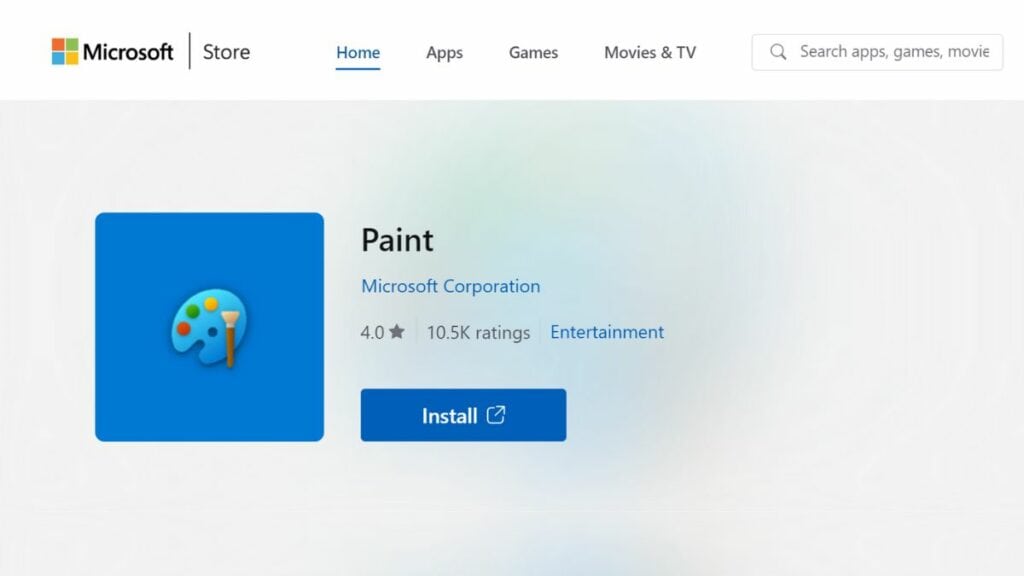
You can update MS Paint to include Cocreator from the Microsoft Store.
With the app updated, you can now use Cocreator. Open Microsoft Paint and select the Cocreator icon on the toolbar to see the Cocreator side panel. In the text box, enter a description of the image you want to create — this text is known as your ‘prompt’. Any AI image generator you use (such as Midjourney) requires a text prompt from you, which it will interpret and generate an image based on.
For example, you can type “a blue cat with a red hat” or “a landscape with mountains and a lake”. Be as descriptive as possible to generate results matching your expectations.
Microsoft Support
Not all users will be able to use Cocreator. Attempt the install process above, and you’ll find out whether you’re eligible or not. Windows 11 is required to install MS Paint Cocreator.

About the Author
