
Best Printer for greeting cards 2026: our top picks for card making tested


Table of Contents
If you’re in the market for a printer made for greeting cards, you generally have to find one capable of supporting the media format. Whether you’re an aspiring artist, a small business owner, or a sentimental hobbyist, you need a reliable print solution to bring your creations to life, and that’s why we’re here.
To help you land the best printer for greeting cards, to make high-quality cards that your friends and family will enjoy, we made a list of the top choices on the market. From vivid color production to versatile media support, you’re guaranteed to find all the features you’re looking for.
Ranging from a variety of budgets, sizes, and designs, there’s bound to be something to suit your needs. Here’s a quick rundown of our selection.
Latest PC & Tech deals
- AMD Ryzen™ 9 9900X 12-Core - was $499 now $337
- iBUYPOWER Element Gaming PC - was $1,999 now $1,699
- LG 27GX700A-B 27-inch Ultragear- was $599 now $485
- Samsung SSD 9100 PRO 1TB - was $339 now $249
- HP OmniBook 5 16 inch - was $961 now $799
Prices correct as of September 21st, 2026.
-
 Editor’s Pick
Canon PIXMA PRO-200
- Printer Output: Color
- Printer Type: InkJet
- Connectivity Technology: USB, WiFi Direct, Bluetooth
- Duplex Printing: No
-
Best Budget Printer for Greeting Cards
HP Envy 6120e (6155e)
- Printer Output: Color
- Printer Type: HP Thermal Inkjet
- Connectivity Technology: USB 2.0, Wi-Fi 802.11a/b/g/n/ac
- Duplex Printing: Yes, Automatic

-
Best Efficient Printer for Greeting Cards
Epson EcoTank ET-8550
- Printer Output: Color
- Printer Type: InkJet
- Connectivity Technology: USB, WiFi Direct, Ethernet
- Duplex Printing: Yes

-
 Best Printer for Greeting Card Businesses
Canon MAXIFY GX7021
- Printer Output: Color
- Printer Type: InkJet
- Connectivity Technology: USB, WiFi Direct,
- Duplex Printing: Yes
-
 Best Mid-Range Printer for Greeting Cards
Brother MFC-J497DW
- Printer Output: Color
- Printer Type: InkJet
- Connectivity Technology: USB, WiFi Direct, Cloud Printing
- Duplex Printing: Yes

How we picked the best printer for greeting cards
While looking for the best printers on the market for greeting cards, we prioritized some key features for the process. Greeting cards come in all shapes and sizes, so it’s essential to have a jack-of-all-trades printer that can print on cardstock, glossy paper, envelopes, or other card materials.
To help you find your new printer, we’ve picked five recommendations – assessing color quality, printing speeds, prices, and ease of use. Whether you’re printing greeting cards on a personal or professional scale, you’ll find the right match for you here. Even including some of our own tested and reviewed models.
- Printer Output: Color
- Printer Type: InkJet
- Connectivity Technology: USB, WiFi Direct, Bluetooth
- Duplex Printing: No
A stunning mix of professional features and consumer accessibility, the Pro-200 is one of our favorite printers for multimedia printing.
- Compact yet powerful – don’t let the size of the Pro-200 fool you, this printer is capable of detailed and fast prints.
- Efficient – thanks to its unique InkJet system, the ink refill rate and cost-per-print are both low with this efficient printer.
- No auto-duplexing – the lack of double-sided documents is a small mark against the Pro-200 as a card printer.
The Canon PIXMA Pro-200 is a game-changer in the world of card printing. Featuring an eight-color InkJet system that breathes life into all designs, this Canon printer prints vivid designs onto a wide array of media types.
With a print size of up to 13″ in width on a variety of media, the Pro-200 is easily the best printer for greeting cards and envelopes for our money. The printer was designed with ease of use in mind, with a 3-inch color display and button panel from which you can control it. There’s an array of means by which to connect your device of choice, with anything from your PC to your Smart Speaker. It’s almost overkill how many features Canon has packed into this phenomenal printer.
What is less phenomenal about the Pro-200 is the size: it is quite a heavy printer despite the size of the unit, and can chug a little when printing large-format card prints. Additionally, this printer doesn’t offer a duplex printing feature. That said, for greeting cards and envelopes, the PRO-200 is still the best printer choice. With a small footprint and a great variety of print options, this is easily the best printer for greeting cards for amateurs and professionals alike.





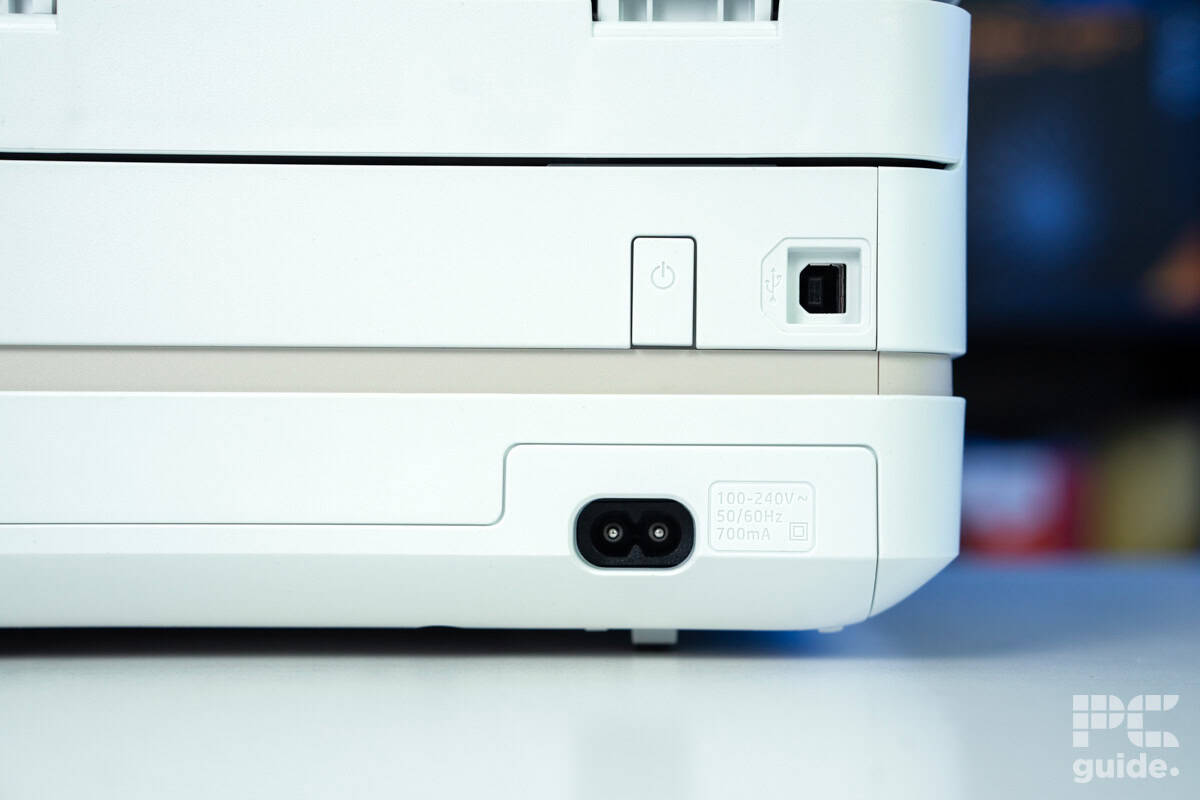


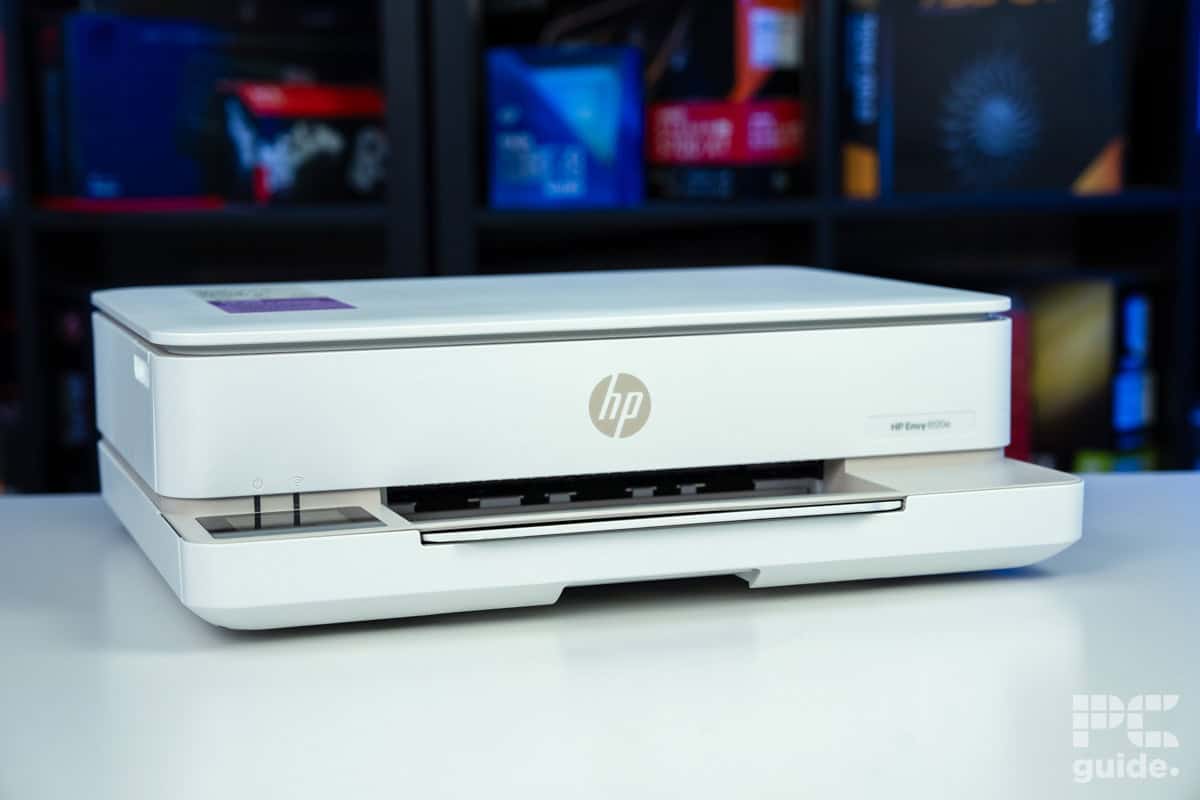

- Printer Output: Color
- Printer Type: HP Thermal Inkjet
- Connectivity Technology: USB 2.0, Wi-Fi 802.11a/b/g/n/ac
- Duplex Printing: Yes, Automatic
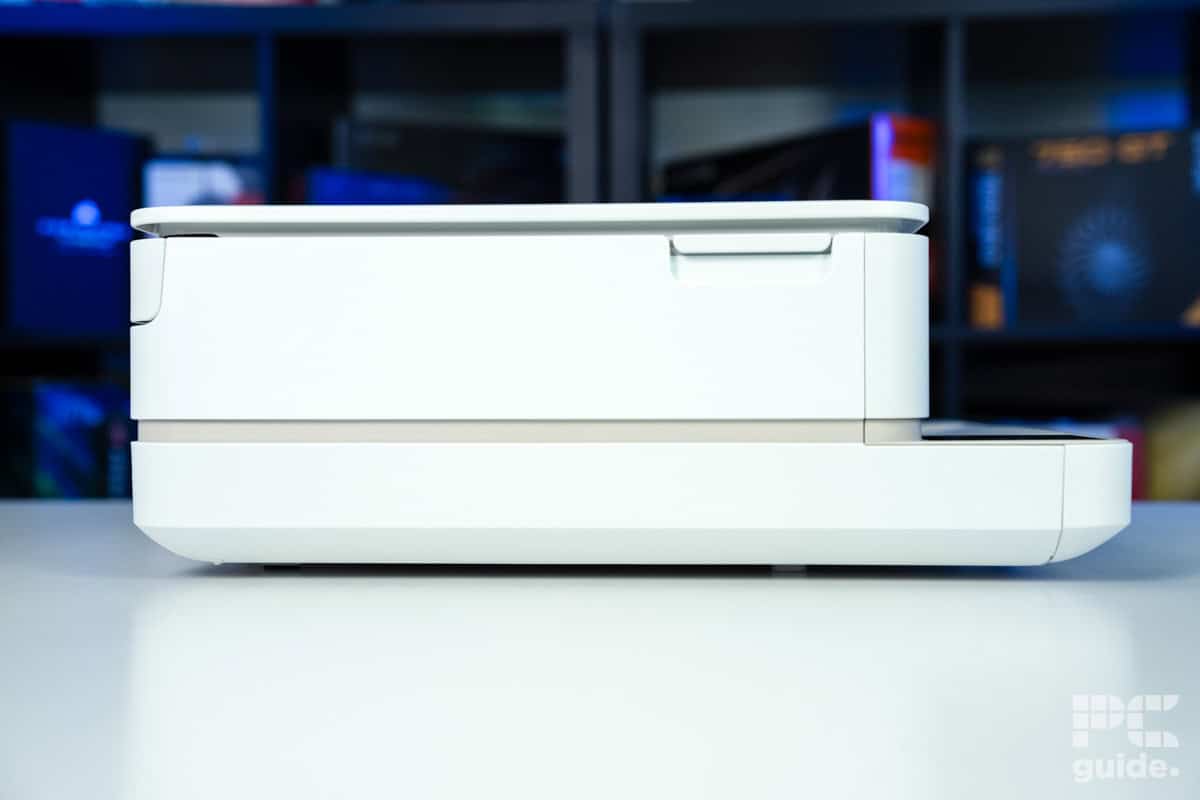
If you want a card printer under $200, then the 6155e is the ideal solution. Affordable whilst maintaining a high quality standard, this is a great option for artists of any caliber.
- Cheap initial cost to buy the unit
- Fairly small and compact design for its features
- Surprisingly good quality prints for the price
- Includes free trial of HP Instant Ink
- Easy to install and get going
- Expensive ink prices without the subscription
- Low-yield cartridges can make it high maintenance for big page counts
- Lacks color accuracy in photo prints
- High cost per print
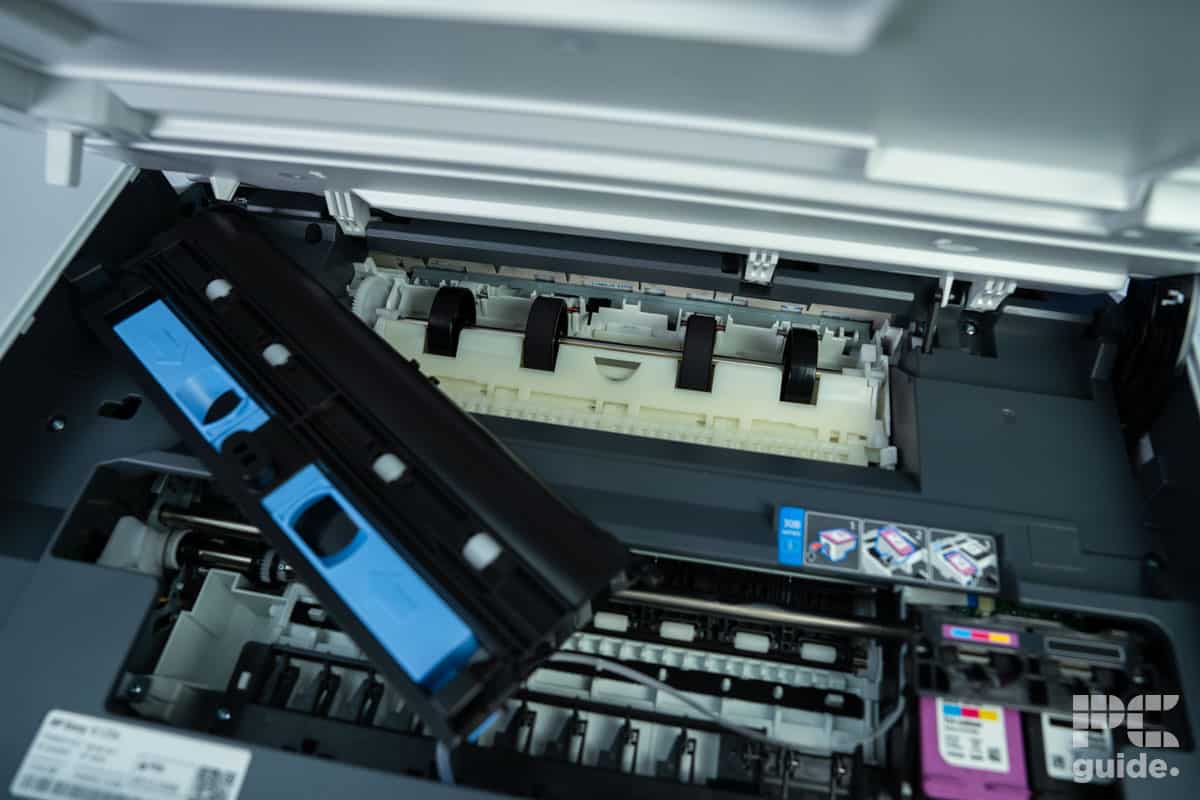
If you’re on a tight budget and in dire need of a card printer, then the HP ENVY 6155e comes to your rescue with its affordable purchasing and running costs. This budget printer has superb multimedia support at a great low price.
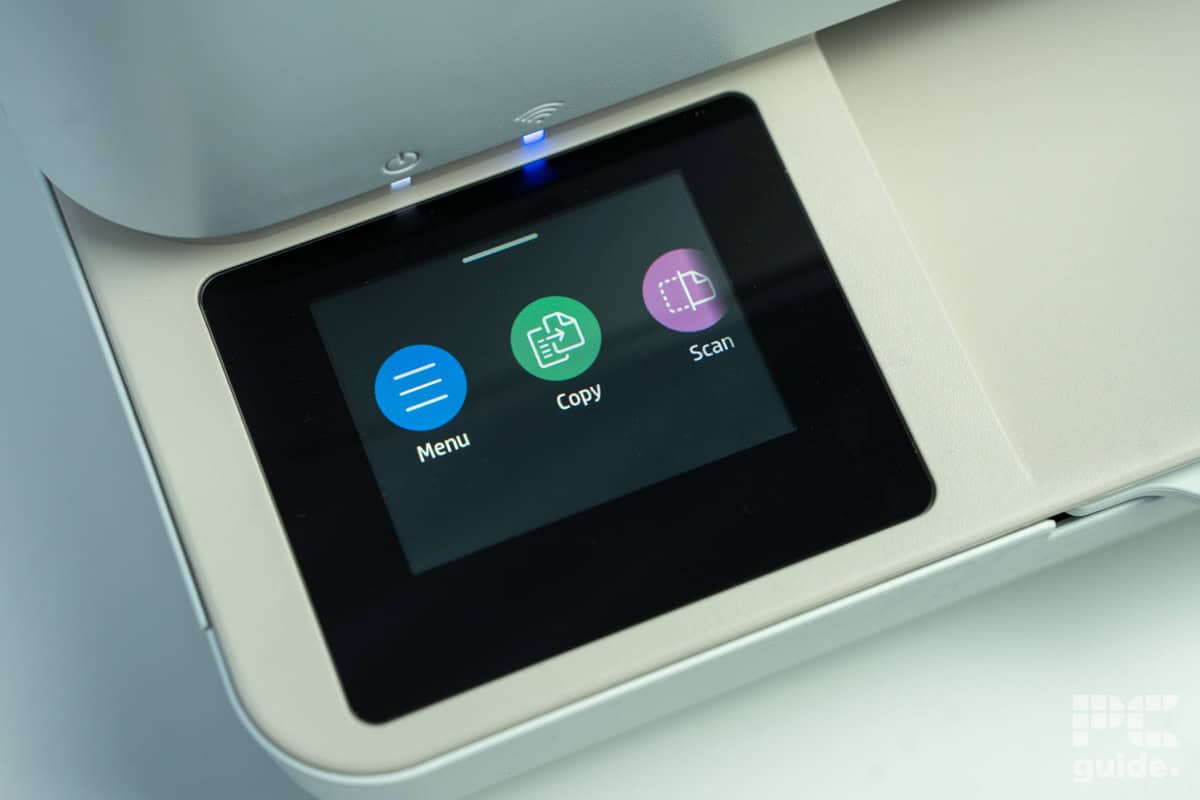
Despite an ultra-compact and lightweight design, the 6155e is still capable of a print size up to A4, and is rated for common greeting card materials such as cardstock and envelopes. It comes with built-in WiFi support and an automated troubleshooting feature that prevents annoying connection issues. When the WiFi is the issue rather than the printer, the 6055e also supports USB and Bluetooth printing, meaning that you’re never unable to print your cards.
A major drawback of the 6155e is that HP has limited this budget printer exclusively to its range of ink, which is prohibitively expensive and can be quite difficult to acquire without signing up for the company’s ink subscription service. However, if you can get hold of the ink, this is still the best budget printer for greeting cards available. And it even offers an auto-duplex feature. If you need a low-cost print solution for greeting cards, then the 6155e is the best choice.


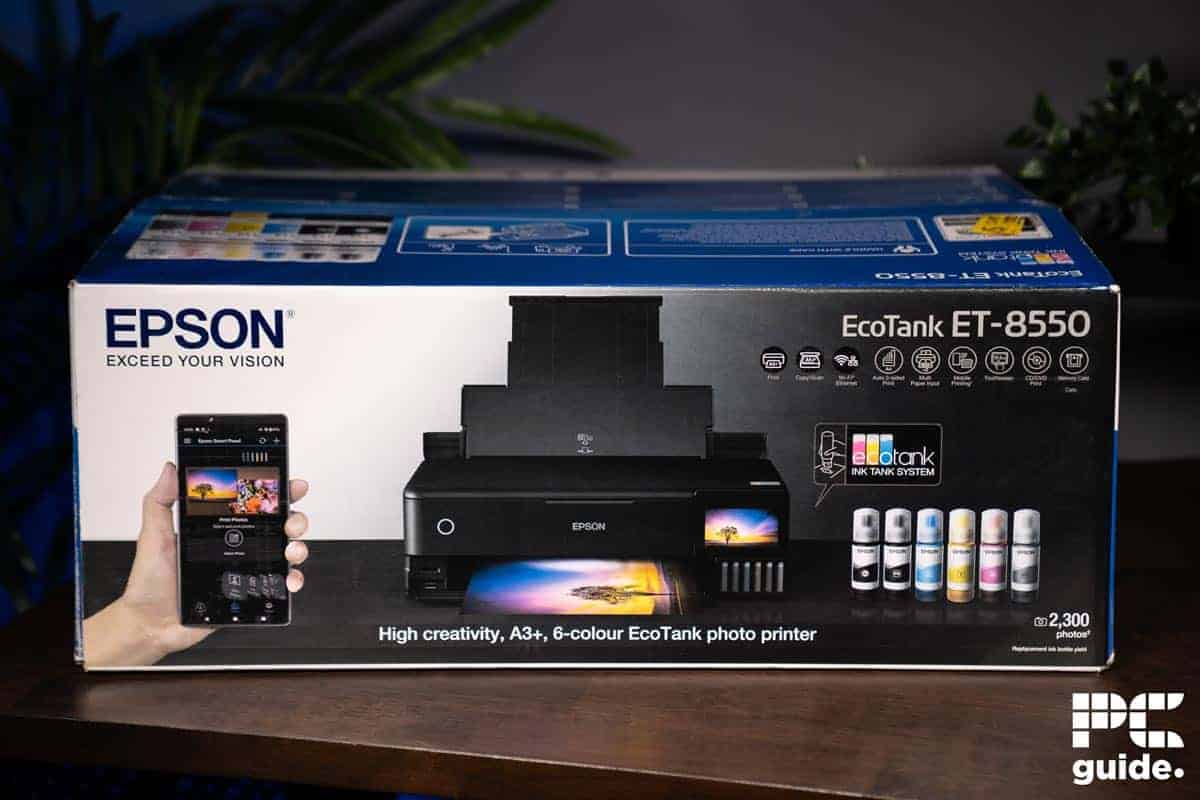


- Printer Output: Color
- Printer Type: InkJet
- Connectivity Technology: USB, WiFi Direct, Ethernet
- Duplex Printing: Yes
This stellar Epson printer is one of our favorites for multimedia, including cards, and keeps its running costs exceptionally low.
- Great quality and color accuracy – capable of printing large cards with high-resolution detail, the ET-8550 is a powerhouse for a card business.
- Great ink economy – the ink tank system means that this printer can print reams of card before needing refilling.
- Poor media tray placement – the input tray for specialist media such as cardstock is poorly placed, making it cumbersome to replenish.
If you dislike the messiness and high price of cartridge replacement, you’ll love what the Epson EcoTank ET-8550 has to offer. Utilizing high-yield ink bottles for printing colors instead of cartridges, this printer prints for much longer without needing replacement, saving you money, time, and energy, thanks to the ink tank printer.
The ET-8500 is capable of borderless printing up to 13″ x 19″ in size and can print onto cardstock up to 1.3 mm in thickness. On top of that, it can print customized DVDs and CDs, making it an ideal fit for small printing businesses wanting to expand their selection of products. For the best color quality possible, the ET-8550 utilizes a Claria Premium 6-color ink system that provides a wide gamut of shades and hues. It also uses a unique printhead that guarantees high-accuracy dot and line placement.
That said, the ET-8550 doesn’t come without cons. The placement of the specialist media tray, below the output tray, makes it a tedious task to refill. But if the frustration of ink cartridges is still too much to bear, then the ET-8550 is certainly our favorite as the best printer for greeting cards, as we found in our review of the printer.
- Printer Output: Color
- Printer Type: InkJet
- Connectivity Technology: USB, WiFi Direct,
- Duplex Printing: Yes
An incredible medley of speed, quality and cost; the GX7021 is a productivity powerhouse suited to printing businesses of any size.
- Exceptional print speed – the GX7021 is capable of fast prints onto cardstock or other greeting card material without sacrificing quality.
- Efficient – the Canon MegaTank system is rated for 14,000 prints per month: ideal for business turnover.
- Business price point – the GX7021 isn’t for ultra-low-budget printing businesses, thanks to its premium price point.
If you’re looking to take your custom card business up to a professional level, then the Canon MAXIFY GX7021 is the printer for you. Boasting incredible print efficiency across a broad range of substrates, this printer is well worth the cost.
Utilizing Canon’s MegaTank ink tank system for efficient replenishment, the GX7021 can yield up to a whopping 14,000 color pages at a time. Setup is quick and easy, and replenishing either the ink or paper is quick and convenient. Print quality is stunning, with both color documents and specialist media prints rendered in stunning detail. With auto-duplexing, an intuitive display, and a gamut of connectivity options, this printer is well worth the price.
Unfortunately, that price is quite high, which may alienate small businesses or households needing a print solution. But if you prioritize high-quality multimedia prints over a high price point, then the GX7021 is the ideal printer for you.
- Printer Output: Color
- Printer Type: InkJet
- Connectivity Technology: USB, WiFi Direct, Cloud Printing
- Duplex Printing: Yes
Though not the best overall, the MFC-J497DW is a great median option for those who found our other card printers too expensive or too cheap.
- Compact and lightweight – the MFC-J497DW is easy to move and store.
- All-in-one functionality – with a built-in document scanner and copier, this printer is a great pick for households or those needing a multipurpose device.
- Limited scale – not capable of large borderless prints, the MFC-J497DW is best suited to average-sized prints.
We’ve looked before at some of the best Brother printers that are available, and whilst the Brother MFC-J497DW didn’t make the cut, it remains a sterling printer for greeting cards. Our final pick, this compact and lightweight model, is a surprisingly versatile option for wireless card manufacturing.
The MFC0J497DW features a small display with many labeled buttons for easy control. In addition to printing, it can scan, copy, and fax, making it ideal for households with various printer needs. It has a media tray that is suitable for cardstock and envelopes, and plenty of connection options. Speedy, compact, and affordable, this is a great midweight option for someone looking to get started in card printing.
Regarding media support, the Brother MFC-J497DW doesn’t offer as many options as other printers on our list, with no borderless printing support, but it’s still suitable for printing greeting cards on a small scale. But for median-quality card-printing needs, the MFC-J497DW is a versatile multimedia printer that is great for greeting cards.
Features and Considerations
Looking at a printer that’s not on our list? There are plenty of greeting card printers on the market, but here are some factors to consider to ensure you get the best for your needs:
When looking to buy the best greeting card printer, there are a few factors that are worth considering before purchasing:
Printer Type
We’ve chosen exclusively InkJet printers for our rankings today, as they offer the best quality and print performance when it comes to specialist media. Whilst some Laser printers are capable of printing on cardstock, they are few and far between – and the quality tends not to be on par with our picks today.
Connectivity
Just as important as what you print is how you print: most modern printers come packed full of compatibility with other devices, from basic USB ports through to specialist printing services like Apple AirPrint. That said, always double-check that the printer you’re buying has a convenient and reliable means of connecting to your device.

Printer Size
If space is a concern in your house or office, you should check the dimensions of the printer you’re buying. While most card printers can fit on desks, some are bulkier and heavier than others, especially those with versatile media support. Make sure you have the space!
Ink Economy
To make sure you won’t bleed money along the way, you should check the price of the ink cartridges or bottles the printer uses. Also, you should check its power usage and the average prices of the paper types you’ll use the most. This point is crucial as some printers are classic examples of the “razor-and-blades” business model: initially affordable but come with high running costs – making them less economic in the long-term.
Print Quality
The best printers for greeting cards need to be able to produce accurate and vivid images to ensure that the design is well-represented. To ensure the printer you’re buying brings out both aspects, you should check its resolution and printing technology. The more dots per inch (DPI) that a printer can create, the greater the quality.

Can all printers print greeting cards?
No, not all of them. Only printers with versatile media support can print on greeting cards. Some printers only work with plain paper, so they aren’t suitable for crafting projects. Make sure the printer you purchase is capable of printing onto cardstock.
Is DPI important for printing greeting cards?
Yes: Dots per inch (DPI) is the main measurement of printer resolution. For the best quality images, the best printers for greeting cards have high resolutions for maximum detail in the printed image. When it comes to greeting cards, you probably don’t need to have the highest DPI to provide a good-looking option, especially if you print it at a smaller size.
How do I print my own greeting cards?
To print your own greeting card, you want to first have the right paper and size for the job, with a printer that is capable of it. Then you can just load up the design in a supported format and send it to the printer to fit the paper, which you’ll probably want to have half the size of so you can fold it into card format.
Verdict
Many printers on the market can print greeting cards, but only a few managed to impress us with their vivid color quality, superb media support, and convenient ink systems. Overall, however, the Canon PIXMA PRO-200 is our top choice for the best printer for greeting cards: combining efficiency, convenience, and excellent features, it’s suitable for creating stunning cards or envelopes at home or professionally!
Are you a designer looking to print more than just cards? Check out our breakdown of some of the best printers for graphic design!
About the Author