
Best HP printer 2026: top home, office and business picks

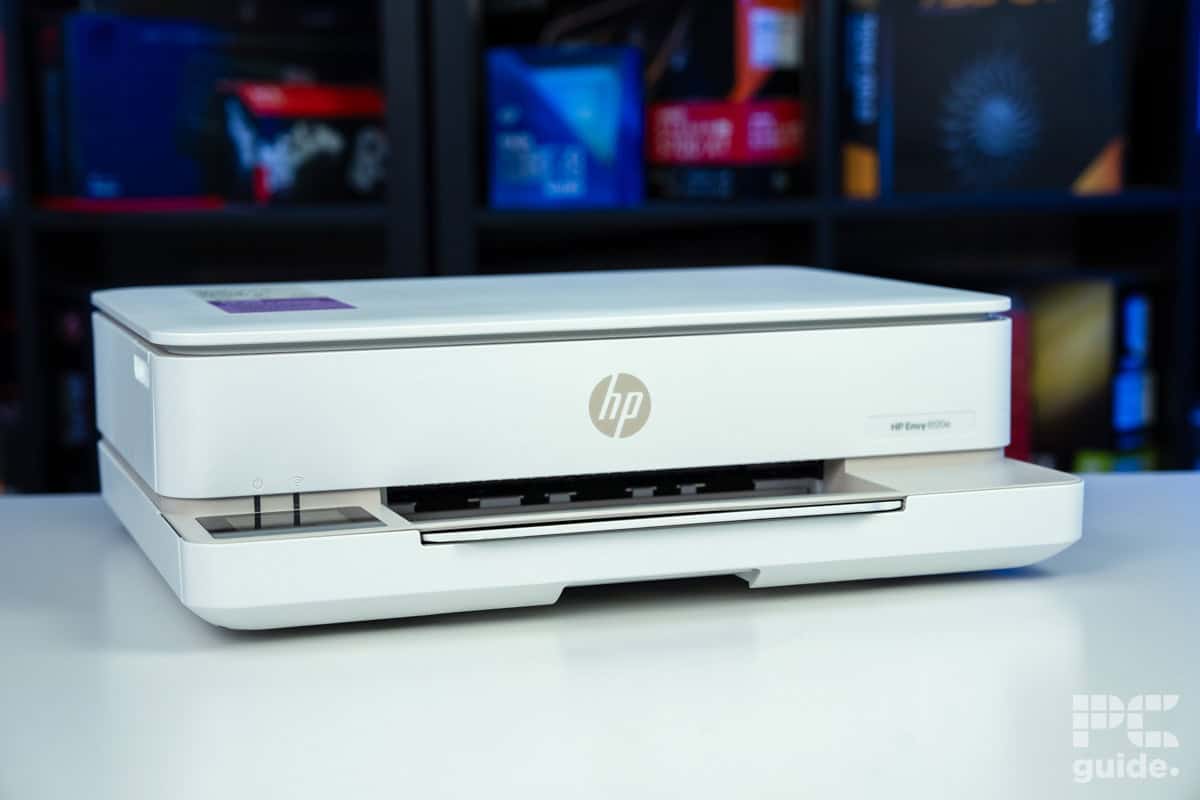
Table of Contents
One of the more prominent names in the printer space is HP. Offering up a broad lineup of options to choose from, they have something for everyone. Be it a printer for your home or office, or for various use cases such as lasers, for photos, or ink tanks.
In which case, we’ve picked out a variety of options to find something for everyone. With printer reviews to rely on and with hands-on experience with them, we have parsed through the selection for just the top picks from them. So below you can find our top options to choose from.
-
Best HP Printer
HP Envy 6120e (6155e)
- Printer Output: Color
- Printer Type: HP Thermal Inkjet
- Connectivity Technology: USB 2.0, Wi-Fi 802.11a/b/g/n/ac
- Duplex Printing: Yes, Automatic

-
 Best All-in-One HP Printer
HP Smart-Tank 5101
- Printer Output: Color
- Printer Type: InkJet
- Connectivity Technology: USB, WiFi Direct, Bluetooth
- Duplex Printing: No
-
 Best Portable HP Printer
HP OfficeJet 250
- Printer Output: Color
- Printer Type: InkJet
- Connectivity Technology: USB, WiFi Direct, Bluetooth, Cloud Printing
- Duplex Printing: No
-
 Best Budget HP Printer
HP DeskJet 3755
- Printer Output: Color
- Printer Type: InkJet
- Connectivity Technology: WiFi Direct, Cloud Printing
- Duplex Printing: No
-
 Best HP Printer for Offices
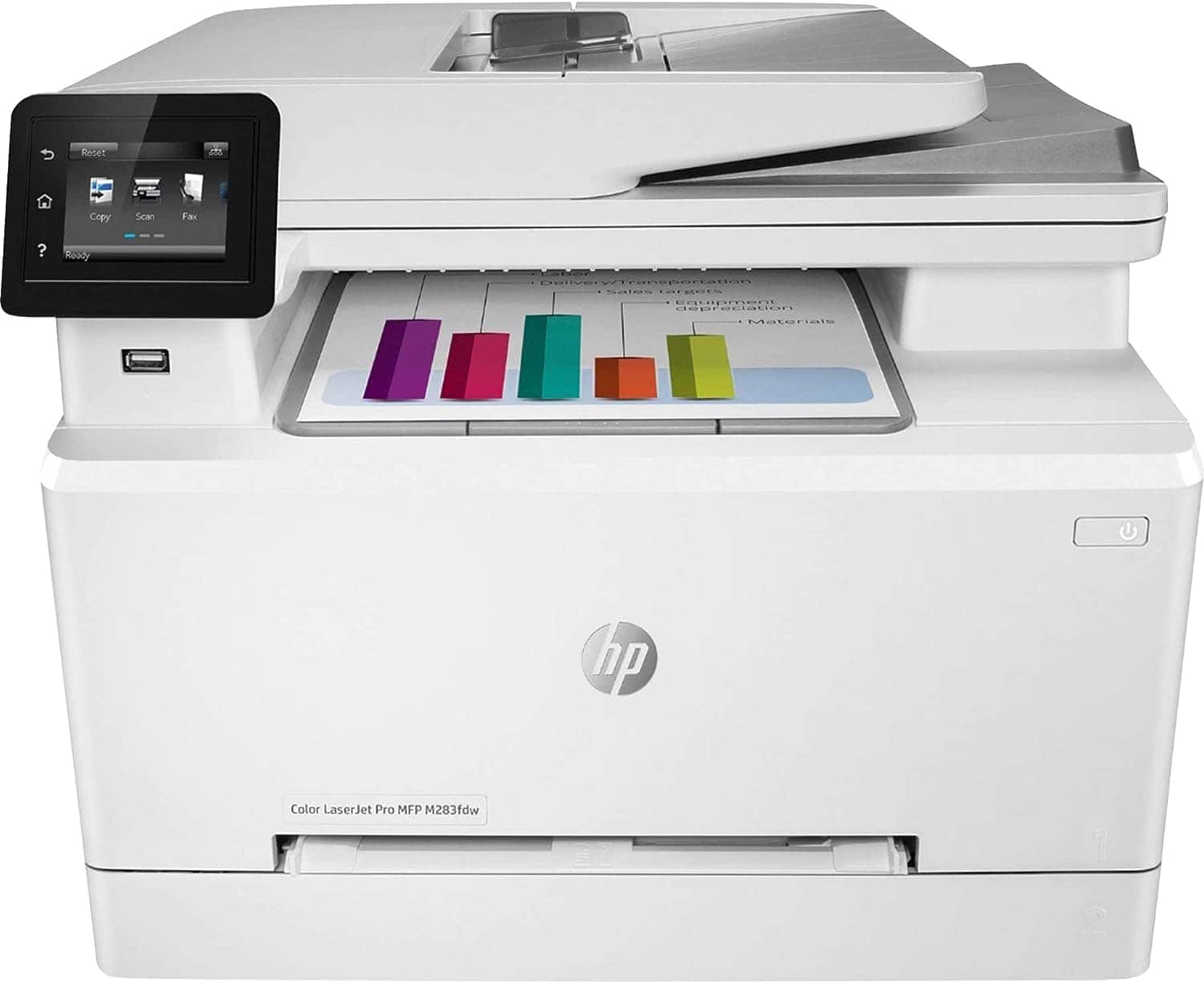
HP Color LaserJet Pro M283fdw
- Printer Output: Color
- Printer Type: Laser
- Connectivity Technology: USB, WiFi Direct
- Duplex Printing: Yes
-
Best HP printer for small business
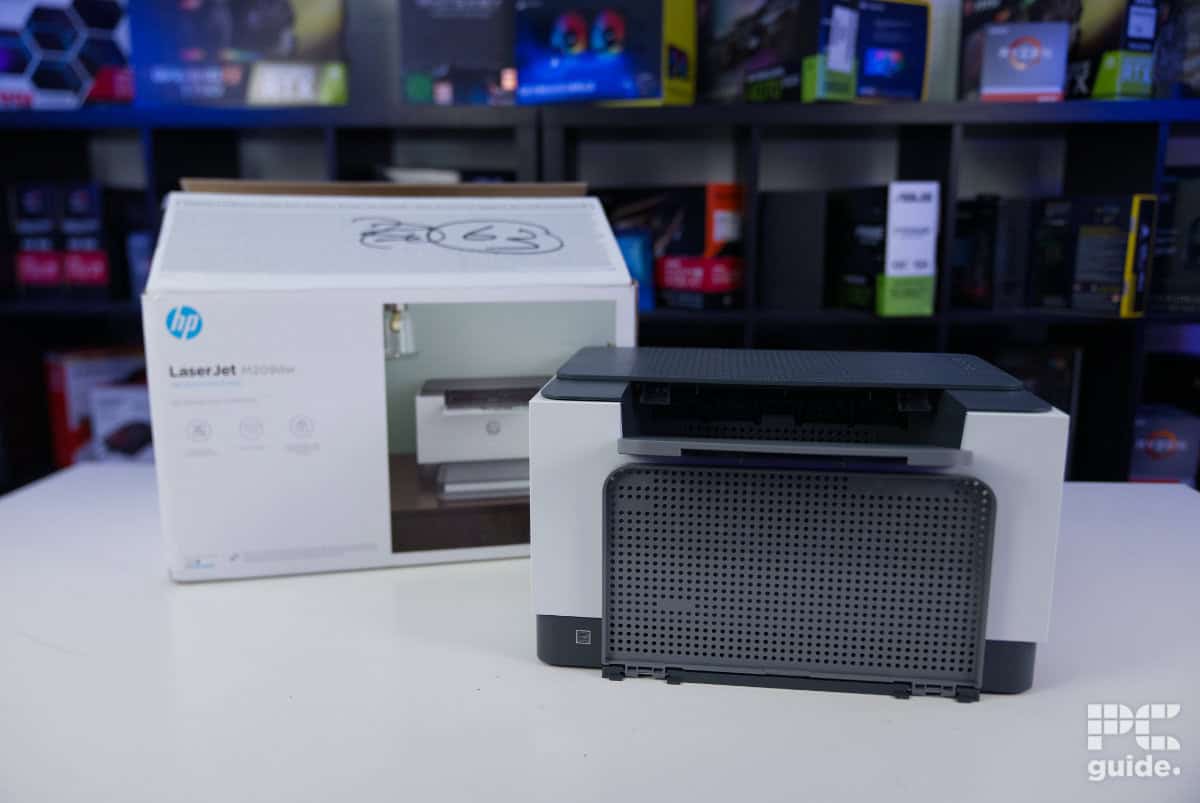
HP LaserJet M209dw
- Printer Output: Monochrome
- Printer Type: Laser
- Connectivity Technology: USB 2.0, 100Mbps Ethernet, WiFi 2.4/5GHz, Wi-Fi Direct, Mobile printing
- Duplex Printing: Yes, automatic

How we picked the best HP Printer
As mentioned above, the best HP printer will vary depending on the specifications of use. Most offices don’t need a craft printer capable of varied specialist media, just as most homes don’t need a productivity powerhouse capable of ultra-fast print speeds. We’ve considered both extremes, highlighting both multimedia and standard printers from HP. Factoring in price, print speed, and print quality, we assessed each printer against the others based on its strengths and weaknesses.
Latest PC & Tech deals
- AMD Ryzen™ 9 9900X 12-Core - was $499 now $337
- iBUYPOWER Element Gaming PC - was $1,999 now $1,699
- LG 27GX700A-B 27-inch Ultragear- was $599 now $485
- Samsung SSD 9100 PRO 1TB - was $339 now $249
- HP OmniBook 5 16 inch - was $961 now $799
Prices correct as of September 21st, 2026.
Assessing the range from our years of experience testing printers and with plenty of knowledge in what to choose, we’ve brought a vast selection of options.







- Printer Output: Color
- Printer Type: HP Thermal Inkjet
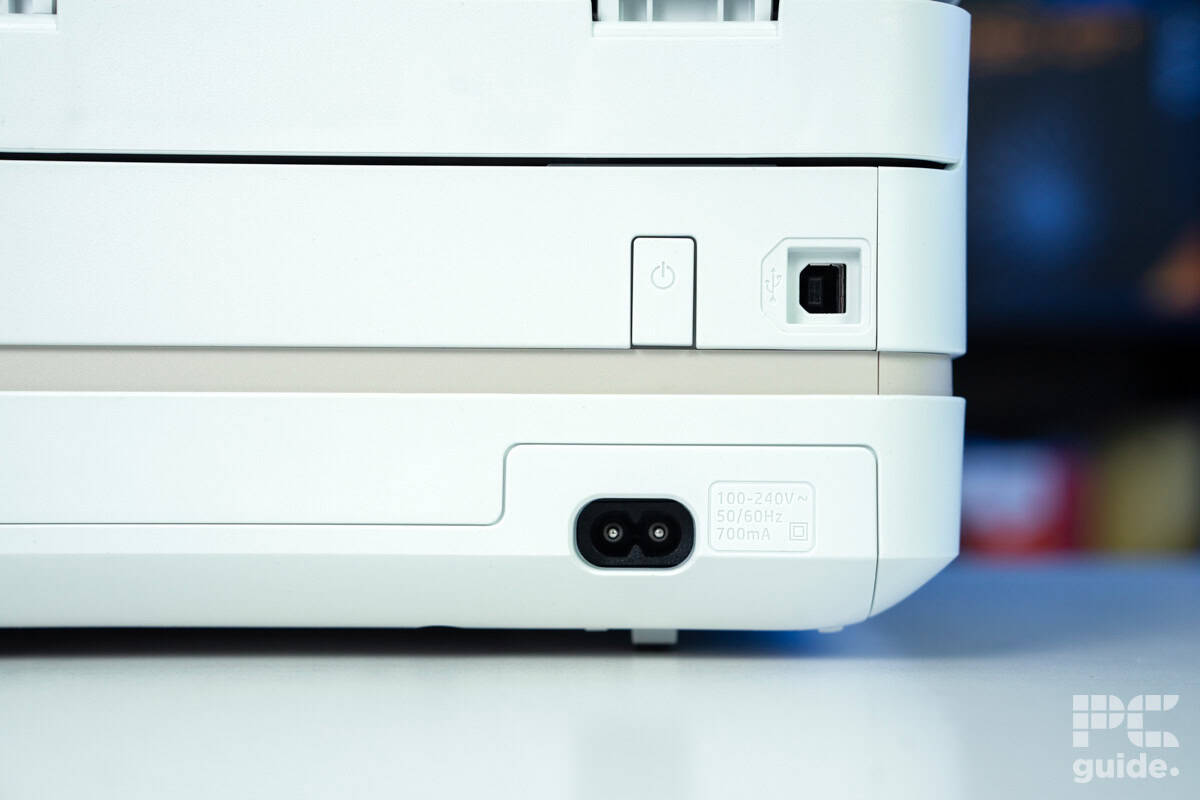
- Connectivity Technology: USB 2.0, Wi-Fi 802.11a/b/g/n/ac
- Duplex Printing: Yes, Automatic
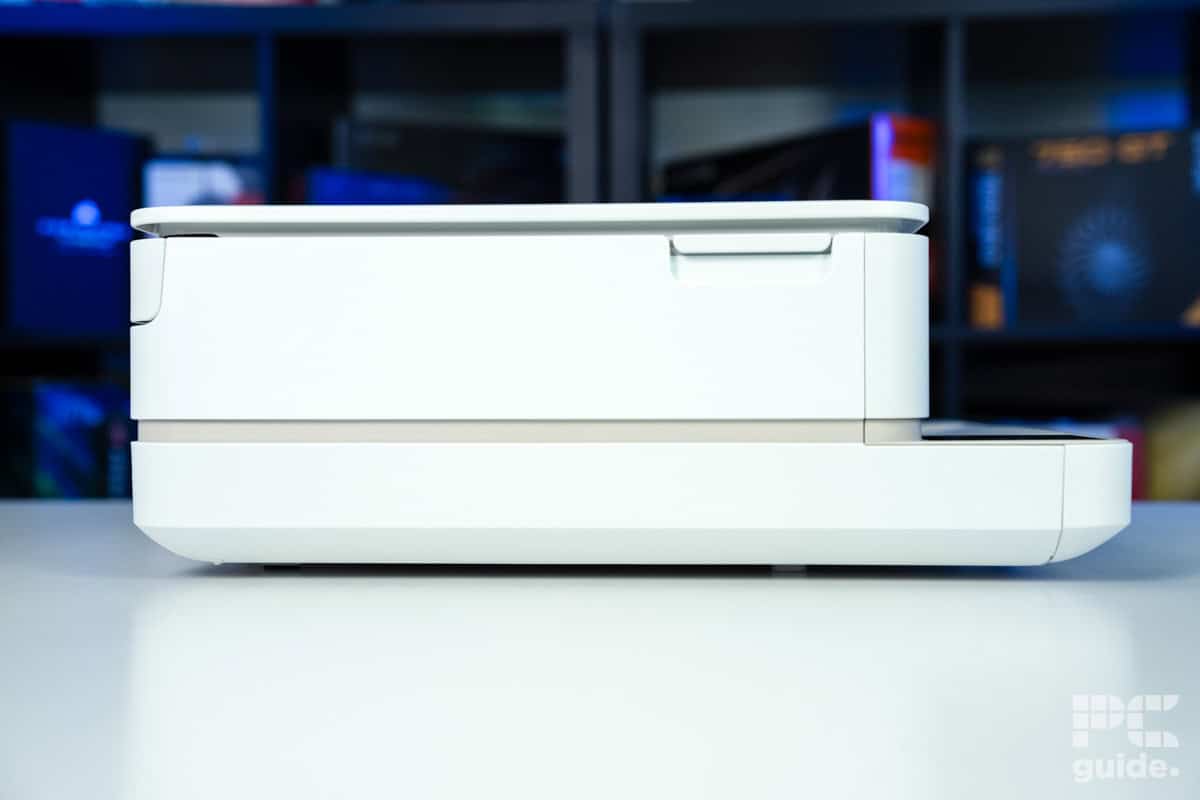
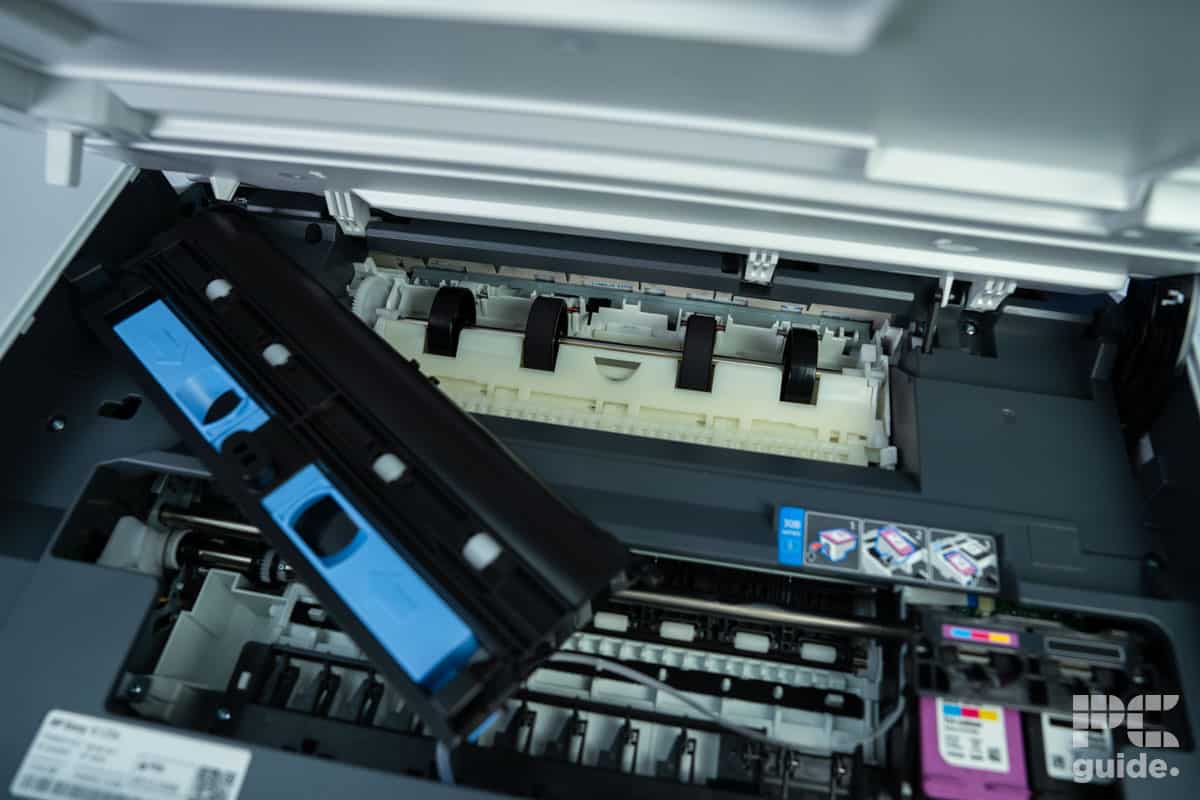
This affordable printer is basically everything you need for occasional home usage, performing quite well in everyday tasks, but as expected falling slightly flat with photo prints. It looks the part, doesn’t take up much space, and even has some quite clever design choices too. Sure, it’s a bit less economical than some of the ink-tank printers on the market, and you may find its cost-per-print a little steep if you’re using it for high-volume – but for most people considering this printer, that won’t be a huge issue. For home offices and lower volume printing, this is a great shout for the price.
- Cheap initial cost to buy the unit
- Fairly small and compact design for its features
- Surprisingly good quality prints for the price
- Includes free trial of HP Instant Ink
- Easy to install and get going
- Expensive ink prices without the subscription
- Low-yield cartridges can make it high maintenance for big page counts
- Lacks color accuracy in photo prints
- High cost per print
Our top pick, and a well-rounded solution for home printing with plenty of versatility to it, we’ve picked the HP Envy 6120e. With a more compact design, it is still an affordable printer and provides a strong quality alongside it.
It’s not the fastest printer out there, as we found in our tests of it, and it likes to take its time per sheet. Plus, it can be a bit more expensive per print, thanks to the high economy of still being a cartridge-based printer. That means a cost of around 14 cents and 19 cents per monochrome and color print, respectively. With it taking an average time of 30 and 45 seconds to print those pages.
Those prints do come out at a great quality, with the print resolution at 1200 x 1200 in black and 4800 x 1200 in color. Only at the closest inspection could we find some detrimental-looking prints.
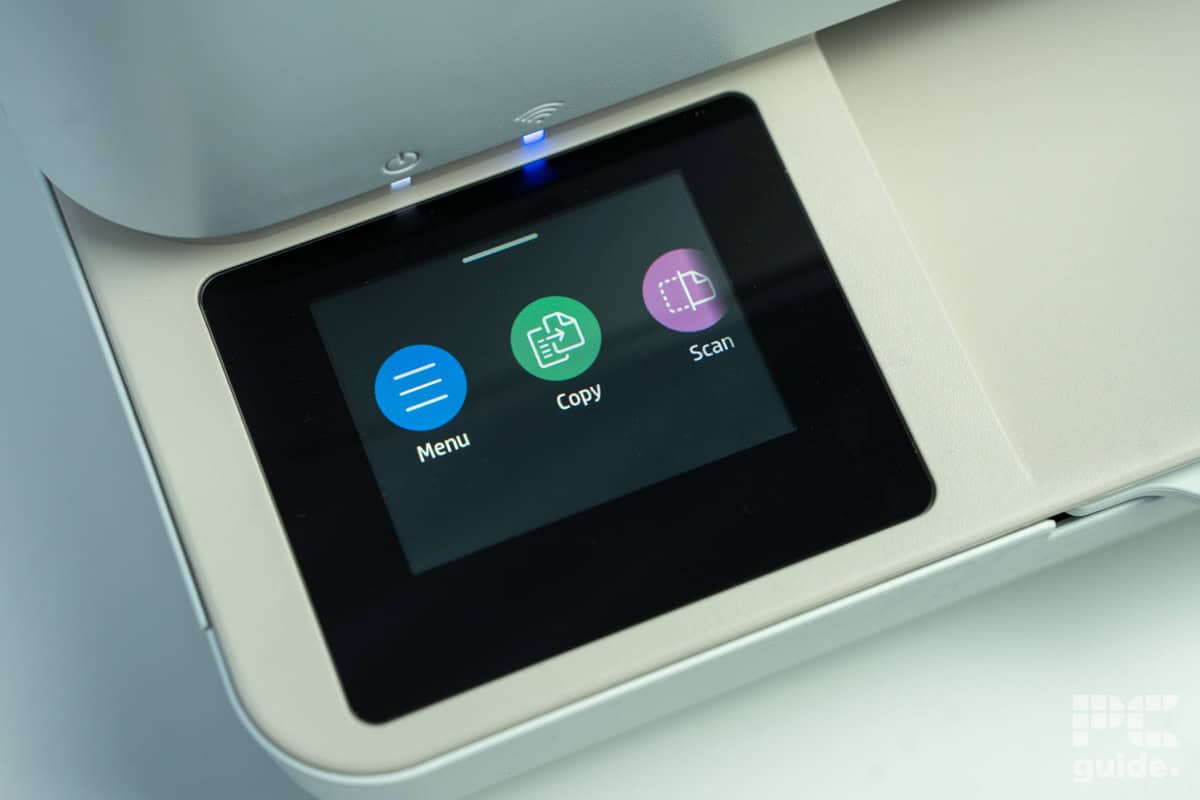
The printer does come with a scanner, too. So, alongside the touchscreen, it does make for a very convenient option for using across a variety of tasks.

HP Envy 6120e Copy results, Image by PC Guide

HP Envy 6120e color test, Image by PC Guide

HP Envy 6120e black and white, Image by PC Guide

HP Envy 6120e photo tests, Image by PC Guide
- Printer Output: Color
- Printer Type: InkJet
- Connectivity Technology: USB, WiFi Direct, Bluetooth
- Duplex Printing: No
With a printer, copier and document scanner all rolled into one device, the 5101 is a great low-cost investment and multipurpose tool.
- Multipurpose device – ideal for low-budget homes or offices, this printer packs everything you need into one unit.
- InkJet printing – the 5101 capable of printing on a variety of specialist media such as cardstock thanks to its InkJet design.
- Small paper tray – the 5101 can only hold 100 sheets of paper at a time, making for frequent and frustrating replenishment.
If you need an affordable all-in-one printer, look no further than the HP Smart-Tank 5101. At a similar price point as the 6102e, you get a versatile, multipurpose device that’s ideal for the home or office.
Prints are rendered in great time and quality with the 5101, with a 5-page-per-minute print rate for full-color documents. As an ink tank printer, the 5101 uses large reservoirs of ink for maximum ink economy and efficiency, meaning that both ongoing and upfront costs are kept low. With easy connectivity over WiFi, Bluetooth, or traditional wired means, you won’t struggle to print with this HP printer.
So why isn’t this our best HP printer? Whilst printing itself is easy, the paper capacity on the 5101 hamstrings the overall usefulness of this unit, making for near-constant replenishment. If you don’t mind the extra hassle, then the 5101 is the best multipurpose HP printer on the market.
- Printer Output: Color
- Printer Type: InkJet
- Connectivity Technology: USB, WiFi Direct, Bluetooth, Cloud Printing
- Duplex Printing: No
A portable printer that doesn’t skimp on functionality, the OfficeJet 250 is a great option for those needing a mobile print solution.
- Easy use – wireless setup and connectivity are easy and intuitive with the OfficeJet 250.
- All-in-one features – scan, copy and even fax from this portable print solution.
- Poor ink economy – due to the compact nature of this printer, ink reserves are limited.
For a productivity tool that you can take anywhere, the HP OfficeJet 250 is a stellar portable printer from HP. If you need a reliable wireless printer, then this is the unit for you.
Print results are rendered quickly, with a print speed of 19 pages per minute for color documents. With easy connection via Bluetooth or WiFi, you can take this printer practically anywhere. That’s made even easier by the design, which can fold down and easily fit in a modest bag. It allows you to scan, fax, and photocopy – as well as print – this is a tremendous productivity tool for remote workers or those who travel frequently.
However, if you’re planning to use this printer frequently, it’s worth noting that its ink economy isn’t the most sterling. Due to the price of ink, this can make for higher ongoing costs. But for unparalleled wireless printing on the go, the OfficeJet 250 is an ideal option.
- Printer Output: Color
- Printer Type: InkJet
- Connectivity Technology: WiFi Direct, Cloud Printing
- Duplex Printing: No
For a price even lower than HP’s budget standard, the 3755 is a versatile print solution for homes at the fraction of the price of a standard printer.
- Wireless printing – with a range of compatible cloud printing services, the DeskJet 3755 allows you to print however you like.
- Highly affordable – the sub-$100 price of the 3755 makes for an easy investment.
- Small paper tray – even smaller than the 5101 with a small 60-sheet capacity, this printer needs replenishing often.
For a simple home office printer under $100, the HP DeskJet 3755 is a great option. Boasting all the essentials to a high-quality standard whilst also maintaining a compact form factor – combining some of our favorite features – this HP printer is a fantastic alternative to a full-price printer.
Capable of printing standard documents and borderless photos up to 8.5″ x 14″ in size, you’ve got a broad scope of printing options. Color quality, especially for such a budget photo printer, is exceptional, with shades given incredible depth and contrast. Accommodating a wide range of wireless print services such as Google Drive and Apple’s AirPrint, you’ve always got a means of printing.
However, one element that detracts from this otherwise sterling printer is the small paper tray. At only 60 sheets, you’ll be refilling this printer frustratingly regularly. For infrequent but high-quality printing for a sub-$100 price point, look no further than the DeskJet 3755.
- Printer Output: Color
- Printer Type: Laser
- Connectivity Technology: USB, WiFi Direct
- Duplex Printing: Yes
If you need productivity and versatility for your office printer without paying top-shelf prices, then consider the M283fdw.
- Fast print speed – at 22 pages per minute for color documents, the M283fdw can keep up with heavy duty cycles.
- Specialist media compatibility – a rare feature in laser printers, this unit can print on cardstock and select other specialist media formats.
- Laser printing – the M283fdw is unsuited to particularly detailed or particularly colorful specialist media printing.
Looking for a budget office printer? Take the HP LaserJet Pro M283fdw, a stellar color laser printer. This unit is highly productive and surprisingly versatile, earning it the final place on our rankings.
This printer is capable of producing consistently detailed and crisp documents without breaking a sweat, at print speeds of up to 22 pages per minute. It can print on paper sizes up to 8.5” x 14”, and there’s even a place for specialty paper like envelopes and postcards. There’s also a touchscreen display for quick commands and configuring the printer’s settings. Moreover, the M283fdw can scan, copy, and fax your documents, so you don’t need to crowd your office with tons of devices for different functions.
However, you may find the M283fdw less appealing than other office printers: as a laser printer, it is highly efficient for documents but lacks the overall detail or quality that an InkJet printer provides. It’s a subjective hurdle, but one worth considering before investing in this HP printer for offices.


- Printer Output: Monochrome
- Printer Type: Laser
- Connectivity Technology: USB 2.0, 100Mbps Ethernet, WiFi 2.4/5GHz, Wi-Fi Direct, Mobile printing
- Duplex Printing: Yes, automatic
If you’re after just printing plenty of documents and simple sheets of black and white pages, then all you need is a monochrome laser printer. In this case, the HP LaserJet M209dw is one of the considerations for the job, which is a very affordable option.
It has support for 100 sheets and 10 envelopes in the one tray that pulls from the bottom, so it might require a bit more refills compared to a more prominent office printer that might fit a lot more paper. But equally, even in the smaller size of this one, there are plenty of connectivity options, even with the 2.4 and 5GHz wireless options.
The M209dw does have a fairly quick print time for the black and white pages it produces. As in our tests, three separate pages took 21 seconds, while in our longer document duplex test, the first page was 20 seconds, but the remaining four pages took only 6 to 7 seconds.
It does lack a scanner or any other features that might be useful, like a scanner. But the print quality is very good, as the lines keep it straight and clear. But it does also lack the brightness control that makes the contrast between various black levels harder to distinguish, like in images, so it is best kept to documents.

HP LaserJet M209dw script, Image by PC Guide

HP LaserJet M209dw prints, Image by PC Guide
Features and Considerations
Looking at an HP printer, or any other printer for that matter, not on our list? Consider the following to ensure you get the most out of your purchase:
Print Quality
The primary variable to consider for print quality is the printing technology used. Laser printers are superior when it comes to text quality, while InkJet printers produce better-looking photos and graphics. Keep in mind that some toners or ink systems produce even better-looking documents or designs.
Versatility
Depending on your requirements, some features are no doubt more beneficial than others. Having a built-in document scanner or the option to print stickers will be useful. Consider your subjective needs and whether your use case is reflective of the price you’ll pay for the printer.
Print Size
Likewise, if you need a printer for home to print larger-scale work, ensure that your printer is able to match your needs. Most laser printers are only capable of standard documents, but the average photo printer’s size can vary drastically. We recommend purchasing a printer with the largest print size within your budget, as in the worst-case scenario, that extra print volume simply isn’t used.

Connectivity
Of course, how you print is just as important as what. Most modern printers come with some form of wireless connectivity, and those that don’t will definitely have a USB or Ethernet port somewhere. Make sure that your planned method of printing isn’t interrupted by cable management or a time-consuming Bluetooth connection.
Ink Economy
“Ink economy” refers to the overall efficiency of your printer in terms of ink or toner. We often see it measured in “cost per print” as an average for the printer. Thankfully, this is measured in cents rather than dollars, but print costs can creep up if the ink is too expensive and runs out too quickly – and you may fall victim to the “razor-and-blades” model.
Are HP printers worth it?
HP printers tend to occupy the lower end of the price spectrum, which often has consumers conflating “budget” printers with “cheap” printers. Whilst there will always be a threshold to the quality a low-budget model can provide, HP printers are still highly capable units. Offering easy connection over a range of wired and wireless means, they are some of the most accessible printers available, allowing for multimedia printing at a low cost.
That said, HP’s business model does fall foul of the “razor-and-blades” model mentioned above: you’re often automatically signed up for ink subscription services with your purchase, and the ink can be costly compared to equivalent printers from Epson or Canon.
We generally recommend HP printers to those who need a low-cost printer for infrequent use. Though units like the M283fdw are highly productive and affordable, the ink costs can drive a wedge in that productivity.
How do I download an HP Printer driver?
Printer drivers are available through the HP support website. Find the corresponding driver for your printer and download it.
How long do HP printers last?
A well-maintained HP printer can last as long as five years, though most tend to last shorter. They are often sold with warranty packages, so be sure to check what you’re eligible for when you purchase the printer.
About the Author